
Thanks for downloading!
If your download doesn't start automatically, click here.
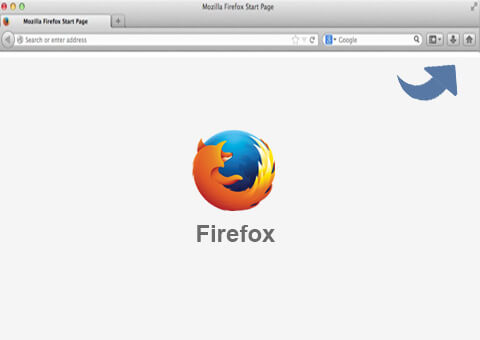
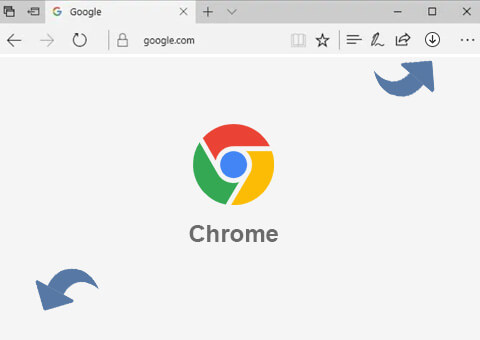
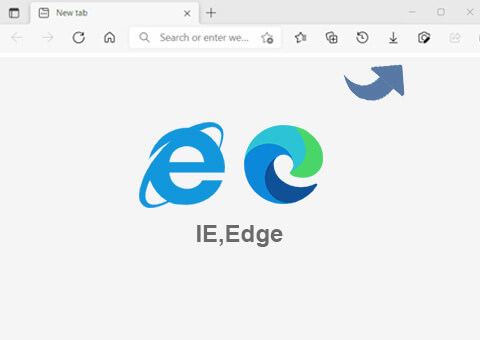
Click the download icon on your browser as instructed below. Confirm to save
the setup file on your local drive in the download list. And then, you can open the file and follow the
wizard to finish the installation process. It's 100% secure and safe to use with a guarantee from Norton
and McAfee.
Record Any Screen to Video
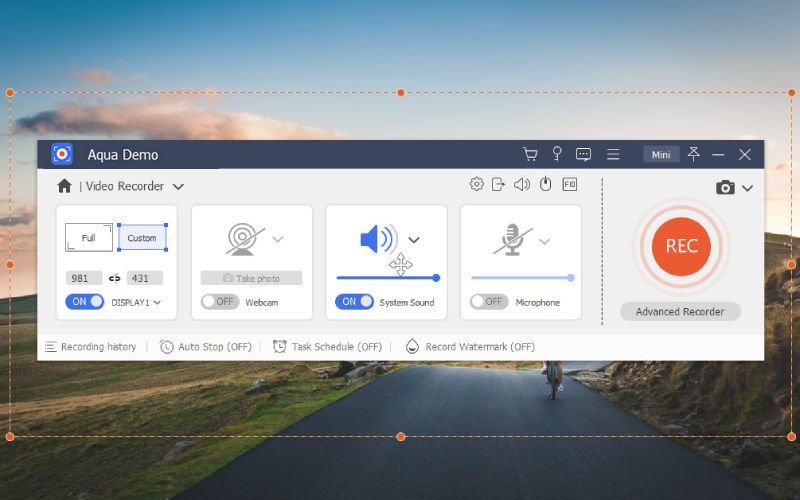
- Select Video Recorder to choose the recording area and audio input source.
- Click on the "REC" button to start the recording once you have set up the options.
- You can add text, draw annotations, or highlight areas on the screen while recording.
- If you want to include your webcam feed in the recording, click on the webcam icon and select your webcam device.
- When you have finished recording, click on the stop (square) button to stop the recording.
Record Only Audio
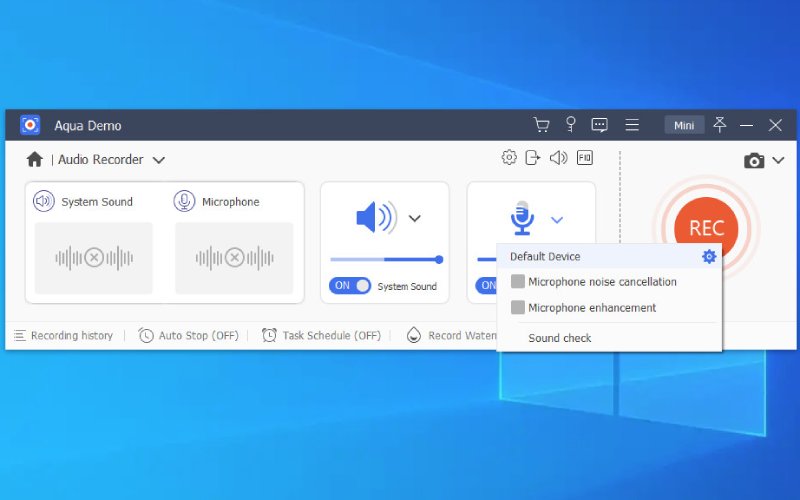
- Choose Audio Recorder from the main interface. And select the audio source from System Sound, Microphone or both.
- For System Sound: you can change the sound source and adjust the audio volume mixer.
- For Microphone: you can enable Microphone noise cancellation and Microphone enhancement to reduce the noise from the microphone.
- Simply click the "REC" button located on the right side of to start the audio recording.
- Click the red square located at the top left corner to end the recording.
Capture Your Gameplay
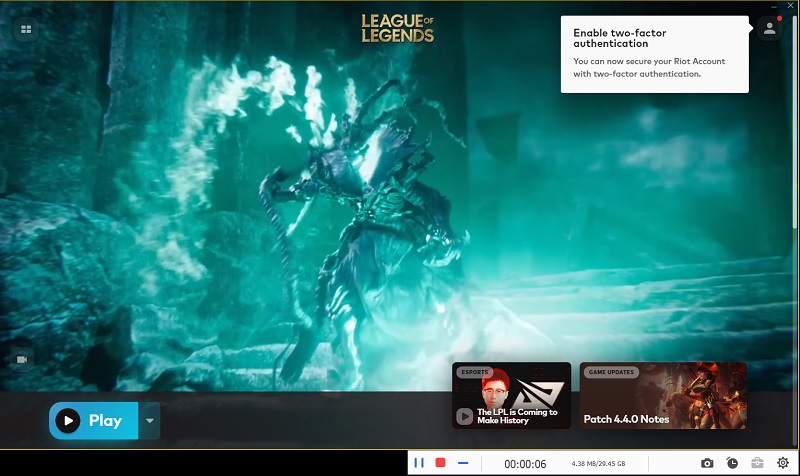
- Select the "Game Recorder" option and click on the drop-down arrow next to "Select the game" and select your desired game from the available options.
- To record a game with both game audio and voice, make sure to enable the "System Sound" and "Microphone" options.
- Once all the necessary settings are configured, you can click the "REC" button to initiate the game recording.
- After you have finished your gameplay, click the Stop button to end the game recording.
Need Help?
Whenever you have any problem, you can contact our support team,
who are available 24/7 on business days, to assist you.
 Get Support
Don't Forget to Try Our Free Applications



Join Us
Subscribe to our newsletter right now and get info about special offers.
Yes, I understand and
agree to the Privacy
Policy.