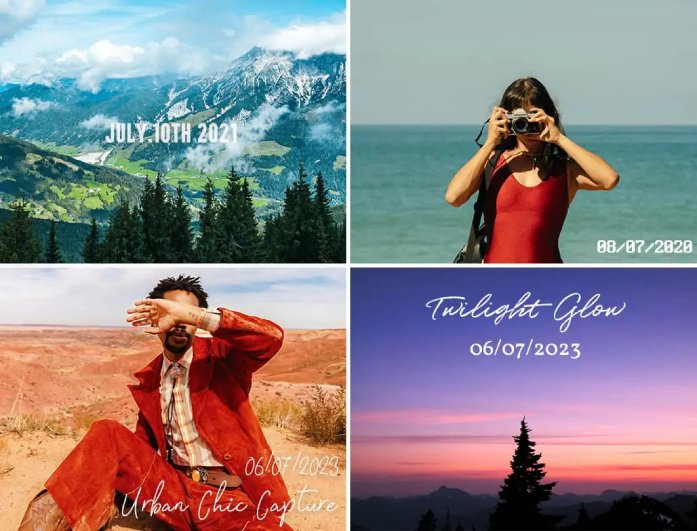
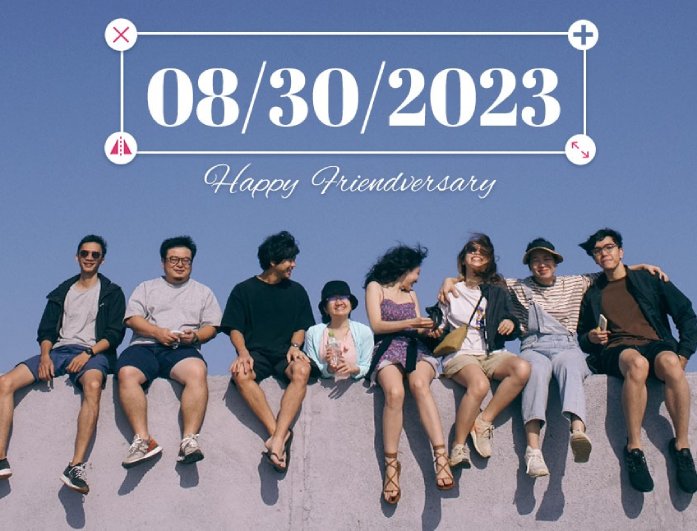
Everyone has their own style, and your photos should show that too. With this add timestamp to photo online tool, you can pick from different fonts, change colors, or even adjust the transparency to make your date stamp blend beautifully with your photo. If you like to get creative, try adjusting the spacing, alignment, or size until it feels just right.
Whether you want something simple or a bit creative, you're in full control of how your timestamp looks. You can experiment with text layouts and designs until your timestamp feels just right. It's a fun and easy way to make every memory look both stylish and organized.

Got tons of travel photos or old family pictures piling up? Adding a date helps you sort them effortlessly so you can relive your memories in order. Imagine flipping through your images and instantly seeing when that trip to Japan happened or when your dog was still a puppy.
Thanks to our Free Online Photo Date Stamper tool, your photos can finally tell their stories clearly. You'll never mix up moments again; every shot comes with its own time stamp. It's a simple but satisfying way to bring order to your photo collection.


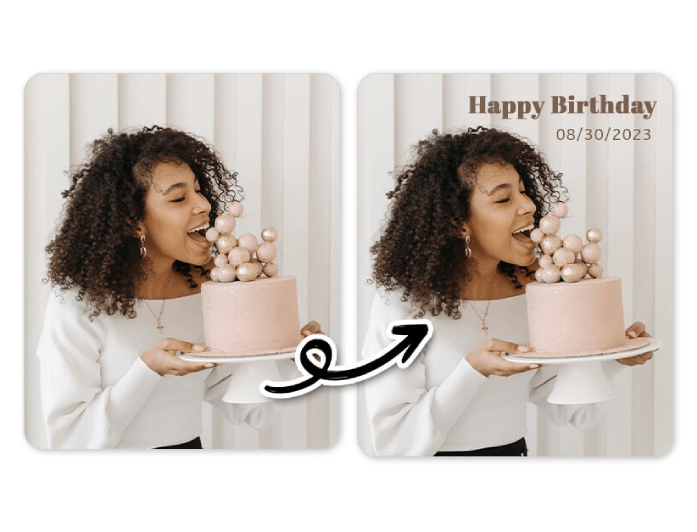
Want to remember not just the date, but also the exact time and place? You can easily add both details to your photo for more accurate record-keeping. It's especially handy for travel photos, business documentation, or simply keeping track of special life moments.
Using our Add Date to Photo Online Free app, you can customize everything in seconds. Add a time for that sunrise shot or tag the city where your adventure began. It's an effortless way to turn each photo into a clear memory map of your favorite moments.


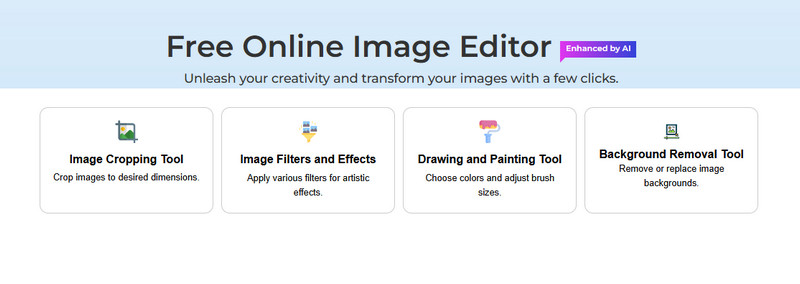
To begin, visit our online image editor on any browser you have. Then, start uploading the image you want to add a date to.
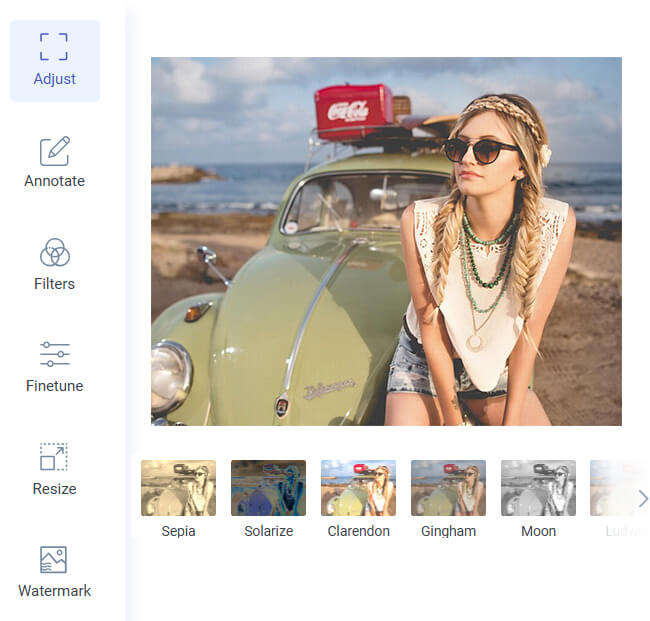
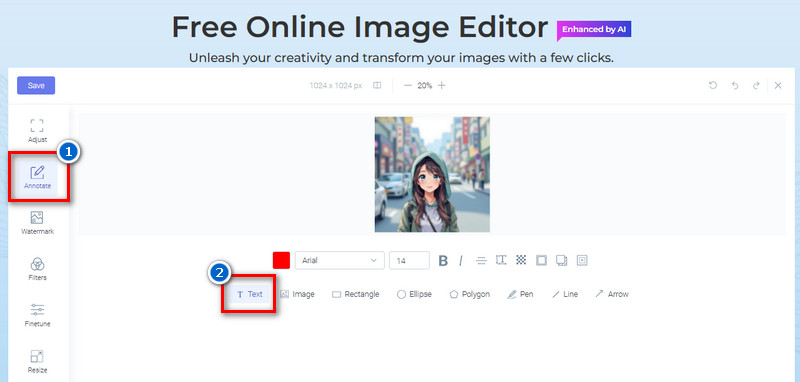
Go to the "Annotate" tab to see the annotation tools. Next, click the "Text" feature and use the "+" to create a text box in the photo. After that, start adding the date, time, and location, if you prefer.
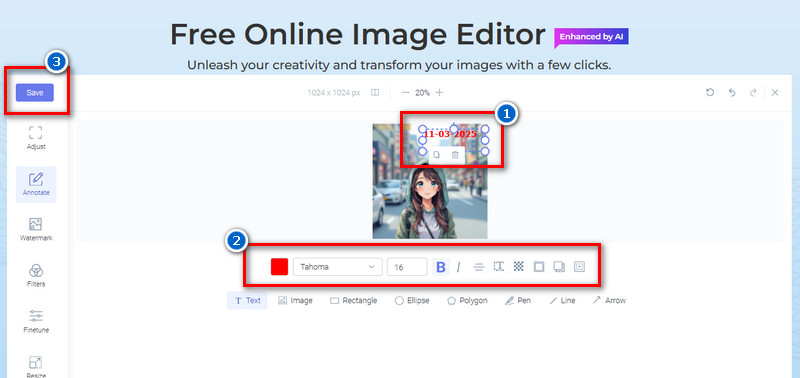
Next, select the font style, size, and color. Then, you can also adjust the transparency, text alignment, spacing, and more. Lastly, download the edited photo by clicking the "Save" button above.
Yes, our tool is completely free to use for everyone. You can add dates to as many photos as you want without any limits or hidden fees. This means anyone can use it without paying a cent.
Nope! Your photo will keep its original quality even after adding the date or time. The tool ensures your image remains clear and sharp, just like the original version.
No, you don’t need to create an account or register. You can start editing right away by simply uploading your photo. It’s quick, easy, and hassle-free.
You can adjust the text color, size, font, and transparency until it looks perfect on your photo. Also, try matching the text tone with your background for a smooth, natural finish. This gives your photo a clean, professional look while keeping the date visible.
Yes, your photos are kept completely private and secure. Once you finish editing and leave the image editor, all uploaded files are deleted from our server. You can use our tool confidently knowing your photos stay safe.