menu

Video & Audio Tools for Converting, Editing, Downloading, and Creating

Find the right online tool, workflow guide, or Pro solution for video and audio tasks — from format conversion and short-form editing to audio cleanup and content creation.

Convert Video

Convert videos to MP4, MOV, WebM, GIF, and other formats for sharing, playback, or editing.

Edit Video

Trim, resize, merge, or compress videos for social media, presentations, and marketing.

Download Video

Save online videos for education, reference, editing, or offline review when permitted.

Edit Audio

Cut, merge, convert, or prepare audio for podcasts, meetings, voiceovers, and content creation.

Quick Task

10+
Years of Multimedia Software Experience
100+
Online Apps and Desktop Tools
20M+
Users Served Around the World
100%
Secure Browser-based Processing
Support
7/24 Customer Service Available

Find the Right Multimedia Solution for Your Goal

Select the task you want to accomplish and follow a guided workflow with the right tools and actionable tips.

Convert Videos for Social Media
Prepare videos for TikTok, Reels, Shorts, Facebook, and Instagram with compatible formats and aspect ratios.

Recommended tools:
Video Resizer
Video Downioader

Edit Short-form Videos
Trim clips, resize frames, remove unwanted parts, and export short videos for all the popular social platforms.

Recommended tools:
Video Resizer
Video Downioader

Edit Videos for YouTube
Cut intros, merge clips, compress videos, and prepare content for upload or reuse.

Recommended tools:
Video Resizer
Video Downioader

Clean Audio for Meetings
Convert, trim, or clean meeting recordings for sharing, review, and documentation.

Recommended tools:
Video Resizer
Video Downioader

Edit Podcast Audio
Cut mistakes, merge segments, prepare intros/outros, and export podcast-ready audio.

Recommended tools:
Video Resizer
Video Downioader

Download Videos for Education
Save permitted online videos for lesson preparation, offline viewing, or editing workflows.

Recommended tools:
Video Resizer
Video Downioader

Choose a Workflow by Use Case

Start from your real task, then follow a tool path designed for that workflow.

  • For Social Media Creators

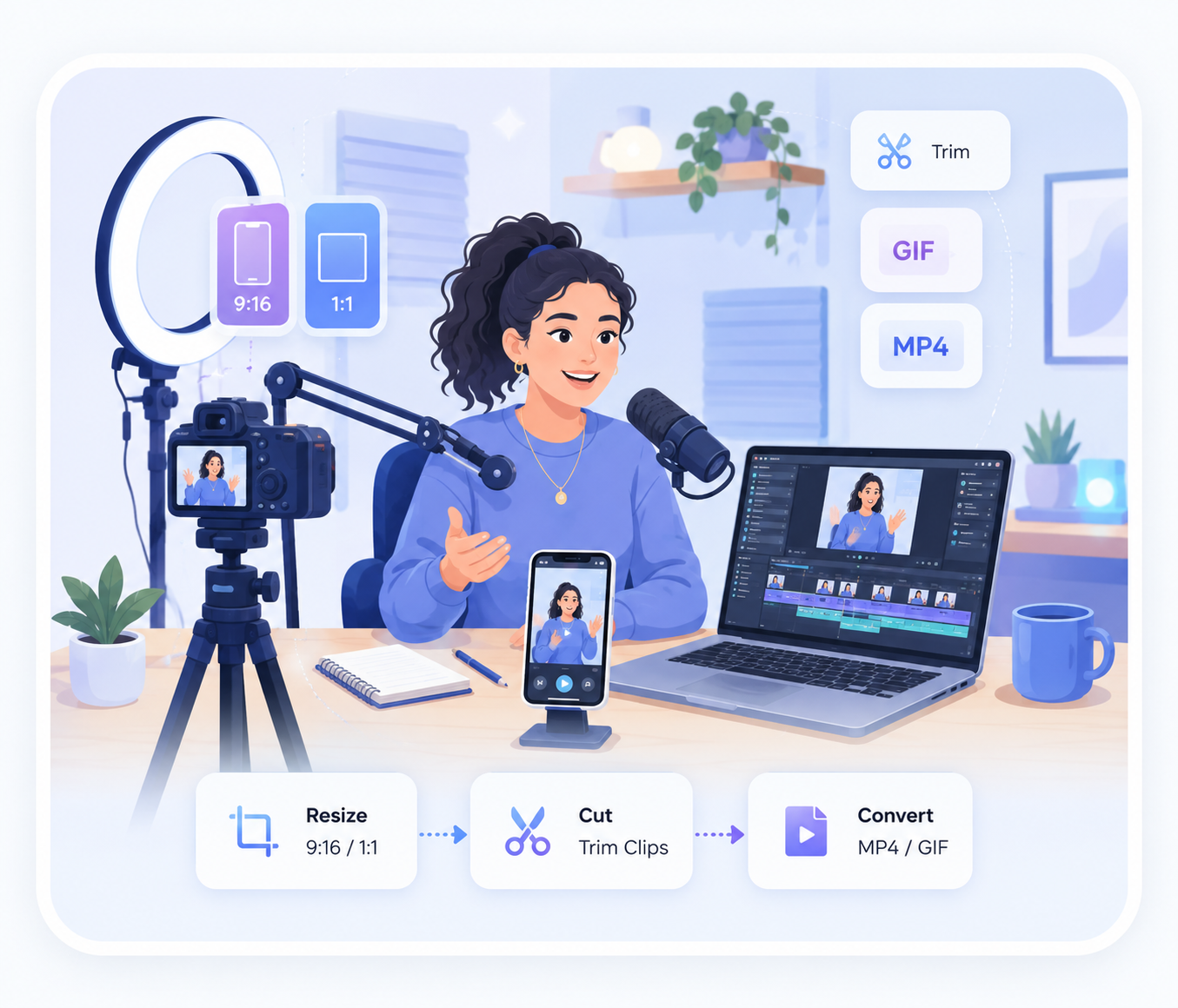
    Resize videos to 9:16 or 1:1, cut clips, create GIFs, and prepare files for TikTok, Reels, and Shorts.

    Video Resizer arrow_forward Video Cutter arrow_forward Video Converter

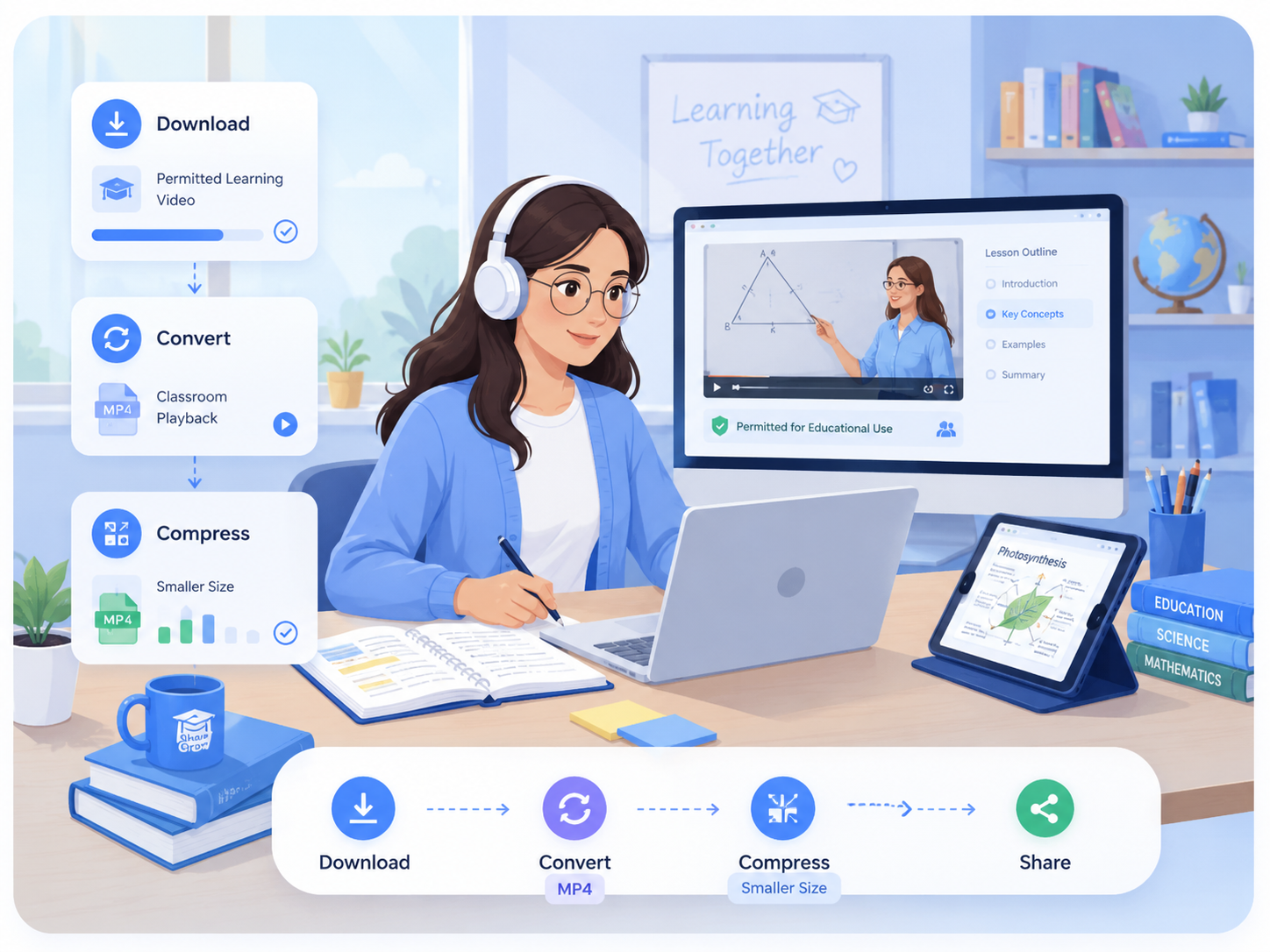
  • For Educators and Students

    Download permitted learning videos, convert files for classroom playback, and compress largerecordings for sharing.

    Video Downloader arrow_forward Video Converter arrow_forward Video Compressor

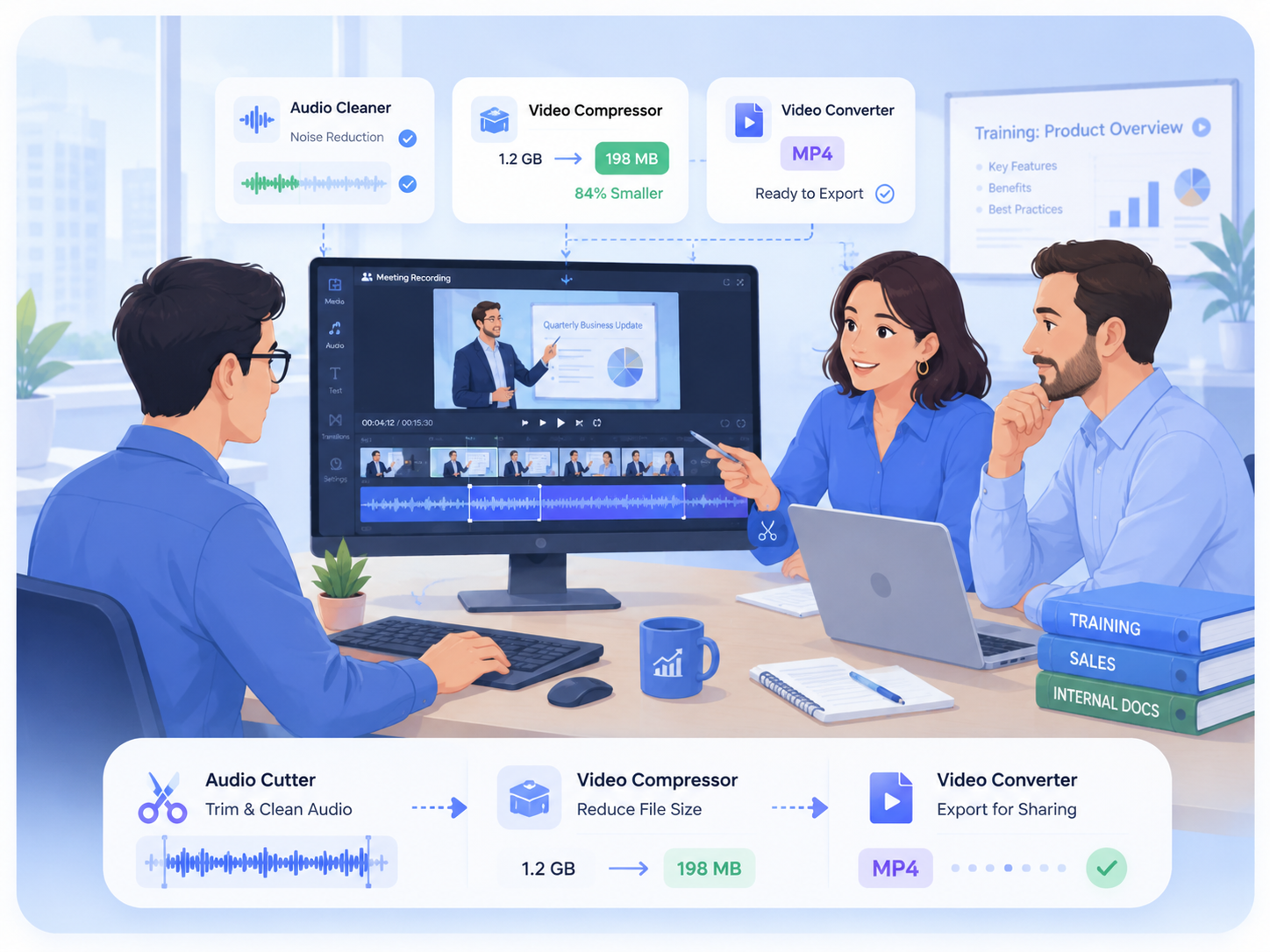
  • For Business Teams

    Trim meeting recordings, clean audio, compress videos, and prepare clips for training, sales, orinternal documentation.

    Audio Cutter arrow_forward Video Compressor arrow_forward Video Converter

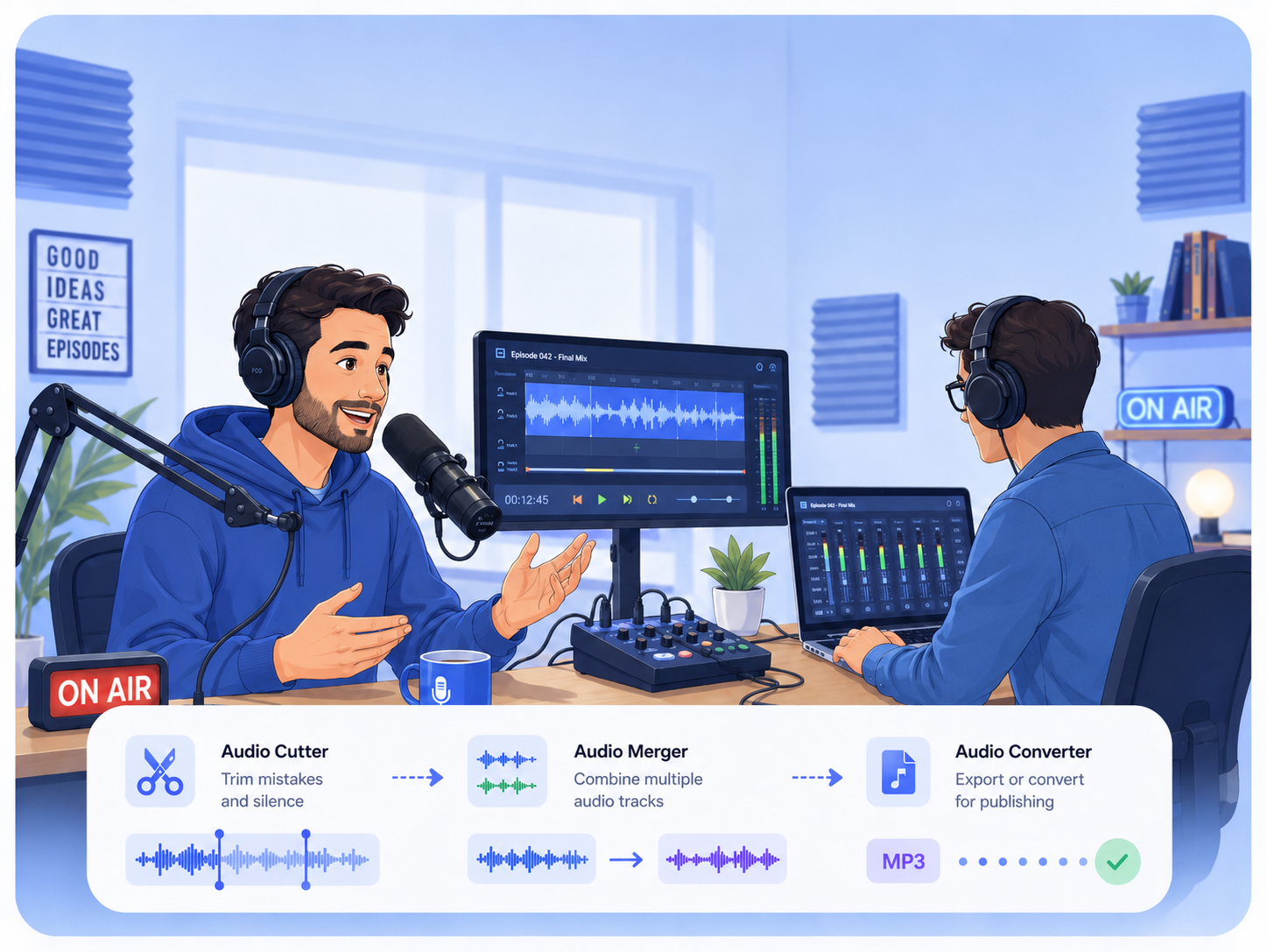
  • For Podcasters and Audio Creators

    Cut mistakes, merge audio tracks, convert formats, and prepare clean voice files for publishing.
    Audio Cutter arrow_forward Audio Merger arrow_forward Audio Converter

For Content Creators

For Educators and Students

For Business and E-Commerce

For Podcasters and Music Producers

Online Multimedia Tools List

Find the right browser-based tool for video conversion, editing, audio processing, downloading, and sharing.


Hot
Video Cutter
Trim unwanted parts from uploaded videos and export a shorter clip for reuse or sharing.

New
Online Video Converter
Trim unwanted parts from uploaded videos and export a shorter clip for reuse or sharing.
Video Resizer
Trim unwanted parts from uploaded videos and export a shorter clip for reuse or sharing.
Audio Cutter
Trim unwanted parts from uploaded videos and export a shorter clip for reuse or sharing.
Audio Merger
Trim unwanted parts from uploaded videos and export a shorter clip for reuse or sharing.
Video to GIF
Trim unwanted parts from uploaded videos and export a shorter clip for reuse or sharing.

Trusted by Multimedia Users

Thousands of creators, educators, and professionals rely on AceThinkerfor video conversion, editing, audio workflows, and everyday media tasks.
250+ verified reviews
Real feedback from real multimedia users.
Built for video & audio workflows
Tools designed for creators, professionals, and teams.
Online tools + desktop solutions
Flexible options for every workflow and device.
product logo

Ready to Start Your Video or Audio Workflow?

Use a browser-based tool for quick tasks, or choose the desktop solution for larger files, advanced editing, and batch processing.

Back to Top
Contact Us
Learning Center