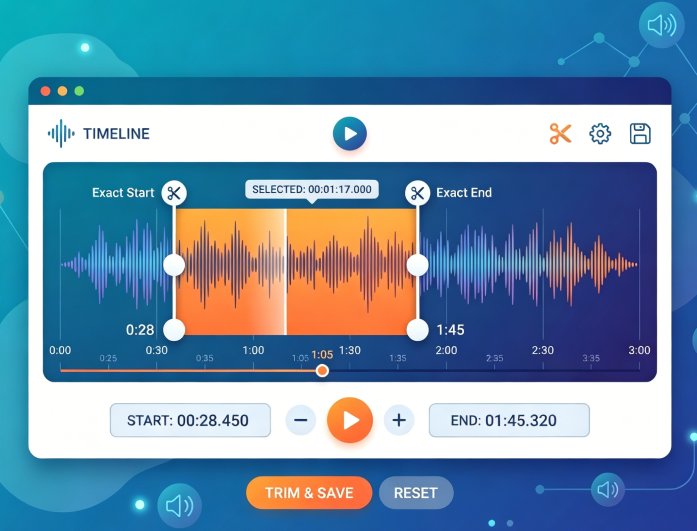
Trim audio online with exact start and end points using a simple timeline control. You can cut songs, podcasts, or recordings with precision for clean results. This helps remove unwanted sections or extract specific parts quickly. It is ideal for both short clips and longer audio files.
The tool maintains audio clarity during trimming so your output remains smooth and natural. You can create ringtones, highlights, or edited tracks without distortion. It is designed for users who need fast and reliable audio cutting. This ensures consistent results for different audio tasks.
The audio trimmer supports formats such as MP3, WAV, AAC, and more for flexible use. You can upload audio files from different sources without compatibility issues. This makes it easy to work with recorded music or downloaded files. It simplifies the editing process for all users.
There is no need to convert files before trimming, which saves time and effort. The tool handles most common formats smoothly for quick processing. It works well for both personal and professional audio editing needs. This ensures a seamless editing experience.


Preview your audio before finalizing the trim to ensure accuracy. This allows you to check timing and sound quality before exporting. It helps avoid mistakes and repeated edits during the process. You can make adjustments easily based on the preview.
The preview feature improves precision and saves users time. It ensures your final output matches your expectations. This is especially useful for detailed editing tasks. It provides better control over your audio content.
The tool allows quick audio cutting without advanced editing skills. It helps create clean and properly edited audio in just a few steps.
Content creators can trim audio for podcasts, videos, and social media content to improve flow and clarity.
Professionals can trim audio for meetings, training materials, and marketing content efficiently.


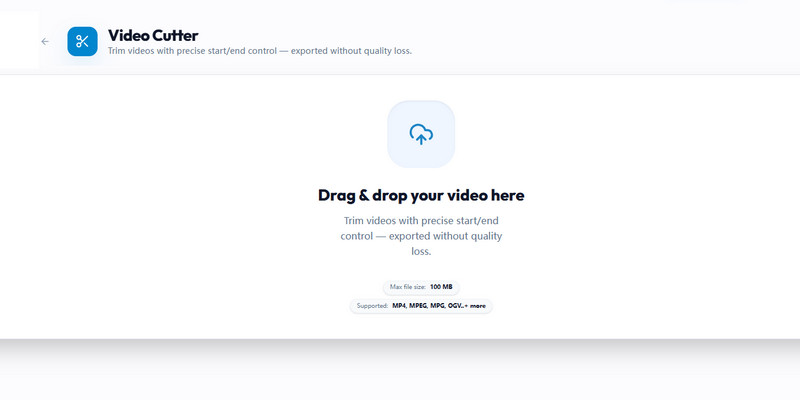
Upload your audio file from your device or drag it into the audio trimmer. The tool supports formats such as MP3, WAV, and OGG for quick access.
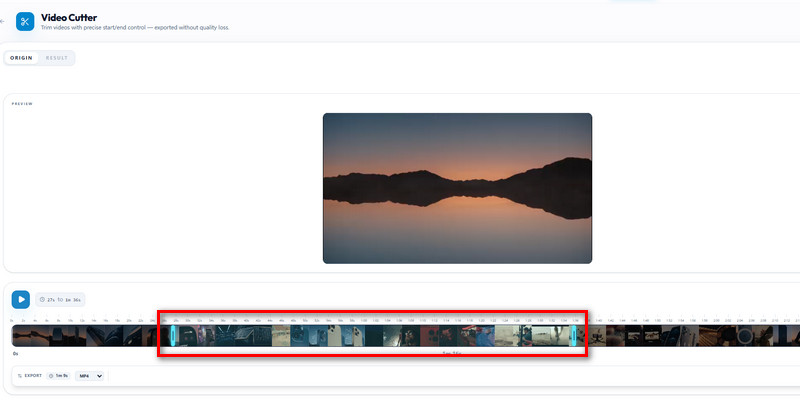
Set the start and end points using the timeline control. Preview the audio to ensure accurate trimming and remove unwanted parts.
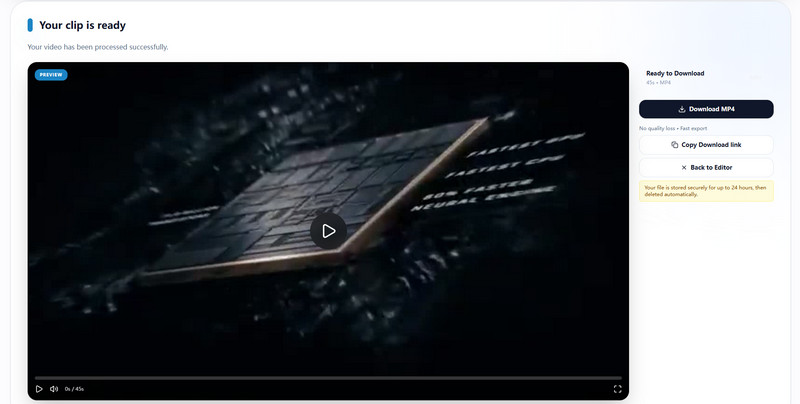
Click trim to process your file, then download the edited audio in high quality. Your audio is ready for sharing or use.
Yes, you can trim audio online while maintaining good quality with a reliable audio trimmer. The tool processes audio carefully to maintain clarity and avoid distortion during cutting. This helps preserve the original sound even after trimming. The final output also depends on the quality of your source file and the settings you choose. Selecting high-quality output will give better results. Overall, it ensures clean and accurate audio cuts.
The audio trimmer supports common formats such as MP3, WAV, AAC, and more. This allows you to easily edit audio from recordings, music, and downloaded files. You do not need to convert your files before uploading, which saves time. The tool processes the most popular formats smoothly. If a format is not supported, you can convert it using another tool. Most users will find full compatibility for daily use.
Yes, the basic version of the audio trimmer is free to use in your browser. You can cut audio files quickly without paying or installing software. It is suitable for simple edits such as trimming clips or creating short audio segments. Some advanced features may require a premium version. The free version is enough for common audio editing needs. It is accessible for beginners and casual users.
Yes, you can trim audio to create ringtones or social media clips. The tool lets you select specific parts of a song or recording. This makes it easy to create short and engaging audio content. You can customize the audio length to your needs. It is useful for personal and creative projects. The process is quick and simple.
The time required depends on the file size and your internet speed. Small audio files can be trimmed within seconds, while larger files may take a bit longer. The tool uses fast processing to reduce waiting time. A stable connection helps improve performance. The trimming process is designed to be quick and efficient. Most users can finish editing in just a few steps.