








Record Audio Crystal-Clear for Podcasts, Voiceovers, and Music Tracks
Capture studio microphone input, system audio, browser sounds, and instrument tracks for interviews, voice acting, music production, and audiobooks.
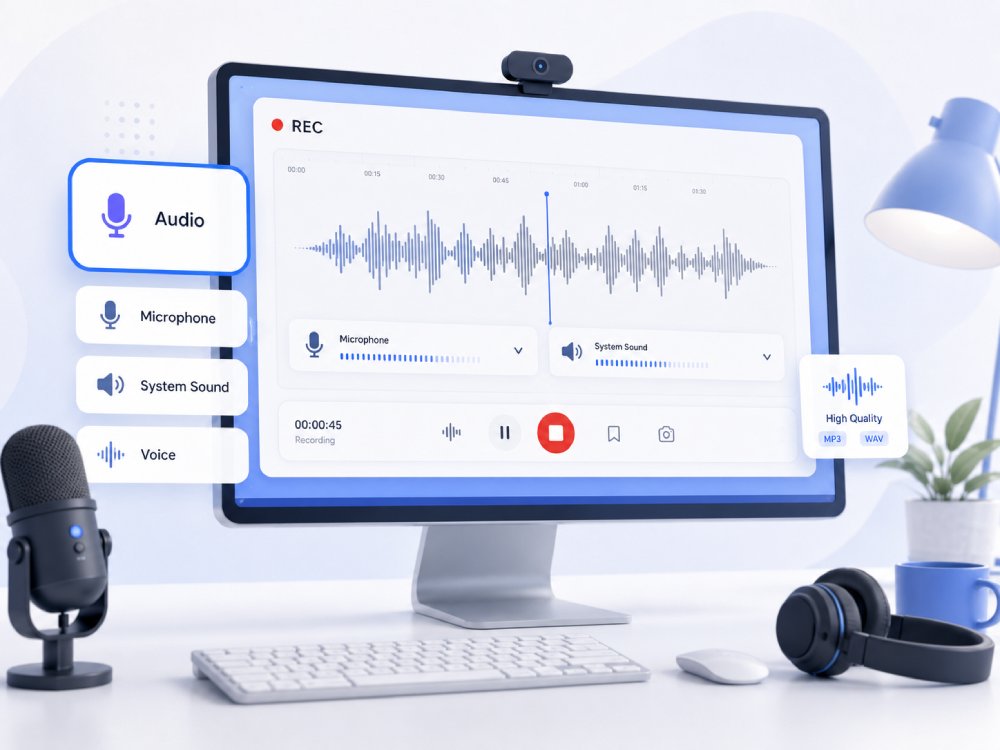


Audio Recorder Capacity Overview
Capture and record crystal-clear audio from any source effortlessly.
Crystal-Clear Voice Recording
Record podcast episodes, voiceovers, or quick audio notes with crisp, professional vocal clarity.
System Audio + Mic Mixing
Capture internal computer sound and microphone input simultaneously for seamless co-hosting and narration.
Real-Time Sound Monitoring
Track your audio levels and reduce background noise actively to ensure pristine sound before saving.
Export and Share Formats
Save and export high-fidelity audio files perfect for podcasts, music production, or video editing.
Choose Your Audio Recording Workflow
Choose the perfect audio settings based on your input device, audio format, and project needs.
-
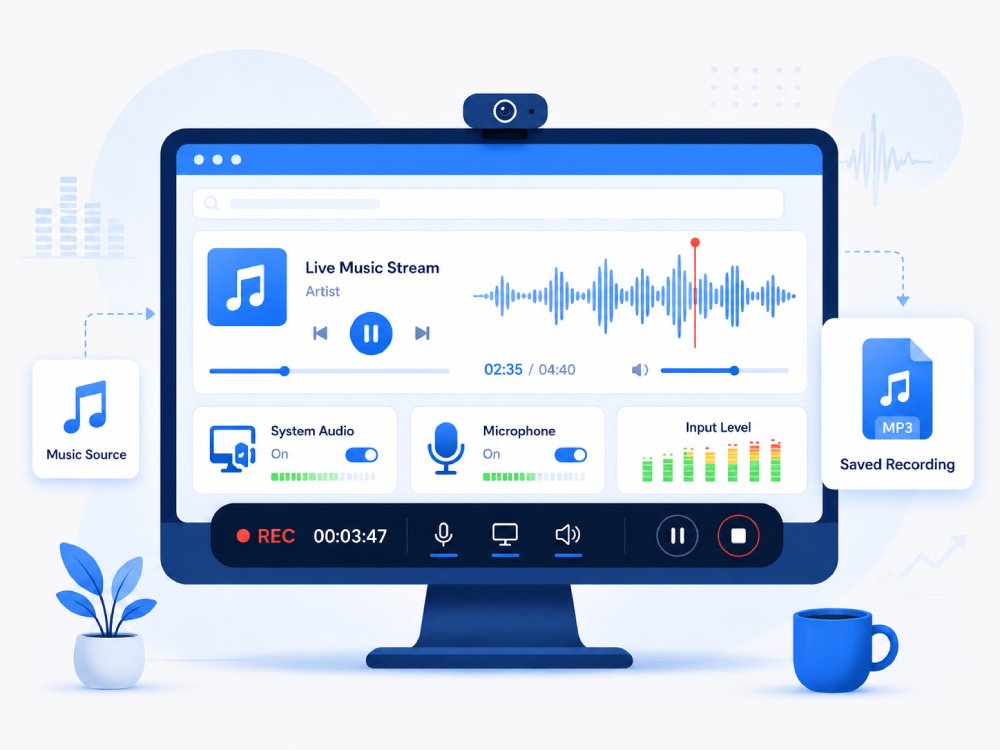
queue_music
Record Music
Record live instruments, vocals, and system audio. Capture high-fidelity sound tracks, ambient audio, and streaming music.
-
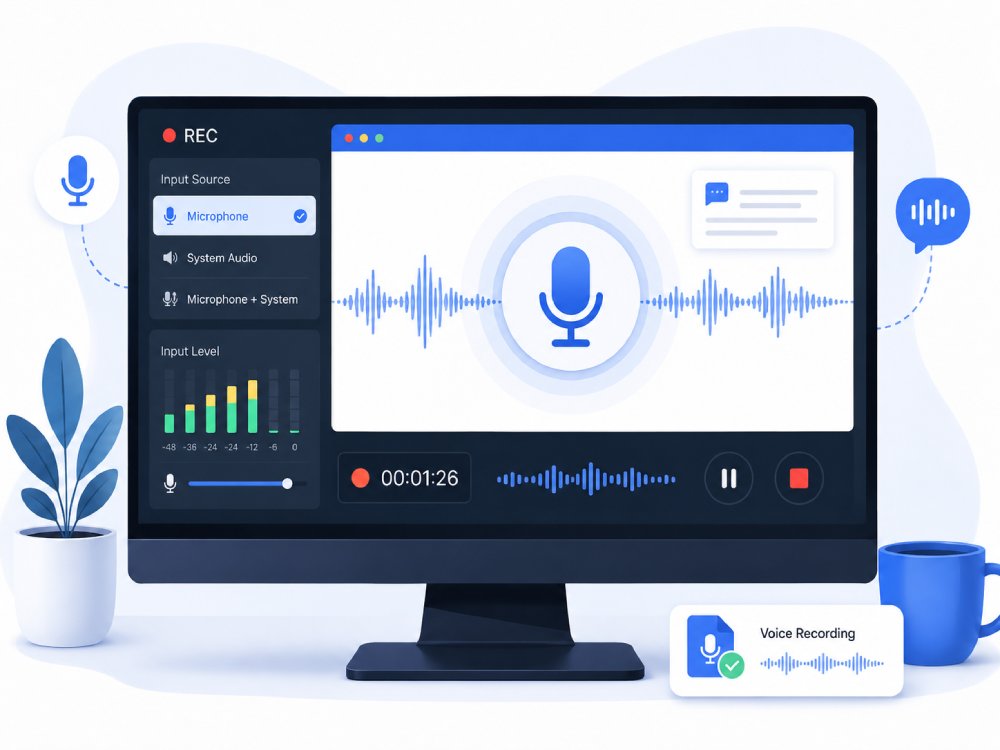
settings_voice
Record Voice
Capture voice memos, dictations, and professional voiceover tracks. Optimize for crisp vocal clarity with background noise suppression.
-
interpreter_mode
Record Meeting Audio
Capture discussions, board meetings, and client calls. Securely record crisp audio from local microphones or web communication apps.
-
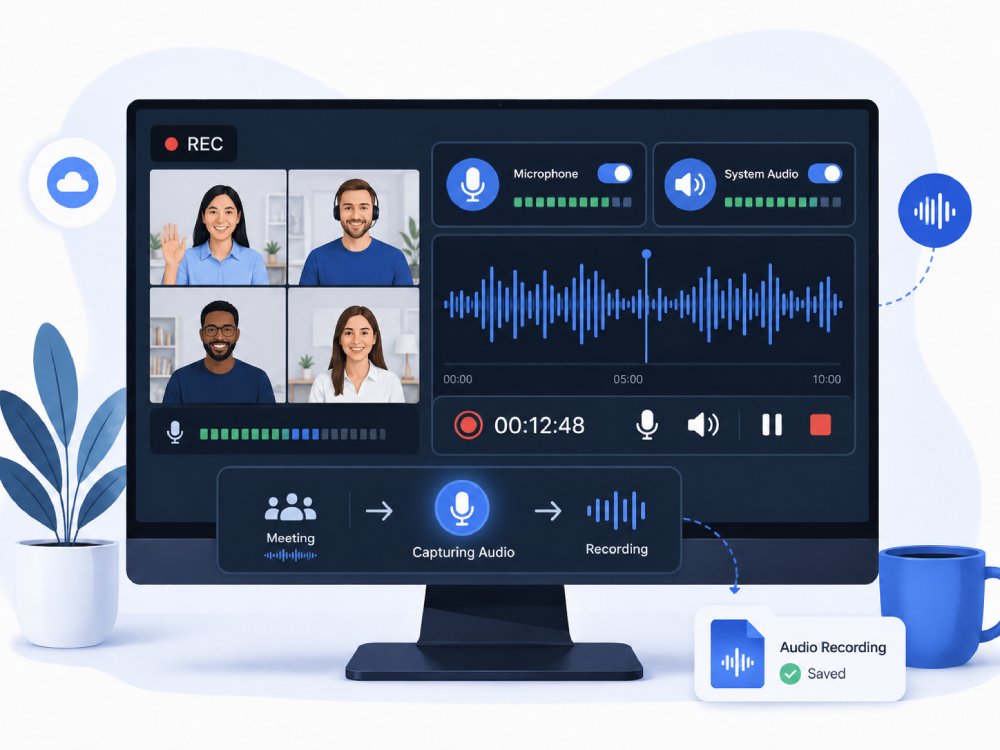
hangout_video
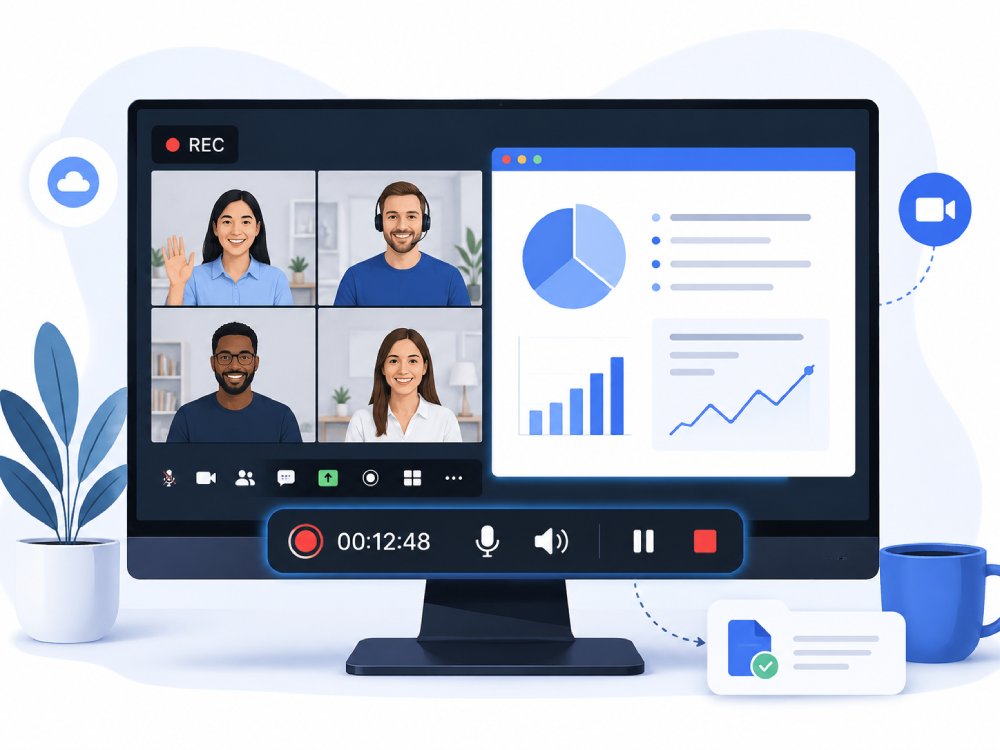
Record Online Meetings
Record complete virtual sessions, including presentation audio and team interactions to ensure no critical detail is missed.
Zero-Loss Capture: 320kbps Bitrate & 48kHz Sampling Rate
Record in High Quality
Unlike standard web recorders that compress audio to 128kbps, AceThinker utilizes a Lossless Encoding Engine. Our visual waveform proof confirms that the High-Frequency harmonics are fully preserved, ensuring that your recorded music maintains the same depth and spatial clarity as the original digital source.
Technical Metrics
We quantify excellence. Every recording is backed by industry-standard metadata that confirms bit-perfect integrity. No artifacts, no jitter—just pure data fidelity.
Check the Powerful Premium Audio Recorder
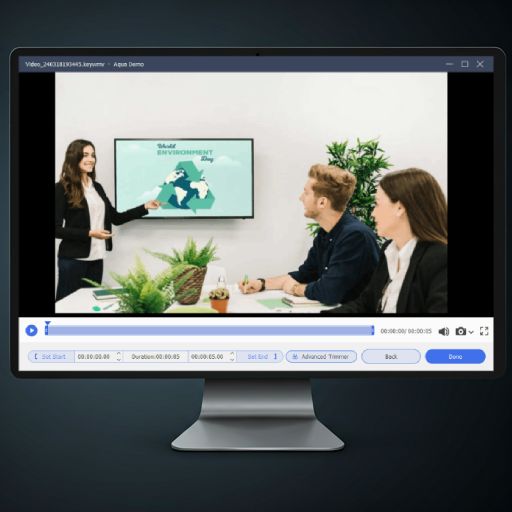
Improve your audio recording experience with the Pro voice recorder called Aqua Demo, which has advanced features and recording capabilities.
- check_circle Customizable recording settings
- check_circle Scheduled recording
- check_circle Unlimited recording length
Comparison Chart
| Features | Online Audio Recorder | Desktop Audio Recorder | Vocaroo |
|---|---|---|---|
| Accessibility | Works from any browser without installation | Requires installation on your computer | Works on most browsers and devices |
| Audio Quality | Good quality | Higher quality with advanced settings | Good for voice recording |
| Microphone Recording | Supported | Fully supported with custom settings | Supported |
| Recording Length | Up to 30minutes long | No limit; long sessions supported | Typically suitable for short-to-medium recordings (5 minutes) |
| Export Options | Basic formats like MP3 | Multiple formats including WAV, FLAC | MP3, OGG, WAV, and FLAC |
| Start Recording | Try It Free | Learn More |
Frequently Asked Questions
How do I record microphone audio online for voice notes, narration, or quick drafts?expand_more
Can I record system audio from a browser tab or online meeting?expand_more
How can I record clearer voice audio for tutorials, podcasts, or training materials?expand_more
Can I trim, split, or clean an audio recording after capture?expand_more
Which audio format should I export for sharing, editing, or transcription?expand_more
Create Better Audio with Useful Tools
Start Recording Audio Instantly
Capture voice or system audio effortlessly with the online recorder. Upgrade to Pro for enhanced features and extended sessions as needed.