








Record Your Screen Effortlessly for Tutorials, Meetings, and Presentations
Capture your desktop, specific browser tabs, system audio, and microphone commentary. Perfect for creating onboarding videos, software demos, business presentations, and educational content.
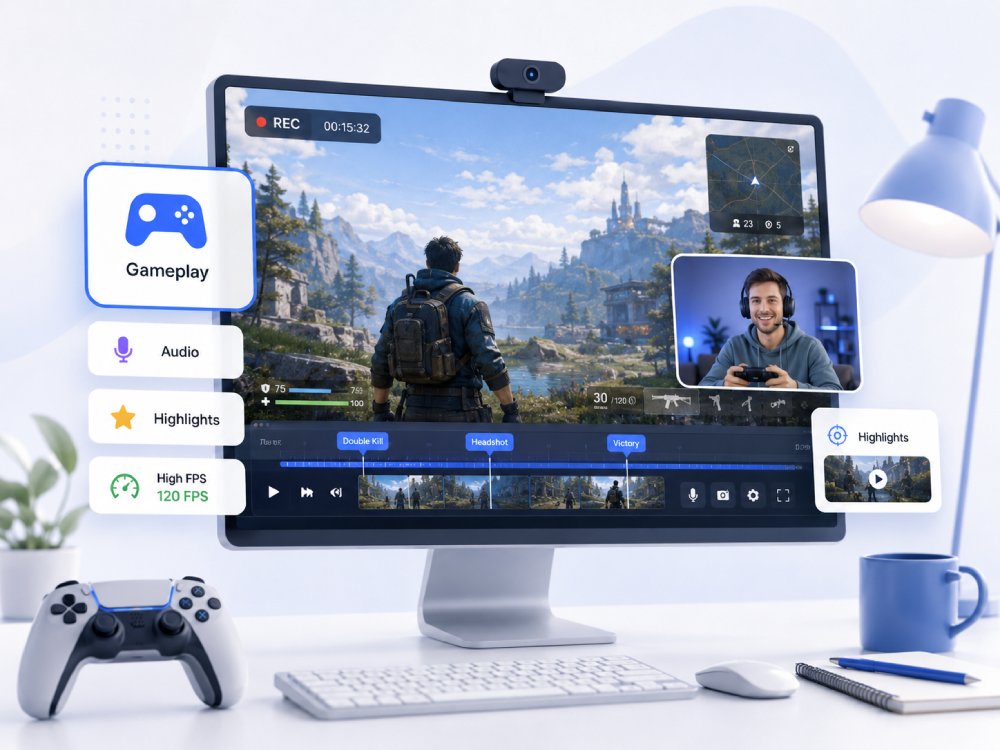


Screen Recorder Capabilities Overview
Capture and share your desktop activity in high definition.
Crystal-Clear Screen Capture
Record your entire desktop, a single application window, or a specific browser tab with crisp, high-definition clarity.
System Sound & Mic Narration
Simultaneously record crisp internal system audio and high-quality microphone input to make your explanations flawless.
Picture-in-Picture Webcam
Overlay your webcam feed anywhere on the screen to add a personal touch, build trust, and engage your audience.
Instant Cloud Export & Sharing
Generate a shareable link the moment you finish recording, or download the video instantly for easy editing and team collaboration.
Choose Your Screen Recording Workflow
Pick the right recording setup based on your audience, workflow, and sharing goals.
-
video_frame_copy
Create Engaging Content Videos
Capture high-quality tutorials, software reviews, reaction videos, and live streams designed for YouTube, TikTok, and social sharing.
-
school
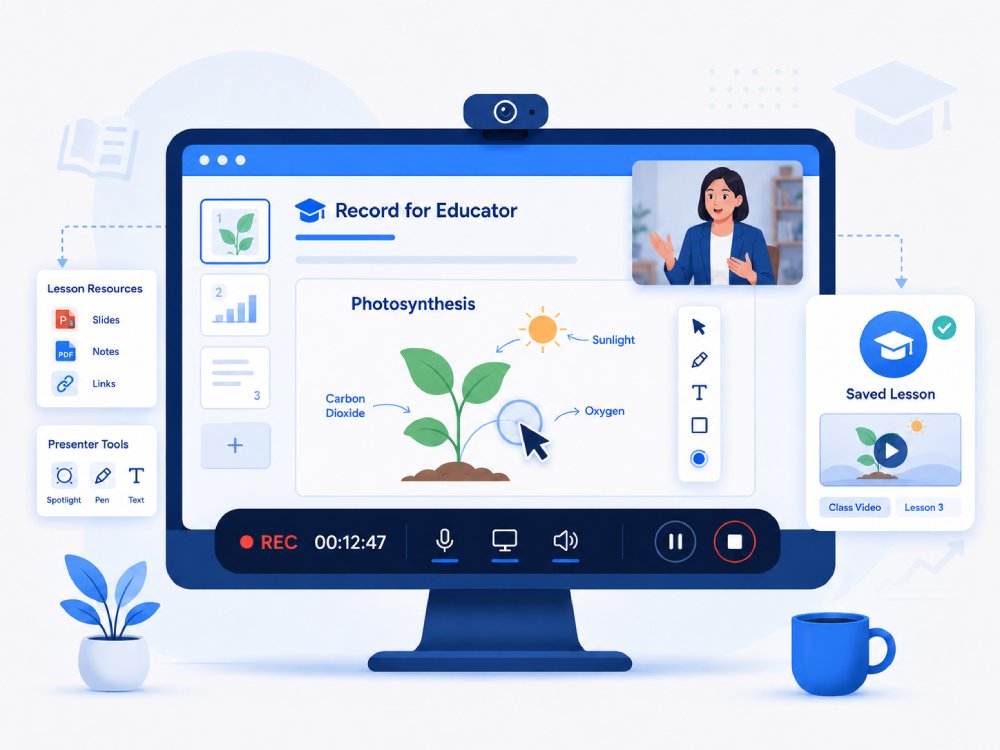
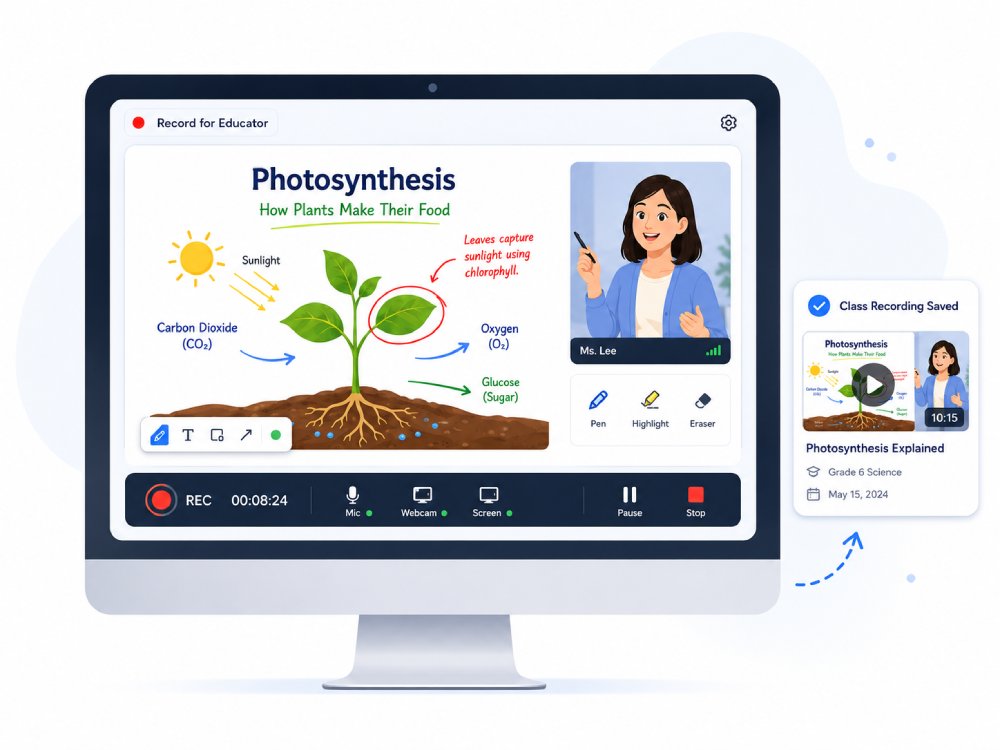
Design Impactful Educational Videos
Record clear lectures, step-by-step assignments, and flipped classroom lessons to create reusable study guides and submit video projects or presentations.
-
business_center
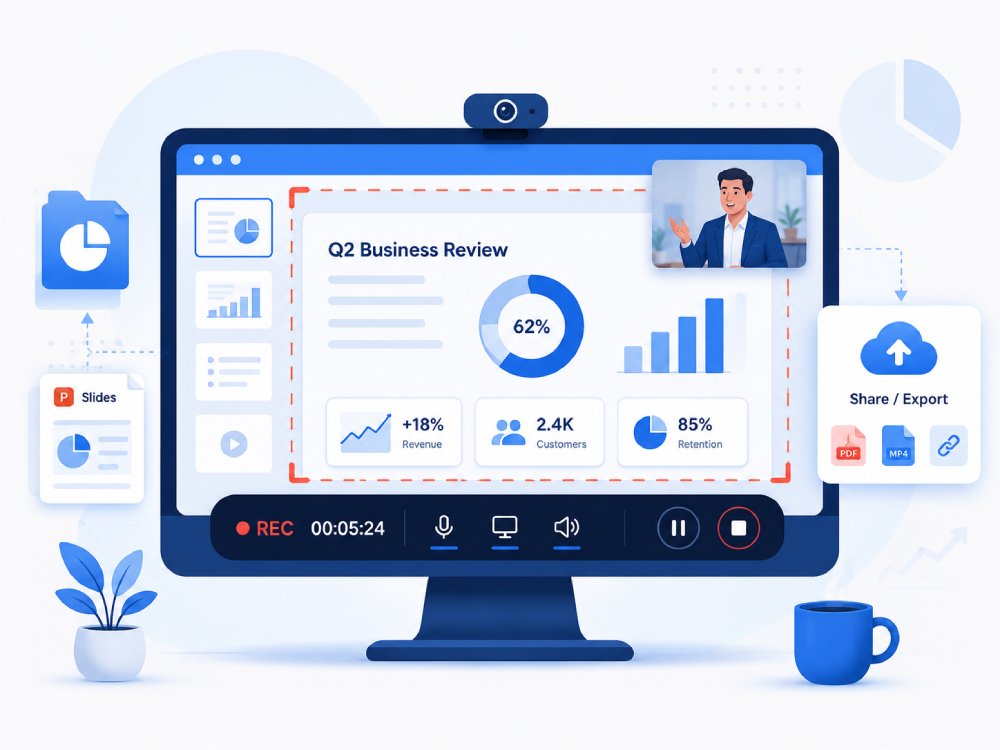
Record Professional Business Videos
Easily capture product demos, async team updates, client presentations, and onboarding walkthroughs to streamline communication and eliminate unnecessary meetings.
-
camera_video
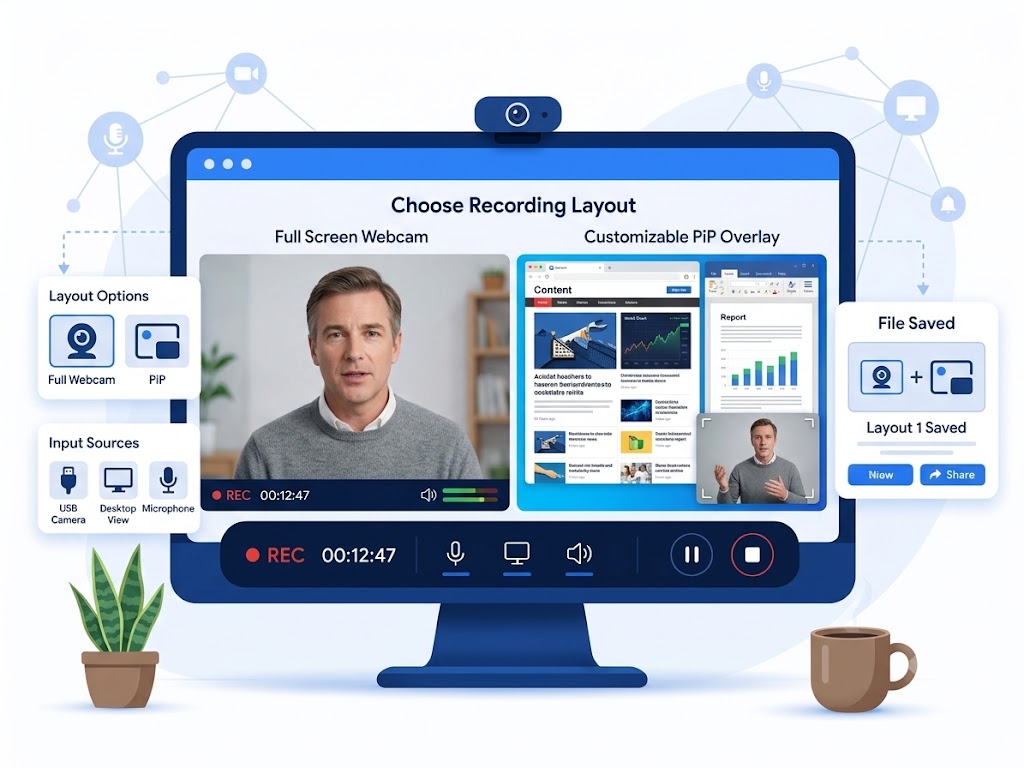
Capture Screen with Webcam
Record your webcam in full screen or as a customizable picture-in-picture overlay on top of your desktop.
Record Crystal-Clear 4K Videos Smoothly
Capture Your Screen With Hardware-Accelerated Precision
Record your screen exactly as it appears. Our engine captures the raw GPU framebuffer to preserve crisp text, sharp UI edges, and smooth motion—even under 400% zoom. Hardware-accelerated H.265/HEVC encoding maintains a stable 60 FPS output during high-load tasks, preventing tearing or dropped frames.
Technical Metrics
We quantify screen recording performance using industry-recognized display and encoding benchmarks to ensure that your captures maintain professional-grade clarity.
Upgrade to Desktop Recorder for Unlimited Professional Recording
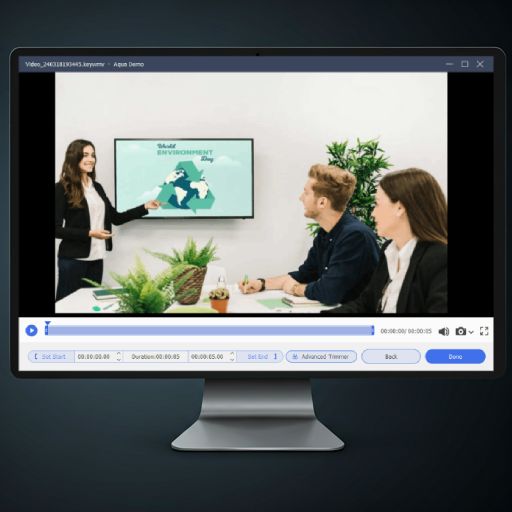
Take your screen recording to the next level with Aqua Demo and experience professional-quality screen video capturing and advanced features.
- check_circle Real-time drawing and annotation
- check_circle Flexible recording modes
- check_circle Versatile video editing tools
- check_circle Scheduled screen recording task
Choose the Right Screen Recorder
| Features | Online Screen Recorder | Desktop Screen Recorder | OBS Studio |
|---|---|---|---|
| Installation Required | No installation needed | Requires software installation | Install on Windows, macOS, or Linux |
| Recording Quality | Generally good for short clips | High-quality recording with HD or 4K support | 1080p and 4K recording depending on hardware |
| Recording Length | Up to 30 minutes | Depends on your device storage | Restricted only by available disk space |
| Editing Features | No editing features | Annotation and trimming tool | Basic (scene switching, audio mixing) |
| System Performance | Using browser resources may be affected by internet speed | Optimized for desktop performance, smoother recording even for high-resolution | Performance depends on CPU/GPU |
| Start Recording | Free Download | Learn More |
Frequently Asked Questions
How do I record my screen with microphone audio in the browser?expand_more
Why do I need to choose "Also share system audio”?expand_more
How do I record a tutorial or product demo with clear steps and cursor movement?expand_more
What format should I use when saving a screen recording for sharing or editing?expand_more
When should I use Aqua Demo Pro instead of the online screen recorder?expand_more
More Tools You May Like
Start Recording Your Screen
Capture your screen, webcam, and audio in high quality with ease. This screen recorder makes professional video recording simple, fast, and flexible for tutorials, presentations, or gameplay.