menu

Features of Free Online Video to GIF Converter

quickly convert video to gif

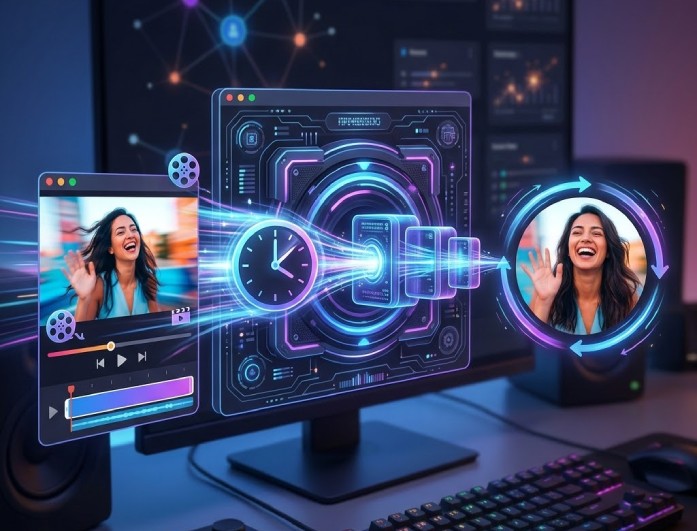
Quickly Convert Video to GIF

Turn your clips into GIFs in just a few steps with our video-to-GIF converter. Upload your file, choose the part you want, and get a smooth GIF in seconds. The process is simple, fast, and works right in your browser.

It keeps things easy while giving reliable results every time. You can quickly convert video to GIF without delays, making it perfect for sharing moments, reactions, or short highlights online.

Customizable GIF Settings

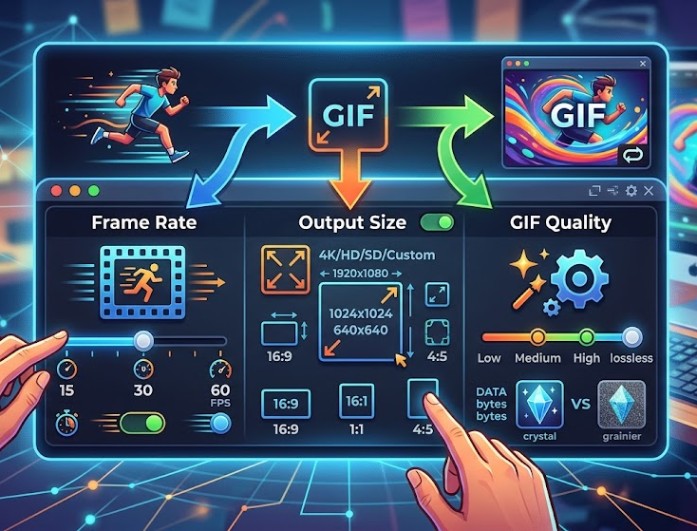
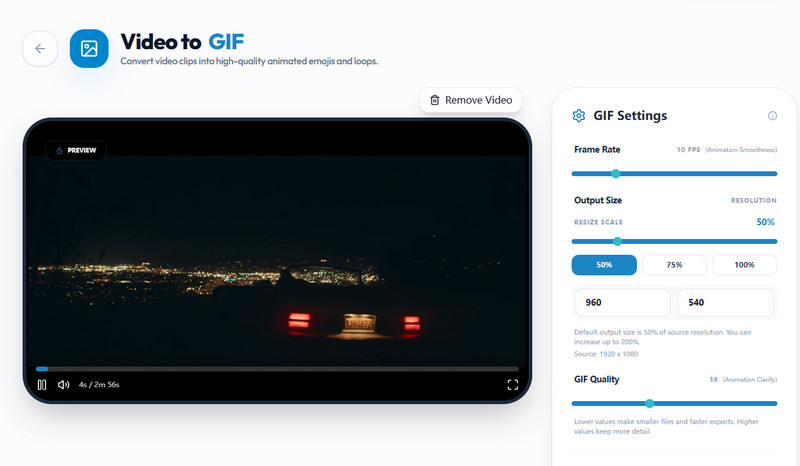
Take full control of your GIF creation with flexible settings in our online video to GIF tool. You can adjust the frame rate (fps), choose an output size like 360×640, 540×960, or 720×1280, and fine-tune the quality with a simple slider.

These options help you balance file size and clarity based on your needs. It makes creating a free video to GIF simple while still giving you control over how your final GIF looks and performs.

customizable gif settings
secure processing

Secure Processing

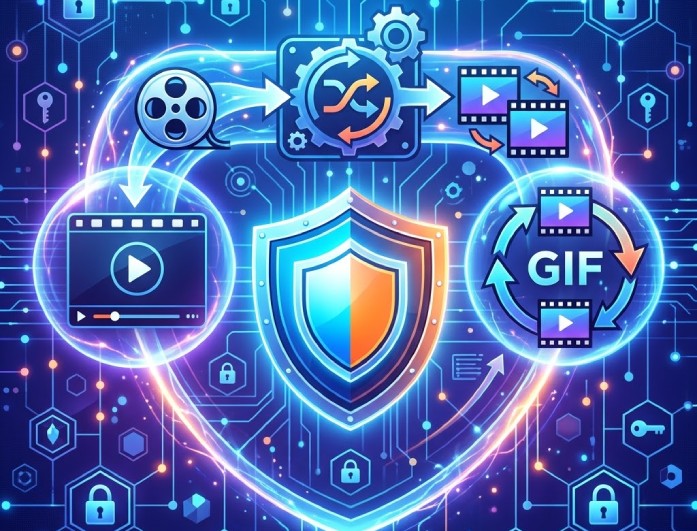
Your files stay safe throughout the process when you convert video to GIF using our tool. We handle uploads with care and ensure your content is processed securely without unnecessary storage or exposure.

You can use this video-to-GIF tool with confidence, knowing your videos are protected. It provides a smooth, private experience from upload to download, without complications.

Help Users Easily Create and Share Engaging GIFs

social media users

Social Media Users

They can quickly make fun or expressive GIFs to use in their posts and messages. This adds personality to your conversations and helps them stand out online.

marketers

Marketers

Try using GIFs to showcase your products or highlight features in a short, engaging way. This can help you grab attention and share your message faster than with traditional content.

Educator

Educators

Create visual examples or step-by-step GIFs to clearly explain concepts. This makes lessons easier to understand and keeps learners more engaged.

Simple Steps to Convert Video to GIF

upload your file
adjust gif settings
generate and save
  • 01
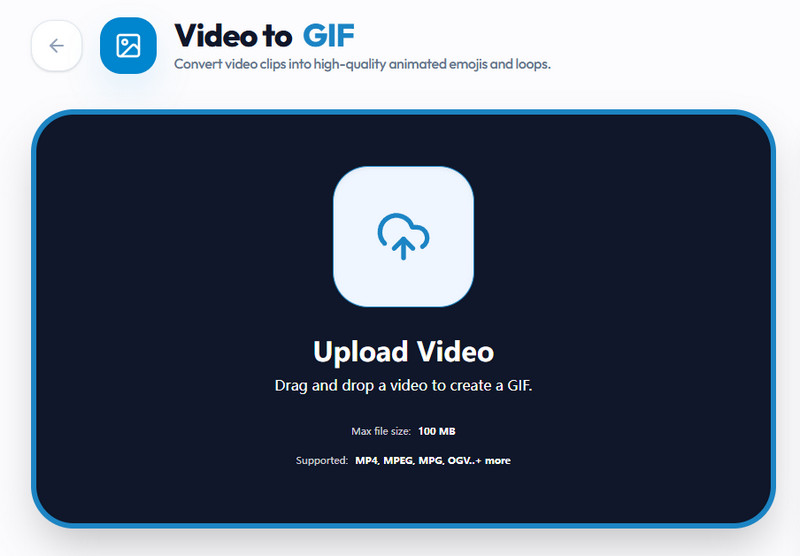
    Upload Your File

    Click the "Upload Video" option to access your file explorer. Then, choose the video file you want to convert to GIF.

  • 02
    Adjust GIF Settings

    Once uploaded, the platform will present options to define the GIF's settings. You can adjust the frame rate, output size, and quality.

  • 03
    Generate and Save

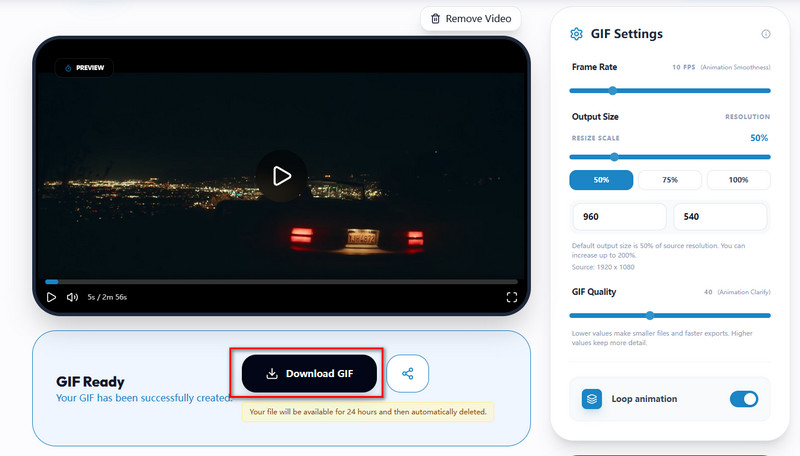
    Once all is set, click the "Generate GIF" option to proceed. After that, the system will process your video and provide a downloadable animated GIF.

Frequently Asked Questions

What is an animated GIF?

An animated GIF is a short-form video, a looping image made from a series of video frames or images. It plays automatically without sound and repeats continuously. GIFs are commonly used to share reactions, highlights, or short clips on social media and messaging apps. They are lightweight and easy to load, making them perfect for quick visual communication.

Can I convert my video to a GIF and share it?

Yes, you can easily convert your video into a GIF using our tool and share it anywhere online. Once converted, you can download the GIF and upload it to social media, messaging apps, or websites. It works smoothly on most platforms without needing any special software. This makes sharing short moments simple and fast.

What types of videos can I convert?

Our free video-to-GIF supports an expansive range of video formats, including MP4, WMV, AVI, MOV, and others. You can upload most standard video files without worrying about compatibility issues. The system will quickly process and convert them into a GIF. This flexibility allows you to use videos from different devices and sources easily.

Is the video to GIF converter free to use?

Yes, the tool allows you to convert videos to GIFs for free. You don’t need to sign up or install any software to get started. Everything works directly in your browser for convenience. It’s designed to be simple, fast, and accessible for everyone.

Will the GIF quality be reduced after conversion?

This online video-to-GIF tool is designed to maintain good quality while keeping file size optimized. You can also modify the quality settings to balance clarity and size based on your needs. Higher settings produce sharper results, while lower settings produce smaller files. This helps you control how your final GIF looks.

product icon AceThinker Wind Cut

AI-Driven Audio & Video Editing Solution

wind cut banner
Back to Top
Contact Us
Learning Center