










Convert Scanned Study PDFs into Searchable Text with OCR
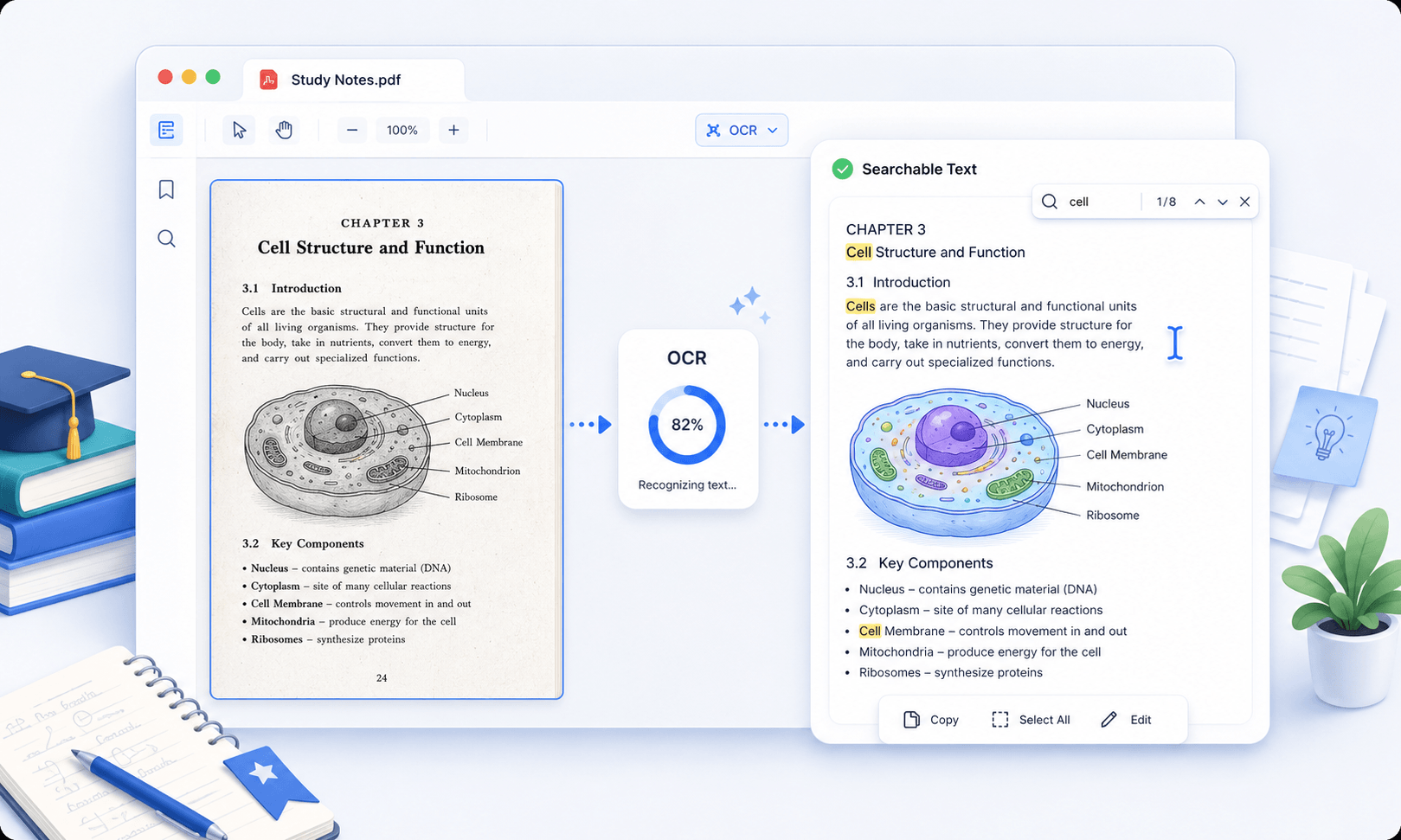
Transform scanned textbooks, lecture notes, and academic papers into editable and searchable text for faster revision and exam preparation. Extract key information from images and scanned pages so you can highlight concepts, search keywords, and organize study materials efficiently.
star
star
star
star_half

Prepare Your PDFs Online Before Intensive OCR Work
Research-Grade OCR With Structural and Textual Accuracy
Turn Scans Into Searchable, Study-Optimized PDFs
Every scanned page—from journal articles and theses to handwritten lecture notes—is processed with high-precision OCR that reconstructs both text and layout. Our engine leverages Vector-Level Text Reconstruction to restore academic formatting: margin notes, footnotes, citations, equations, and multi-column flows all remain intact. This ensures your scanned materials behave like native digital PDFs, ready for highlighting, quoting, indexing, and deep study.
Technical Metrics
Our OCR framework is validated against academic benchmarks for precision, clarity, and data integrity.
Common OCR Research Documents Problems
OCR can be helpful for study and research, but there are issues that can affect accuracy and make results harder to use.
Scanned Textbooks Cannot Be Used for Notes
Many scanned textbooks and academic PDFs contain image-based pages with no selectable text. This makes it difficult for students to copy definitions, extract passages, or build study notes efficiently.
Lecture PDFs Cannot Be Searched During Revision
Lecture handouts and scanned class materials often lack searchable text. During revision, students cannot quickly find keywords, topics, or important sections inside long PDF documents.
Mathematical Formulas Break During Extraction
STEM study materials frequently include equations, symbols, and scientific notation. OCR tools may misread these elements, making formulas difficult to review, reuse, or include in assignments and study summaries.
Students Manually Rewrite Content from PDFs
When scanned PDFs are not editable, students often retype paragraphs, lecture notes, or research content by hand. This slows down note-taking, assignment preparation, and study organization.
When to Use OCR on Study
OCR helps students copy text into notes, search keywords in lecture PDFs, highlight extracted paragraphs, and revise faster from scanned files.
- Scanned Textbook
- Lecture Note PDFs
- Highlighted Study PDFs
- Handwritten or Printed Notes
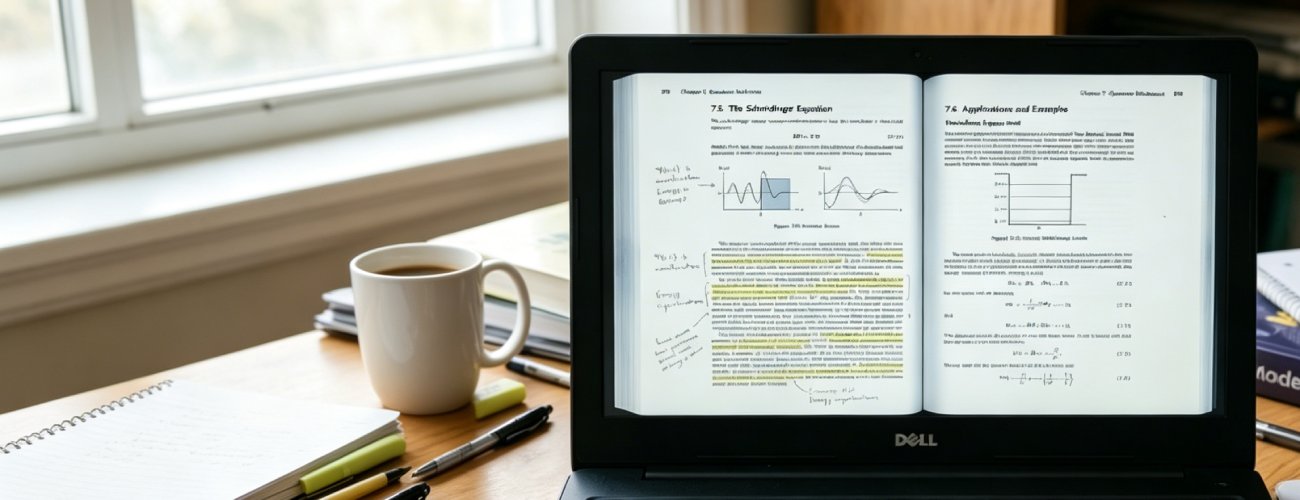
Scanned textbook PDFs often contain non-selectable text due to image-based pages and uneven scan quality. This makes it difficult to quickly extract readable content for studying or revision.
What you can do:
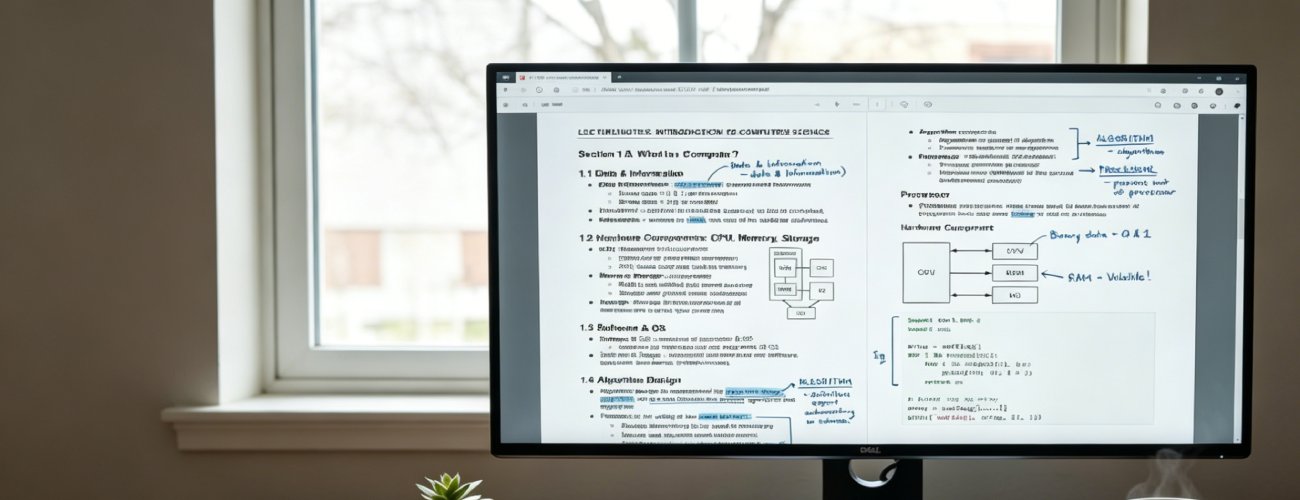
ELecture note PDFs often include handwritten sections, annotations, and mixed formatting that are not structured for easy digital use. This makes organizing and reviewing study content more time-consuming.
What you can do:
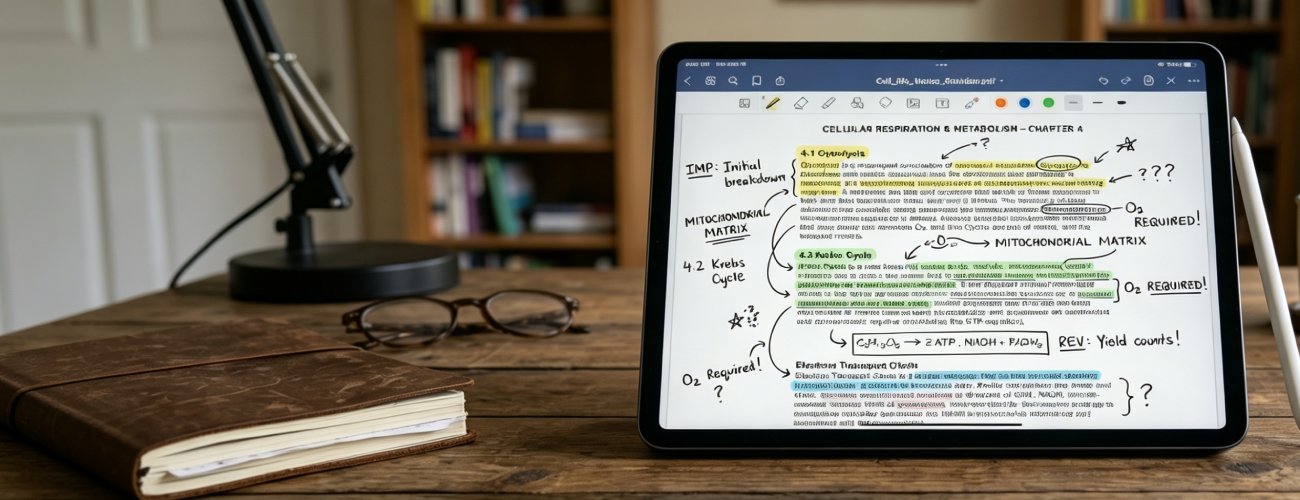
Students often review PDFs with highlights, annotations, and marked passages for revision. These study markings can interfere with OCR accuracy and make important notes harder to extract clearly.
What you can do:
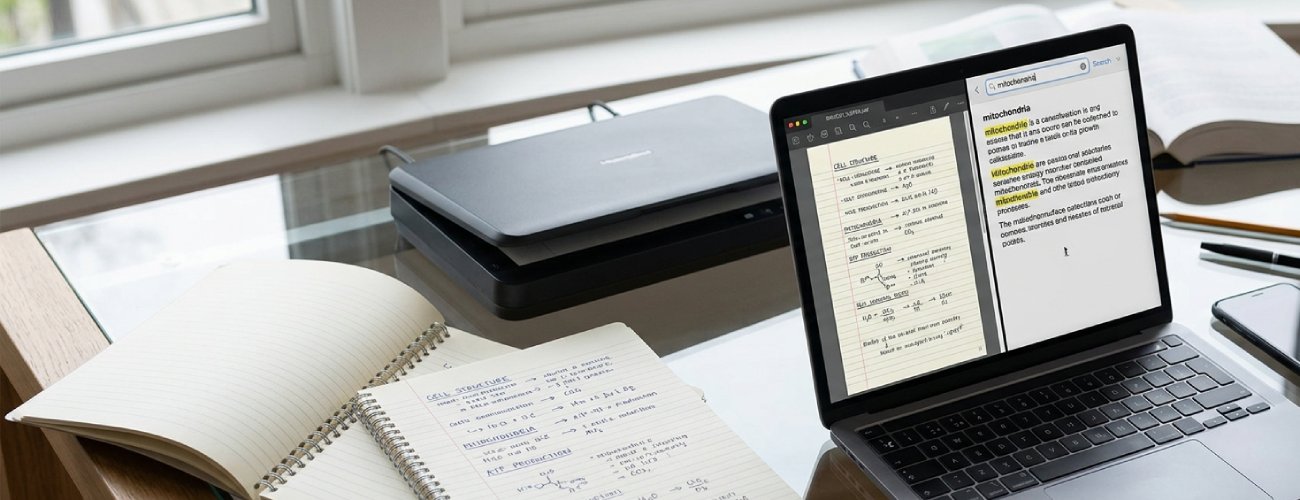
Study materials may include handwritten notes, printed reviewers, or scanned classroom handouts. Manually converting these materials into searchable text can slow down note-taking and exam preparation.
What you can do:
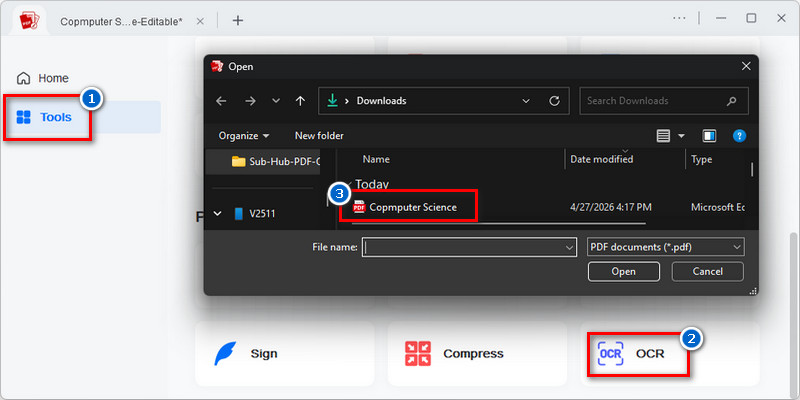
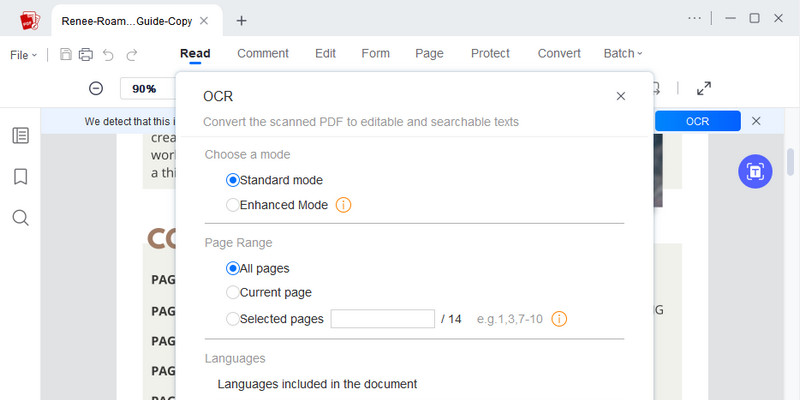
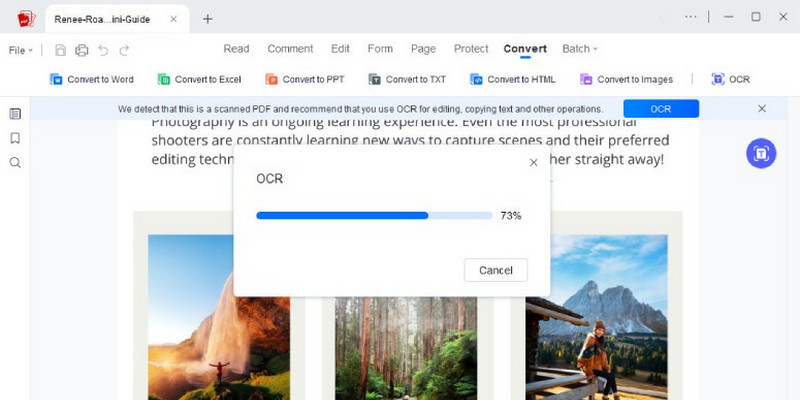
Activate → Configure → Convert → Confirm
Upload scanned textbooks or lecture PDFs, apply OCR to extract text, review content accuracy, and use it for notes, highlighting, or revision.
-
1
Activate Document Input for OCR Processing
Import scanned or digital PDFs such as textbooks, lecture notes, or research papers into the OCR workflow to prepare them for structured text extraction. This enables consistent recognition of page content across academic documents.
-
2
Configure Text Recognition for Academic Content Types
Select between Standard OCR for clean and Enhanced OCR based on document complexity, including printed text, formulas, tables, and mixed academic layouts. This ensures more reliable extraction of structured and unstructured academic content.
-
3
Convert Scanned Pages into Editable Text Data
Execute OCR processing to transform image-based PDF content into searchable and editable text. This enables the reuse of academic material without manual transcription.
-
4
Confirm Extracted Content for Learning Accuracy
Review OCR output to correct recognition errors and refine extracted sections into structured study notes. This ensures the final content is accurate and suitable for academic revision workflows.









star
star
star
star_half
Features of OCR for Study
Extract Text for Notes and Revision
Convert scanned textbooks, lecture handouts, and study PDFs into selectable text for easier note-taking and revision. Quickly reuse important passages, definitions, and key concepts without manually retyping content.
Recognize Academic Symbols and Formulas
Recognize equations, scientific notation, and academic symbols more accurately from STEM study materials. This helps students review formulas clearly and reuse them in assignments, summaries, and problem-solving exercises.
Maintain Highlighted Content Context
Process highlighted and annotated study PDFs while keeping the important marked sections readable. Helps students to review emphasized concepts and turn highlighted content into study notes or revision materials.
Preserve Paragraph Structure for Reading
Maintain logical reading flow when processing research papers, journals, and multi-column academic PDFs. Keeping paragraphs and sections organized improves comprehension during reading, studying, and research review.
AcePDF - An Intuitive PDF Editor for Any Use












Frequently Asked Questions
How do I make scanned lecture notes searchable?expand_more
How do I convert scanned textbook pages into editable or searchable text?expand_more
What should I do if OCR output has errors from blurry photos or tilted pages?expand_more
Should I run OCR before summarizing, organizing, or converting study PDFs?expand_more
How do I export OCR results for note-taking or review?expand_more
Turn Scanned PDFs into Searchable Study Material Today
No Learning Curve • Start in Seconds