menu

Record Screen, Audio, Webcam, Meetings, and Gameplay

Choose what you want to record, then use online or desktop tools to capture screens, meetings, webcam videos, system audio, voice, music, and gameplay.

Screen Recorder

Record your screen, browser tab, app window, webcam overlay, or system audio for tutorials, demos, and presentations.

Audio Recorder

Capture system sound, microphone voice, music, meetings, and online audio for saving, reviewing, or sharing.

Webcam Recorder

Record yourself with webcam and microphone for lessons, video messages, interviews, and presentations.

Meeting Recorder

Record Zoom, Teams, Google Meet, webinars, and online discussions for review, notes, training, or documentation.

Quick Task

10+
10+ Years of Recording Software Experience
100+
Online Apps and Desktop Tools
20M+
Users Served Around the World
Private
Online and Desktop Recording Options
Support
7/24 Customer Service Available

Explore Recording Solutions by Goal

Choose what you need to record, then follow a focused workflow with the right online or desktop recorder.

Record Online Meetings
Capture Zoom, Teams, Google Meet, webinars, or online discussions for review, notes, training, or team documentation.

Recommended tools:
Meeting Recorder Screen Recorder

Record Webcam Videos
Record yourself with camera and microphone for lessons, video messages, interviews, tutorials, or personal introductions.

Recommended tools:
Webcam Recorder
Screen Recorder

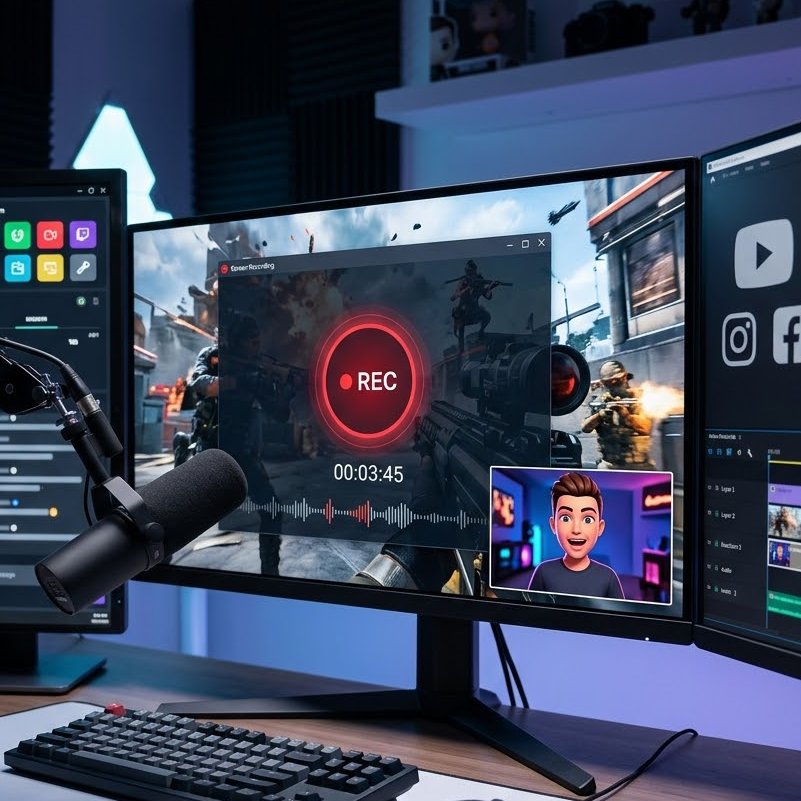
Record Gameplay for YouTube
Capture PC gameplay, highlights, walkthroughs, or commentary videos for YouTube, Shorts, or social sharing.

Recommended tools:
Gameplay Recorder
Screen Recorder

Record Voice Online
Capture microphone audio for voice notes, narration, podcasts, language practice, or quick audio messages.

Recommended tools:
Voice Recorder
Audio Recorder

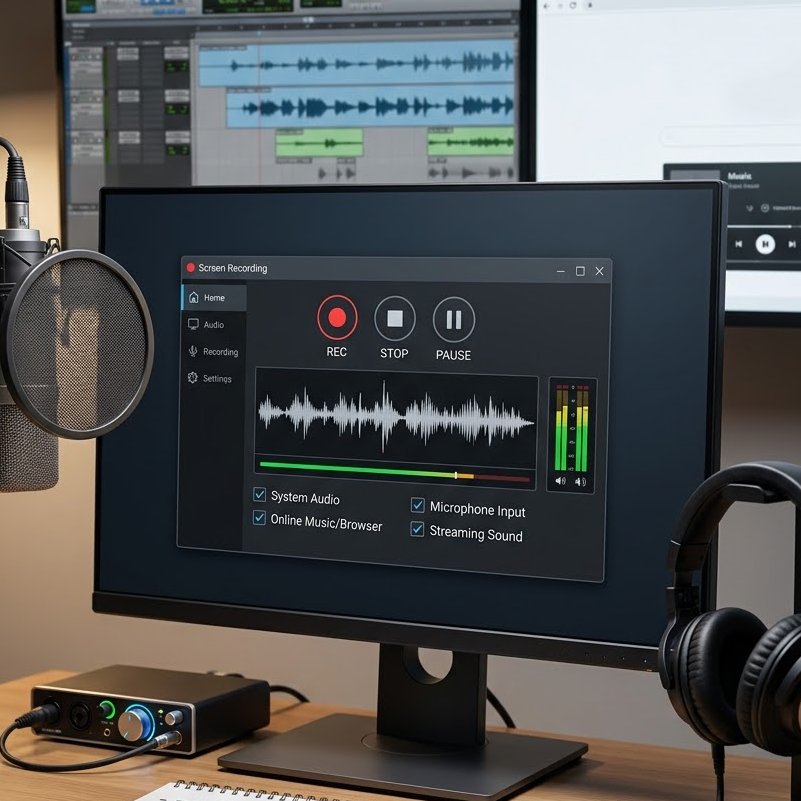
Record Music or System Audio
Save online music, streaming audio, browser sound, or system playback for personal reference where permitted.

Recommended tools:
Audio Recorder
System Sound Recorder

Record Screen for Tutorials
Capture app walkthroughs, software tutorials, online lessons, product demos, or troubleshooting videos.

Recommended tools:
Screen Recorder
Webcam Overlay

Recording for Different Needs

Start from your role or recording purpose, then follow a capture workflow designed for your real task.

  • For Educators & Students

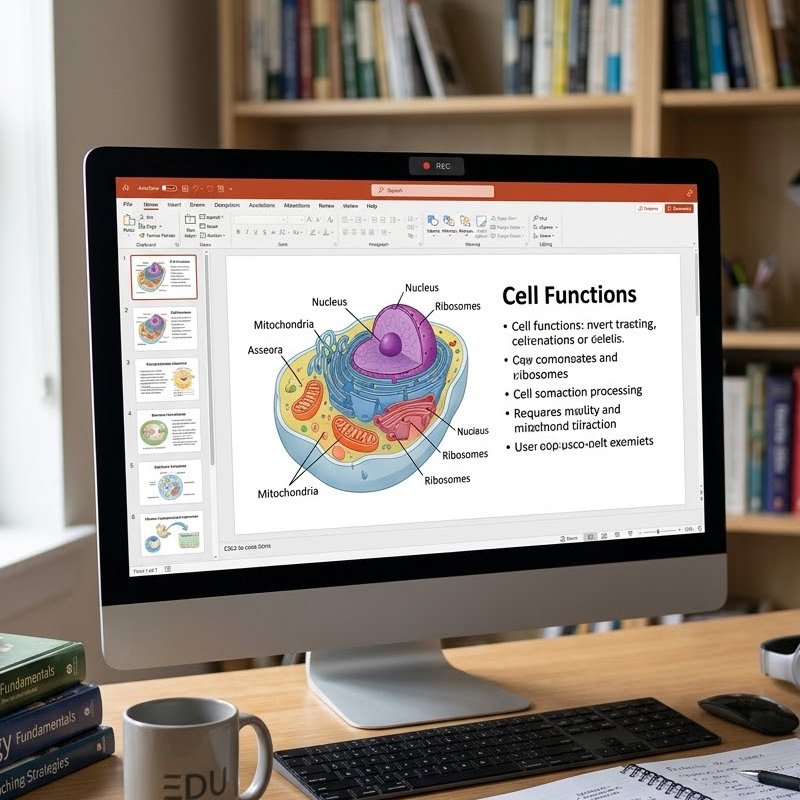
    Record lessons, online classes, study explanations, presentations, or screen walkthroughs for learning and review.

    Screenarrow_forward Webcam arrow_forward Audio arrow_forward Share

  • For Business & Meetings

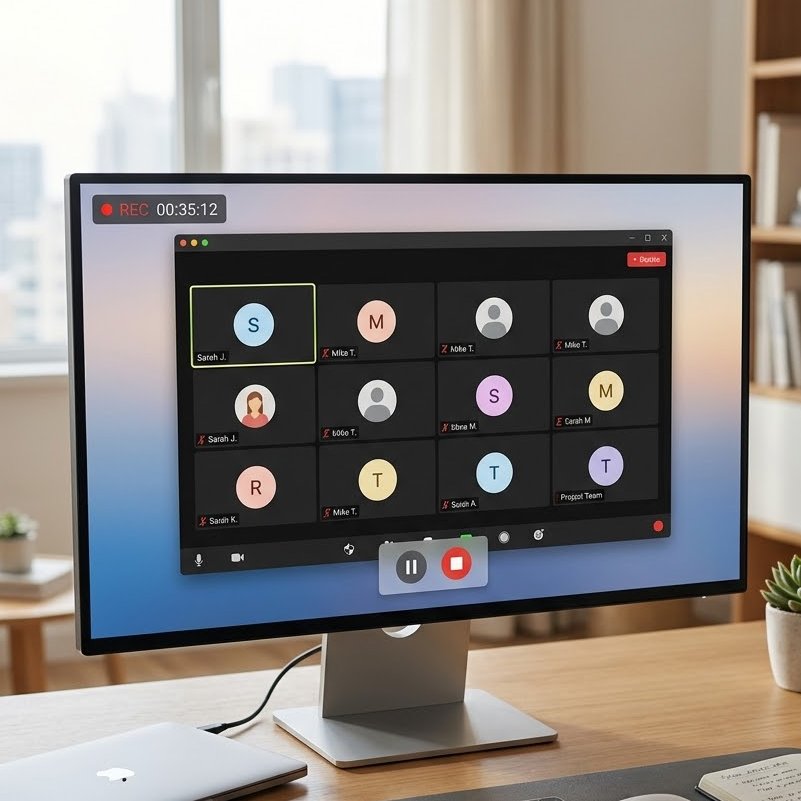
    Capture meetings, webinars, product demos, training sessions, or internal walkthroughs for documentation and follow-up.

    Meetingarrow_forward Audio arrow_forward Screen arrow_forward Notes

  • For Creators & YouTubers

    Record gameplay, tutorials, reaction videos, voiceovers, and screen content for YouTube, Shorts, and social platforms.

    Screen arrow_forward Webcam arrow_forward Voice arrow_forward Edit

  • For Music & Audio Users

    Record system audio, online music, microphone voice, or streaming sound for personal listening, reference, or audio projects.
    System Audio arrow_forward Trim arrow_forward Convert arrow_forward Save

For Educators & Students

For Business & Meetings

For Creators & YouTubers

For Music & Audio Users

Recording Tools List

Find the right tool to record your screen, webcam, meetings, gameplay, system audio, microphone voice, and online streams.


Hot
Meeting Recorder
Record online meetings, webinars, interviews, and calls for review, training, or documentation.

New
Streaming Video Recorder
Capture streaming videos, webinars, live events, or browser playback when recording is permitted.
Screen Grabber
Record your full screen, selected area, browser tab, or app window for tutorials and demos.
Music Recorder
Record system audio, online music, streaming sound, or playback audio for personal use where allowed.
Voice Recorder
Capture microphone audio for voice notes, narration, podcasts, lessons, and quick messages.
Gameplay Recorder
Record PC gameplay, highlights, walkthroughs, or commentary with smooth video and audio capture.
Webcam Recorder
Record camera videos with microphone audio for lessons, video messages, interviews, and presentations.
Audio Recorder
Capture microphone, system sound, or both for meetings, music, voiceovers, and online audio.

Trusted by Real Recording Users

AceThinker recording tools are used by educators, creators, teams, and everyday users to capture screens, meetings, audio, webcam videos, and gameplay.
250+ Genuine Reviews
Real feedback from users who record screens, meetings, audio, videos, and everyday workflows.
Built for Recording Tasks
Tools for screen recording, webcam capture, system audio, microphone voice, meetings, and gameplay.
Online Tools + Desktop Recorder
Start with browser-based recorders or use Aqua Demo for longer recordings and advanced capture settings.
product logo

Start Your Screen, Audio, or Meeting Recording Workflow

Use online recorders for quick capture, or choose Aqua Demo for longer sessions, advanced recording modes, webcam overlay, and system audio control.

Back to Top
Contact Us
Learning Center