











Clean Meeting Audio for Clear Voice Playback
Remove keyboard noise, echo, and background distractions from Zoom, Teams, and Google Meet recordings. Enhance speech clarity for meeting replays, transcripts, presentations, and shared audio files.


Start to Edit Your Audio in Browser
Make Your Meeting Audio Crystal Clear
Clean audio for meetings to improve clarity, communication, and recording quality.

Improve Speaker Clarity in Remote Call Recordings
desktop_cloud
Prepare Meeting Audio for Accurate Transcription
Clean Webinar and Interview Recordings Before Sharing

Vocal Extraction: High-Fidelity Audio & Format Conversion
Extract Clean Voice from Audio Files
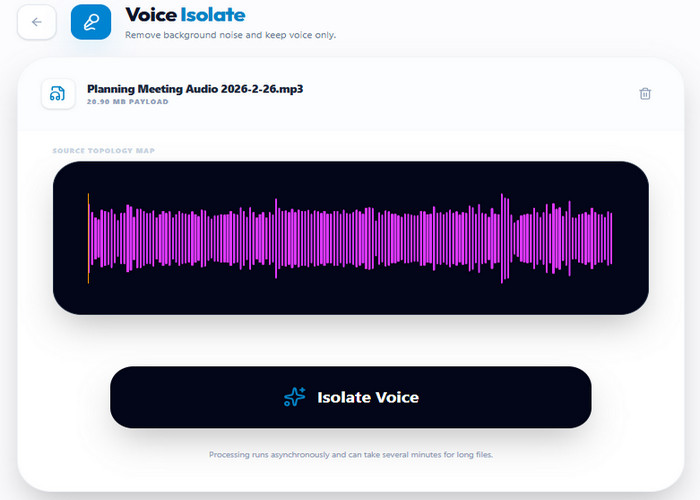
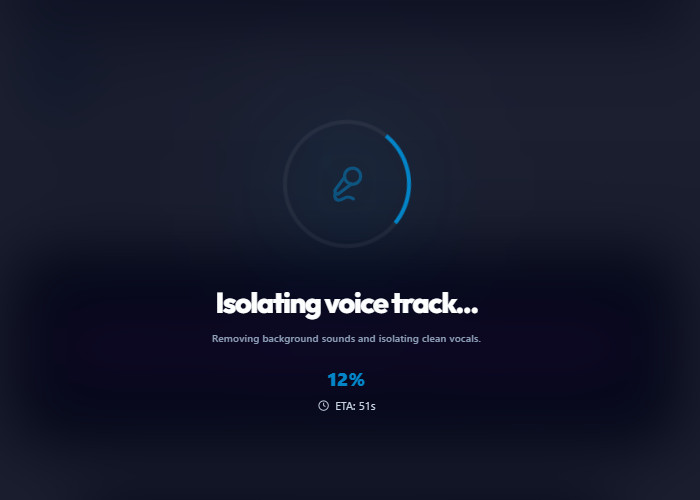
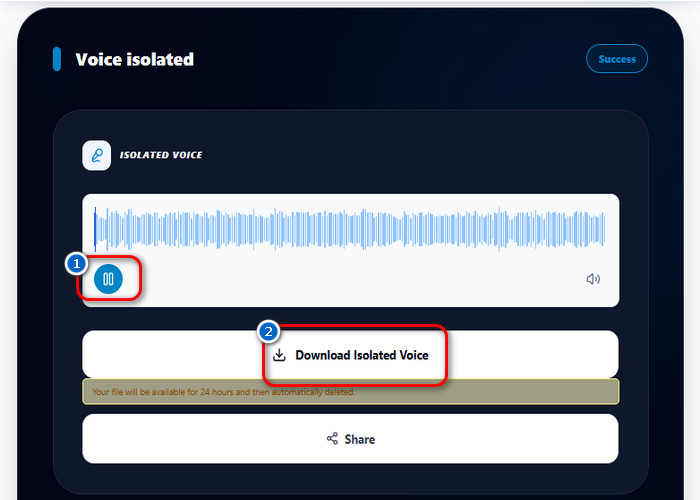
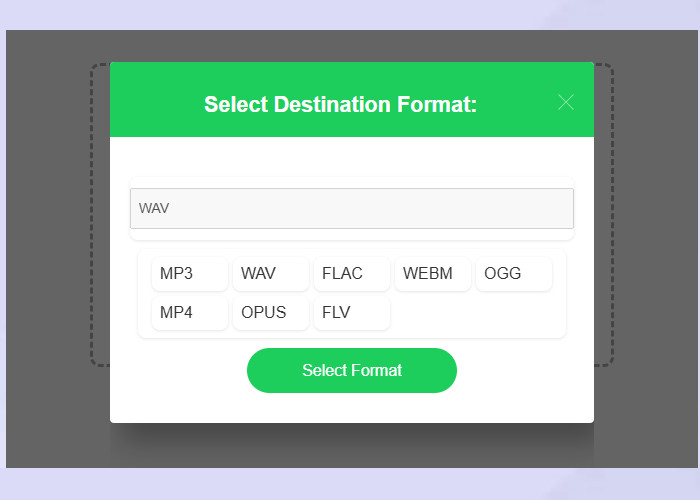
The tool identifies spoken audio within an uploaded file and suppresses background noise to isolate the voice. It keeps the original file format unless a new format is selected from the output settings. Selecting MP3, WAV, or FLAC re-encodes the cleaned audio into the chosen format. The tool then generates a separate file containing only the extracted dialogue.
Defines how audio input is processed, cleaned, and exported after voice isolation and optional format conversion.
How to Clean Meeting Audio in Minutes
Transform noisy meeting recordings into clear audio using a simple and efficient cleanup process.
Features Built for Meeting Audio Cleanup
- noise_awareNoise Separation
- interpreter_modeVoice Balancing
- speech_to_textTranscription Preparation
- format_image_leftFormat Conversion
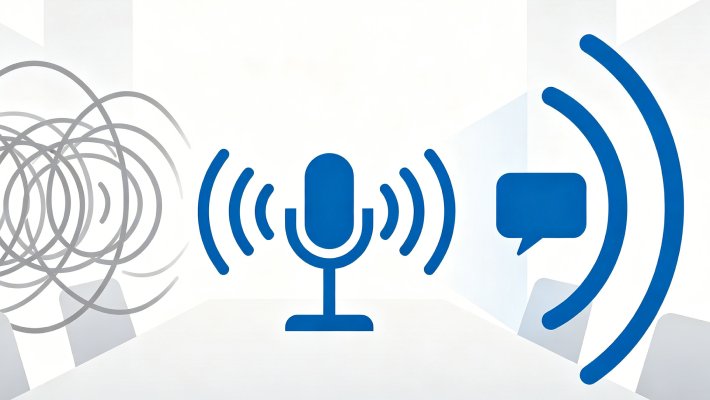
Speech Isolation for Noisy Meeting Environments
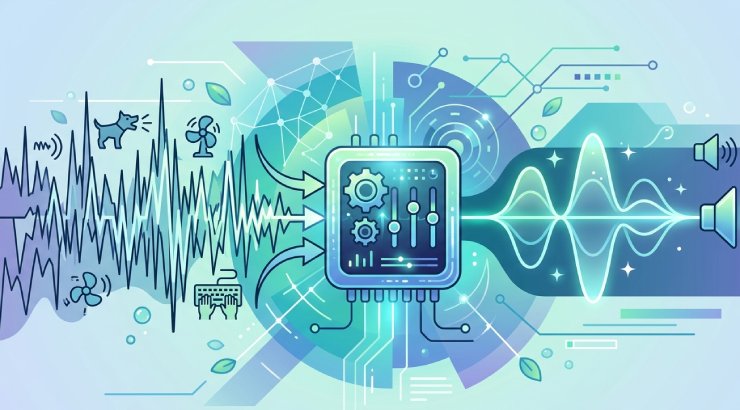
Meeting recordings often capture more than just voices — keyboard typing, fan noise, echo, and background movement can easily interfere with clarity. This feature separates spoken dialogue from surrounding distractions in Zoom, Teams, and call recordings. It is especially valuable in remote setups where recording conditions cannot be controlled. By reducing environmental noise, conversations become easier to follow during playback and review.
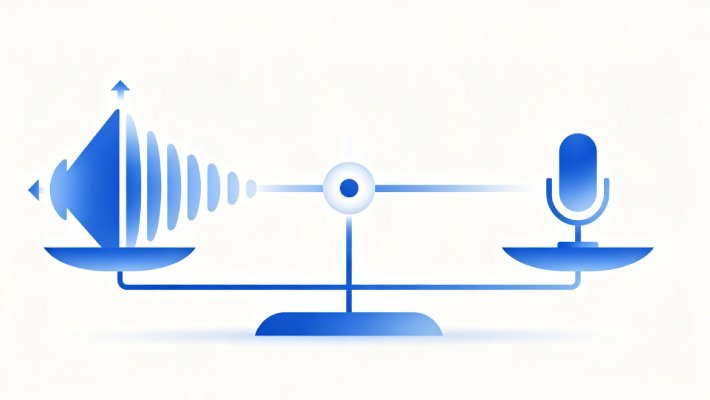
Balance and Enhance Speaker Voice Levels in Calls
Not all participants in a meeting speak at the same volume, which can make parts of a conversation harder to follow. Voice levels are adjusted so each speaker maintains consistent clarity throughout the recording. This is particularly helpful in hybrid discussions or multi-speaker sessions where microphones vary in quality and distance. The final audio feels more stable, reducing strain during listening and review.
Prepare Meeting Audio for Accurate Transcription and Notes
Transcription tools rely heavily on clear speech input, and noisy recordings often lead to missing or incorrect words. Speech clarity is improved before the audio is processed into notes or summaries. This supports workflows such as interviews, internal documentation, and project reporting where accuracy matters. The final transcript reflects the conversation more reliably, with fewer distortions in meaning.
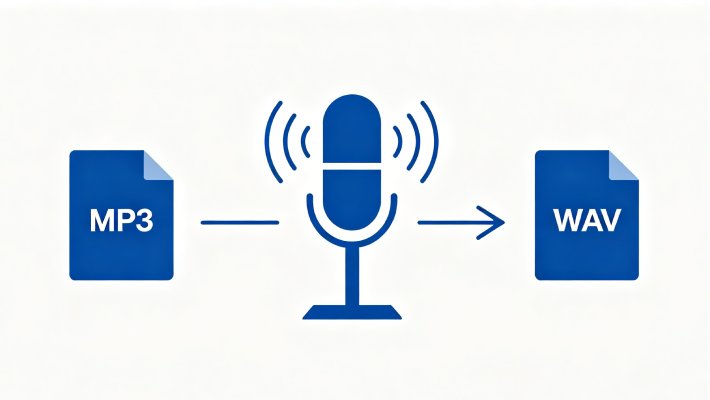
Convert Cleaned Meeting Audio for Sharing and Playback
Once cleaned, meeting recordings often need to be distributed across different tools, devices, or teams. Audio is converted to widely supported formats such as MP3 or WAV to ensure smooth playback without compatibility issues. This step is important when files are shared for review, documentation, or collaboration after meetings end. The result is a portable audio file that works consistently across platforms.
Other Recommended Tools for You
Audio Editor
Edit meeting audio by trimming unnecessary parts and improving overall clarity for easier review. It is useful when you need to refine recordings before sharing or archiving important discussions.
Audio Recorder
Record meetings, calls, and interviews with clear audio, ready for further processing. It ensures you capture conversations accurately for later cleanup, transcription, or review.
Audio Converter
Convert cleaned meeting recordings into formats like MP3 or WAV for smooth playback across different platforms. This helps ensure compatibility when sharing recordings for communication.
Audio Downloader
Download online meeting recordings or shared audio files for offline access and processing. It is useful when you need to store or prepare external recordings for cleanup and review.
Frequently Asked Questions
How can I reduce background noise in a remote meeting recording?expand_more
How do I cut long silences or unrelated small talk from a meeting recording?expand_more
Can I turn a meeting recording into searchable text or subtitles?expand_more
Which audio format should I export for sharing meeting notes or recordings?expand_more
What are the limits of noise removal when the original recording is very unclear?expand_more
Start Cleaning Meeting Audio Now
Clean meeting audio to remove noise and improve clarity for better productivity and communication.