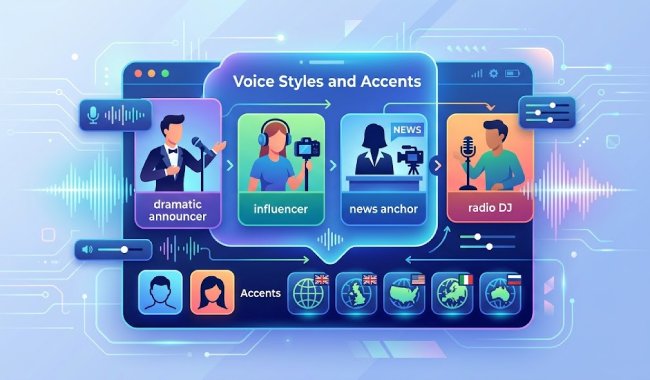
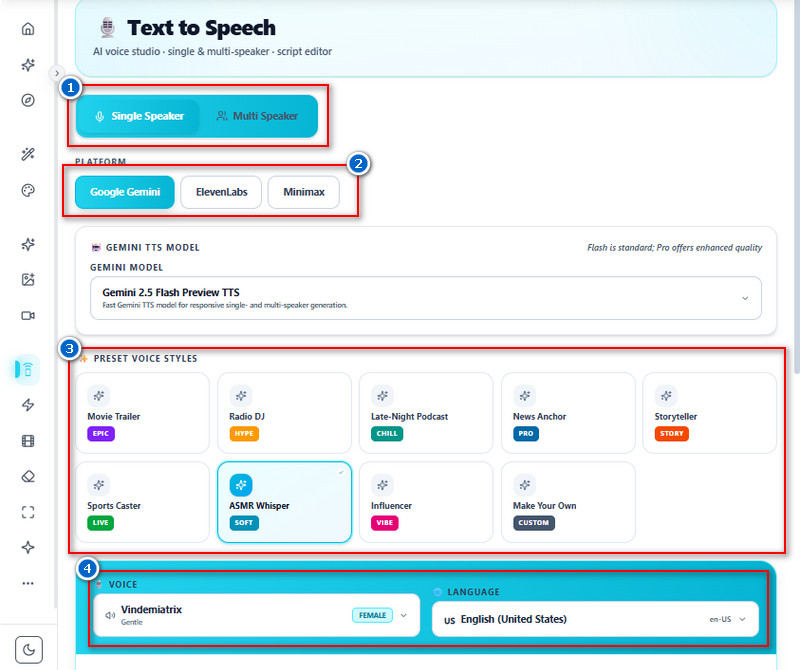
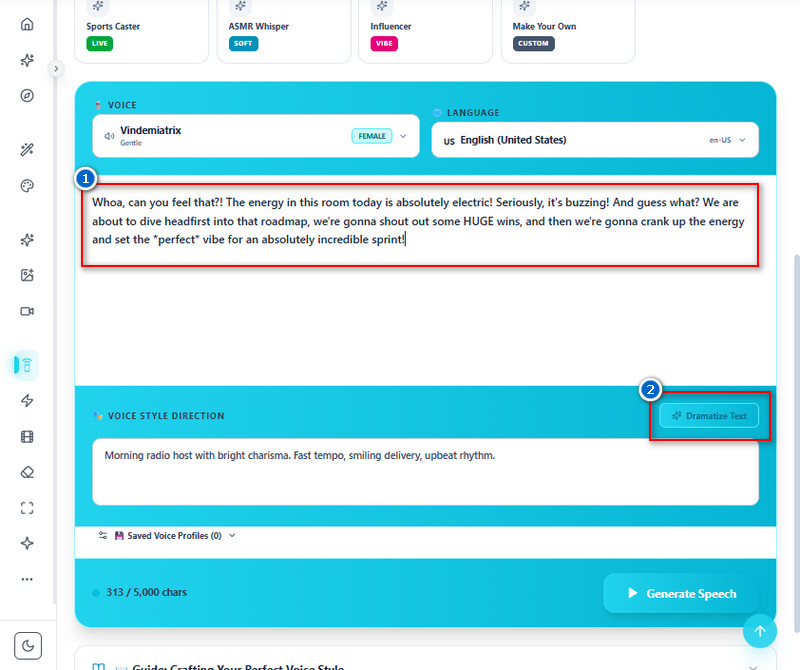
Our Text to Speech online tool lets you choose from a variety of preset voice styles that match different content needs and tones. You can select styles like movie trailer, influencer, radio DJ, news anchor, and more, depending on the type of project you are creating. It also lets you switch between male and female voices to better fit your audience or script. Different accents are available to make the speech sound more natural and relatable for global users. This helps creators produce engaging audio without needing professional voice actors.
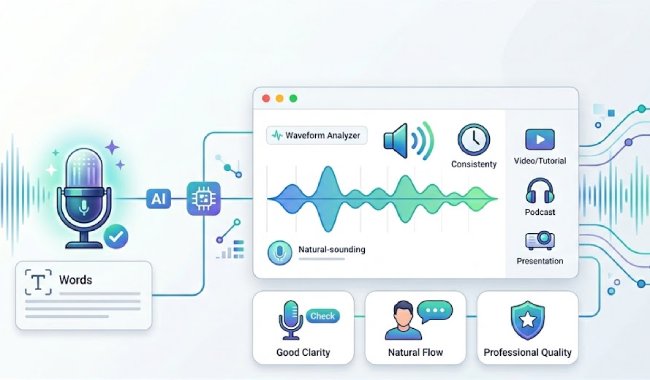
Generate speech that sounds natural, smooth, and easy to understand. The AI reduces robotic tone and improves clarity, so the voice feels more human. This tool is useful for videos, tutorials, presentations, and podcasts where good audio quality matters. You can rely on it to make content engaging and professional, without extra editing. The output is consistent, making it good for both short and long scripts. This helps improve the audience experience and makes the message easier to follow.


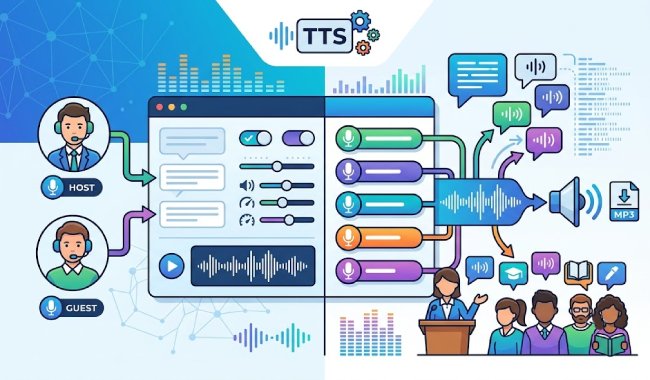
paragraDo you want to create interviews, storytelling, training, and educational content using multiple voices in a single audio project? This tool is for you. You can assign different parts of the script to different speakers, such as a host and a guest. Each voice can be customized to sound different, making the dialogue more realistic and engaging. This removes the need for multiple recordings or external voice actors. It helps users build dynamic content with minimal effort.
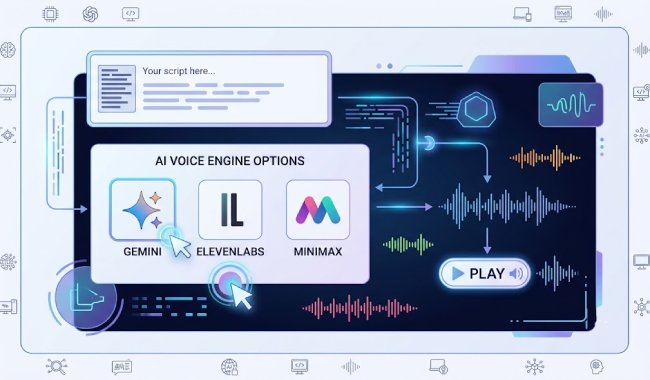
This feature gives you access to AI voice engines such as Gemini, ElevenLabs, and MiniMax on a single platform. Each engine has unique styles, tones, and qualities to suit user preferences. You can switch providers to find the best voice for each project. This flexibility improves content quality and variety without needing separate tools. You can also experiment to get the most natural or professional sound. With this free Text to Speech tool, voice generation becomes more powerful and customizable in one place.


Produces clean, natural, and easy-to-understand voice audio that improves the listening experience for any type of content.
Converts written text into spoken audio in just a few minutes, helping you save time during content creation.
Supports multiple languages for speech generation, making it easier to create content for global audiences.
TTS, or Text-to-Speech, converts written text into spoken audio using AI. The system first reads and analyzes the text to understand words, sentences, and punctuation. Then it processes the text through a voice model that generates speech sounds based on language rules. The AI also adds natural tone, rhythm, and pauses to make the voice easier to understand. After processing, the tool produces an audio file that you can play or download. This allows written content to be heard, not just read.
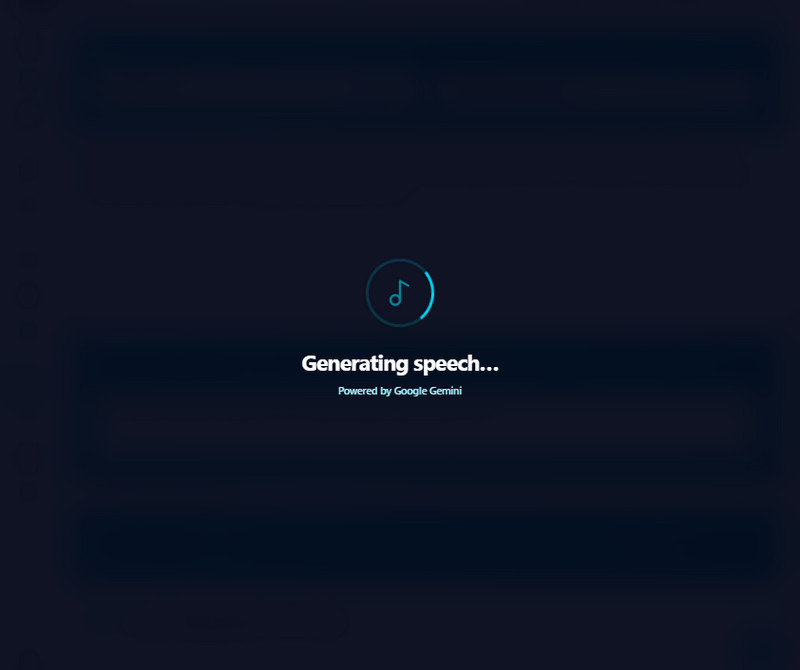
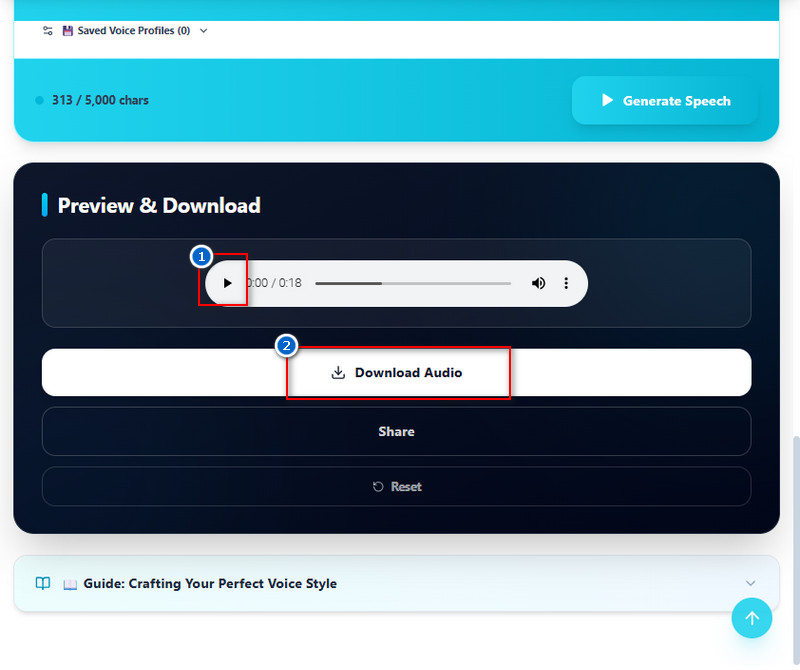
Choosing the right voice in the Text-to-Speech tool depends on the content type and the audience. The tool offers different voice styles, accents, and male or female options that users can select based on their needs. For educational or professional content, a clear and neutral voice is usually more suitable. For creative or social media content, users can pick more expressive or engaging voice styles. It is helpful to listen to a few voice options before generating the final audio. This ensures the chosen voice aligns with the content's message and purpose.
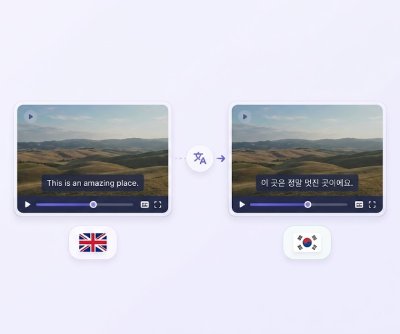
Our Text to Speech tool supports many commonly used languages, including English US and UK, Spanish, French, German, Hindi, Japanese, and Korean. These options help users create audio content for different regions and audiences. Each language comes with natural-sounding voice models designed for clear pronunciation. You can switch languages depending on their content needs without changing tools. More language options may also be available depending on updates. This makes it easier to create global-ready content from one platform.
Yes, the tool is designed for beginners, with no technical skills required. Users only need to paste or type their text into the input box. After that, they can select a voice and click a button to generate audio. The interface is straightforward and does not require complex settings. Even first-time users can understand the steps within a few minutes. This makes it suitable for students, creators, and professionals alike.
Yes, the tool allows up to 5000 characters per conversion. This limit helps ensure the audio is processed smoothly and without errors. You can still convert longer content by splitting it into smaller parts. Each part can be combined later, if needed, into a full audio file. This makes it manageable for scripts, articles, or presentations. The limit is set to maintain good performance and quality output.