menu

Advanced Video Translation Capabilities

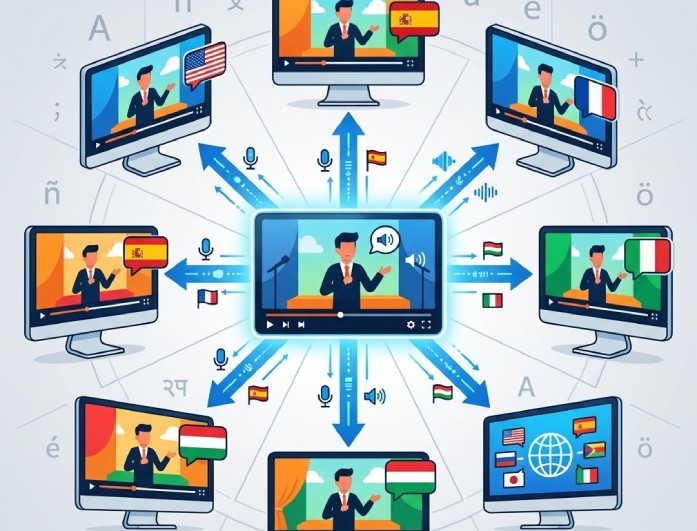
translate videos in multiple languages

Translate Videos in Multiple Languages

Our AI video translator lets you convert videos into different languages like English, Spanish, French, Italian, Hungarian, and more. It allows you to reach a global audience easily and makes your content more accessible for viewers worldwide.

With this video translator, you can quickly enjoy videos from around the world. It supports smooth and accurate translation, helping users translate video online in just a few clicks for free.

Customizable Translation Settings

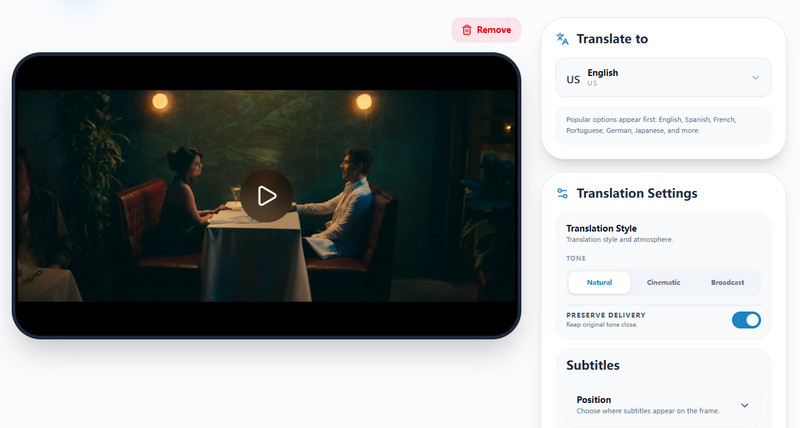
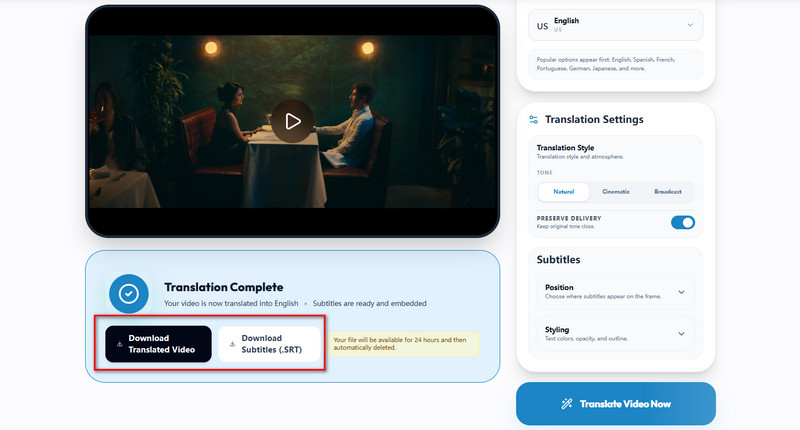
This free video translator lets you adjust the translation style to your needs. You can choose a natural, cinematic, or broadcast tone to match your content and make it sound more professional and engaging for your audience.

It also lets you control subtitle placement, so you can translate video online with subtitles positioned at the top, middle, or bottom. This gives you full flexibility to create a clean and viewer-friendly video experience.

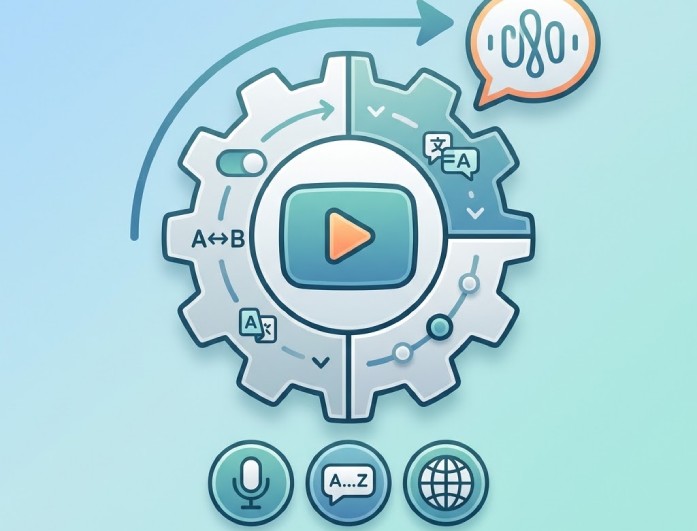
customizable translation settings
Img ALT

Auto Subtitle Generation & Sync

Our free video translator automatically generates subtitles as you translate video online, saving time and effort. It ensures subtitles are properly synced with the audio so viewers can follow every word clearly.

This tool helps you improve accessibility by making videos easier to understand for different audiences. It supports creators, educators, and businesses who want to share content globally with clear and accurate subtitles.

Understand and Enjoy Videos in Any Language

content creators

Content Creators

Creators can translate their videos to reach a global audience. It helps increase views and engagement from around the world.

travelers

Travelers

Travelers can translate videos about destinations, guides, and tips. This makes it easier to explore and understand new countries.

business professionals

Business Professionals

Professionals can understand international meetings, training videos, and presentations. It helps them improve communication in global work settings.

How to Easily Translate Videos Online?

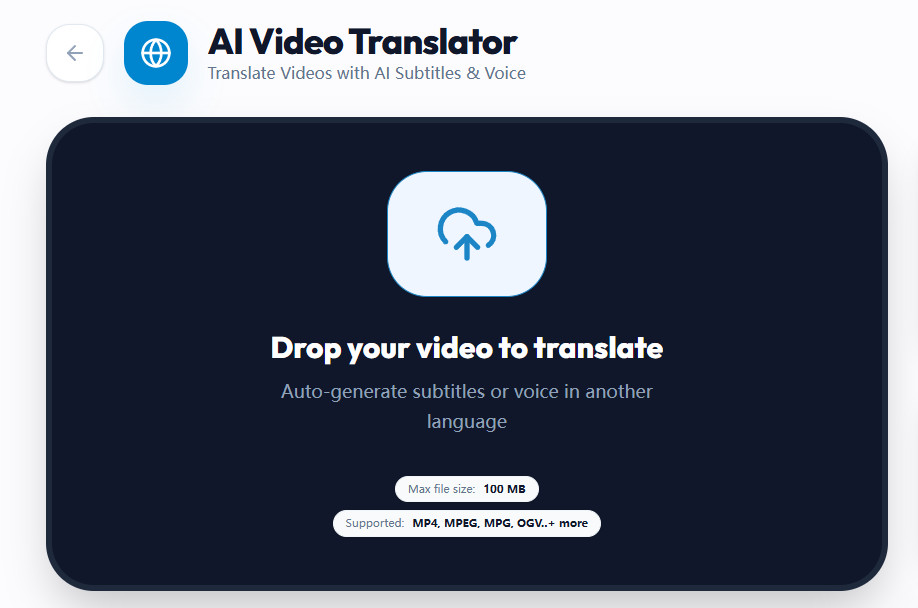
upload your video
customize translations settings
translate and download
  • 01
    Upload Your Video

    Initiate the process by clicking the "Drop your video to translate" button. Then, pick the video you want to translate and upload it to the platform.

  • 02
    Customize Translation Settings

    After that, select the language you want to translate into, and choose the translation style for your video. You can also pick where you want to input the subtitle.

  • 03
    Translate and Download

    Once everything is set, click "Translate Video Now" to process your video. Then, wait until the translation is done. Click the "Download Translated Video" button to save it.

Frequently Asked Questions

Is this online video translator free to use?

Yes, this online video translator is free to use for basic features. You can upload your video, choose your preferred language, and generate translations without paying. It is designed to be simple and accessible for everyone. Some advanced features require an upgrade for the pro version, but the main tools are available for free. This makes it a great option for students, creators, and everyday users.

Does the video include a watermark after export?

No, our tool does not add any watermark to your exported videos. You can download clean and professional-looking videos every time. This is perfect if you want to share your content on social media like reels or posts. It helps keep your videos looking original and polished. You don’t have to worry about unwanted logos or marks.

Can I translate any music video lyrics?

Yes, you can translate music video lyrics as long as the audio is clear. The tool works best when the sound is easy to understand. You can add videos up to 100 MB. Once uploaded, our video translator will process the audio and generate subtitles in your chosen language. This makes it easier to enjoy songs from different countries.

What video formats are supported?

This online video translator supports common video formats like MP4, AVI, MOV, and more. This means you can upload most videos without converting them first. It is designed to handle different file types smoothly. You can focus on translation rather than worrying about compatibility. This makes the process faster and easier.

Can I utilize this tool on mobile devices?

Yes, the tool works on mobile devices, such as phones and tablets. You can access it through your browser without installing anything. It is designed to be responsive and easy to use on smaller screens. This means you can translate videos anytime and anywhere. It gives you flexibility and convenience.

product icon AceThinker Wind Cut

Smart AI Audio & Video Editing Tool

wind cut banner
Back to Top
Contact Us
Learning Center