
Convert PDFs to share-compatible formats in your browser
Convert PDFs into formats that can be opened across email, messaging apps, and cloud platforms. Ensure consistent access across different devices without compatibility issues.
star
star
star
star_half

Convert Your PDF Online Instantly
Convert PDFs for Sharing with 1:1 Layout Precision
Flawless PDF Conversion Without Formatting Loss
Ensure every PDF you share looks exactly as intended—no shifted lines, missing fonts, or broken tables. Our conversion engine preserves structural integrity through Vector-Level Rendering, maintaining pixel-perfect alignment across headers, footers, multi-column layouts, and embedded graphics. Even when converting between PDF, Word, Excel, or image formats, the output retains 1:1 layout fidelity that standard raster-based converters fail to reproduce.
Technical Metrics
We validate our conversion accuracy with measurable, industry-recognized benchmarks. These metrics prove the structural precision, security, and professional consistency of every shared PDF.
Problems in Converting PDFs for Easy Sharing
This section explains common problems you may face when converting PDFs for sharing.
PDFs too large for email attachments
PDF files exceed email size limits, causing sending failures or bounced messages. This prevents documents from being delivered through standard email platforms.
Recipients cannot open certain formats
Some converted files use formats that are not supported on the recipient’s device. This leads to access issues when sharing across different platforms or systems.
Upload platforms reject large or incompatible files
Many platforms block uploads when files exceed size limits or use unsupported formats. This results in failed attempts to share on cloud services or social channels.
Converted files are still too heavy for mobile sharing
Even after conversion, files remain too large to send through mobile apps or messaging platforms. This slows down sharing and may prevent successful delivery on limited networks.
Convert PDFs for Different Purposes
Some platforms and devices cannot open certain file formats, causing issues when sharing PDFs. Converting PDFs into compatible formats ensures they can be accessed across email, messaging apps, and cloud services.
- Email Attachments
- WhatsApp / Messaging Apps
- Cloud Upload
- Mobile Viewing
Some email platforms do not support certain file formats, causing attachments to fail when sending. Files must be converted into widely accepted formats to ensure successful delivery.

What you can do:
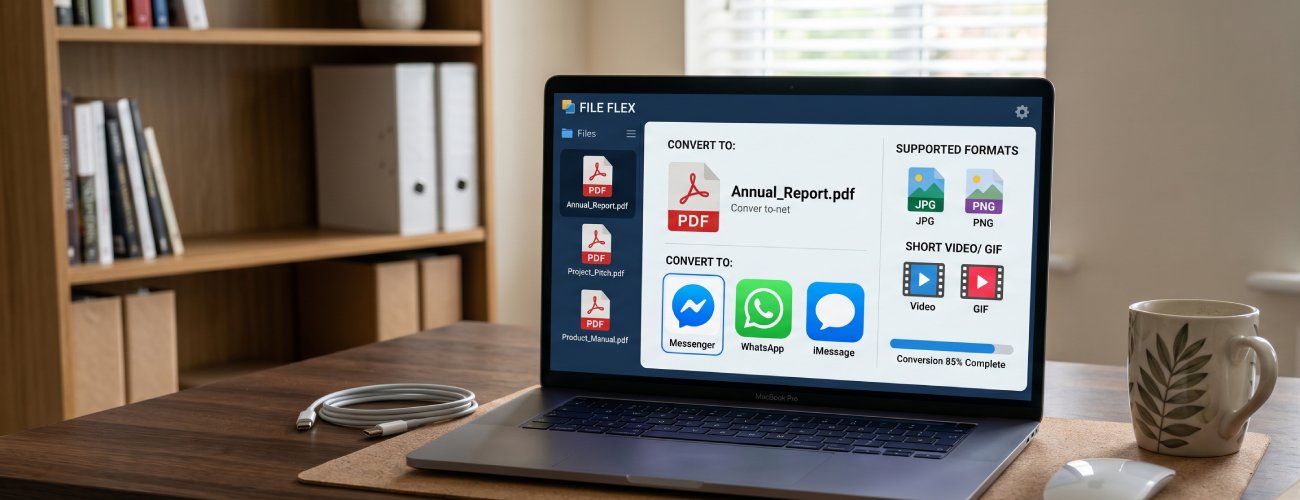
Messaging apps may not support certain document formats, preventing files from being sent or opened. This creates issues when sharing PDFs across mobile platforms.
What you can do:
Cloud platforms may reject files that are not in supported formats. This prevents successful upload and sharing across cloud services.
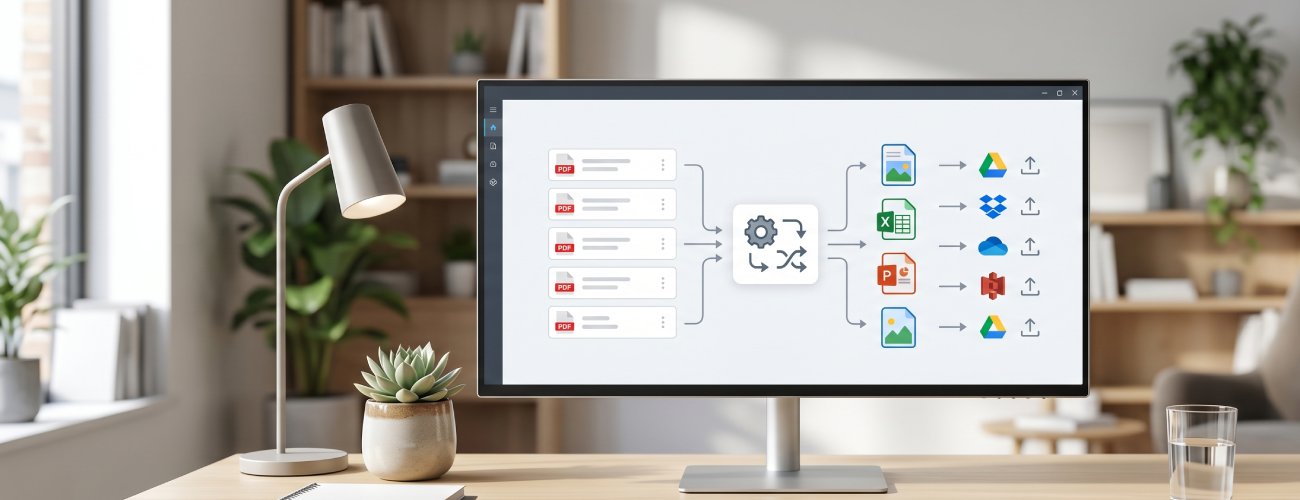
What you can do:
Some file formats are not optimized for mobile devices, making them difficult to open. This leads to access issues when viewing shared files on phones.
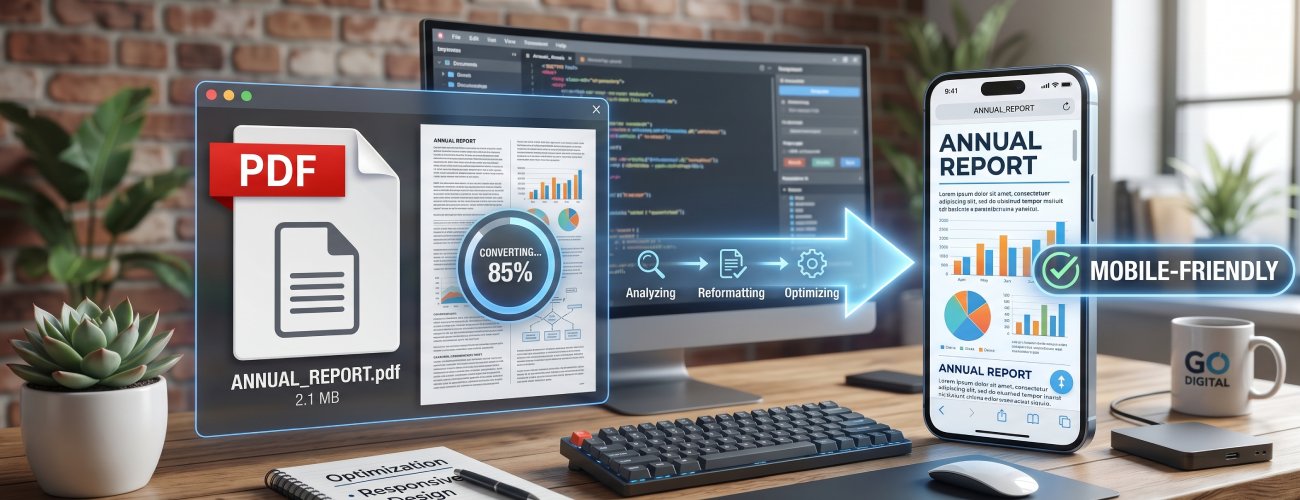
What you can do:
How to Convert PDFs for Easy Sharing
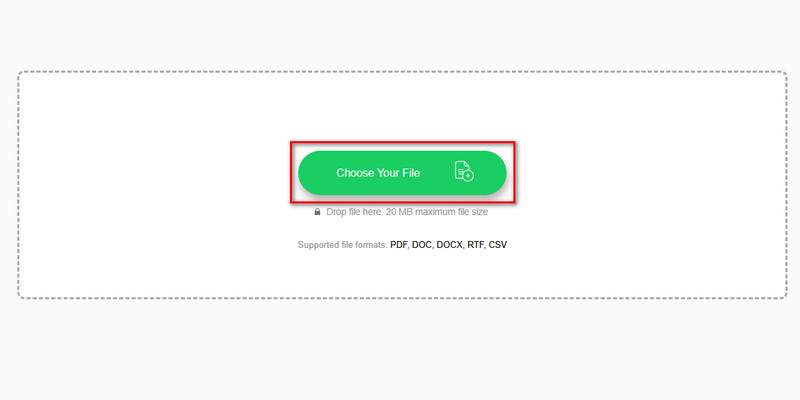
Upload your PDF, convert it into a lighter or compatible format, review the output, and download a file ready for sharing.
-
1
Import PDFs for Format-Specific Sharing Workflows
Load PDFs that need to be delivered through email, messaging apps, or online platforms with different format requirements. Preparation of the file is based on how and where it will be shared.
-
2
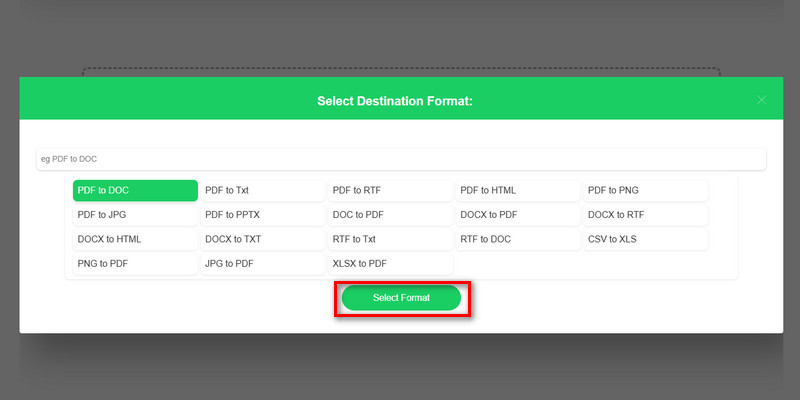
Select Output Format Based on Recipient Access Needs
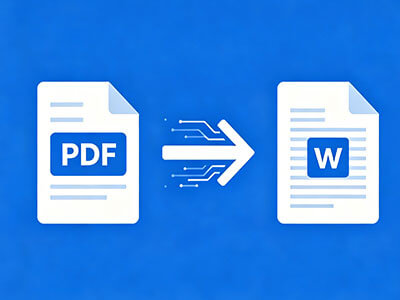
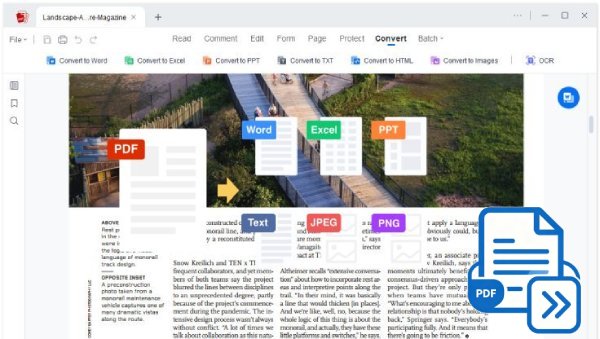
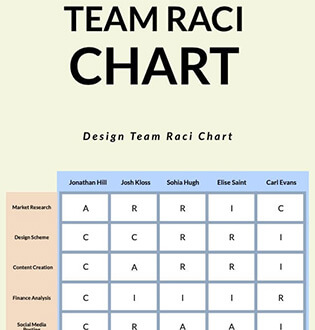
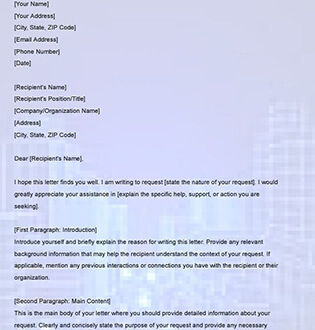
Choose Word when the recipient needs to edit content, JPG or PNG for instant preview in chat apps, or TXT for lightweight access on low-bandwidth or basic devices. Proper format selection ensures the file opens, views, or uses the way the recipient expects.
-
3
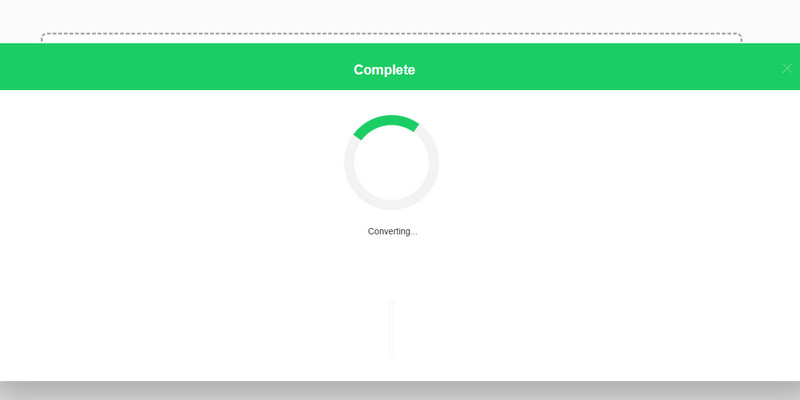
Execute Format Conversion for Platform Compatibility
Run the conversion process to generate a version that works within platform limitations, such as file-size restrictions or unsupported formats. The conversion output is optimized for smooth sharing, with no upload errors or compatibility issues.
-
4
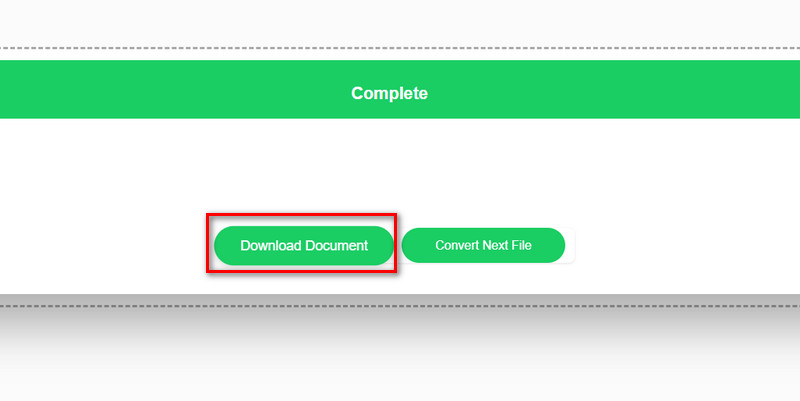
Export and Distribute Format-Optimized Files Across Sharing Channels
Download the converted file and send it via email, messaging apps, or cloud platforms, depending on the selected format. Final output delivery ensures recipients can access the file instantly without extra tools or adjustments.












star
star
star
star_half
Why Users Trust This Tool
Convert PDFs to Widely Supported Formats
Convert PDFs to widely supported formats for email, messaging, and cloud sharing. Files can be shared more reliably across platforms without format-related failures or rejections.
Ensure Compatibility Across Devices
Convert files into formats that open consistently on different devices and operating systems. Recipients can access shared documents without encountering unsupported file issues.
Maintain Readability After Conversion
Preserve text, images, and layout structure so converted files remain clear when opened. Shared documents stay easy to read without distortion or broken formatting.
Optimize Files for Fast Upload and Download
Prepare files in formats that are easily processed by email, messaging, and cloud platforms. Uploads and downloads are smoother when sharing across different services.