
Compress PDFs to Meet Email and Messaging Size Limits
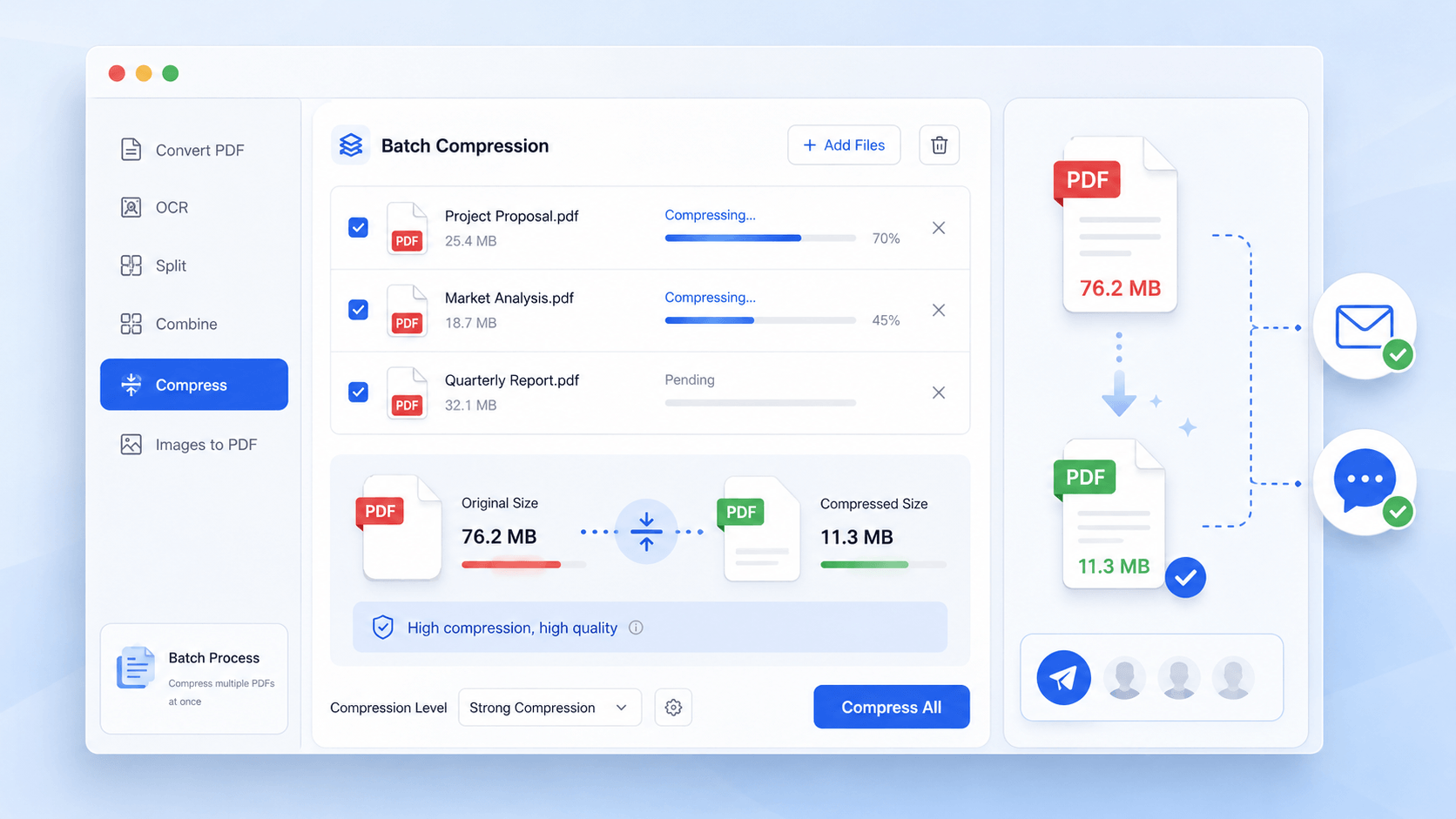
Reduce file sizes to avoid upload failures and meet attachment limits across Gmail, Slack, and messaging platforms. Ensure fast, reliable document delivery while maintaining readability for recipients on any device.
star
star
star
star_half

Prepare Your PDFs Before Compression & Sharing
High-Ratio PDF Compression with 1:1 Layout Integrity
Compress PDFs Without Sacrificing Clarity or Readability
Your compressed PDFs will retain their original formatting, text sharpness, and vector precision—even at aggressive compression ratios. Using Vector-Level Rendering and Adaptive Layer Rebuilding, our compression engine restructures PDFs at the element level instead of flattening them like standard compressors. This ensures 1:1 layout preservation, crystal-clear text, and fully intact embedded graphics.
Technical Metrics
We document compression performance based on measurable, industry-recognized benchmarks to demonstrate the scientific reliability of our output.
PDF Compression Difficulties
See why some files stay large or lose clarity during the compression process.
Email Size Limits
Large PDF files usually exceed email attachment limits, making it difficult to send documents quickly. Teams will waste time splitting files or retrying failed deliveries.
WhatsApp & Slack Upload Failures
Oversized PDFs can take too long to upload and share through WhatsApp, Slack, or chat platforms. Slow transfers delay communication and make file sharing less reliable.
Rejected Portal & Cloud Submissions
Many websites and cloud platforms reject PDFs that exceed their file-size limits during uploads. Failed submissions interrupt workflows and delay document delivery.
Poor Viewing Experience
Some compressed PDFs lose clarity after being sent, resulting in blurry images or hard-to-read text for recipients. Inconsistent file quality creates frustration when documents are opened across different devices.
When You Need to Compress PDFs
See situations where compressing PDFs helps with faster sharing and smaller file sizes.
- Send via Gmail & Outlook
- Share on WhatsApp & Slack
- Upload to Google Drive & Dropbox
- Batch Compress for Team Sharing
Large PDF attachments can exceed email file size limits, preventing documents from being sent successfully. Slow uploads and failed deliveries can delay important file sharing.

What you can do:
Large PDFs can take too long to upload and send through WhatsApp, Slack, Teams, and other messaging platforms. Slow file transfers make instant sharing across devices more difficult.
What you can do:
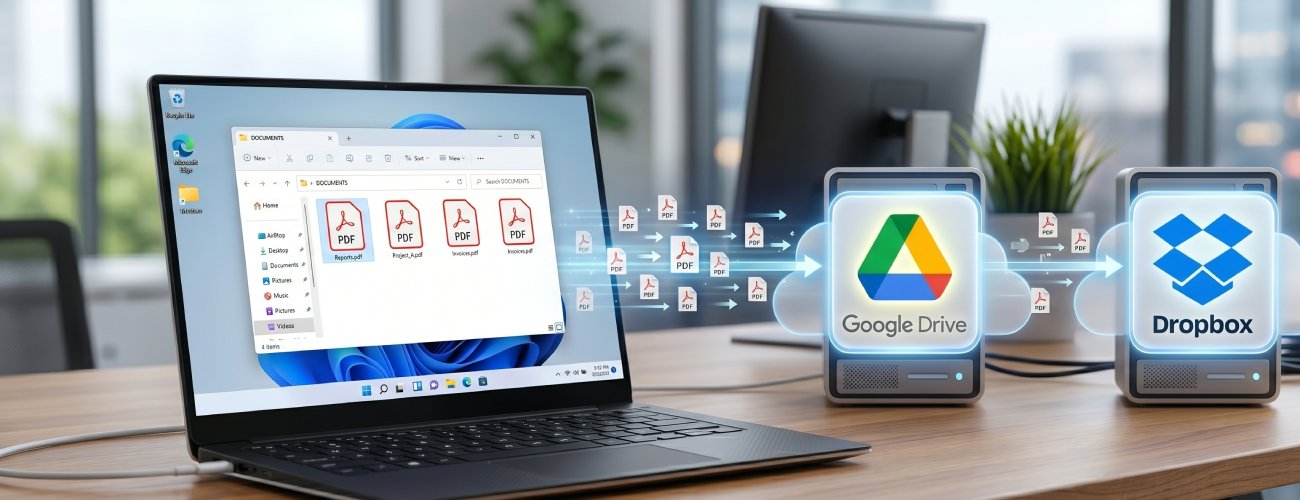
Cloud platforms like Google Drive and Dropbox may take longer to upload large PDF files. Oversized documents can also create sharing and download issues for recipients.
What you can do:
Sharing multiple large PDFs with teams can slow uploads and increase transfer times. Inconsistent file sizes may also create compatibility issues across platforms.

What you can do:
Prepare Your PDFs for Instant Sharing and Delivery
Upload your PDF files and compress them into smaller, share-ready formats for fast delivery via email, messaging apps, or cloud platforms.
-
1
Prepare PDFs for Fast Digital Distribution
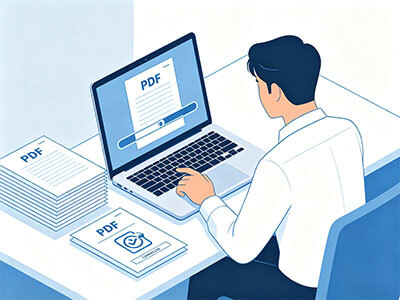
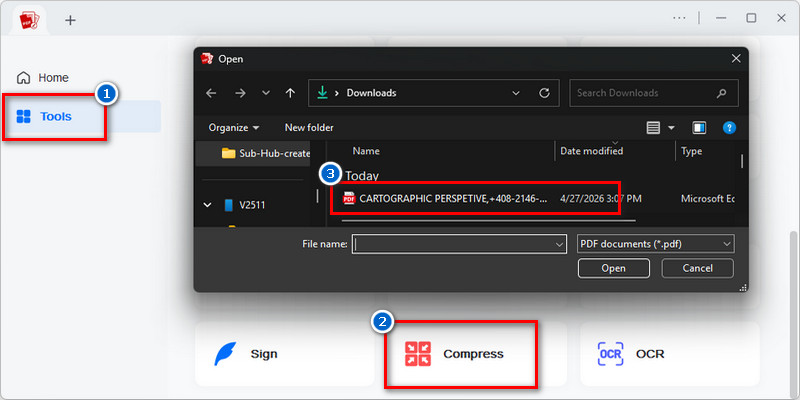
Upload PDFs into the compression workflow to prepare them for email, messaging apps, and cloud sharing platforms. This ensures documents are ready for efficient external delivery.
-
2
Reduce File Size for Smooth Transmission
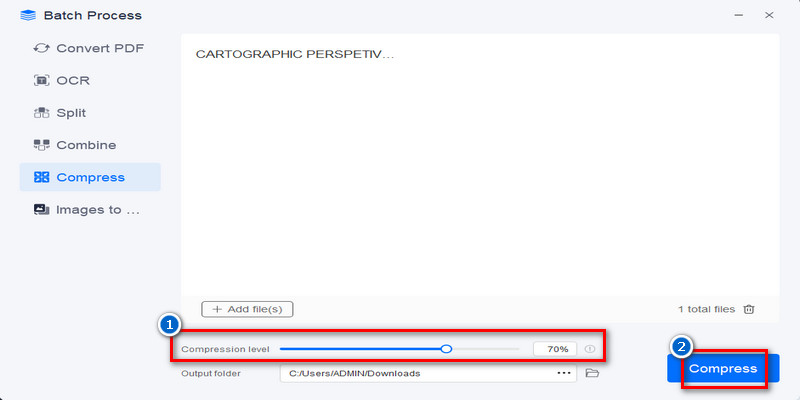
Adjust the Compression Ratio Slider to 70% to balance file weight reduction with visual clarity. This improves delivery efficiency without sacrificing readability.
-
3
Verify Viewing Quality for Recipients
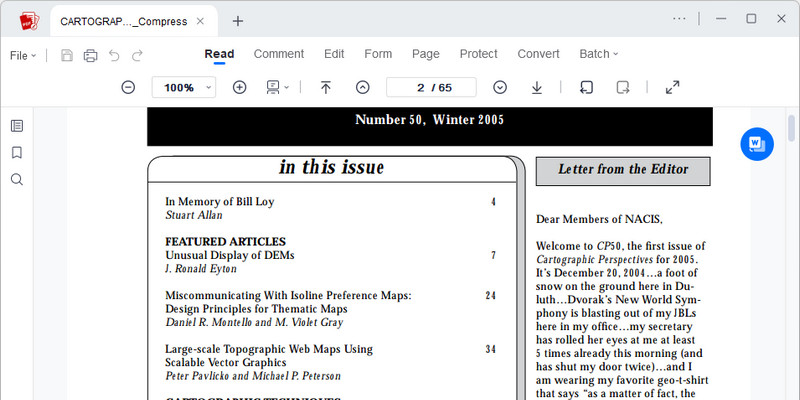
Review the compressed PDF to confirm that text and visuals remain clear when opened by recipients on mobile, desktop, or browser-based viewers. This supports a better receiving experience.
-
4
Share Lightweight PDFs Across Platforms
Generate a finalized PDF optimized for quick sending across email systems, messaging tools, and cloud storage channels. The output is designed for stable cross-device access.












star
star
star
star_half
Built-in Features You Can Rely On
Fit Files Within Email Size Limits
Compress large PDF files so they can be attached to emails without upload errors or size restrictions. This helps recipients receive documents faster and avoids failed deliveries.
Faster Uploads to Messaging Platforms
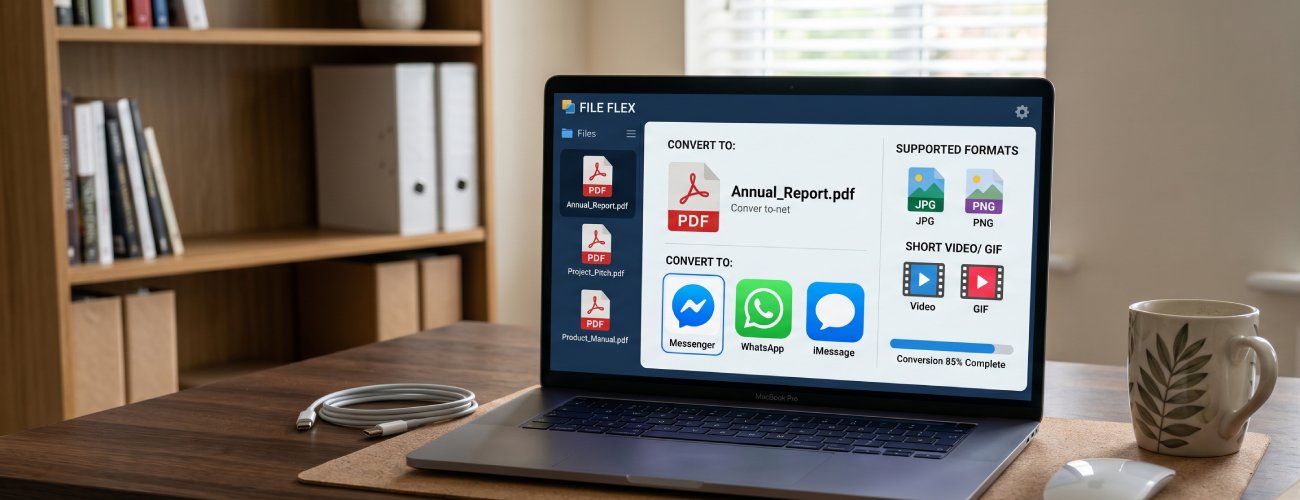
Reduce PDF size for quicker sharing through WhatsApp, Slack, Messenger, and other communication tools. Smaller files upload faster and download smoothly on any connection.
Maintain Readability After Compression
Lower file size while keeping text, images, and page layouts clear for recipients. Your shared PDFs remain easy to read across desktop and mobile devices.
Optimize PDFs for Mobile Viewing
Create lightweight PDF files that open faster on phones and tablets. Recipients can quickly access documents without long loading times or excessive data usage.