
Edit PDF Contracts for Accurate Legal and Formatting Integrity
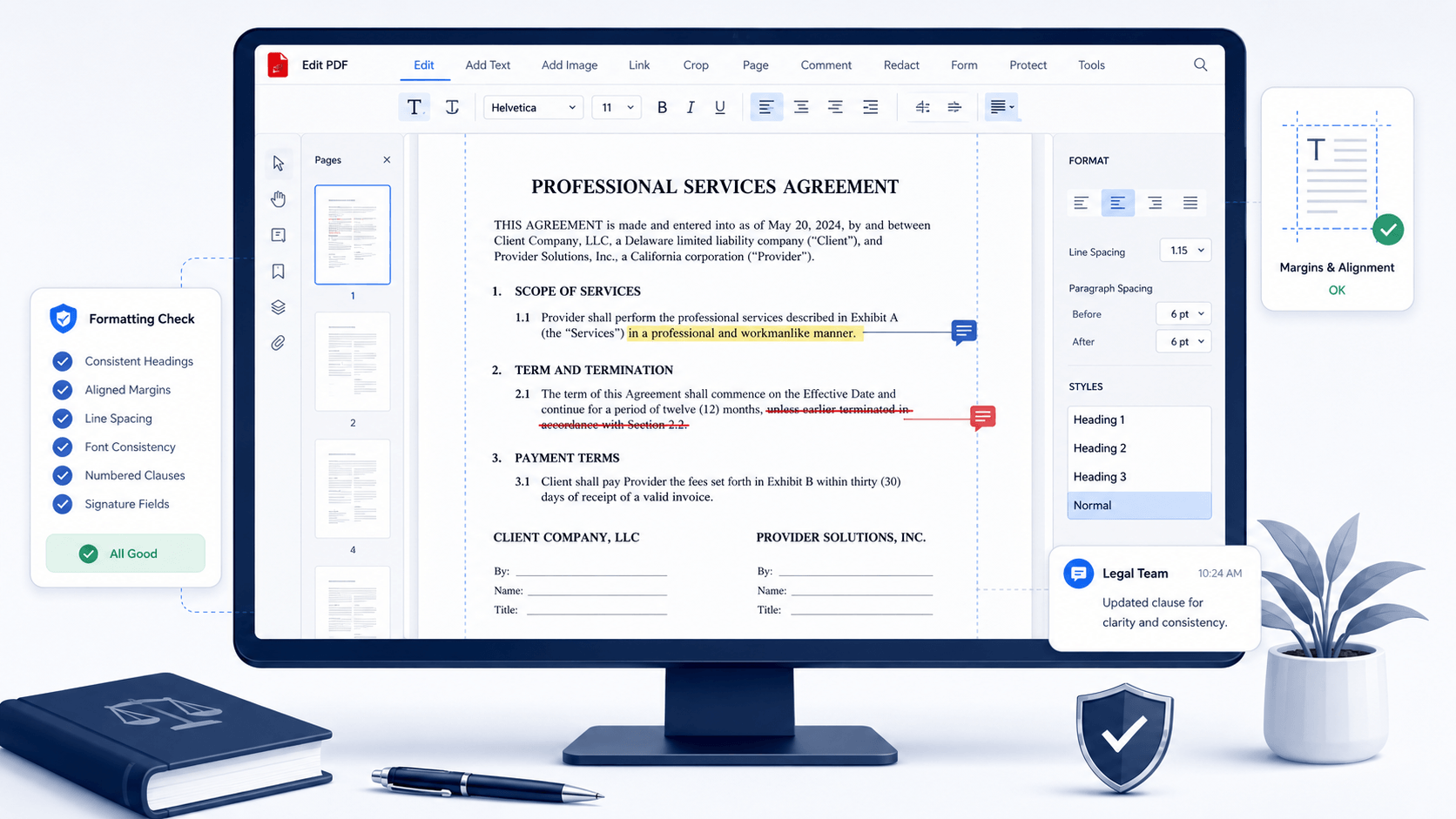
Update contract clauses, payment terms, obligations, dates, and signature fields directly inside legal PDFs while preserving clause hierarchy, formatting consistency, and enforceable structure. Maintain revision integrity across negotiation cycles, legal review stages, and final approval workflows—ensuring every edit remains aligned with contract validity requirements before execution.
star
star
star
star_half

Prepare Contract PDFs Before Advanced Editing
Edit PDF Contract Content with 1:1 Legal-Grade Integrity
Edit Contract PDFs While Preserving Legal Formatting
Ensure every contract stays structurally intact—no shifted signatures, broken tables, or altered clause numbering. With Vector-Level Rendering and Semantic Layout Tracking, the editor preserves font geometry, table alignment, and stamp clarity at a granular level. This guarantees 1:1 Layout Integrity, so your revised contracts remain legally compliant and visually identical to the original across all platforms.
Technical Metrics
Every performance metric below is verifiable, industry-aligned, and engineered to meet legal workflow expectations.
Common Risks in Contract Clause Revisions
Traditional document management often compromises the precision required in high-stakes litigation.
Multiple contract versions cause approval conflicts
When revised contract drafts circulate across legal, HR, or procurement teams, outdated versions may still be reviewed or approved. This leads to inconsistent clause enforcement and delays in contract finalization.
Clause revisions break structural integrity before execution
Editing obligations, payment terms, or liability clauses can disrupt numbering, references, or formatting hierarchy in legal PDFs. These inconsistencies often require revalidation before the contract can proceed to signature.
Untracked revisions lead to enforceability disputes
If clause changes are not clearly tracked across review cycles, stakeholders may interpret different versions of the agreement. This creates legal ambiguity during dispute resolution or compliance checks.
Incorrect edits compromise contract validity
Errors in critical fields such as effective dates, financial terms, or signature blocks can invalidate sections of the agreement or trigger rejection during legal review or audit processes.
Manage Contract Clause Revisions Across Legal Workflows
These scenarios reflect real contract lifecycle stages where clause revisions, legal validation, and approval workflows must be carefully managed to prevent enforceability issues or approval delays.
- Revise Contract Clauses
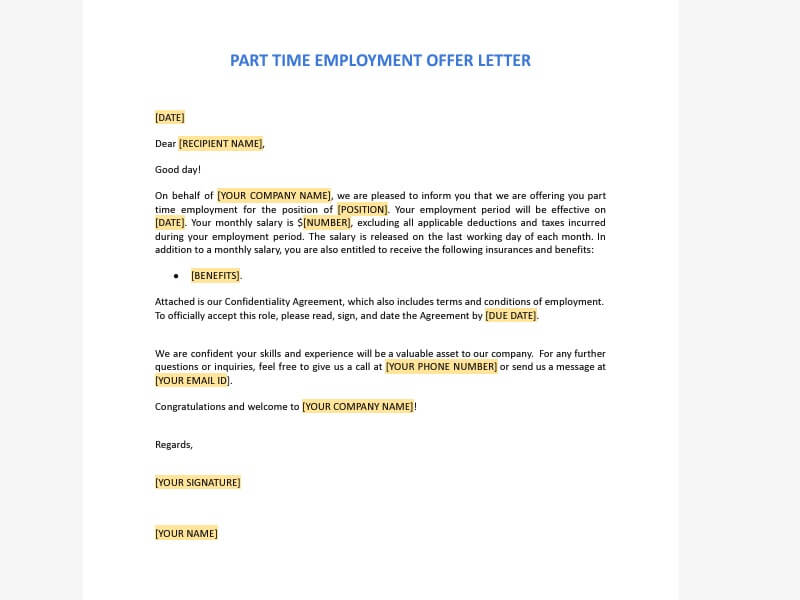
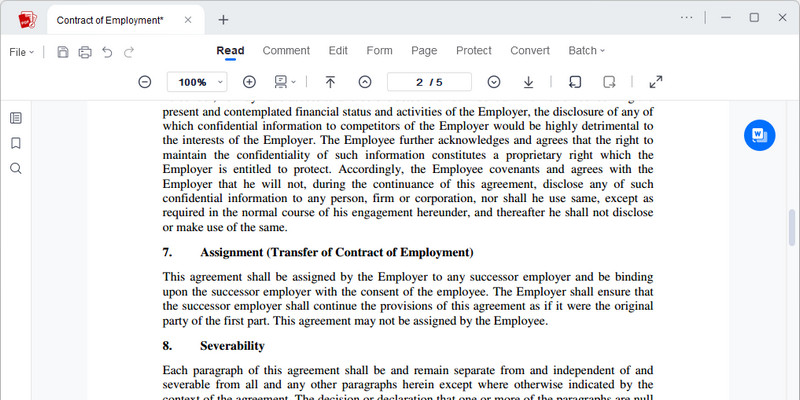
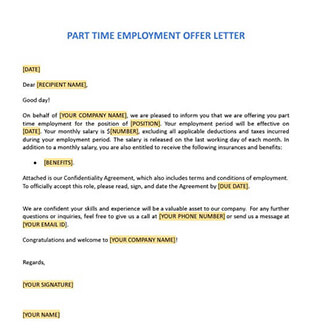
- Update Employment Contracts
- Modify Vendor Agreements
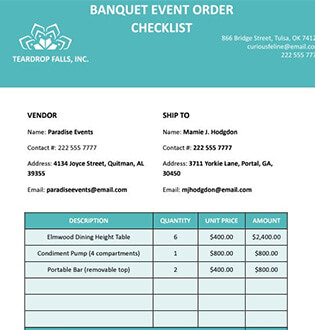
- Correct Legal Documents
Contract clauses often go through multiple rounds of negotiation before final approval. Without controlled revision management, earlier clause versions may persist in later drafts, creating inconsistencies in obligations, pricing, or liability terms.
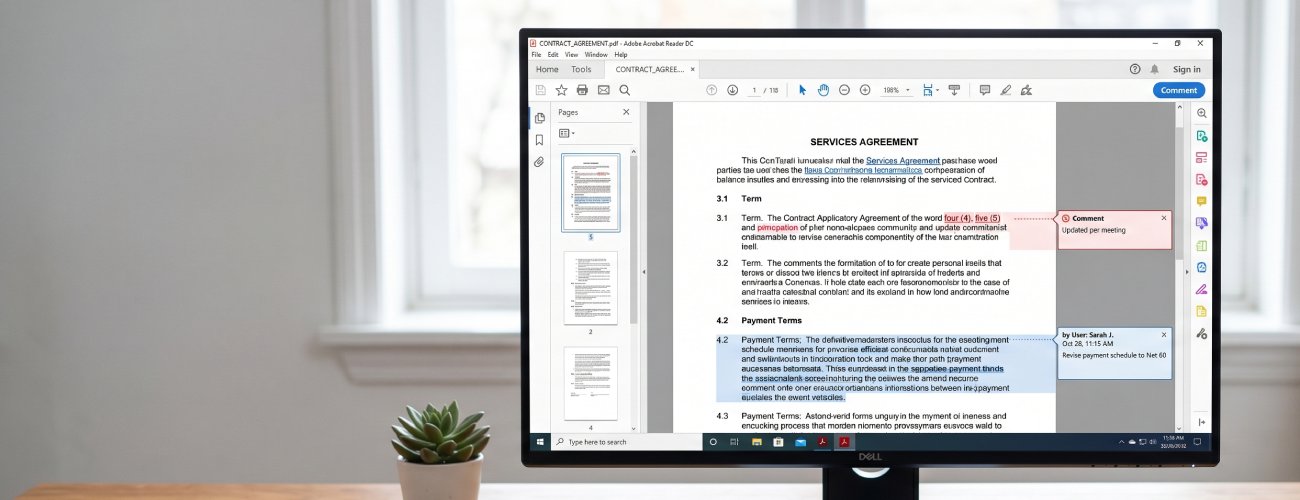
What you can do:
Employment contracts are frequently updated during internal reviews to reflect role changes, compensation adjustments, or policy revisions. If outdated terms remain in the document after signing, they can become legally binding, creating compliance issues and HR disputes.

What you can do:
Vendor and service agreements often contain interdependent clauses, in which changes to pricing, deliverables, or timelines can affect multiple sections. Uncontrolled edits may misalign obligations, leading to contractual disputes or financial discrepancies.
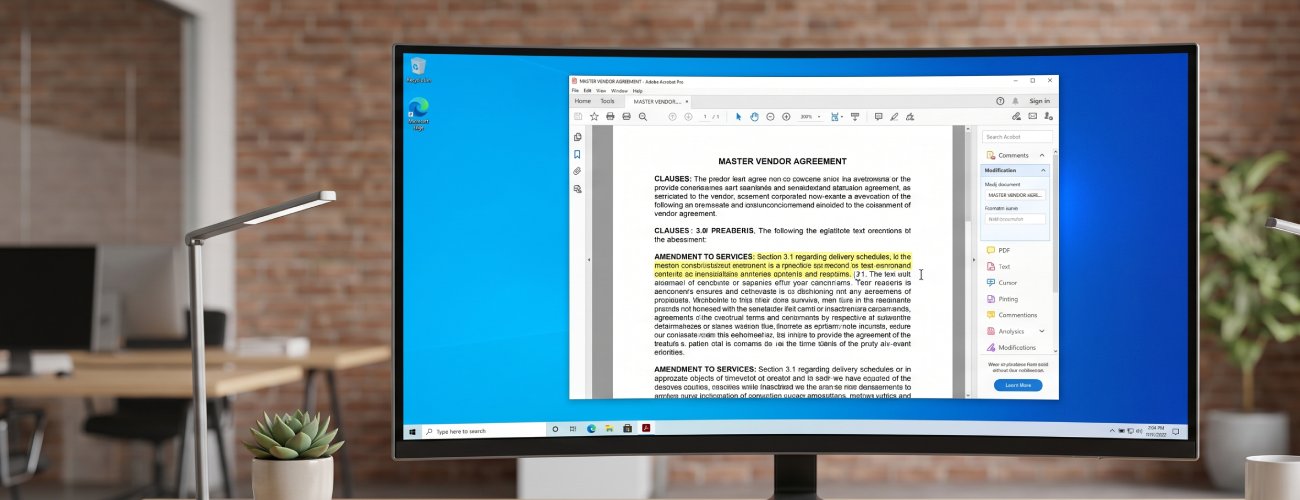
What you can do:
Before final signing, contracts often contain minor errors in wording, dates, clause references, or formatting. Even small inconsistencies can delay approval or result in rejection during legal validation or compliance checks.

What you can do:
Import → Revise → Validate → Finalize
Upload contracts, revise clauses, update terms, validate formatting and signatures, then export a finalized version for approval or signing.
-
1
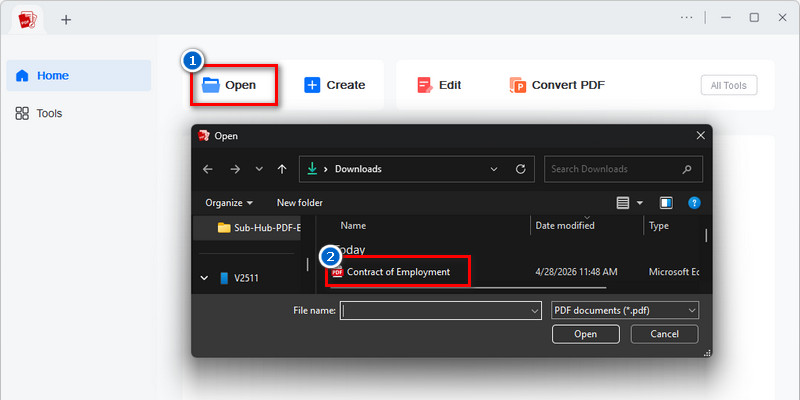
Import Contract for Legal Review
Import the contract while preserving clause structure, numbering, defined terms, and signature fields. This ensures the document remains intact for accurate clause-level revisions during legal review.
-
2
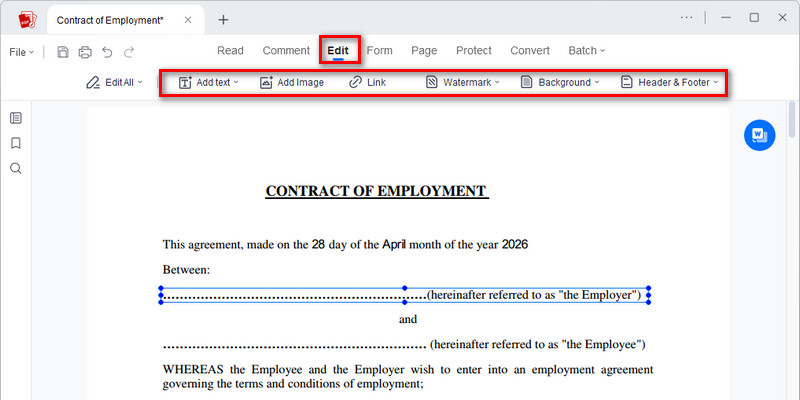
Revise Contract Clauses and Terms
Update specific clauses such as obligations, payment terms, liability conditions, and renewal terms. All edits maintain clause hierarchy and alignment across related sections to prevent inconsistencies.
-
3
Validate Legal Structure and Formatting
Review clause numbering, cross-references, defined terms, and formatting consistency to ensure the contract remains legally coherent and ready for approval or compliance checks.
-
4
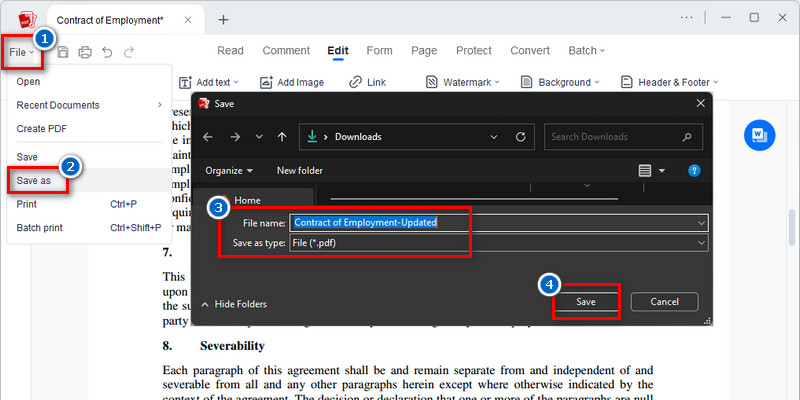
Finalize Contract for Approval or Signing
Export a finalized version with all approved revisions applied, ensuring the document is complete, enforceable, and ready for signature, submission, or legal archiving.











star
star
star
star_half
Why Our Contract Editing Tool is Reliable
Clause-Level Contract Revision Without Structural Breaks
Edit specific contract clauses—such as obligations, payment schedules, liability terms, and scope definitions—without disrupting numbering systems, cross-references, or legal formatting hierarchy.
Trackable Revision History for Legal Review Cycles
Every clause change is recorded with revision history and contextual comments, enabling legal teams to compare versions, validate changes, and approve updates across negotiation stages.
Signature Field and Execution Integrity Protection
Signature blocks, execution dates, and authorization fields remain structurally locked during editing to ensure contract enforceability across all revision cycles.
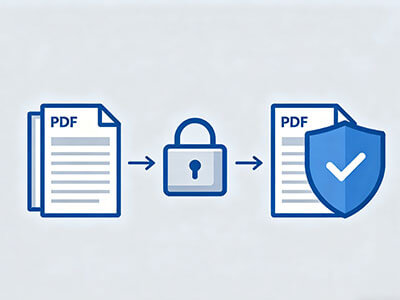
Secure Legal Document Editing Environment
Contract data, including pricing terms, client information, and confidential clauses, is processed in encrypted environments designed to maintain confidentiality during legal review and approval workflows.