menu

Analyze PDFs with AI for Research, Reports, and Deep Insights
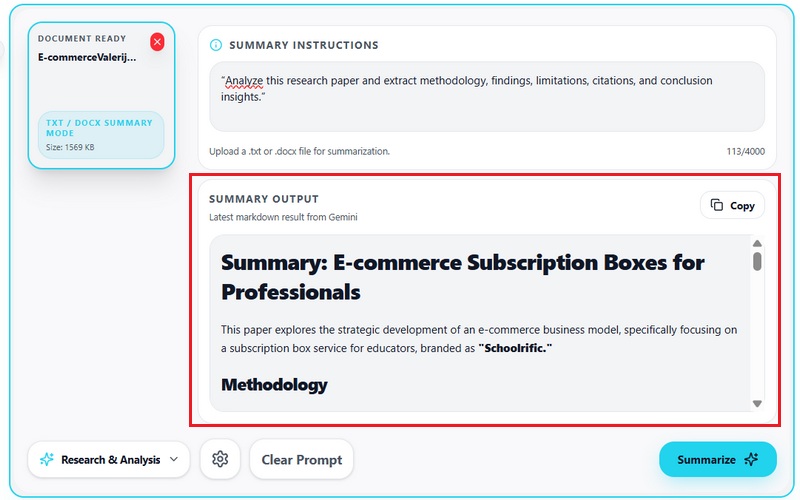
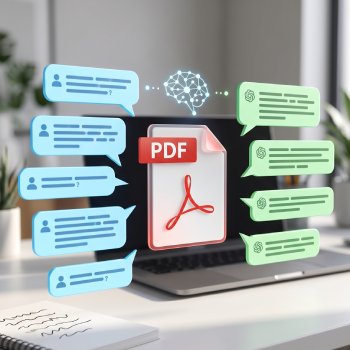
Analyze PDFs with a Google Gemini-powered AI Research Assistant that understands document context, extracts insights, and generates structured findings from research papers, reports, and business files.
Edit Photos for Social Media
Or drop image here, paste image or URL
Try with one of these

Faster Document Insights for Professionals

photo_library

Business Professionals

Important information is often buried within lengthy reports, proposals, and documents. AI-powered analysis helps identify key insights quickly and reduce manual review time.
temp_preferences_custom

Researchers

Working with academic papers and reference materials requires careful information gathering. Quick document analysis highlights important findings and supports research efficiency.
movie

Students

Understanding lengthy textbooks and academic resources can be time-consuming. AI analysis extracts key points and summaries, making study sessions more focused.
sync

Administrative Teams

Handling contracts, forms, and internal records requires attention to detail. PDF analysis tools help locate important information faster and improve workplace productivity.

Get Complete PDF Analysis

Use AI PDF Analyzer to understand complex documents, extract meaningful insights, and interpret relationships across research papers, reports, contracts, and business files.

arrow_split

Deep Document Analysis

AI Research Assistant analyzes reports, research papers, and long PDFs to identify important sections, contextual relationships, findings, and supporting evidence.

assignment

Smart Data Extraction

Create high-impact banner ads optimized for websites, Google Display, and retargeting campaigns.

convert_to_text

Context-Aware Understanding

google Gemini understands document structure, section hierarchy, contextual relationships, and connected information before generating structured AI results.

How the AI PDF Analyzer Works

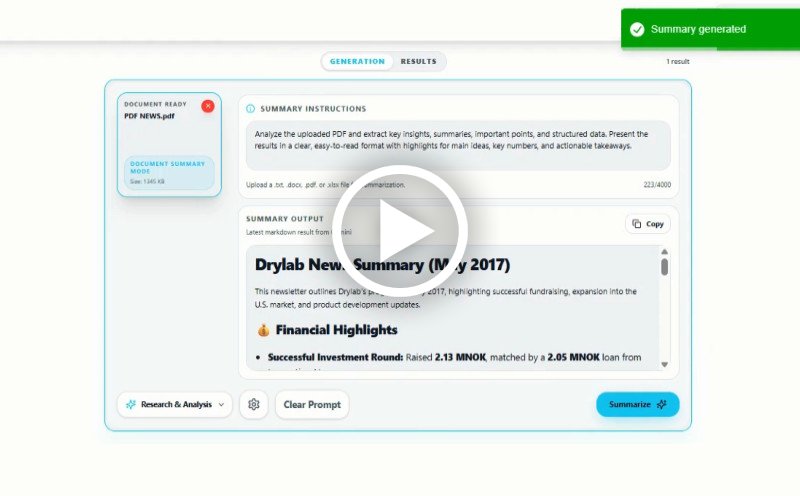
Analyze PDF Files in three simple steps and extract insights in seconds.

  • 1

    Upload Your PDF

    Upload research papers, business reports, presentations, technical files, invoices, or contracts directly into the AI PDF Analyzer.

  • 2

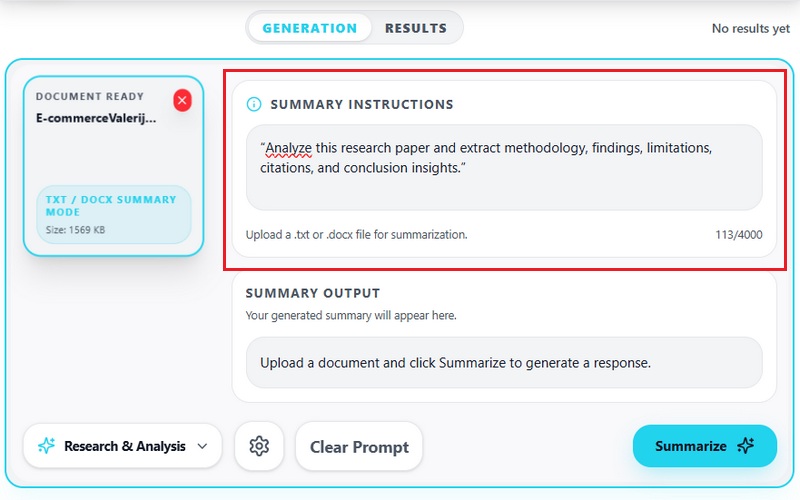
    Google Gemini AI Analyzes the PDF

    AI Research Assistant automatically identifies document structure, contextual relationships, key findings, supporting evidence, trends, and important sections.

  • 3

    Review Structured Insights

    Review AI-generated findings, contextual summaries, extracted metrics, organized outputs, and actionable insights ready for reporting or decision-making.
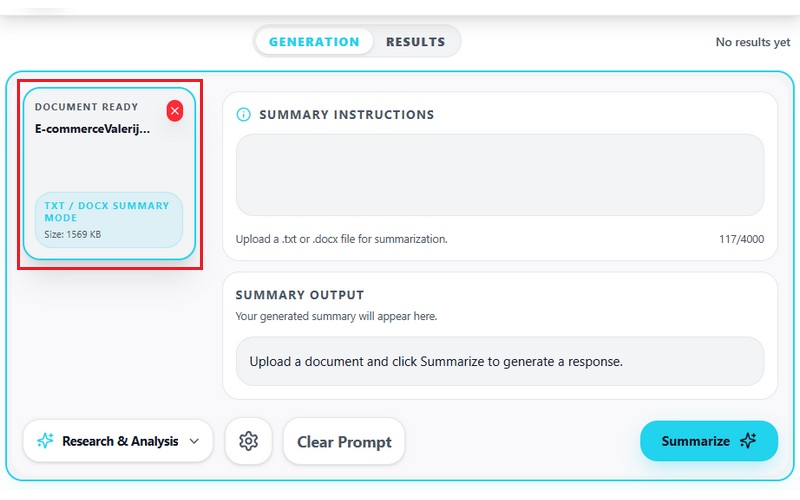
Upload Your PDF
Analyzes the PDF
Review Structured Insights

Why Use AI PDF Analyzer

bolt
Extract Actionable Insights

Identify trends, findings, conclusions, financial metrics, risks, and important information automatically.

verified_user
Understand Complex PDFs Faster

Analyze long reports, research papers, technical documentation, and business PDFs without manually reading every page.

psychology
Improve Research Efficiency

Use AI Research Assistant to organize, interpret, and review complex documents more efficiently.

event_note
Analyze Context Instead of Keywords

Google Gemini understands relationships between sections, concepts, evidence, and document structure for deeper analysis.

Frequently Asked Questions

How does this tool extract insights from PDF documents?expand_more

The AI PDF Analyzer processes uploaded PDFs and organizes information according to the instructions provided in the analysis prompt. Users can request outputs such as executive summaries, section-by-section breakdowns, action items, research highlights, or document comparisons, rather than receiving raw extracted text. Moreover, the tool uses Google Gemini 3.1 Pro to analyze document structure, identify important information, and generate organized text outputs that are easier to review and reuse.

Can I analyze large PDFs without manually reading the entire file?expand_more

Yes. The tool can process multi-page PDFs and condense the content into shorter summaries, highlights, or topic-focused reports. This workflow is useful for reviewing business reports, research papers, contracts, presentations, and other lengthy files where only key information is needed. In addition, users can customize the prompt to focus the output on specific sections, findings, or questions related to the document.

What types of outputs can the PDF analyzer generate?expand_more

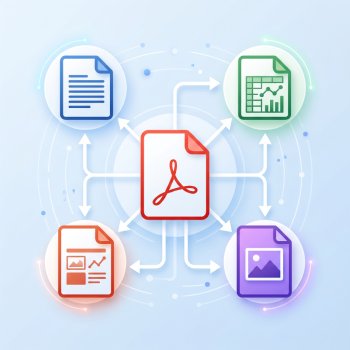
The PDF Analyzer generates editable text outputs that can be copied directly into reports, notes, presentations, or documentation workflows. Depending on the instructions provided, the output may include bullet-point summaries, categorized insights, timelines, action items, meeting-style notes, or question-based responses. The structure of the result changes based on the document content and the type of analysis requested in the prompt.

Can I ask questions based on the uploaded PDF content?expand_more

Yes. The tool allows users to enter specific instructions or questions about the uploaded PDF, rather than generating only a general summary. Users can request financial highlights, contract risks, action items, explanations of certain sections, or focused summaries based on particular topics within the document. This makes the workflow more flexible for research, reporting, business reviews, and document analysis tasks.

Does the tool support scanned PDFs or require text-based files?expand_more

The AI PDF Analyzer supports both text-based and scanned PDFs. Text-based documents usually produce cleaner and more accurate outputs because the content is directly readable from the file structure. Scanned PDFs can also be processed, although low-resolution scans, handwritten text, blurred pages, or inconsistent formatting may affect extraction quality and summary organization.

Analyze Your PDFs Instantly

Extract insights and structured data from any PDF using AI in seconds.

No installation • Instant results
Back to Top
Contact Us
Learning Center