menu
NEW: Google Nano is supported

AI Video Generator for Cinematic Content Creation

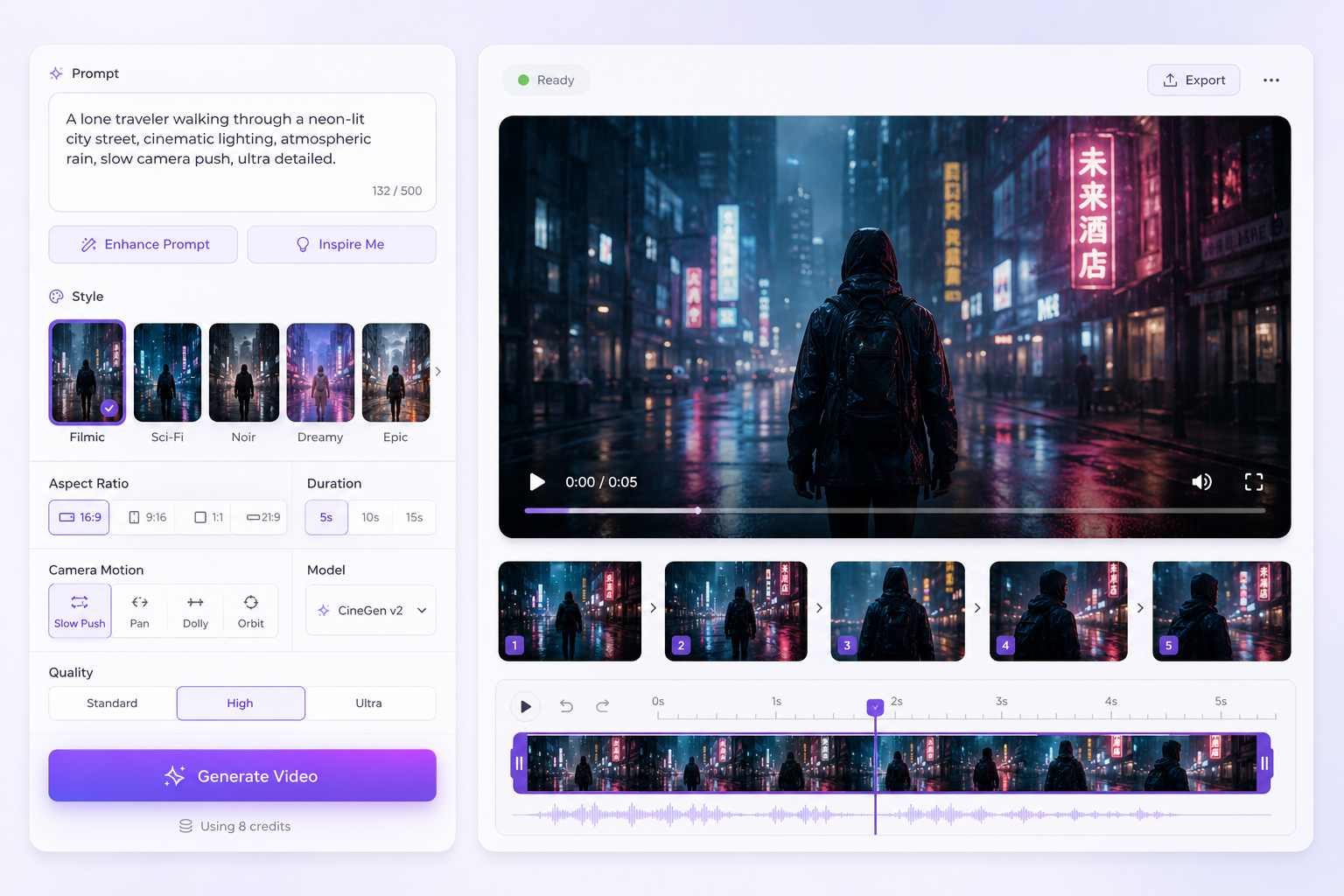
Our AI video generator is a powerful, browser-based platform that turns simple prompts into cinematic videos in seconds. Using advanced AI video creator models, you can generate high-quality visuals, experiment with styles, and produce engaging content instantly.

AI-Powered Creation Tools

Unleash your creativity with these AI-powered creation and editing tools.

palette

AI Image Generator

Make stunning visuals from simple text prompts using advanced AI models.

  • check_circle Text to Image
  • check_circle Image to Image
  • check_circle Multiple AI Models
movie_edit

AI Video Generator

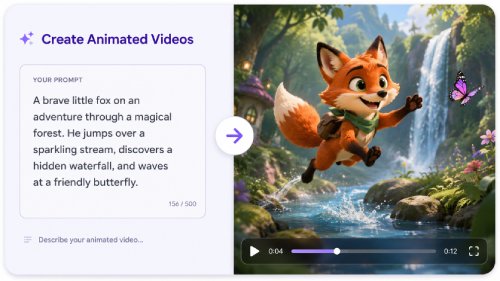
Instantly transform text prompts into engaging, high-quality videos.

  • check_circle Text to Video
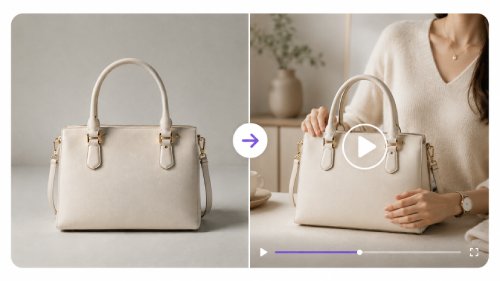
  • check_circle Image to Video
  • check_circle Advanced AI Models
auto_fix_high

AI Image Editor

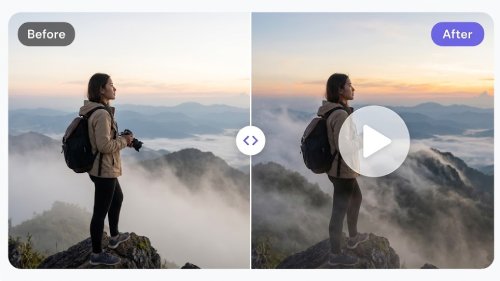
Adjust visuals, improve quality, and customize outputs for polished, professional results.

  • check_circle Remove Background
  • check_circle Enhance Photo
  • check_circle Delete Object

How to Create Videos with AI

Turn ideas into video with AI in minutes - fast and easy with no experience required.

01

Input Prompt

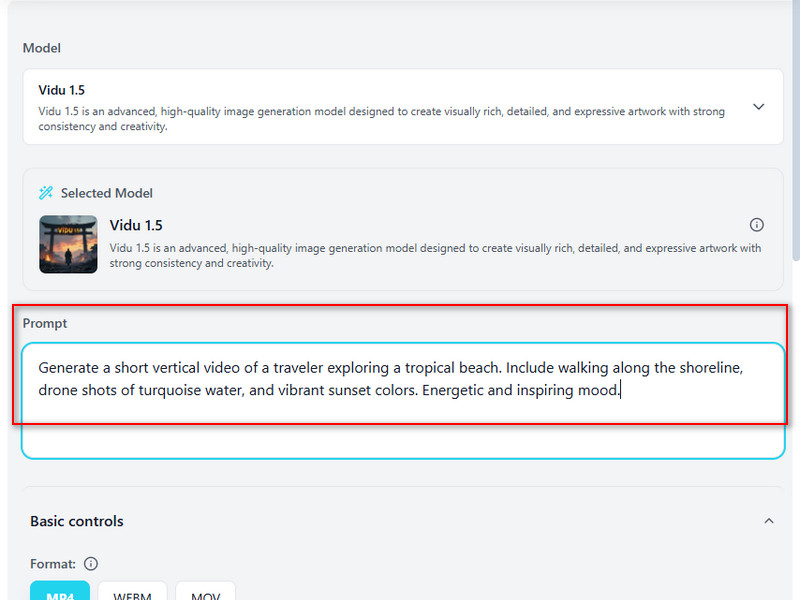
Log in to your account, go to "Text to Video", and enter your prompt. This is the first step to turning your ideas into cinematic AI videos.

02

Generate Video

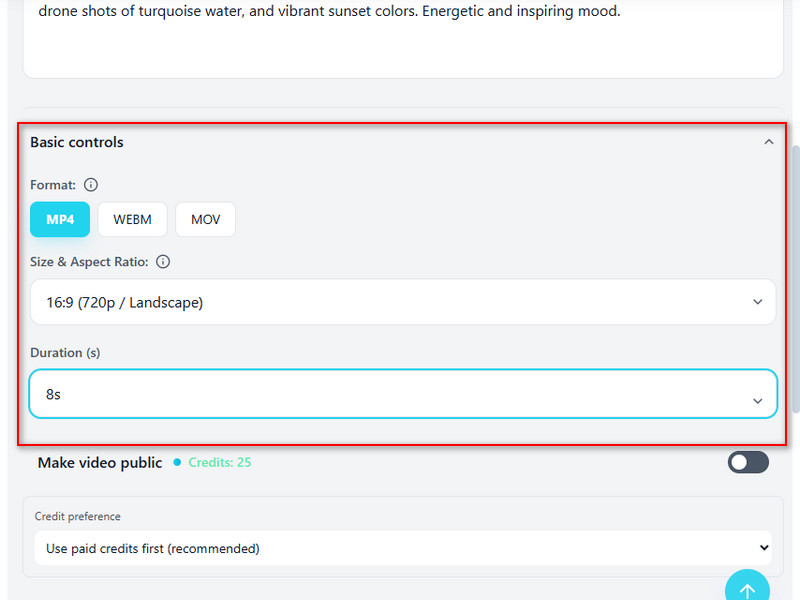
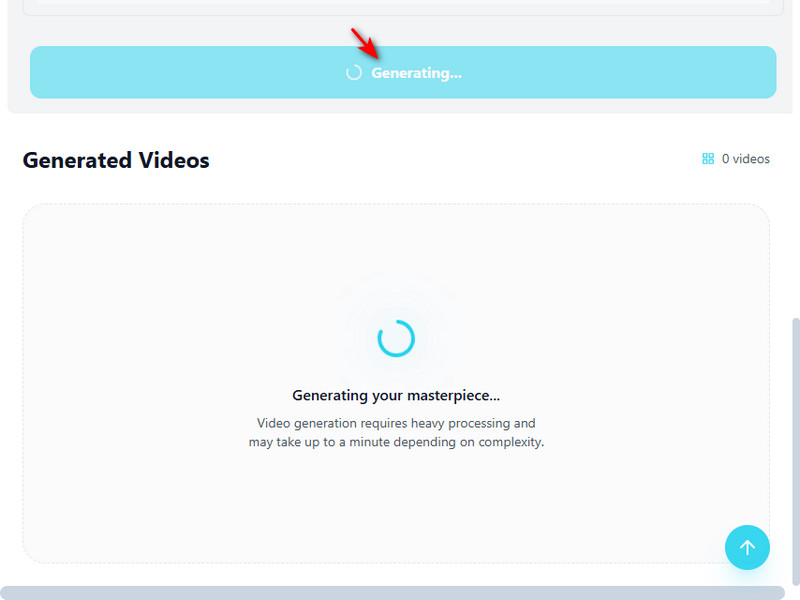
Select your AI model, playback format, duration, and aspect ratio. Click "Generate Video" to instantly transform your prompt into a high-quality, browser-based AI video.

03

Download Video

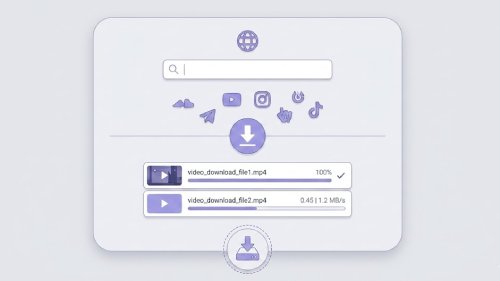
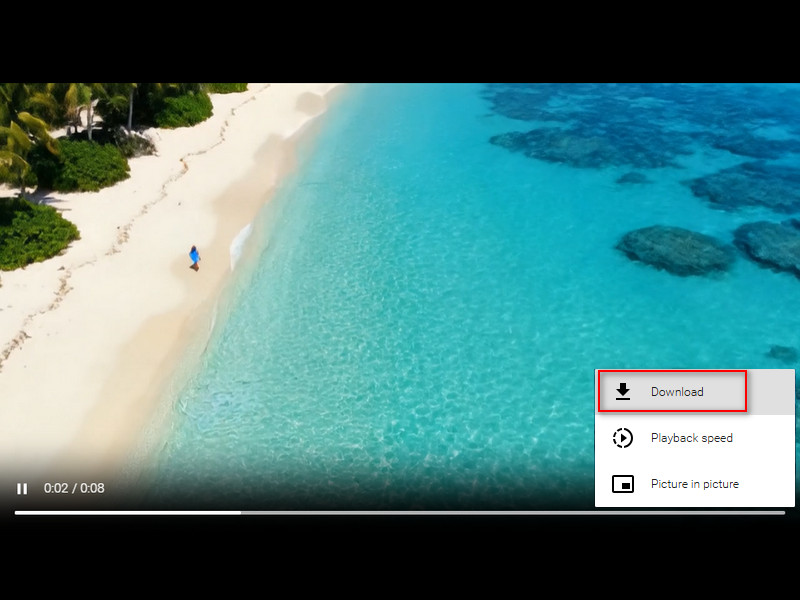
Once processing is complete, preview your video and click the download option to save it. Share or reuse your AI-generated video instantly with ease.

Create Videos for Any Use

shopping_cart

Digital Marketing

Create compelling ads and promotional content quickly. The AI video creator helps you generate video with AI to engage audiences and increase conversions.

campaign

Graphic Designers

Enhance your creative projects with cinematic visuals. Use an AI video maker to transform ideas into professional videos effortlessly for client presentations or portfolios.

brush

Social Platforms

Produce eye-catching content for Instagram, TikTok, and YouTube. Text-to-video AI lets creators generate social media campaign videos in minutes.

movie

Education & Training

Turn lesson plans or tutorials into engaging visual content. AI video creator simplifies the process to generate video with AI for online courses or workshops.

Why Choose Imivo Video Generator?

bolt

Fast Video Creation

Transform your text prompts into high-quality videos in minutes. Our AI video from text delivers speed and efficiency, letting you produce cinematic content instantly without lengthy rendering.

high_quality

Realistic Video Output

Create lifelike, professional videos with AI. With our advanced models, ensure your generated videos look natural, polished, and visually captivating for any purpose or audience.

lock

Browser-Based Convenience

Generate videos directly in your browser with no software downloads required. This best AI video generator online makes AI video creation simple, accessible, and efficient for creators anywhere.

Frequently Asked Questions

How do I turn a text idea into a short AI video?expand_more

Turning an idea into a video starts with a clear and focused prompt. Instead of describing an entire story in one sentence, break it down into the main subject, action, camera movement, visual style, duration, and purpose of the video. The AI Video Generator can transform these descriptions into short video clips for social media, marketing campaigns, product promotions, concept demonstrations, or creative projects. Shorter prompts with a single scene or action often generate more stable results because the AI has fewer elements to interpret at once. If a longer story is needed, creating several short clips and combining them later usually produces better results than generating a complex sequence in a single request.

Can I animate an existing image into a video?expand_more

Yes. If you already have a photo, you can turn it into a short animated video by uploading the image and selecting a video effect template. The AI Image to Video tool analyzes the face in your uploaded image and applies it to the chosen effect, letting you create engaging animations without recording a video yourself. This workflow is popular for social media content, promotional campaigns, entertaining clips, profile animations, and personalized video content. Simply choose a clear photo, select an effect that matches the style you want, and let the AI generate the video automatically. For the best results, use a high-quality image with a clearly visible face and good lighting. Since the animation is generated from a single image, some effects may not perfectly reproduce fine details. Elements such as hands, facial features, text, accessories, or complex backgrounds can appear distorted or inconsistent, especially when the source image is low-quality or partially obscured.

Why does my AI video output look unstable, distorted, or different from my prompt?expand_more

AI video generation can produce inconsistent results when prompts are too vague, include multiple scenes, or contain conflicting instructions. The AI Video Generator works best with short, focused prompts that describe a single scene, action, or camera movement. Since the tool typically generates videos 4–10 seconds long, it is often more effective to create a longer story, scene by scene, rather than trying to fit everything into a single generation. If you are using AI Image to Video, starting with a clear, high-quality image can also improve the results. Keep in mind that AI-generated videos may occasionally exhibit visual artifacts, such as shifting details, distorted hands, or inconsistent motion, especially in complex scenes or fast-moving sequences.

How do I translate a video for another language audience?expand_more

Translating a video for a new audience usually starts by converting the spoken content into text. You can use Audio & Video to Text to generate a transcript from the video's audio, then use Video Subtitle Translator to translate the subtitles into your target language. This workflow works well for tutorials, educational videos, product demonstrations, interviews, and social media content. After translation, review names, technical terms, industry-specific language, and subtitle timing to ensure the content remains accurate and easy to follow. While AI can significantly speed up translation, it may not always capture cultural nuances, context, or specialized terminology perfectly. A final human review is recommended before publishing important or professional content.

What limits should editors mention when writing about AI video tools?expand_more

AI video tools can significantly reduce production time, but editors should avoid presenting them as fully automated replacements for traditional video production. Honest expectations help users choose the right workflow and understand where manual review may still be required. When writing about AI Video Generator, AI Image-to-Video, or AI Video Effects, editors should note that results depend on prompt quality, source image quality, motion complexity, and the type of content being created. Facial consistency, text rendering, small product details, brand assets, and fast-moving scenes may not always appear perfectly across every frame. Translation workflows can also require human review to verify terminology, names, timing, and context. These tools are best positioned as creative assistants that accelerate content creation, prototyping, localization, and visual storytelling. Editors should avoid promising broadcast-ready quality, perfect character consistency, flawless translations, or guaranteed professional results without additional review and refinement.

Turn Text into Stunning Videos

Transform your ideas into professional videos with our online AI video generator. Fast, easy, and browser-based, perfect for creators of all levels.

Back to Top
Contact Us
Learning Center