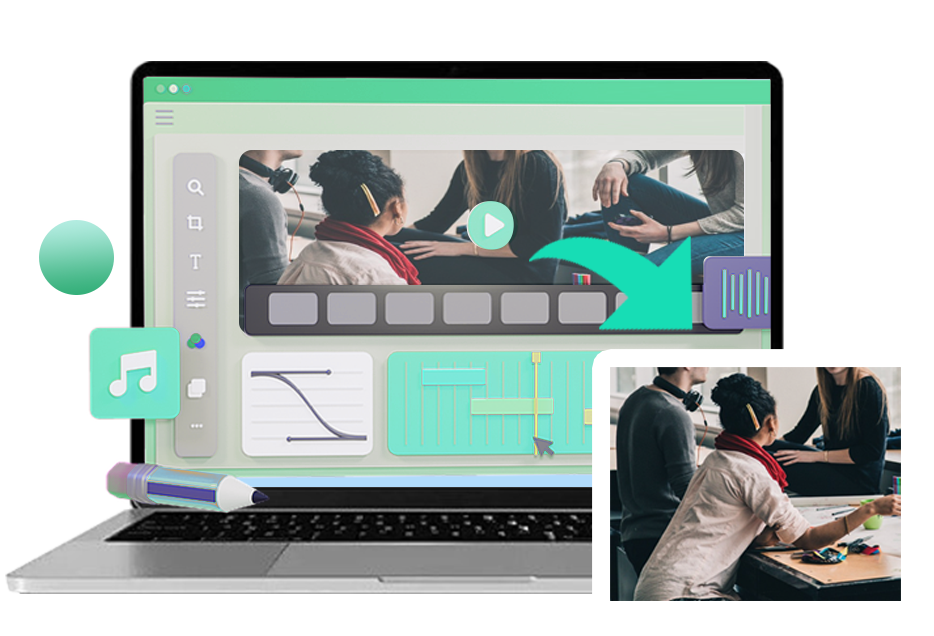
Resize videos online to meet the exact requirements of popular platforms like YouTube, TikTok, and Instagram. You can adjust video dimensions to fit square vertical or widescreen formats with ease. This ensures your content displays properly without cropping or black bars. It is a practical solution for creators who publish across multiple channels.
The tool helps maintain proper framing and layout, keeping your visuals clear and engaging. You can quickly adapt a single video to different formats for various platforms. This saves time and improves workflow efficiency for content creation. It is ideal for both beginners and experienced users.
Adjust the video resolution online to your needs, such as 1080p, 720p, or smaller sizes for faster sharing. The system uses smart scaling to preserve video clarity and reduce pixel distortion. This allows you to resize files without compromising visual quality. It is useful for uploading videos to websites or sending them through limited storage platforms.
Lowering resolution also helps reduce file size for quicker uploads and downloads. You can manage storage more efficiently while keeping videos clear and watchable. The process is simple and does not require technical knowledge. It works well for both personal and professional use.


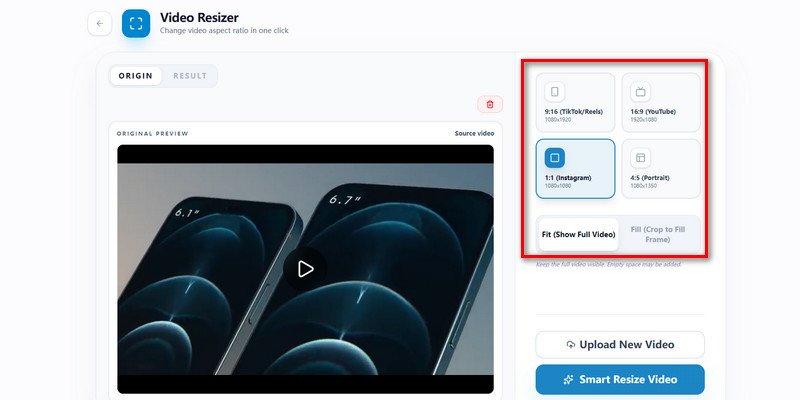
Change the aspect ratio of your video to formats like 1:1, 9:16, or 16:9 with ease. The built-in preview lets you see the result before exporting the final file. This helps you ensure the video fits perfectly on any screen or platform. It removes the guesswork during editing.
You can make accurate adjustments without having to repeat the process multiple times. The preview feature improves precision and saves time during editing. It also helps maintain the visual balance of your content. This is especially helpful for social media publishing.
Students and beginners can resize videos online for school tasks, presentations, and personal projects with ease.
Content creators can resize videos for platforms like YouTube, TikTok, and Instagram to match required formats.
Professionals can resize videos for marketing training and business presentations with proper formatting.


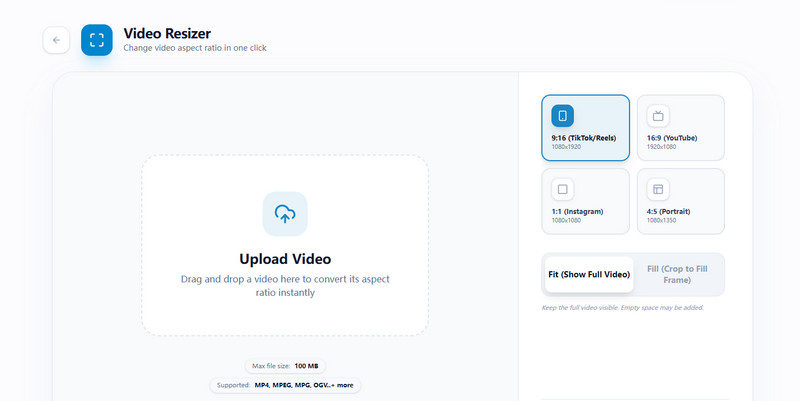
Upload your video file from your device or drag it into the video resizer. The tool supports common formats such as MP4, MOV, and AVI for easy access..
Select your preferred resolution aspect ratio or custom dimensions, such as 1:1, 9:16, or 16:9. Use the preview to ensure the video fits your desired format before processing.
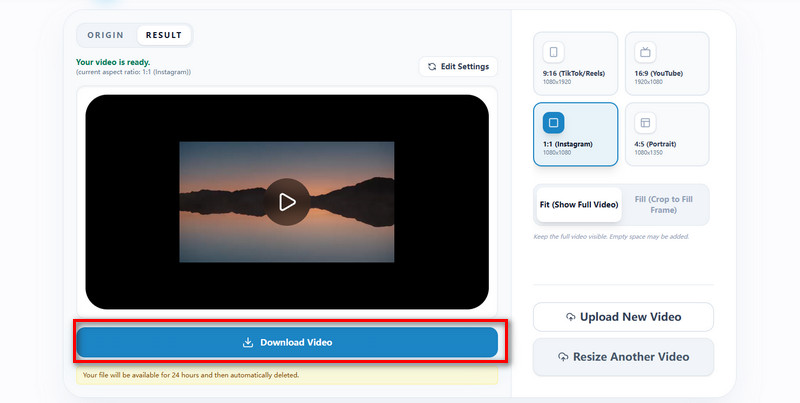
Click "Smart Resize Video" to process your file, then download the high-quality resized video. Your video is ready to share, upload, or publish.
Yes you can lower the video resolution to reduce file size for faster uploads and sharing. Options like 1080p 720p or lower help optimize videos for different uses. The resizing process keeps the video clear while making the file more manageable. This is useful for sending videos through email or uploading to websites. It also helps save storage space on your device. You can choose the resolution that fits your needs.
The video resizer supports popular formats such as MP4, MOV, AVI, and MKV. This allows you to resize videos from phone cameras and downloaded files easily. You do not need to convert files before uploading, which saves time. The system processes the most common formats smoothly. If a file is not supported, you can convert it using a video converter. Most users will not face compatibility issues.
Resizing a video may affect quality depending on the settings you choose. However this tool uses smart scaling to maintain clarity and reduce visual distortion. When reducing size or resolution the system keeps the output as sharp as possible. It is best to select balanced settings for optimal results. The preview feature helps you check quality before exporting. This ensures better control over the final output.
Yes you can easily change the aspect ratio to formats like 1 to 1 9 to 16 or 16 to 9. This helps your video fit different platforms without cropping important content. The tool adjusts the layout to match your selected format. It ensures proper display across mobile and desktop screens. You can test different ratios before finalizing. This improves flexibility in video editing.
No you do not need to install any software to resize videos online. The tool works directly in your browser on desktop mobile or tablet devices. You only need a stable internet connection to start editing. This makes the process simple and accessible for all users. It also saves storage space on your device. You can resize videos anytime without downloads.