menu
Updated and Improved

All-in-One AI Image Editor for Creative Visuals

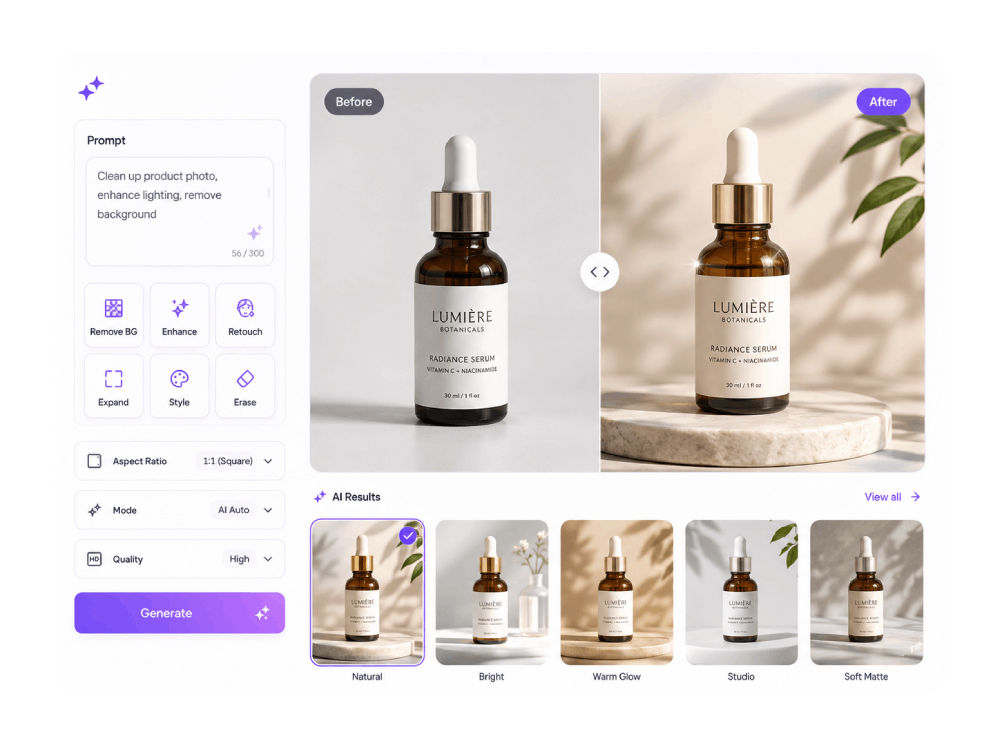
Create, edit, and enhance images instantly with our all-in-one AI photo editor. Powered by advanced models, it lets you generate visuals, refine details, and transform photos directly in your browser.

AI Creation Tools

Create and edit your image & video with AI tools effortlessly.

palette

Image Creation

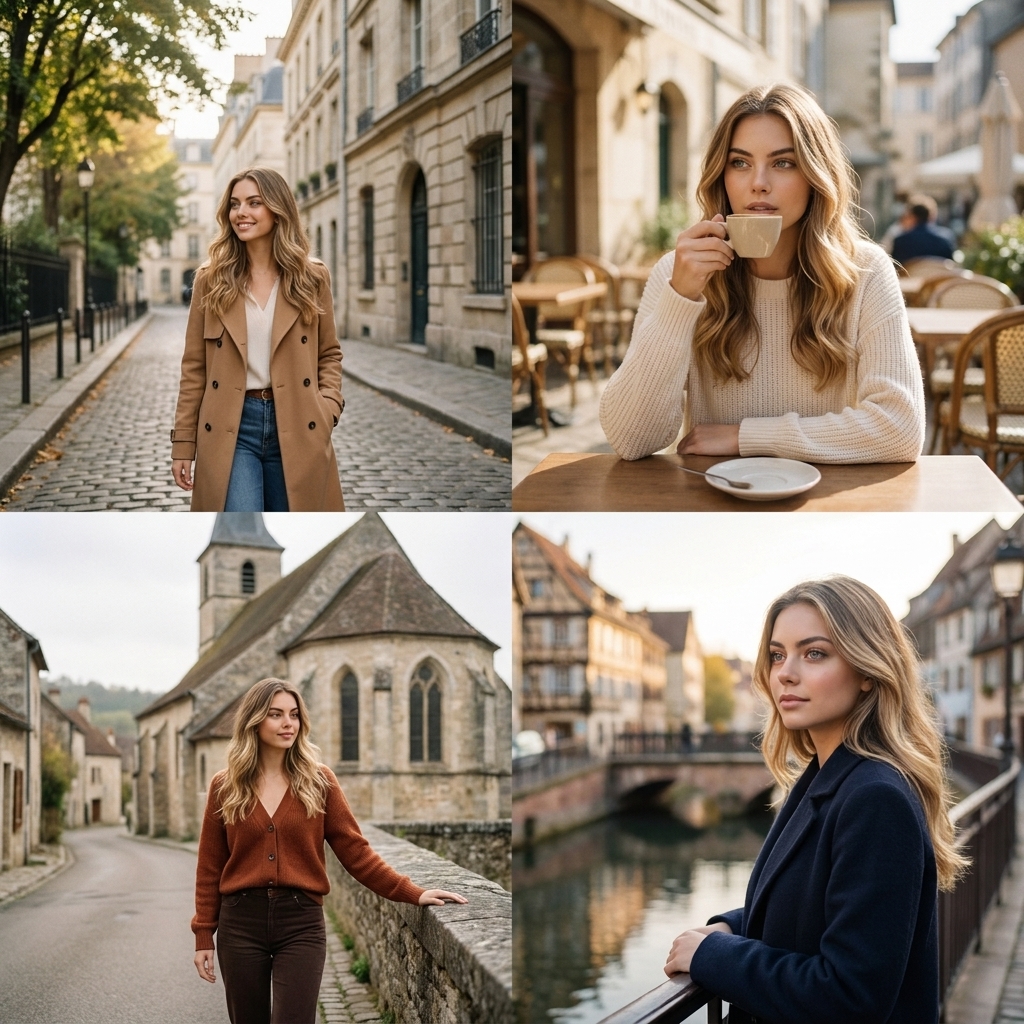
Generate unique images instantly from simple prompts. Create stunning visuals, illustrations, and designs directly in your browser.

  • check_circle Text to Image
  • check_circle Image to Image
  • check_circle Multiple AI Models
movie_edit

Video Creation

Turn your ideas into engaging videos in minutes. Easily create dynamic visual content for social media, presentations, and promotions.

  • check_circle Text to Video
  • check_circle Image to Video
  • check_circle Advanced AI Models
auto_fix_high

Image Editing

Edit and enhance images with powerful tools. Improve quality and transform visuals quickly for personal, creative, or business use.

  • check_circle Remove Background
  • check_circle Upscale Image
  • check_circle Erase Object

Edit and Create Stunning Images with AI

Edit and transform your photos and designs effortlessly - no skills needed.

01

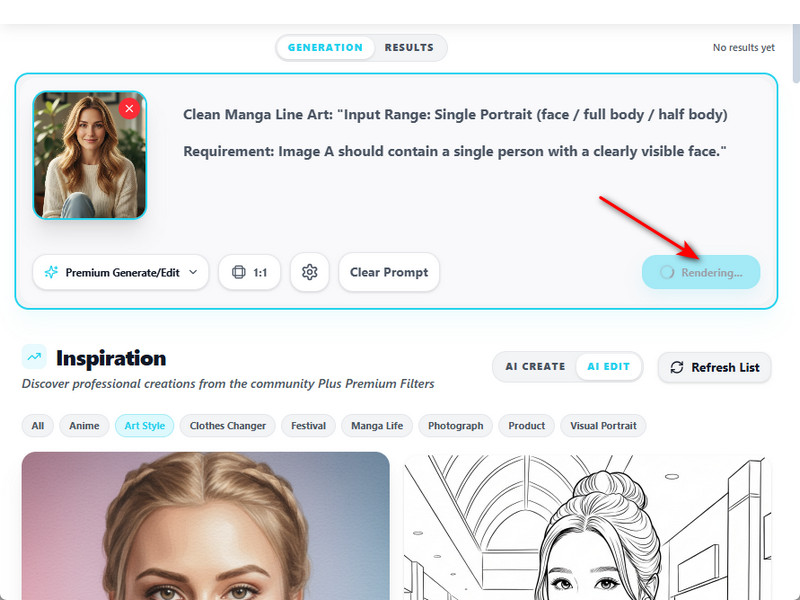
Select Editing Tool

Choose from available AI-powered tools, including background removal, object removal, etc. Select the feature you need to start your process smoothly.

02

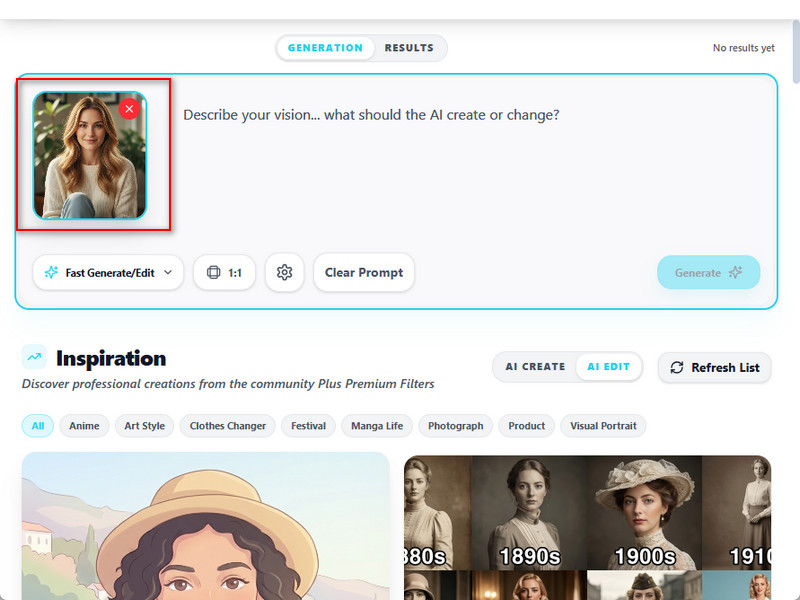
Upload the Image

Add the image you want to edit directly from your device. The platform supports common file formats, making it easy to begin editing without extra preparation.

03

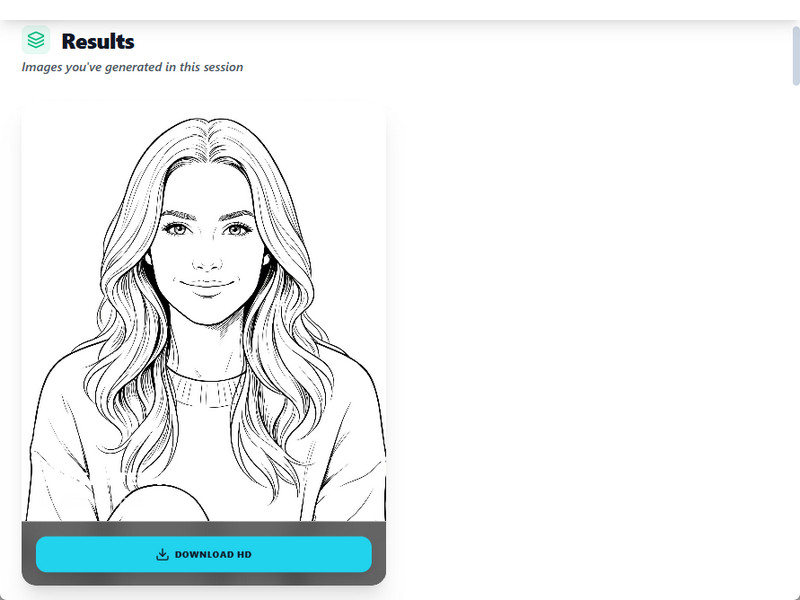
Download Edited Image

Once your edits are complete, click the "Download" option to save your image. Get a high-quality file ready for personal use, sharing, or professional projects.

Designed for All Level Creators

shopping_cart

E-commerce Optimization

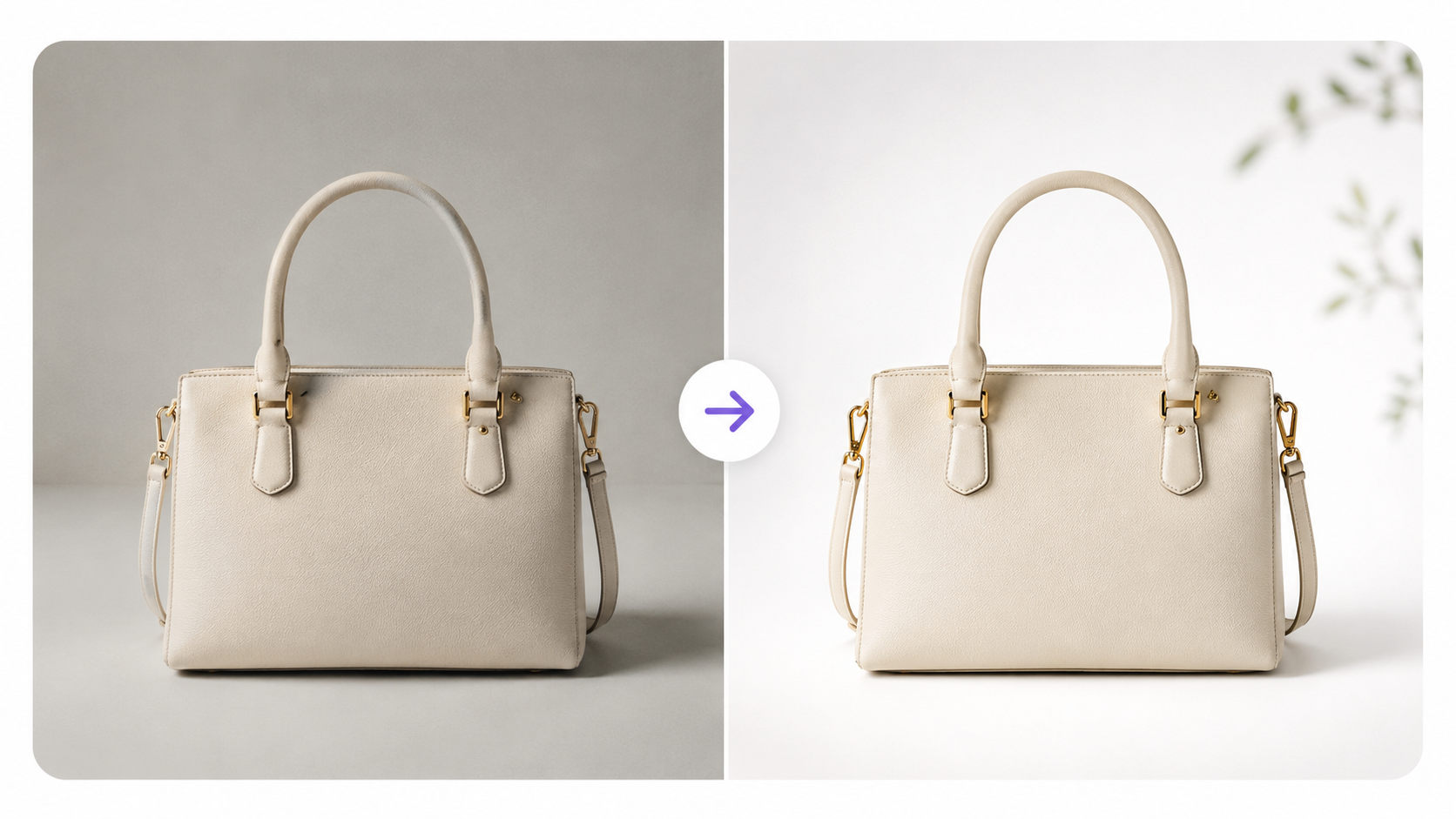
Create professional visuals by using AI to edit product photos with AI, removing backgrounds and enhancing details. Improve listings, showcase products clearly, and maintain consistent images that boost sales and conversions.

campaign

Marketing & Campaign

Design eye-catching visuals for ads, campaigns, and promotions. Quickly generate and edit images to match brand identity, helping teams deliver engaging content and boost audience reach.

brush

Creative Design

Streamline creative workflows with fast editing and image generation tools. Experiment with styles, refine details, and produce high-quality visuals for client projects and digital assets.

movie

Social Media

Create scroll-stopping posts and stories in minutes. Enhance photos, apply styles, and generate unique visuals to maintain a consistent feed and grow engagement across platforms.

Why Choose Imivo AI Image Editor?

bolt

Instant Image Creation

Create visuals in just seconds using advanced technology. Turn your ideas into images right away, so you can produce content faster and meet your deadlines with ease.

high_quality

Premium Visual Quality

Get sharp, detailed, and professional images every time. Enjoy clear colors and great quality, so your visuals always look their best for any project.

lock

Ready for Commercial Use

Use your images confidently for business. They’re perfect for marketing, branding, or product content, and you can apply them to any commercial project without restrictions.

Frequently Asked Questions

How can I remove a background from a product photo, portrait, or social image?expand_more

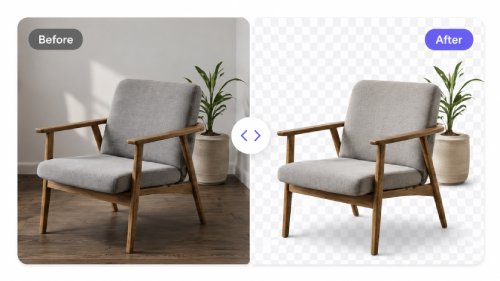
If the background distracts from the subject or does not fit your intended use, upload the image to AI Background Remover and let the tool automatically detect and separate the main subject from the surrounding background. You can also enter a prompt to specify whether you want a transparent background, a product cutout, or a clean subject extraction for a specific use case. The tool can generate a transparent PNG suitable for e-commerce listings, marketing materials, profile photos, or design projects. After removing the background, you can use the AI Image Editor to crop the image, apply filters, add text, insert graphics, or place watermarks before exporting the final design. This workflow works best when the subject is clearly separated from the background.

How do I replace the background without changing the main subject?expand_more

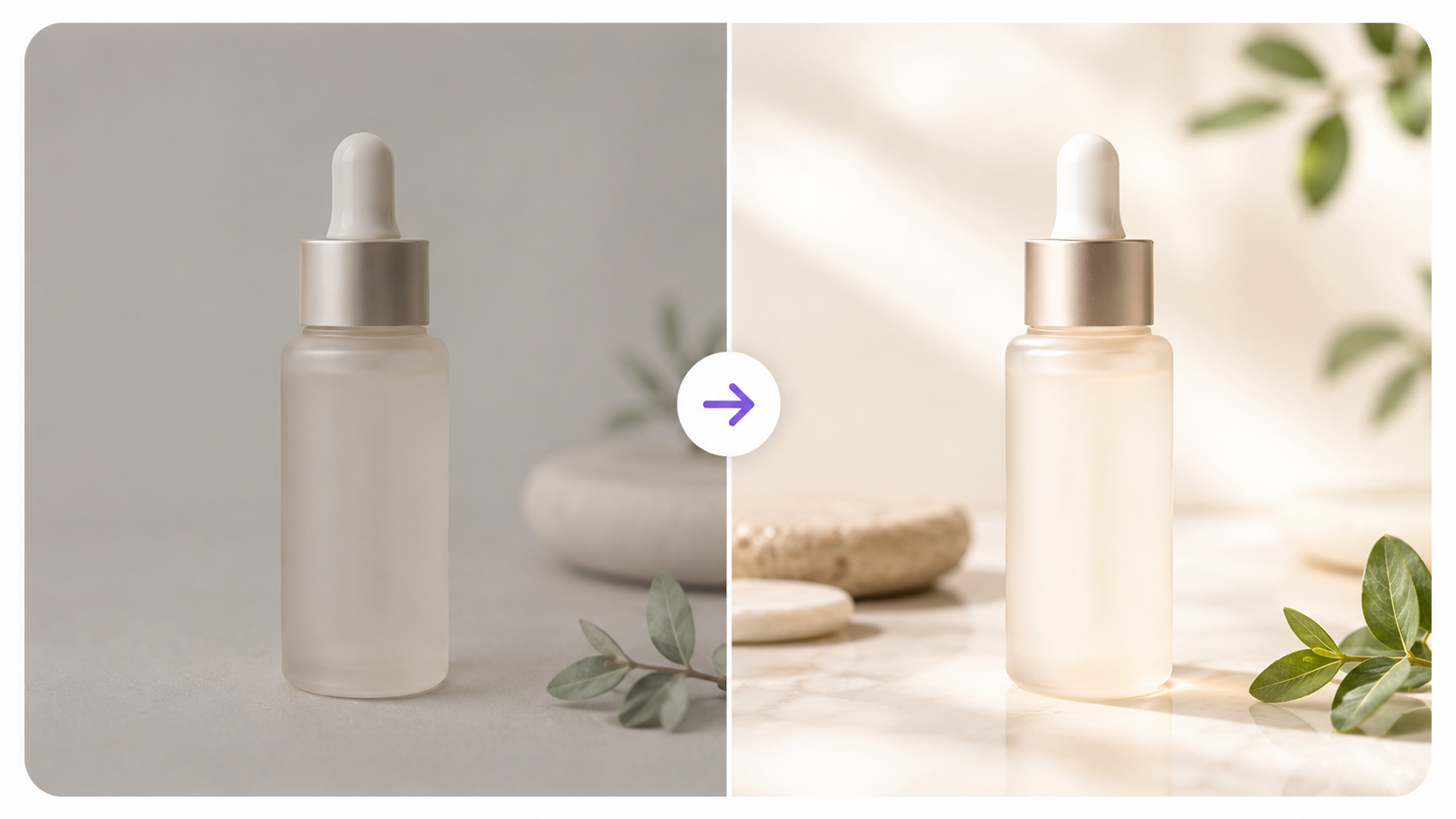
When you want to place a person, product, or object into a new environment while keeping the original subject intact, upload the image to AI Background Changer and choose the background type you want. Depending on your requirements, you can pick options such as regular product, premium product, lifestyle, and other scene styles, or enter a custom prompt to describe a specific setting, mood, or visual concept. The tool preserves the main subject while creating a new background that better aligns with product marketing, advertising, social media content, or promotional materials. After generating the new scene, you can use the AI Image Editor to crop the image, apply filters, add text, insert graphics, or prepare the design for publishing. For the most natural-looking results, choose backgrounds with lighting, perspective, and scale that closely match the original image.

Can I remove unwanted objects, text, or watermarks from an image?expand_more

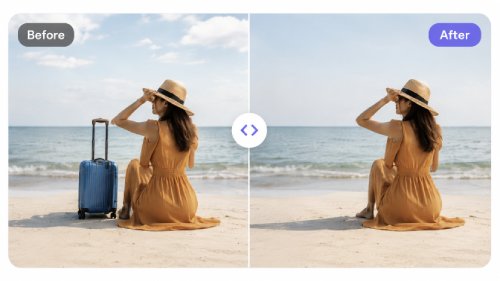
If your image contains unwanted objects, text overlays, logos, or other visual distractions, you can use AI Object Remover to clean up the image. Simply upload the image, highlight the area you want to remove using the adjustable brush tool, and let the AI generate replacement content that blends with the surrounding background. For watermarks, you can use AI Watermark Remover when you own the image or have permission to modify it. This workflow is useful for product photos, social media content, marketing materials, presentations, and creative projects where unwanted elements distract from the main subject. The quality of the results depends on the size of the removed area and the complexity of the surrounding background, so detailed patterns, overlapping objects, or crowded scenes may require additional edits. Users should only remove watermarks, branding, logos, or ownership marks when they have the legal right to edit the image.

How can I improve a blurry, dark, or low-quality image before using it online?expand_more

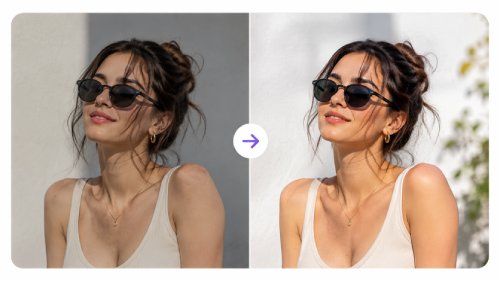
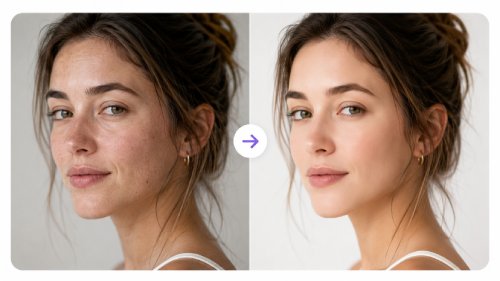
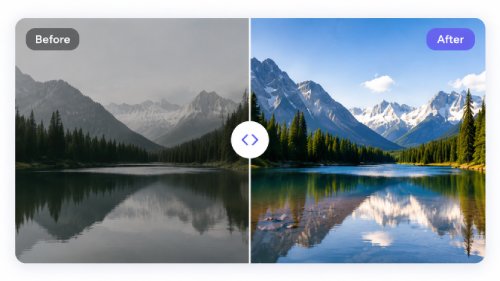
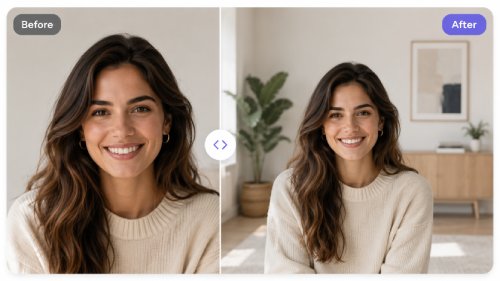
Low-resolution photos, blurry images, and poorly lit pictures can appear less professional when used online or in marketing materials. Upload the image to AI Photo Enhancer to improve sharpness, clarity, color balance, brightness, and overall image quality. Depending on the desired output quality, you can select an upscale option such as Auto, 2X, or 4X to enhance the image resolution while maintaining as much detail as possible. Once the enhancement is complete, you can export the image in PNG, JPEG, or WebP format for use across websites, online stores, social media platforms, and digital campaigns. For additional edits, such as cropping, applying filters, adding text, or other design adjustments, you can continue working in the AI Image Editor. This workflow is especially useful for product photos, portraits, marketing graphics, and content that needs a cleaner, higher-quality appearance. While AI enhancement can improve existing details and overall image quality, it cannot fully restore information that is missing, heavily blurred, or never captured in the original photo.

Can I restore an old or damaged photo with AI?expand_more

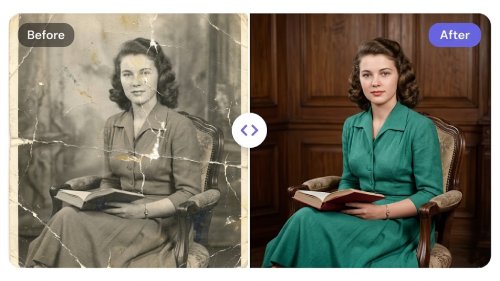
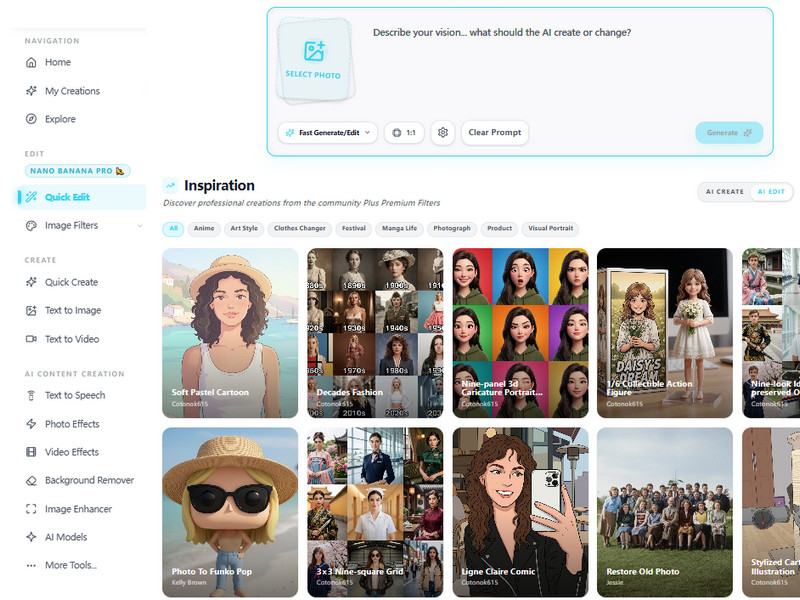
Old photographs often suffer from fading, scratches, discoloration, noise, and reduced clarity due to age, storage conditions, or repeated scanning. To restore these images, upload the photo, open the Quick Edit feature, and select AI Old Photo Restoration from the Inspiration options. The tool analyzes the image and helps repair visible damage while improving overall photo quality. For additional improvements, you can use AI Photo Enhancer to increase sharpness, enhance contrast, and refine details for a cleaner final result. This workflow is ideal for preserving family portraits, historical photographs, scanned prints, and personal archives that have deteriorated over time. While AI can significantly improve the appearance of old or damaged photos, it cannot guarantee complete historical accuracy or perfectly reconstruct facial features, missing areas, or severely damaged sections that lack sufficient visual information.

Start Editing Image with AI Today

Sign up in seconds and start editing or generating images instantly. Enjoy an easy-to-use platform designed for creators and businesses to produce high-quality visuals without hassle.

Back to Top
Contact Us
Learning Center