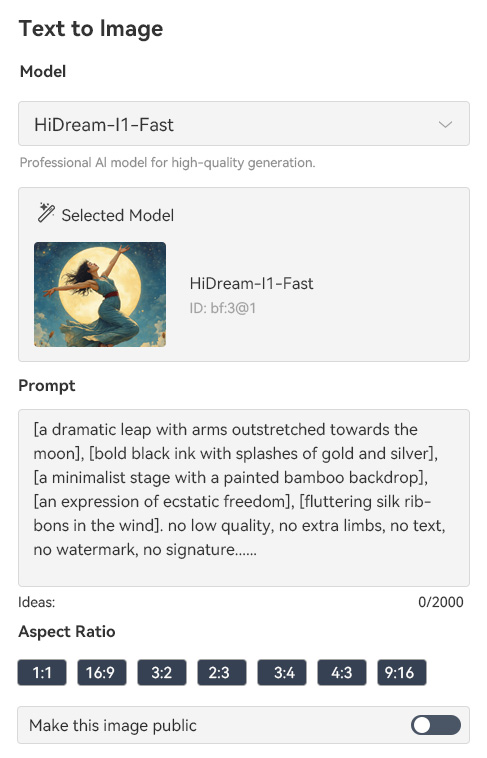
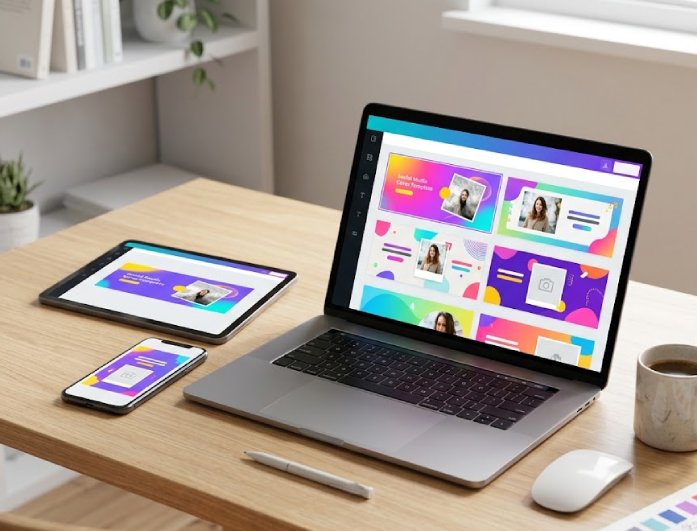
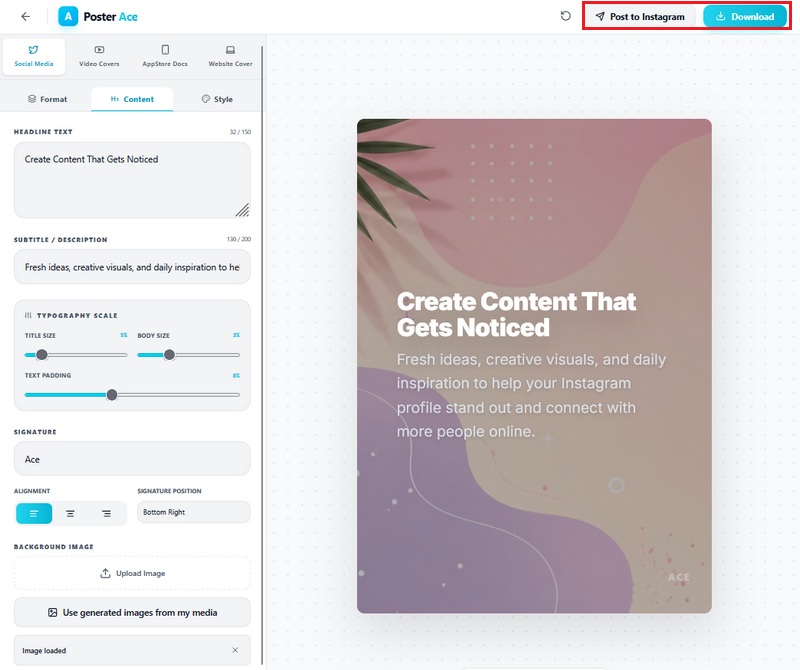
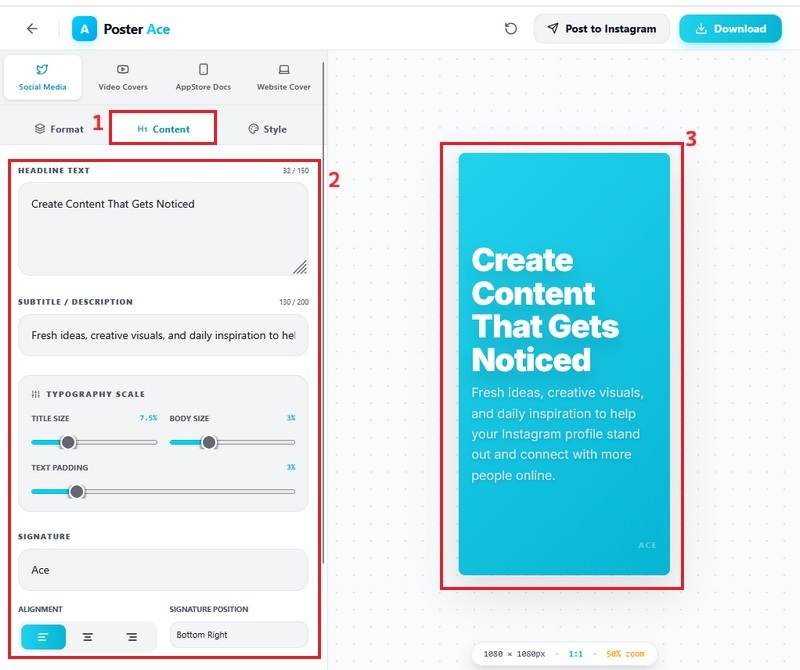
Our tool makes it easy to create social media covers without spending hours adjusting layouts or learning complicated editing software. From the moment you open the editor, everything feels simple, smooth, and beginner-friendly, which helps you focus more on your content and branding. You can quickly add text, images, colors, and design elements while seeing your changes in real time. This allows users to build polished covers for personal pages, business profiles, or creator channels with less effort and more confidence. Whether you are updating a campaign banner or refreshing your profile look, the process feels fast and enjoyable.
With this tool, you can design social media cover photos that truly match your personality, brand, or creative vision. The editor gives you the freedom to explore different visual styles while also adjusting borders, textures, and modern effects that make your covers stand out naturally. Features like glow, noise, and glass-inspired effects help add depth and character without making the design process feel overwhelming. You can experiment with different combinations until the cover feels clean, bold, elegant, or playful, depending on your goal. This flexibility enables users to create visuals that feel unique rather than generic or repetitive.


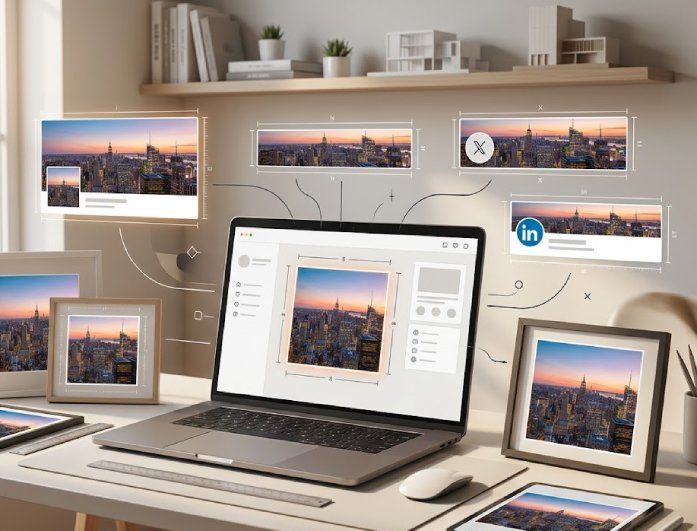
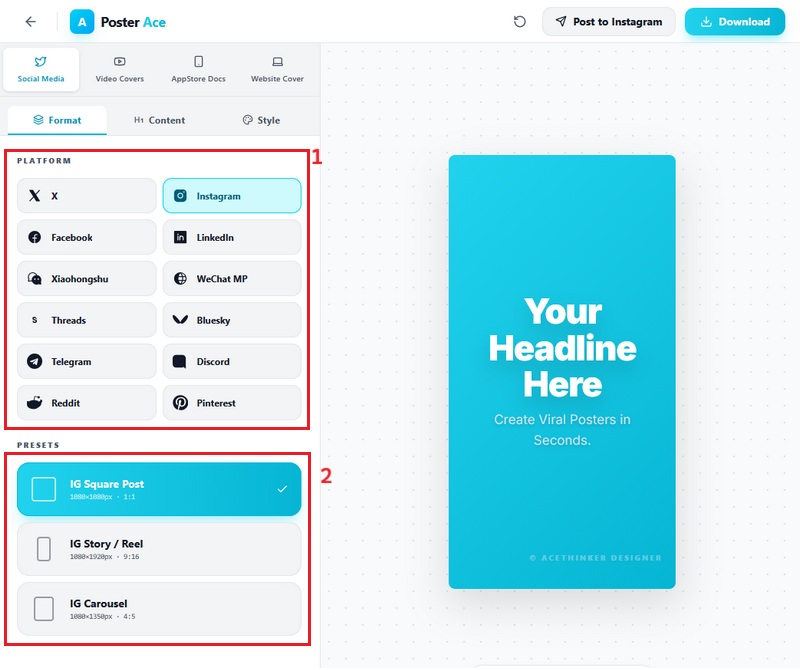
Our social media cover generator helps users create perfectly sized covers for multiple platforms without worrying about cropping issues or stretched images. Whether you are designing for Facebook, YouTube, X, LinkedIn, or other social channels, the tool automatically supports the right dimensions for each platform. This saves a huge amount of time because you no longer need to manually resize graphics for different accounts. It also helps keep your branding consistent across all social media pages, which makes profiles look more professional and organized. Switching between formats feels smooth, especially for creators and businesses managing multiple platforms.
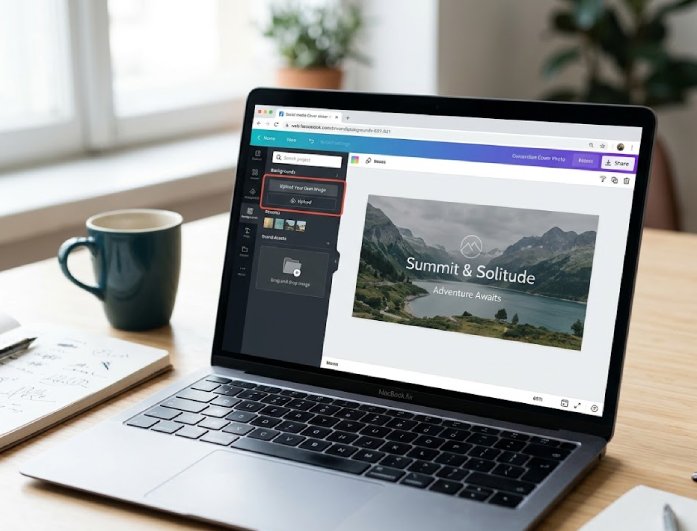
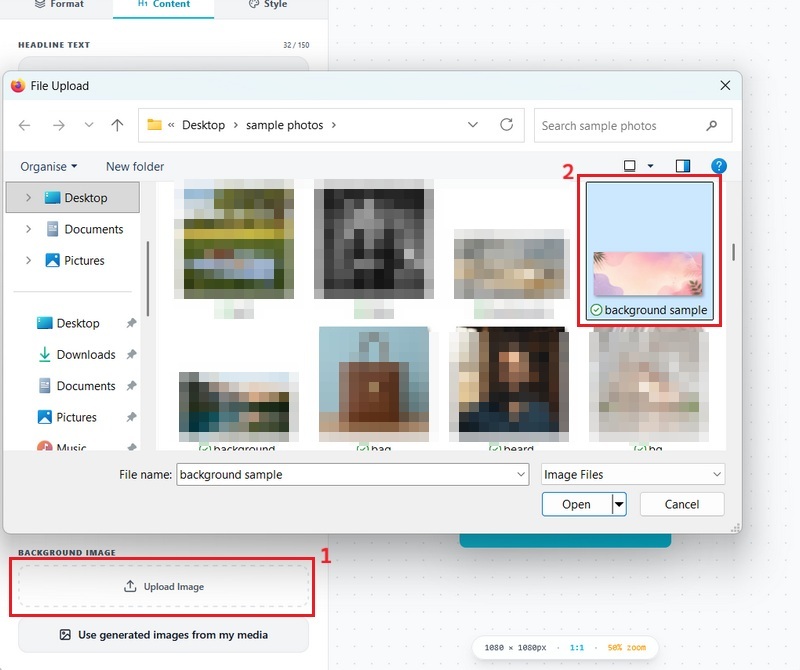
With this online social media maker, users can upload their own backgrounds to create covers that feel more personal, authentic, and connected to their brand identity. This feature works especially well for businesses showcasing products, creators displaying their content style, or individuals wanting a more customized online presence. At the same time, the tool offers ready-to-use background options that help speed up the design process when inspiration runs low. You can mix personal photos with creative elements to build covers that look polished while still feeling original. The upload process remains quick and simple, making editing smoother, even for first-time users.
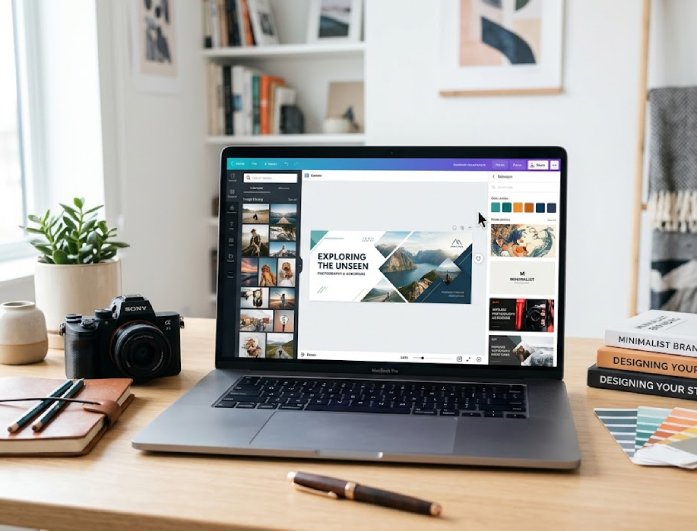


A clean, simple interface helps users create social media covers smoothly without feeling overwhelmed by complex tools or settings.
The tool uses secure processing to help keep uploaded images and design projects private while editing online.
Users can download high-quality posters and covers that look clear, polished, and visually appealing across different social media platforms.
Yes, you can use this social media cover maker even if you have no design or technical background. The editor is easy to use, so you do not need to learn any complicated tools before making a cover. You can start by picking from ready-made presets with balanced layouts and styles. Then, just add your main heading and subtitle to make the design your own. You also get a real-time preview, so you can see your changes as you go. This setup helps you create clean and professional social media covers quickly.
Yes, you can upload your own images when making a social media poster or cover. This lets you create designs that feel more personal and match your brand, business, or content style. You can add product photos, portraits, logos, or custom backgrounds right in the editor. Uploading is quick, so you can start editing your image right away. The tool also lets you easily combine your images with text and effects. This gives you more options when making content for Facebook, YouTube, X, and other platforms. Your final design will look more customized and better align with your online presence.
Yes, the tool supports different cover sizes for various social media platforms. You can make designs for Facebook, YouTube, X, LinkedIn, and more without having to resize images yourself. The built-in sizes help your covers fit perfectly and prevent awkward cropping. This saves you time, especially if you manage several accounts. Switching between formats is easy because the editor adjusts the workspace for you. It also helps you maintain consistent branding across all platforms. The process works well for both personal and business needs.
Yes, the tool offers ready-made templates to help you start designing quickly. These layouts have balanced spacing, text placement, and simple visual styles. You can pick a design that fits your content and customize it with your own text and images. This makes editing easier, especially for beginners. Templates also help you create professional-looking covers without spending a lot of time on details. You can explore different themes based on your branding or campaign needs. Everything stays simple, but you still have creative flexibility.
Yes, you can download your finished social media covers in high quality. This keeps your designs clear and sharp when you upload them to social platforms. Blurry images can make your page look unprofessional, so good quality really matters. The tool keeps text, effects, and images balanced when you export. High-quality downloads are great for business pages, creator profiles, and promotions. You can use your covers on different platforms without losing image clarity. This helps your social profiles look polished and professional.