menu

Retouch Portrait Photos Naturally with AI
Smooth skin, sharpen facial details, remove distracting backgrounds, and clean up portraits with AI-powered retouch tools for LinkedIn headshots, profile pictures, and professional portraits.
Retouch Photos
Or drop image here, paste image or URL
Try with one of these

Perfect Photos for Every Creator

photo_library

Photography Enthusiasts

People who love photography often take pictures of their travels, nature, and special moments. Retouching tools can improve photos and prepare them for sharing or printing.
temp_preferences_custom

Social Media Creators

Content creators publish visual content across multiple platforms. Fast photo enhancements help maintain a professional feed, attract engagement, and strengthen personal or brand identity.
movie

Small Business Owners

Small business owners rely on visuals to promote products and services. Professional-looking images can be created quickly without advanced editing skills or additional design costs.
sync

Photo Restoration Users

Individuals working with old, faded, or damaged photographs. They need the tool to repair scratches, improve clarity, and bring historical or sentimental images back to life.

Create Cleaner Professional Portraits with AI

Retouch portraits online to reduce distractions, improve lighting balance, and create polished photos for professional and personal profiles.

shopping_bag

LinkedIn Headshots

Fix poor lighting, sharpen facial details, and create professional-looking LinkedIn portraits with AI retouch tools.

  • check_circle Smooth skin naturally.
  • check_circle Improve facial lighting.
  • check_circleSharpen blurry profile photos.
video_library

Social Profile Photos

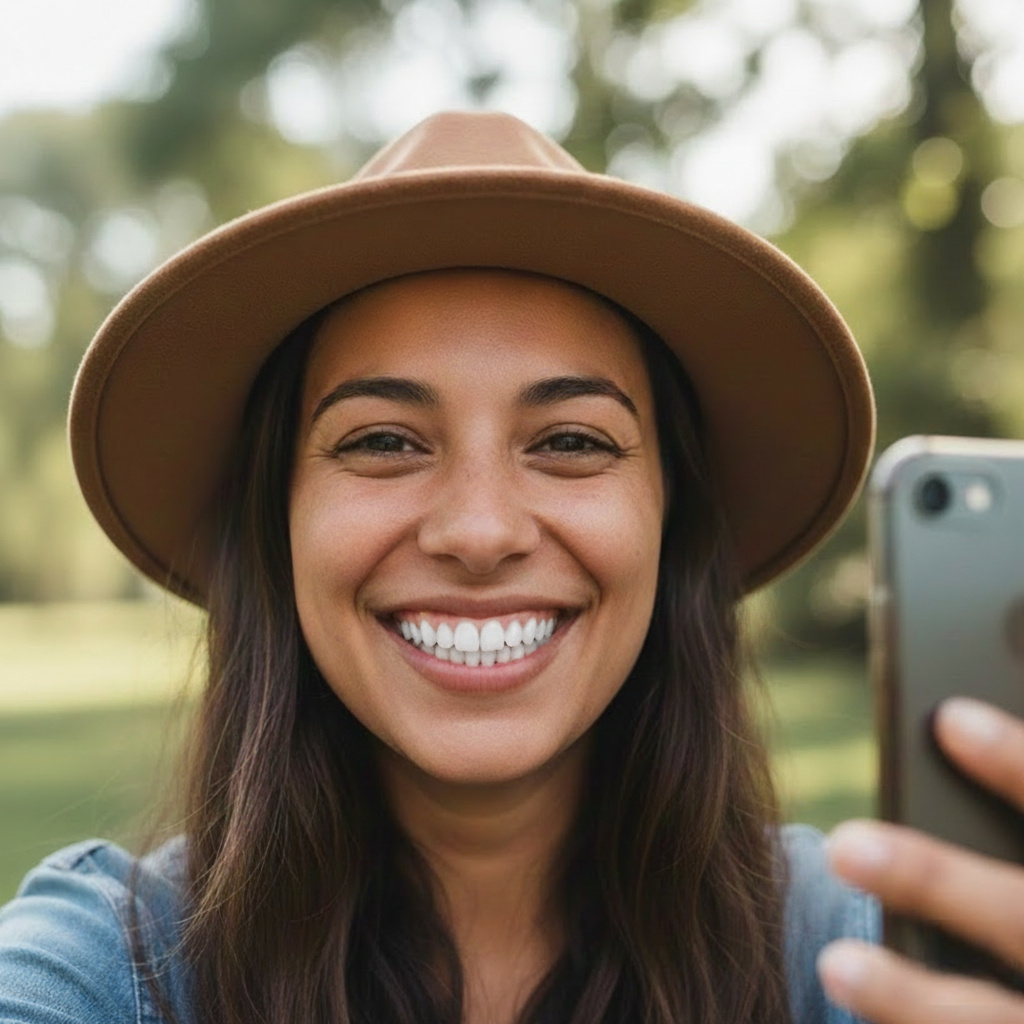
Clean up selfies and creator portraits with natural skin smoothing, background cleanup, and clearer facial details.

  • check_circle Remove blemishes naturally.
  • check_circle Clean distracting backgrounds.
  • check_circleEnhance profile clarity.
brush

Resume & Business Portraits

Improve business portraits and resume photos with cleaner lighting, sharper faces, and a polished professional presentation.

  • check_circle Brighten facial details.
  • check_circle Improve portrait sharpness.
  • check_circleCreate cleaner business photos.

How to Retouch Portrait Photos Easily

Quickly clean up portraits, sharpen profile photos, smooth skin naturally, and improve facial presentation using AI-powered retouch tools.

  • 1

    Select AI Tool

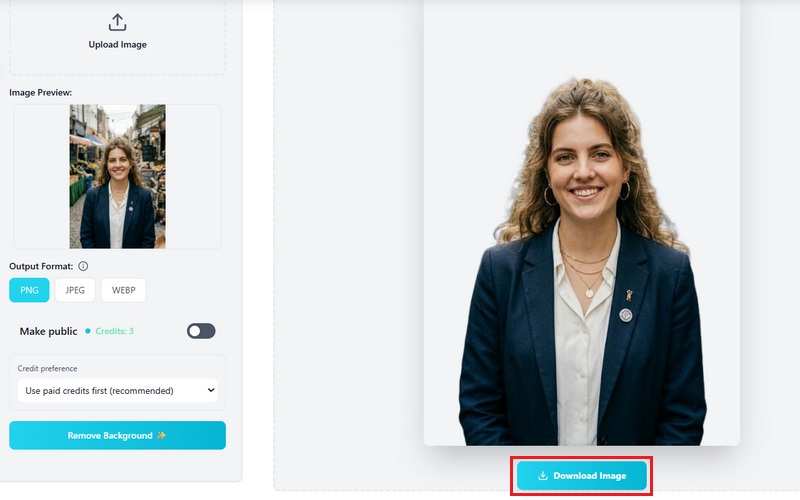
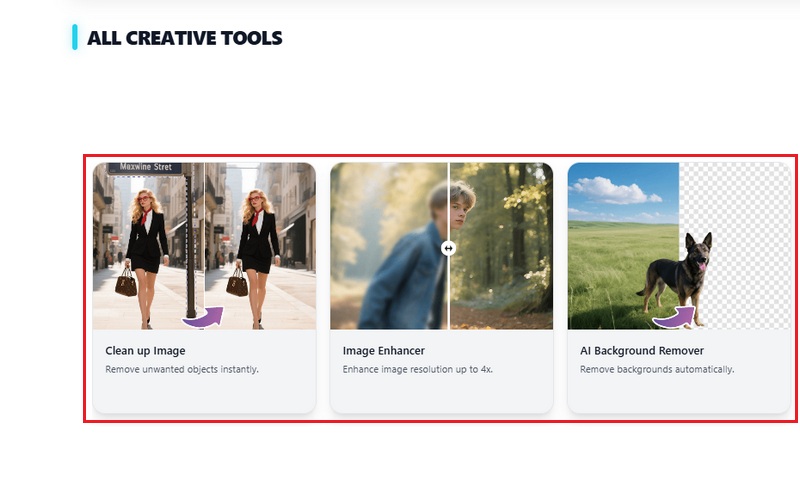
    Choose to sharpen blurry facial details with Image Upscaler, improve portrait lighting, remove backgrounds with AI Background Remover, and automatically clean distractions with AI tools.

  • 2

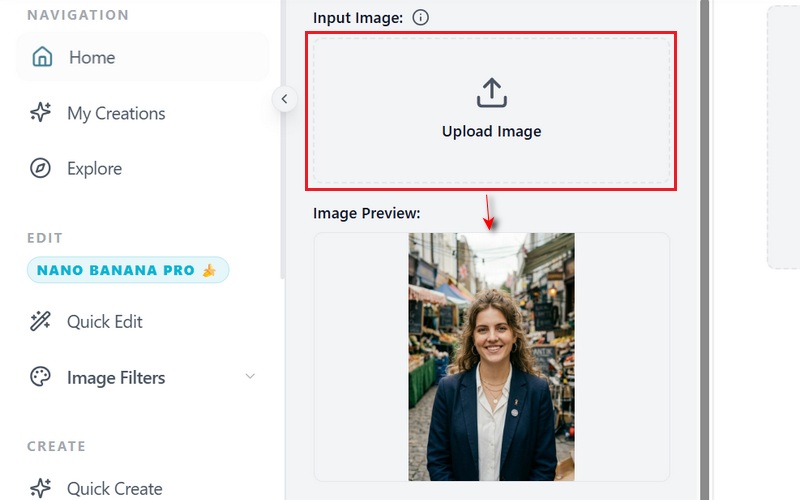
    Upload Your Portrait or Profile Photo

    Upload selfies, LinkedIn headshots, creator portraits, webcam photos, or business profile images in seconds.

  • 3

    Export a Profile-Ready Portrait

    Download a polished, high-quality portrait optimized for LinkedIn, resumes, creator platforms, and professional profiles.
Select AI Tool
Upload Your Portrait
Export a Profile-Ready Portrait

Why Improve Portrait Photos with AI?

bolt
Better First Impressions

Create cleaner and more professional portraits for LinkedIn, resumes, and business profiles.

verified_user
Improve Online Identity

Upgrade creator profile photos, social portraits, and personal branding visuals with natural-looking retouch.

school
Quick Portrait Cleanup

Retouch portraits in minutes without learning advanced photo editing software.

school
Beginner-Friendly Workflow

Upload your photo, apply AI retouch tools, and export profile-ready portraits easily.

Frequently Asked Questions

What types of photo retouching can this AI tool perform automatically?expand_more

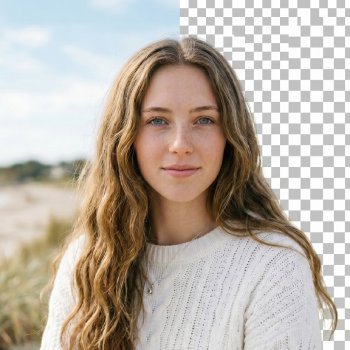
The tool includes multiple AI retouching features that automatically improve and clean up images. Its Background Remover detects the main subject after upload and removes the background, creating cleaner visuals for ecommerce listings, profile images, and promotional graphics. The Image Upscaler improves low-quality or compressed photos using Auto, 2X, or 4X enhancement options to sharpen details and increase image clarity for banners, social media posts, and marketing materials. The Object Remover allows users to highlight unwanted elements such as photobombers, clutter, text, or distracting objects, then automatically blends the surrounding area to produce a cleaner final image for product photos and online content.

Can I selectively retouch specific areas (e.g., skin, background, objects)?expand_more

Yes, the tool provides separate features for editing different parts of an image. The Image Upscaler improves overall image clarity and sharpness for blurry or low-resolution photos. The Background Remover isolates the main subject and removes the background, making it useful for product listings, profile pictures, and promotional visuals. The Object Remover lets users manually highlight unwanted elements, such as photobombers, wires, signs, or clutter, so the tool can automatically remove and blend those areas while keeping the remaining image intact.

How does the tool preserve natural details while enhancing images?expand_more

The Image Upscaler improves image quality by sharpening blurry areas and refining visible details without significantly altering the photo's original appearance. Instead of applying strong visual effects or filters, the enhancement process focuses on improving clarity, edge definition, and lighting balance while preserving the original composition, colors, and subject structure. This helps maintain a more natural look in portraits, product images, and promotional graphics.

Can I compare before-and-after results during the editing process?expand_more

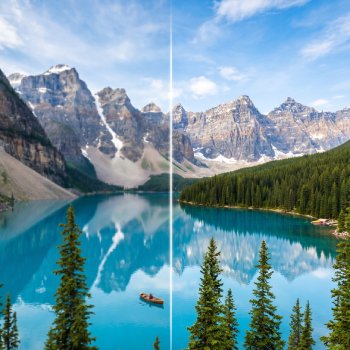
Yes, the Image Upscaler includes a comparison section that lets users view the original image alongside the enhanced version. Users can switch between the uploaded image and the upscaled result to compare improvements in sharpness, lighting, and overall clarity before downloading the final file.

What file formats and resolutions are supported for export?expand_more
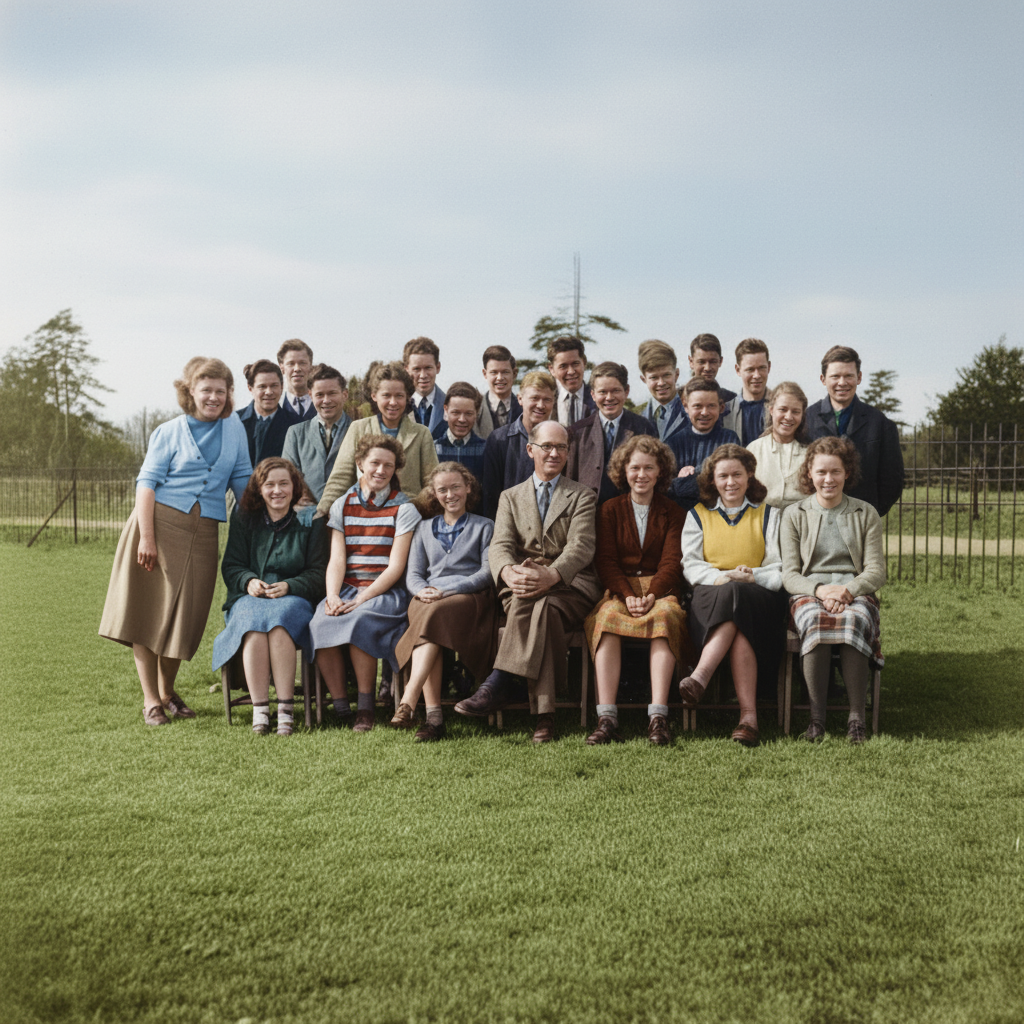
The Image Upscaler supports exporting enhanced images in PNG, JPEG, and WEBP formats. PNG is commonly used for product graphics and transparent visuals, JPEG works well for standard website and social media images, and WEBP helps reduce file size for faster web loading. The available Auto, 2X, and 4X enhancement options also help prepare low-resolution images for larger uses such as ecommerce banners, online ads, and social media content.
Restore Old Photo

Restore Old Photo
Remove Beard

Remove Beard
Teeth Whitening

Teeth Whitening
Bald Filter

Bald Filter

Improve Your Profile Photos in Minutes

Smooth skin naturally, sharpen blurry facial details, remove distracting backgrounds, and create polished portraits for LinkedIn, resumes, creator profiles, and professional presentations.

No technical skills needed
Back to Top
Contact Us
Learning Center