menu

Create Product Listings, Ads, and Ecommerce Visuals with AI
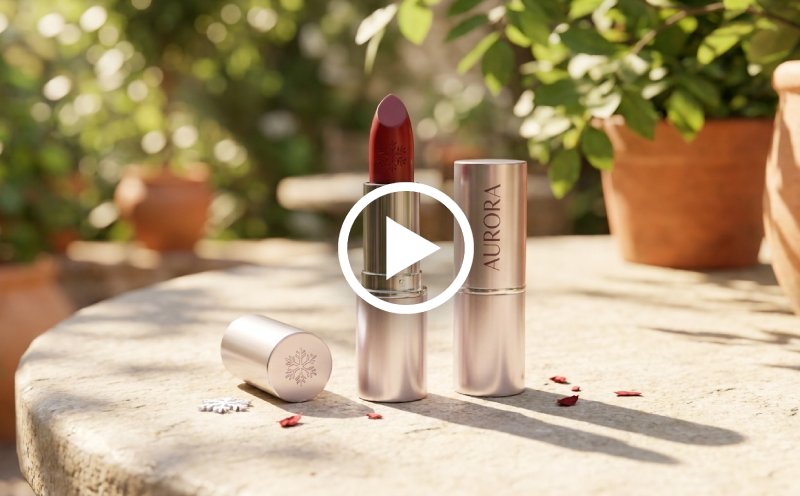
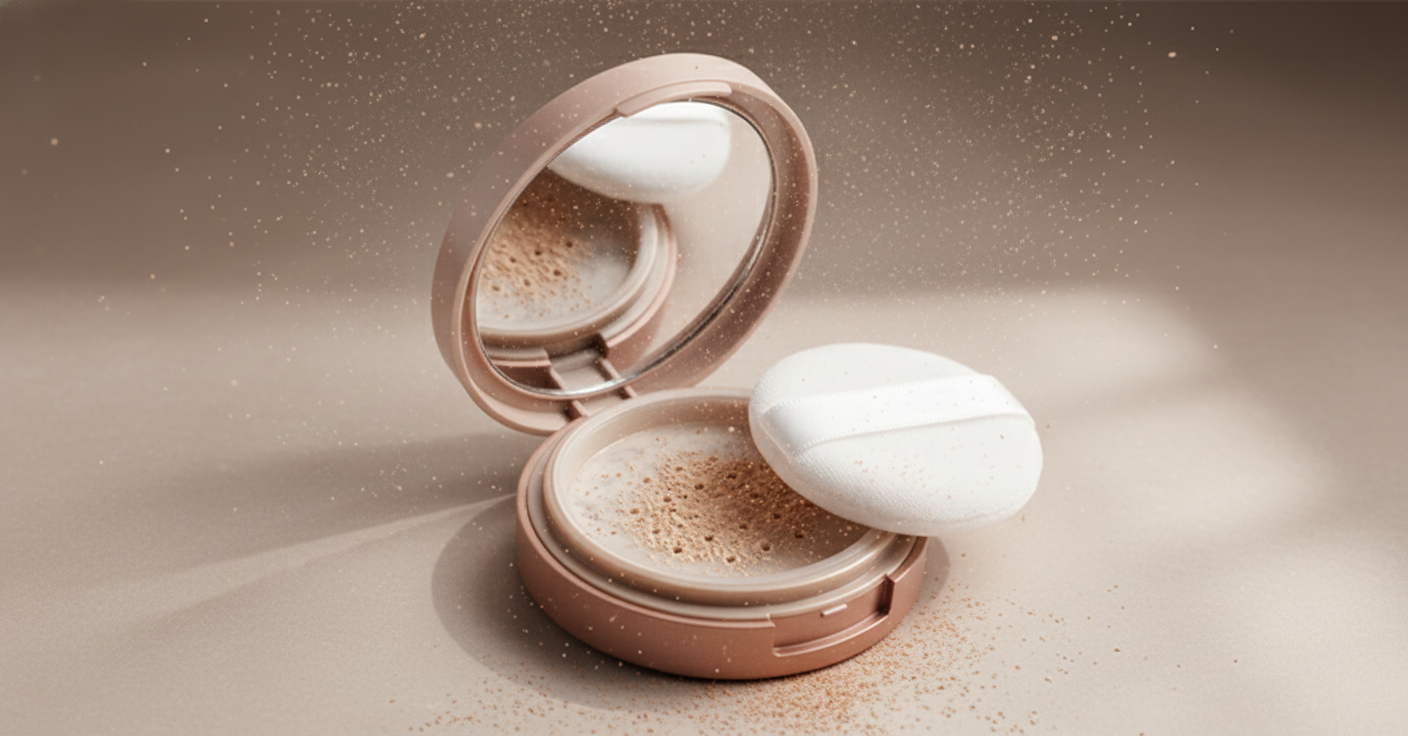
Generate product photos with AI for ecommerce listings, ads, and promotions. Create clean, high-quality visuals fast—no photography or design skills needed.
Edit Photos for Social Media
Or drop image here, paste image or URL
Try with one of these

Who Should Use Ecommerce Image Generator

photo_library

Online Sellers

Ecommerce store owners can create professional product images that improve product listings, attract more customers, and increase sales opportunities.
temp_preferences_custom

Dropshippers

Sellers can quickly generate high-quality product visuals, helping them manage large product catalogs without expensive photo shoots.
movie

Marketing Teams

Marketing teams can create consistent product images for ads, listings, and campaigns to strengthen branding across ecommerce platforms.
sync

Small Business Owners

Entrepreneurs can create polished product images that build customer trust, improve brand presentation, and support online sales growth.

Smarter Product Images for Every Ecommerce Scenario

Use clear product photos in your listings, ads, and online store to help attract buyers and increase sales.

storefront

Product Listings

Generate clean ecommerce listing visuals using Nano Banana Pro for polished product rendering and Background Changer for studio-style ecommerce scenes.

  • check_circle Create Amazon and Shopify listing visuals.
  • check_circle Generate clean white-background product images.
  • check_circle Improve product presentation consistency.
  • check_circle Maintain consistency across your catalog.
ad

Advertising Creatives

Use Seedream 4.5 and Nano Banana Pro to create promotional product banners, ecommerce campaigns, and branded advertising visuals.

  • check_circle Generate scroll-stopping visuals for paid campaigns.
  • check_circle Create seasonal promotion banners.
  • check_circle Generate ecommerce ad creatives.
  • check_circle Build multiple design variations quickly.
forward

Social Commerce Visuals

Create product visuals for TikTok Shop, Instagram Shopping, Facebook Marketplace, and social-commerce campaigns.

  • check_circle Create social-ready ecommerce images.
  • check_circle Build consistent branded social assets.
  • check_circle Improve engagement with promotional visuals.
  • check_circle Keep branding consistent across posts.

How to Create Ecommerce Product Photos with AI

Create high-quality product visuals in seconds using a simple three-step process.

  • 1

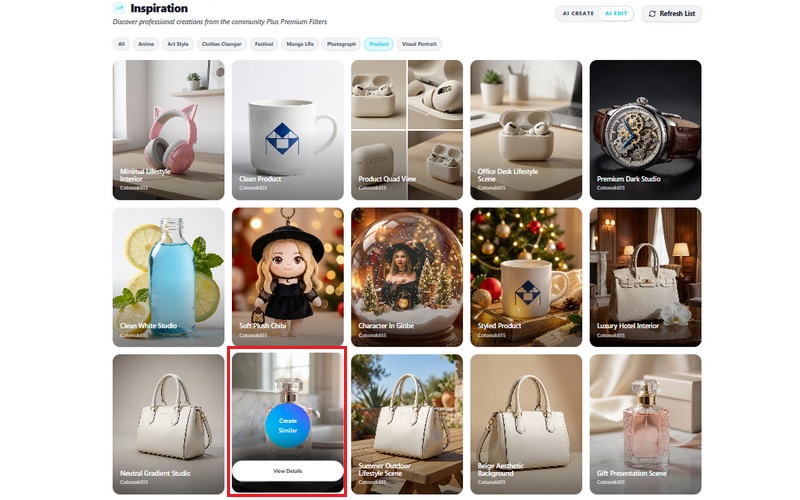
    Choose a Product Style Template

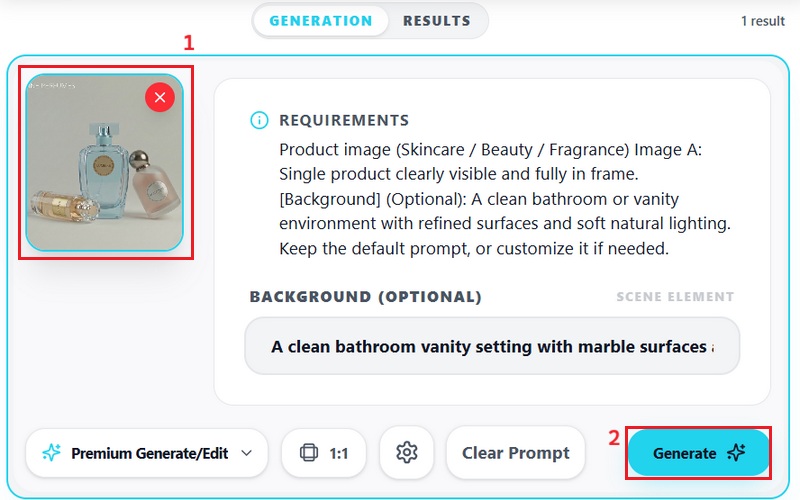
    Browse the AI product image templates and select a style that matches your brand or campaign, such as studio photography, lifestyle scenes, skincare mockups, or ecommerce catalog shots.

  • 2

    Upload Your Product Image

    Upload a clear product photo with a clean background. The AI will automatically generate high-quality ecommerce visuals optimized for ads, marketplaces, social media, and storefront listings.

  • 3

    Export Listing-Ready Images

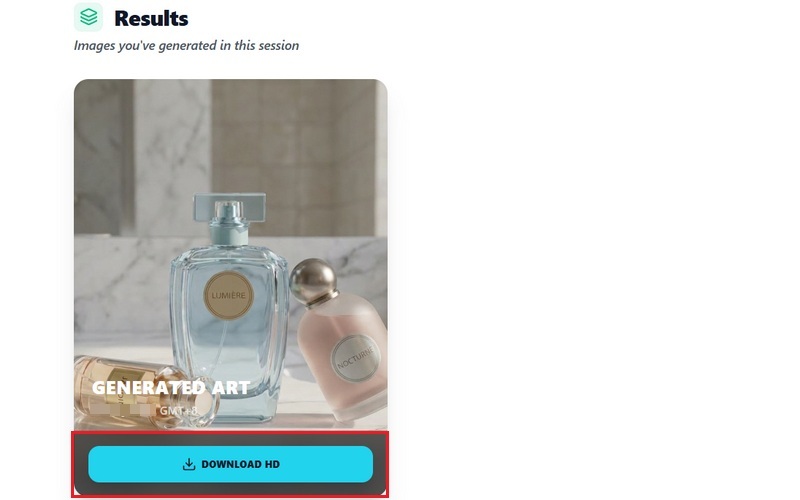
    Download the final ecommerce visuals for Amazon listings, Shopify stores, social-commerce campaigns, or digital advertising assets.
Choose a Product Style Template
Upload Your Product Image
Export Listing-Ready Images

Boost Your Product Visuals Effortlessly

bolt
Consistent Ecommerce Branding

Maintain consistent product presentation across Shopify, Amazon, Etsy, TikTok Shop, and branded storefronts.

verified_user
Faster Product Campaign Creation

Generate multiple ecommerce visuals quickly for promotions, product launches, seasonal sales, and advertising campaigns.

school
Marketplace-Ready Presentation

Create polished product visuals optimized for ecommerce listings, product galleries, and promotional materials.

school
Flexible Product Scene Creation

Use Background Changer to create studio, lifestyle, editorial, and campaign-style product environments for different ecommerce needs.

Frequently Asked Questions

How can I generate product images without a physical photoshoot?expand_more

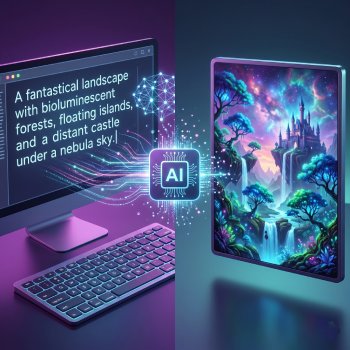
The tool can generate ecommerce product visuals using its Text to Image feature without requiring a physical photoshoot. Users can enter custom prompts describing the product scene, style, lighting, or presentation and choose from multiple AI models, including Google Nano Banana, Seedream, and other supported image-generation models. The output quality and realism may vary depending on the prompt detail and selected model.

Can I place my product into different backgrounds or scenes using AI?expand_more

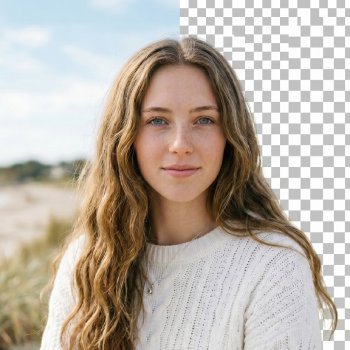
Yes. The tool includes an AI Background Changer that lets users place uploaded products into different scenes without manual editing. Users can switch between studio-style setups, lifestyle environments, and ecommerce displays for products like skincare items and digital products. The tool also includes a Quick Edit feature that lets users upload a product image and enter a custom prompt describing the background or scene they want generated. For example, users can create product shots in outdoor scenes or in minimalist studio environments. This workflow is useful for creating marketing visuals and online store product images without setting up separate product photo shoots.

Which AI models are best for realistic product rendering?expand_more

The tool supports models such as Seedream and Google Nano Banana for ecommerce product rendering. Both models generate lighting, texture, and product visuals based on the input prompt and selected settings. For example, users can generate studio-style product photos, clean catalog images, or lifestyle product scenes without setting up a physical shoot. However, the results may vary between Seedream and Nano Banana due to differences in model rendering behavior and prompt sensitivity.

Can I maintain consistent branding across multiple product images?expand_more

Yes. Users can maintain a more consistent brand across multiple product images by using similar prompts, lighting styles, and generation settings for each image set. The AI background changer also helps apply consistent backgrounds or scene styles, resulting in a more unified product presentation. When tested with multiple product variations, the generated images generally maintained a similar visual style, although minor differences could still appear depending on the selected AI model and prompt complexity.

What image resolution and formats can I export for ecommerce platforms?expand_more

The export format and image quality depend on the AI model used during generation. For example, Seedream exports generated images in JPG format, while Google Nano Banana saves outputs in PNG format. The tool also supports multiple aspect ratios and resolutions, including 1:1 formats such as 2048×2048 pixels, which are suitable for ecommerce platforms like Shopify and product listing marketplaces.
Product Showcase of Camera Lens

Glass Vase and Perfume Bottle

Product Showcase of Camera Lens
Stacked Glass Marbles

Stacked Glass Marbles
Smooth Ceramic Vase

Smooth Ceramic Vase

Start Creating Product Images

Quickly create product images for ecommerce online in seconds using AI. No installation required, instant access to professional visuals.

Instant access
Back to Top
Contact Us
Learning Center