menu

Top Features of the Free Online Video Cutter

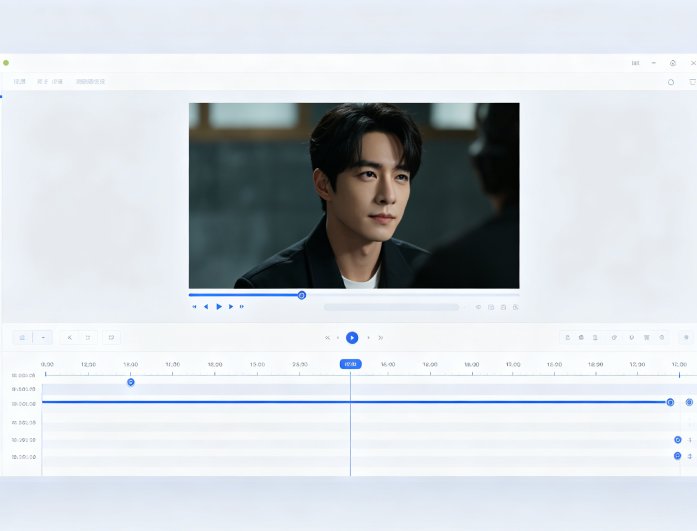
Precision Video Trimming

Precision Video Trimming with Frame Accuracy

Cut videos online with accurate start and end points using an easy timeline editor. You can remove unwanted sections, trim clips, or extract highlights without affecting the original flow of the video. This makes it suitable for editing short clips or longer recordings with consistent results.

The tool maintains the original video quality during the cutting process, ensuring clear visuals and synced audio. It helps users create clean and professional clips without distortion or lag. This feature is ideal for both beginners and users who need reliable video editing.

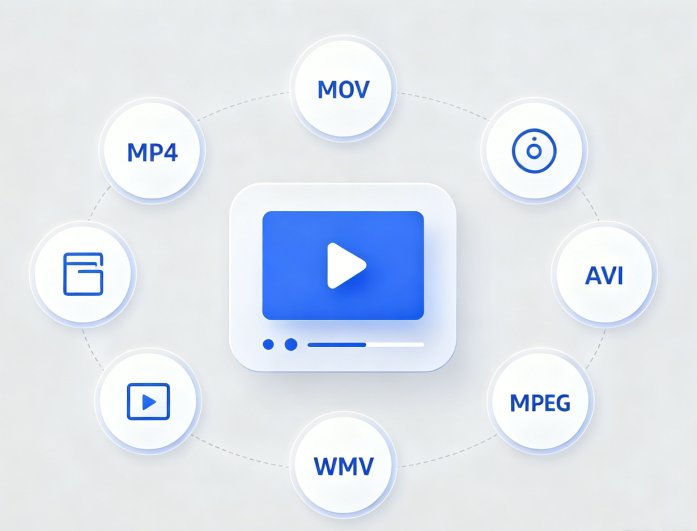
Supports Multiple Video Formats for Easy Editing

Upload and cut videos in common formats such as MP4, MOV, AVI, and MKV without compatibility issues. This allows users to work with videos from different devices, including mobile phone cameras and downloaded files. It removes the need for extra conversion steps before editing.

The wide format support ensures smooth processing and quick access to editing tools. Users can focus on trimming content without worrying about file restrictions. This makes the tool flexible and convenient for a wide range of video editing needs.

Supports Multiple Video Formats
Fast Online Video Cutting

Fast Online Video Cutting with High Quality Output

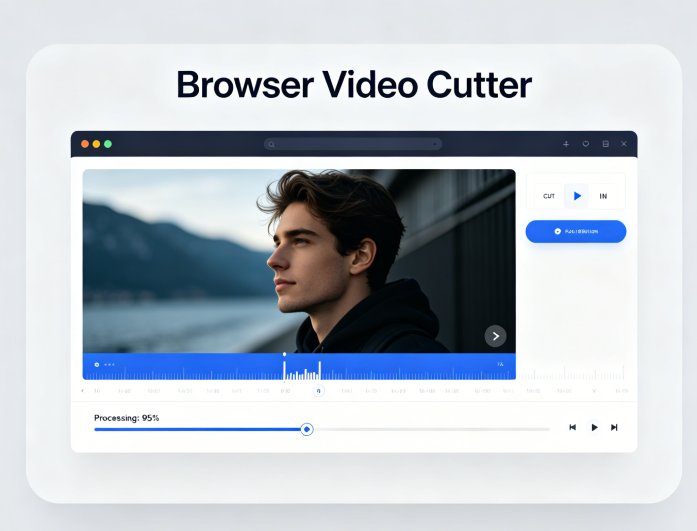
Cut videos directly in your browser with fast processing and no installation required. The tool handles uploads and exports efficiently, enabling users to complete tasks quickly. It is suitable for users who need instant results for social media or presentations.

Export trimmed videos in high quality without visible loss in resolution or clarity. The output is ready for sharing across platforms or for professional use. This ensures a smooth editing experience from start to finish.

Make Video Editing Faster and Easier for Every User

Students & Beginners

Students & Beginners

Easily cut and trim videos online for school projects, presentations, or personal use without needing advanced editing skills.

Social Media Users

Social Media Users

Remove unwanted parts, create short-form content, and improve video flow to boost engagement and watch time.

Professionals Users

Professionals Users

Efficiently cut videos for marketing campaigns, tutorials, training materials, and presentations. Save time with fast online editing while maintaining high-quality output for professional use.

How to Cut a Video Online in 3 Simple Steps

Upload Your Video File
Trim Video Online
Export and Download Video
  • 01
    Upload Your Video File

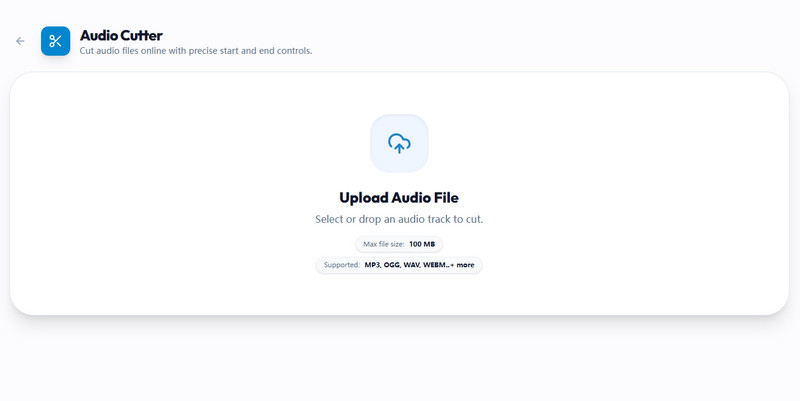
    Select and upload your video from your device or drag and drop it into the online video cutter. The tool supports popular formats like MP4, WebM, and GIF for quick access.

  • 02
    Trim Video Online

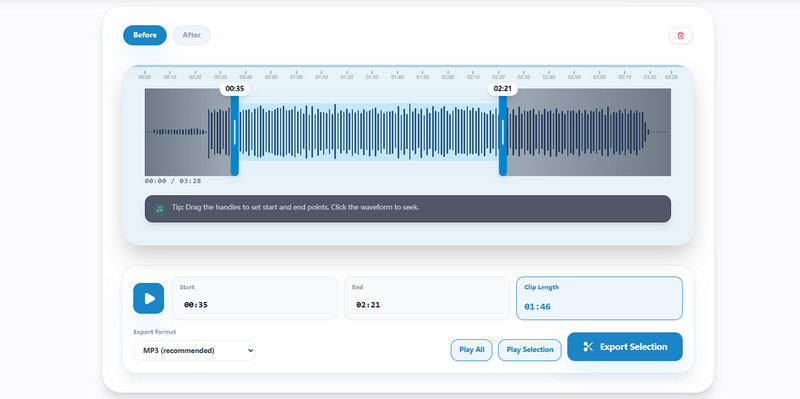
    Use the timeline slider to set the start and end points. Preview your clip in real time to ensure precise trimming and remove unwanted sections.

  • 03
    Export and Download Video

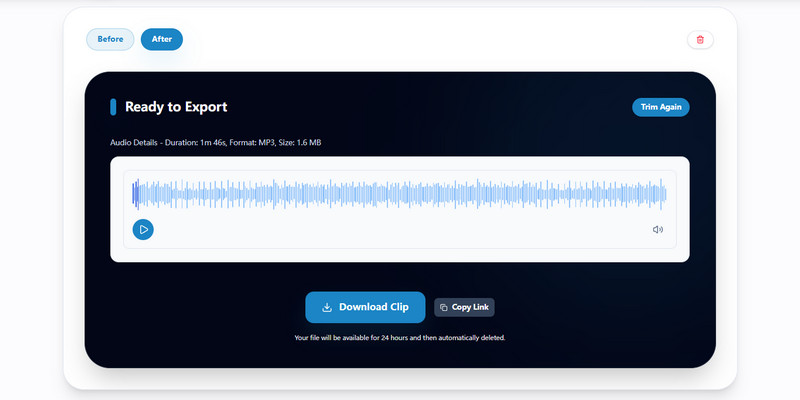
    Click export to process your file, then download the trimmed, high-quality, watermark-free video. Your video is ready to share on social media or use in projects instantly.

FAQs About Online Video Cutter

Can I cut videos online without losing quality?

Yes, you can cut videos online while preserving their original quality. The tool uses smart processing to avoid unnecessary re-encoding, helping preserve resolution clarity and audio sync. This is especially useful for HD and 4K videos where quality matters. The final result depends on the original file and export settings. For best results, choose the highest available quality during export. Overall, it delivers clean cuts with minimal loss of quality.

What video formats are supported by the video cutter?

The tool supports a wide range of popular formats, including MP4, MOV, AVI, MKV, and more. This makes it easy to cut videos from smartphones, cameras, screen recordings, and downloaded files. You don’t need to convert your files before uploading, which saves time and effort. The system automatically detects and processes compatible formats smoothly. If a file is unsupported, you can quickly convert it using a separate tool. Most common video formats are fully supported for seamless editing.

Is this online video cutter free to use?

Yes, the basic version of this video cutter is completely free to use online. You can trim, cut, and export videos without paying or installing any software. It’s ideal for quick edits, social media clips, and everyday video tasks. Some advanced features, such as batch processing, support for larger files, or faster export speeds, may be available in a premium version. The free version still provides all essential cutting features. This makes it accessible for both casual users and beginners.

Can I use the video cutter on mobile devices?

Absolutely, the online video cutter works on mobile devices, including smartphones and tablets. It runs directly in your browser, so there’s no need to download an app. You can upload, trim, and download videos easily on iOS and Android devices. This makes it perfect for editing videos on the go. Performance may vary depending on your device and internet speed. Still, the tool is optimized for a smooth mobile editing experience.

How long does it take to cut a video online?

The time required depends on the video's size and length, as well as your internet connection. Small clips can be processed in seconds, while larger files may take a few minutes. The tool uses optimized servers to ensure fast upload and export speeds. A stable connection helps improve performance. Most users can complete the process quickly without delays. The workflow is designed for fast and efficient editing.

product icon AceThinker Wind Cut

Advanced Video Editor for Professional Video Cutting

wind cut banner
Back to Top
Contact Us
Learning Center