menu
NEW: Video Gen 2.0 is live

Understand Documents, Research Papers, and Reports Faster with AI Research Assistant

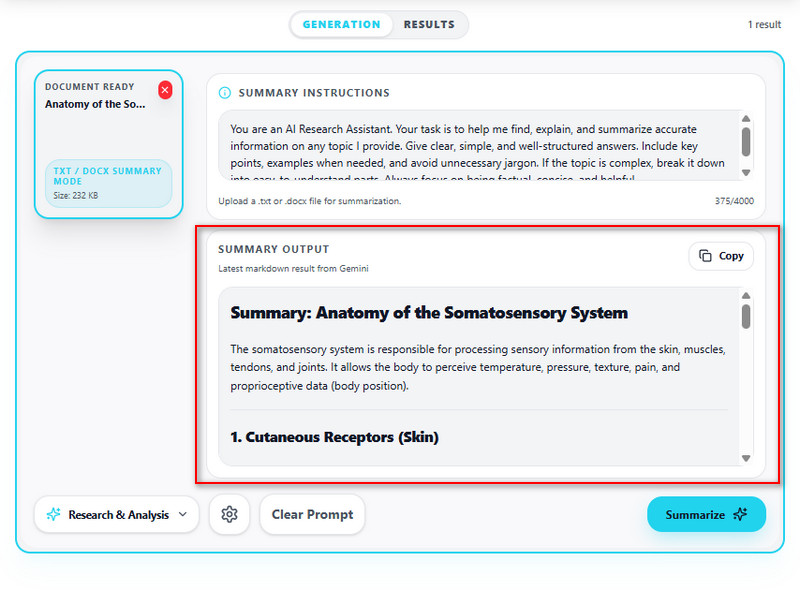
Upload PDFs, reports, research papers, or study materials and let AI help you break down the important details. Generate summaries, organize notes, ask questions about specific sections, and review complex information without going through every page manually.
AI Tools for Document Research and Analysis

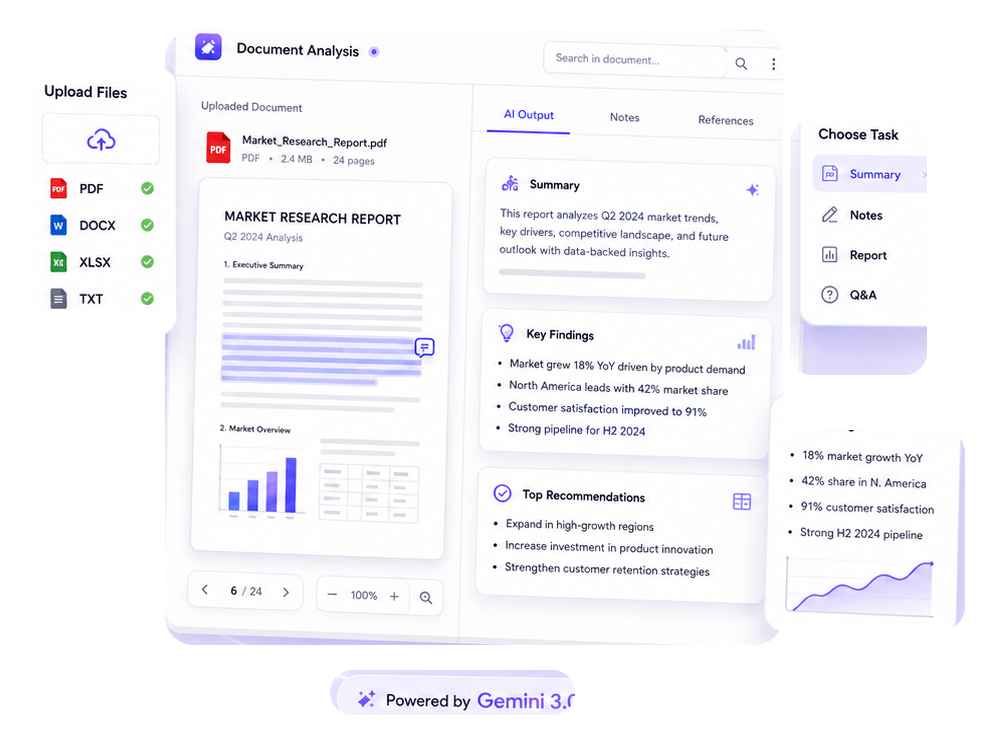
Work through long documents more efficiently using AI-powered tools built for summarizing, analyzing, organizing, and understanding research materials, reports, and PDFs.

palette

AI PDF Analyzer

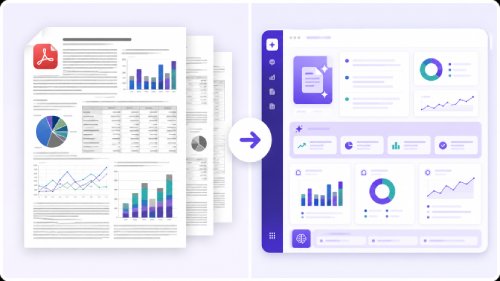
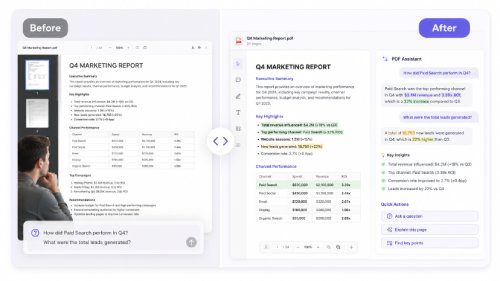
Ask questions directly about PDFs, reports, and research papers to extract targeted insights without manual reading.

  • check_circle Abstract Generation
  • check_circle Natural Language Querying
  • check_circle Fast Response Time
movie_edit

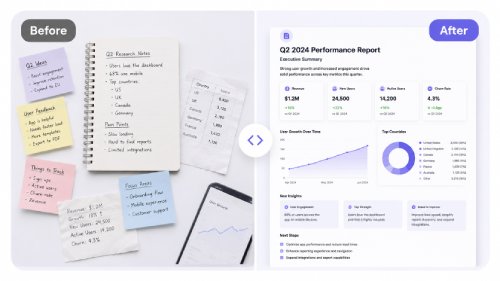
AI Document Summarizer

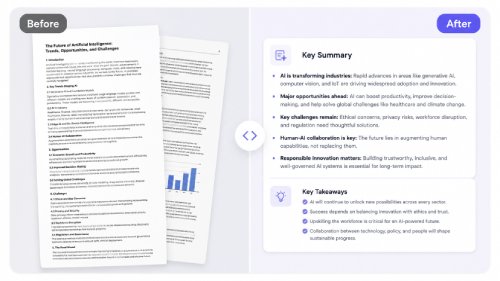
Convert long documents into structured summaries, key takeaways, and organized notes for fast review.

  • check_circleCustomizable Summary Length
  • check_circle Different Summary Types
  • check_circle Multi-language Support
auto_fix_high

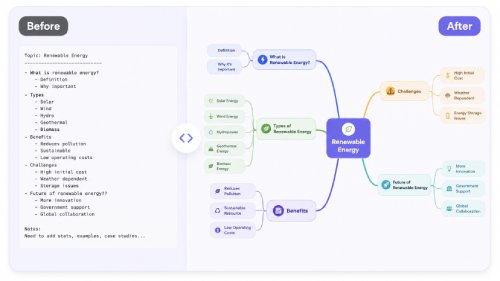
AI Mind Map Generator

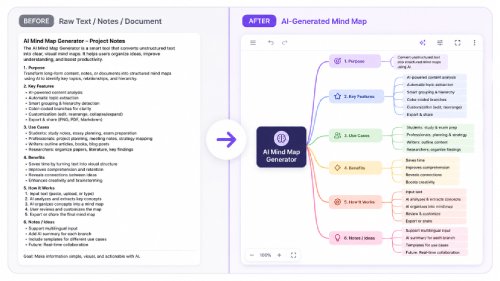
Convert research materials, lecture notes, and complex topics into visual mind maps that make information easier to review, connect, and understand.

  • check_circle Various Input Methods
  • check_circle Automatic Structuring
  • check_circle Multiple Layout Styles

3 Simple Steps to Analyze Documents with AI

Make your research and document analysis faster and more effective using AI.

01

Upload Your Document

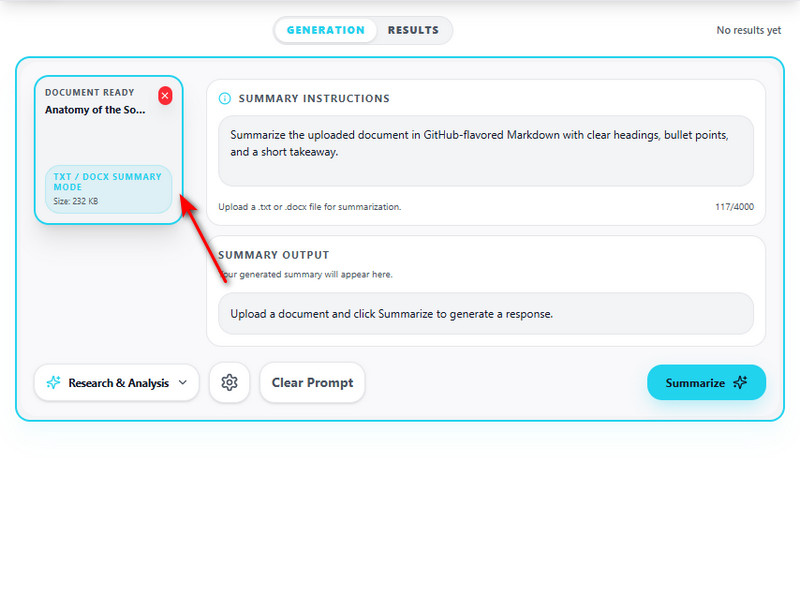
Upload PDFs, research papers, reports, or study materials into the AI Research Assistant to begin analysis instantly.

02

Choose How AI Analyzes It

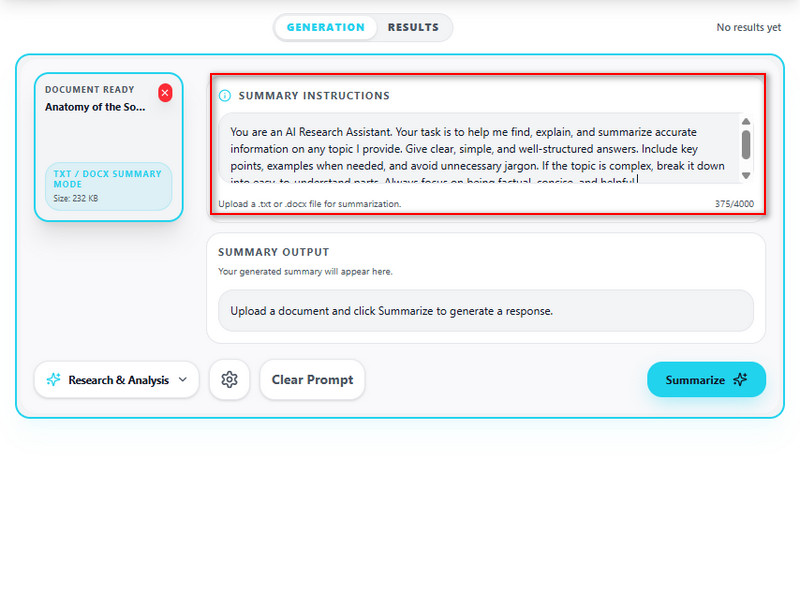
Select a mode based on your goal using Document Summarizer for structured overviews, Paper Researcher for deeper analysis, or Document Chat to ask questions directly from the file.

03

Get Structured Research Output

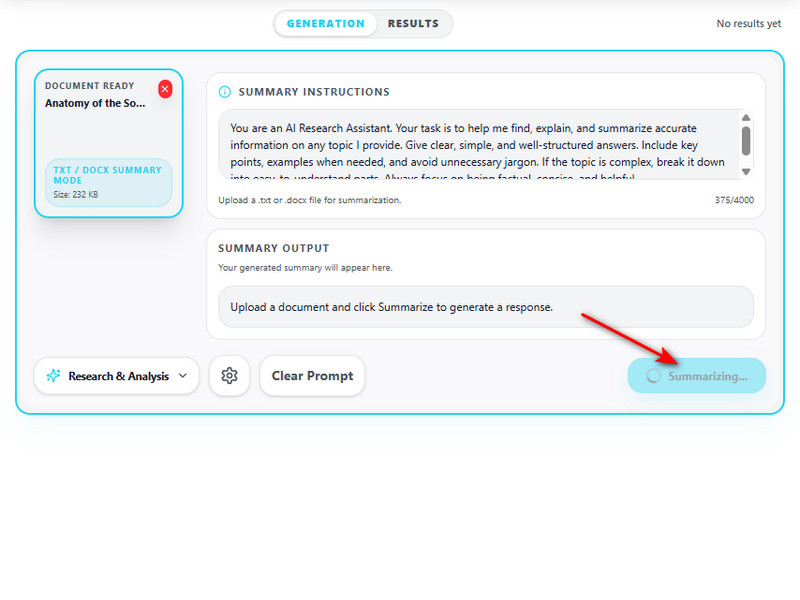
Receive clear results, including summaries, key insights, structured notes, extracted findings, and answers based on your document.

AI Research Assistant for All Users

shopping_cart

Teachers and Educators

Summarize lesson materials, organize classroom references, and turn lengthy reading documents into structured learning resources.

campaign

Researchers

Analyze academic papers, compare findings across documents, and extract important insights without manually sorting through large amounts of text.

brush

Professionals

Review reports, contracts, proposals, and internal documents more efficiently by using AI to summarize and organize important information.

movie

Writers

Gather ideas from source materials, organize references, and simplify background research before creating articles, reports, or long-form content.

Why Use AI for Document Research and Analysis?

bolt

Understand Long Documents Faster

Quickly identify the important parts of lengthy PDFs, reports, and research papers without manually reviewing every section.

high_quality

Keep Information Organized

Turn scattered research into structured summaries, notes, and categorized insights that are easier to revisit later.

lock

Ask Questions About Your Files

Use Document Chat to get answers directly from uploaded documents instead of searching through pages manually.

Frequently Asked Questions

How can I summarize a long PDF, report, or document without losing the key points?expand_more

Long reports, research papers, and business documents often become difficult to review because important insights are spread across multiple sections, tables, and supporting details. Upload the file to AI Document Summarizer and enter a prompt describing the output you need, such as an executive summary, key findings, action items, chapter highlights, or study notes. The tool uses your instructions to focus the summary on the most relevant information instead of producing a generic overview. If the document contains complex layouts, charts, or multiple sections, you can also use AI PDF Analyzer to examine specific content before generating the final summary. For legal, financial, medical, or academic decisions, the summary should always be reviewed against the original document because AI may simplify context or overlook highly specialized details.

How do I ask questions about a PDF instead of reading the full file manually?expand_more

If you only need specific information from a document, reading every page can be time-consuming. Upload the file to Chat with PDF and enter detailed questions about topics, definitions, conclusions, statistics, timelines, or specific sections you want to understand. More specific prompts often produce more focused answers, allowing you to explore the document without manually reviewing every page. For deeper document exploration, you can also use AI PDF Analyzer to identify important sections before asking follow-up questions. This workflow is useful for contracts, reports, manuals, academic papers, and business documents where users need quick answers instead of full-document reading. Important facts, numbers, and citations should still be verified directly in the source document because AI responses depend on the quality and clarity of the uploaded file.

How can I turn several documents or notes into a structured report draft?expand_more

Research materials, meeting notes, and collected references are often scattered across multiple files, making them difficult to organize into a coherent report. Start by using AI Document Summarizer to create focused summaries of each source. Then, provide those summaries to the AI Report Generator with a prompt describing the report structure, audience, and purpose. For example, you can request a business report, project update, research overview, or executive briefing. The tool can generate headings, sections, and draft content that follows your instructions. The generated report should be treated as a working draft rather than a final publication, and users should verify facts, add citations, and review conclusions before sharing it professionally.

How can students turn lecture slides, articles, or PDFs into study notes?expand_more

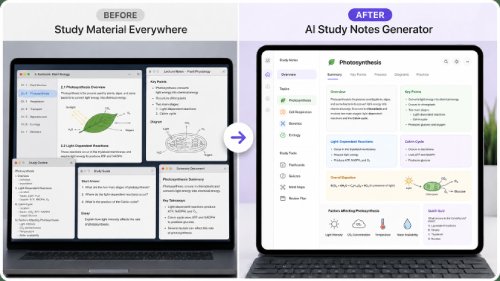
Students often spend hours rewriting lecture materials into review notes before they can start studying. Upload slides, articles, or PDFs to AI Study Notes Generator and enter a prompt describing the type of notes you want, such as topic summaries, key concepts, definitions, review questions, flashcards, or exam-focused study guides. For lengthy materials, you can first use AI Document Summarizer to reduce the content before generating notes. The resulting output can be used for revision guides, exam preparation, quick reviews, or self-testing. Since AI may not always identify instructor-specific priorities, students should compare the generated notes with their original course materials before relying on them for assessments.

Can I convert a PDF, article, or research outline into a mind map?expand_more

Large documents often contain multiple topics and subtopics that are difficult to visualize in a linear format. Begin by creating a condensed outline with the AI Document Summarizer, then submit the summary to the AI Mind Map Generator with a prompt describing how you want the information organized. For example, you can request a hierarchical topic map, research framework, project plan, or exam revision structure. The tool transforms the content into a visual layout that highlights relationships between ideas, sections, and supporting points. This workflow is useful for research planning, project organization, knowledge management, and study preparation. For very long reports or textbooks, processing one section at a time may produce more detailed and accurate mind maps.

Start Analyzing Documents with AI

Upload your documents and instantly generate structured summaries, insights, and research-based answers using AI-powered document understanding tools.

Back to Top
Contact Us
Learning Center