menu

Core Features of the Free Audio Splitter

easy audio cutting

Easy Audio Cutting

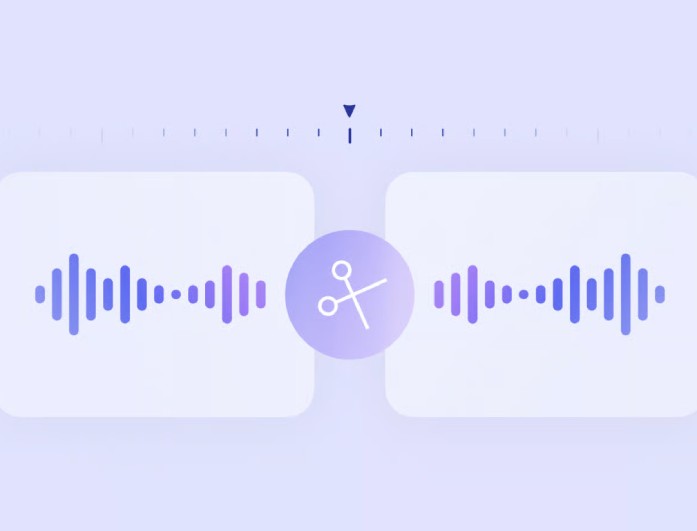
Our AI audio splitter tool lets you easily cut audio files into smaller parts without any complex steps. You can just upload your audio file, choose the section you want, and split it in a few clicks. The controls are smooth and intuitive, so you can precisely define your cut points.

Moreover, it is designed for all users, even beginners. You don’t need editing skills or software experience to make audio splitting fast, clear, and stress-free for everyday use.

Flexible Audio Cutting

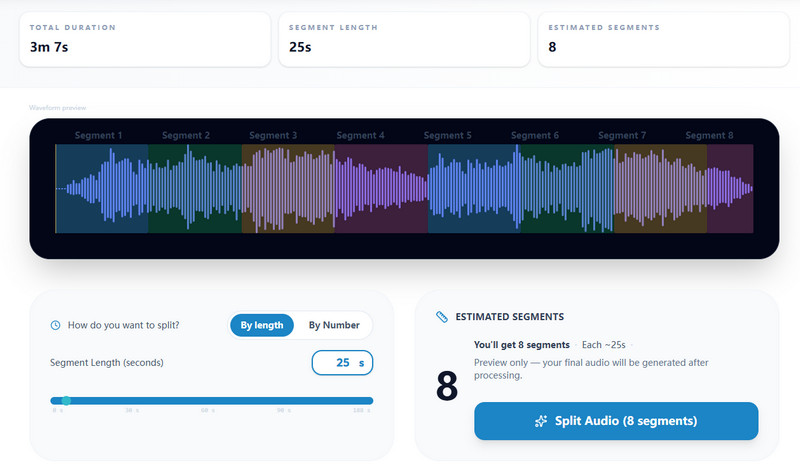
This audio splitter AI lets you split your audio files in 2 ways. With the audio slider, you can easily split your audio by a specific duration or number of seconds. It gives you smooth control, making it simple to choose the exact part you want without any confusion or complex editing steps.

Additionally, the tool enables you to segment the audio file into a determined number of parts. This makes it perfect for dividing long recordings into equal or custom sections based on your needs.

flexible audio cutting
supports multiple audio files

Supports Multiple Audio Files

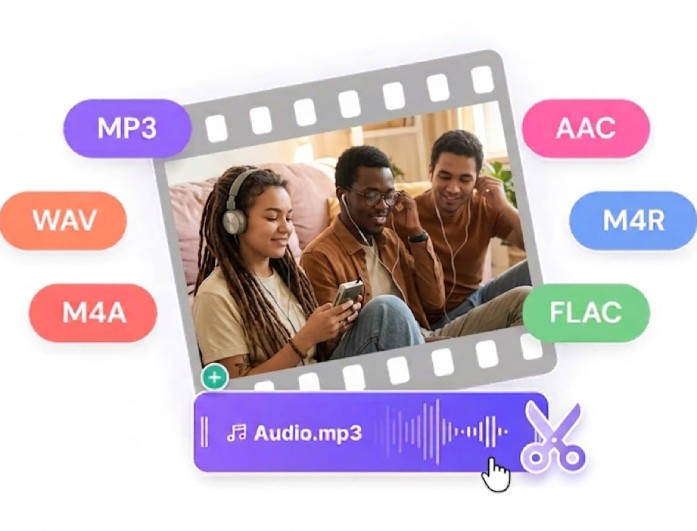
Our audio splitter online works with many audio formats, including MP3, OGG, WAV, WEBM, and more. You can upload various file types without worrying about compatibility issues, making the tool flexible and user-friendly for everyone.

It ensures smooth processing across all supported formats. No matter the file type, you can easily split and download your audio with consistent quality and reliable performance every time.

Help Users Easily Split Audio Files into Smaller Parts

content creators

Content Creators

Content creators use this tool to split podcasts, voiceovers, or audio files into segments for better organization and improved project quality.

musicians

Musicians

It allows them to split songs or recordings into parts for practice, remixing, or editing, making it easier to focus on specific sections.

office workers

Office Workers

They can divide meeting recordings into smaller clips, making it easier to share key points and review important discussions.

How to Split Audio Files Online

upload the audio
split audio file
download split audio
  • 01
    Upload the Audio

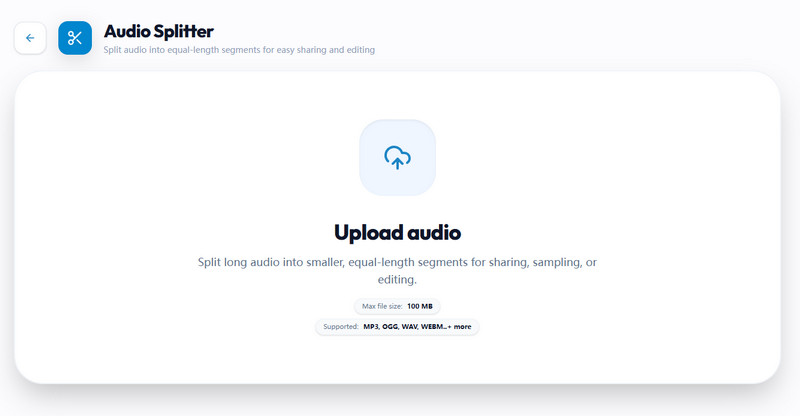
    To begin, you can just drag and drop the audio file you want to slip. Alternatively, users can utilize the "Upload" button to browse and select files from their local storage.

  • 02
    Split Audio File

    Then, you can split it by duration or by the number of segments. After that, you can initiate the splitting process by clicking the "Split audio into segments."

  • 03
    Download Split Audio

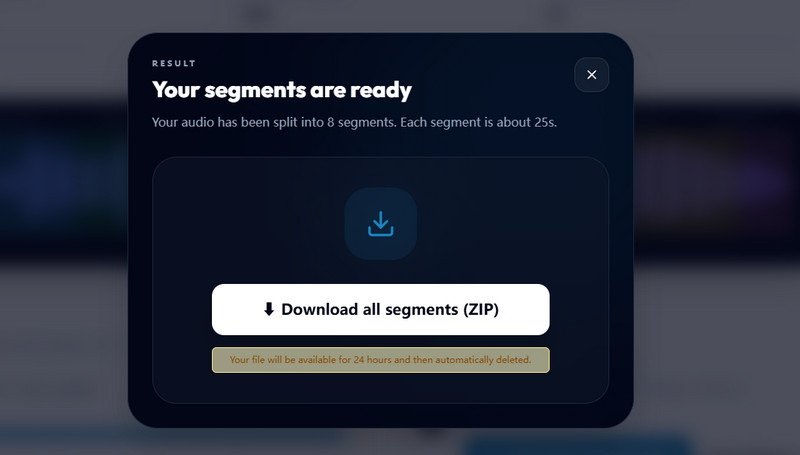
    After that, the audio splitter will process your audio file. Once done, click on the "Download segments" option to save it on your local drive.

Frequenlty Asked Questions

What is an Audio Splitter?

An Audio Splitter is a simple tool that helps you divide audio files into smaller parts. You can cut long recordings into short clips for easy use. It works online, so you don’t need to install any software. This makes audio editing quick and simple for everyone.

Will the audio quality change after splitting?

No, our audio splitter online keeps your audio quality the same after splitting. It does not compress or damage your file. Your output clips stay clear and clean. This ensures a good listening experience after editing.

Which audio formats are supported?

Our Free Audio Splitter Online supports many common formats, including MP3, WAV, OGG, and FLAC. You can upload different types of audio files without worrying about compatibility. The tool works smoothly with most standard audio formats. This makes it flexible for different users and needs.

Can I split audio into multiple parts?

Yes, with our online audio splitter, you can split a single audio file into multiple parts. You can choose how many segments you want. This is helpful for long recordings or music tracks where precise splitting is essential. It makes organizing your audio much easier.

Is it safe to upload my files?

Yes, your files are processed securely. The tool does not permanently store your audio, and your data is handled safely during processing. This helps protect your privacy and securely preserve your files while you use the tool. Your audio files will also be automatically removed after 24 hours, ensuring an extra layer of safety and privacy.

product icon AceThinker Wind Cut

All-in-One Video Editing Tool

wind cut banner
Back to Top
Contact Us
Learning Center