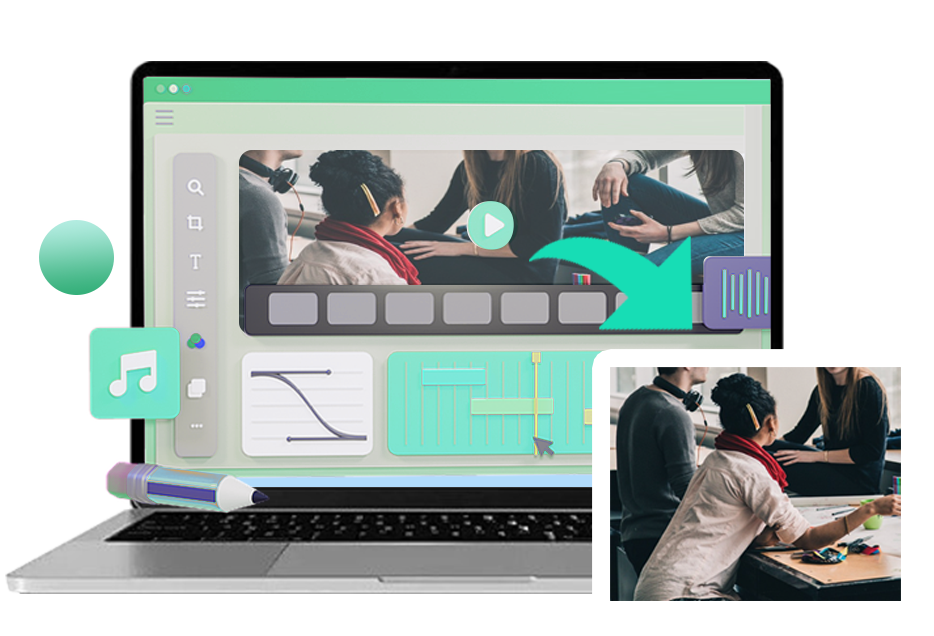
Easily layer background music onto any video or audio file in just a few clicks. This browser-based audio mixer lets you combine voice recordings, music tracks, podcasts, and sound effects into a single project—perfect for creators, streamers, and social media content. No downloads or installations are required, and it works smoothly on both PC and Mac. Simply upload your audio, arrange your tracks, and start mixing from any device with an internet connection.
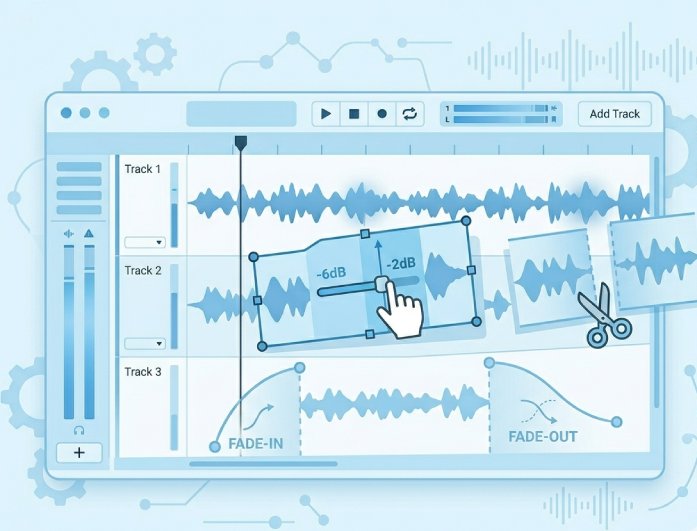
The mixer includes intuitive editing tools designed to help you achieve a clean, professional sound. You can adjust audio levels, trim or cut clips, and apply fade-in or fade-out effects to create smooth transitions and better balance between tracks. All processing happens securely within your browser, with no pop-ups or clutter. Files are handled safely, and any uploaded audio is automatically deleted from the server once processing is finished.


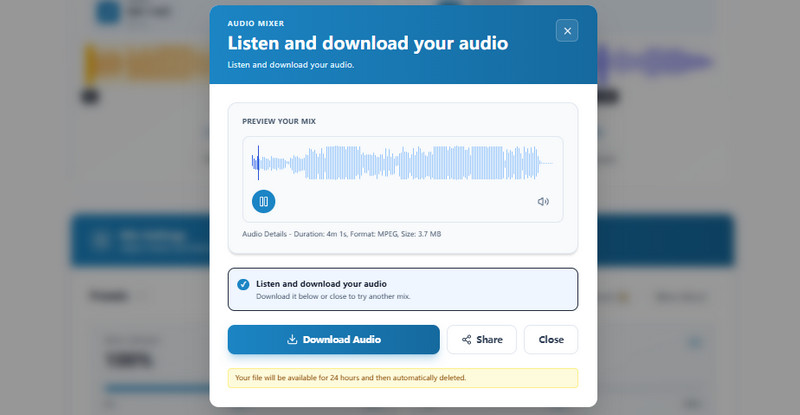
Before exporting, you can preview your full mix to ensure everything sounds exactly the way you want. The built-in preview player lets you check timing, volume levels, transitions, and overall audio balance before finalizing your project. If adjustments are needed, simply return to the editor, tweak your tracks, and listen again. This ensures you download a polished final result without guesswork or unnecessary re-exports.
Add intro and outro music, mix ambient background audio for storytelling, blend voice and music for optimal clarity.
Enhance your vlogs with background music for sharing on YouTube, TikTok, Instagram and more.
Elevate the audiobook demos or sample reels with subtle music beds and fade-ins and fade-outs for a polished listening experience.


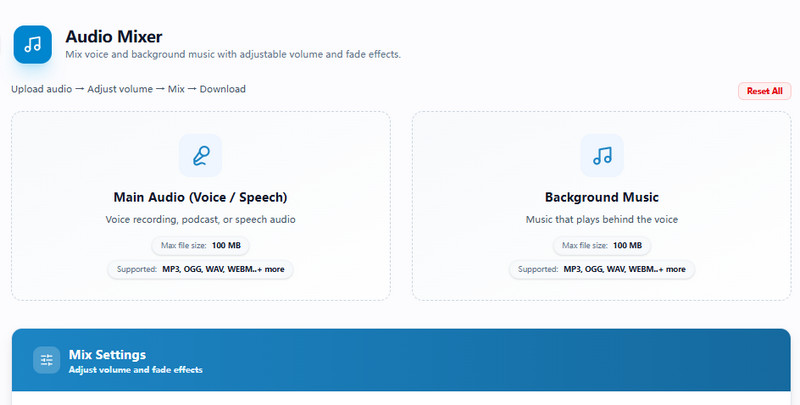
Start by uploading the main audio file you want to edit. Then add a second audio track to use as background music, narration, ambient sound, or effects.
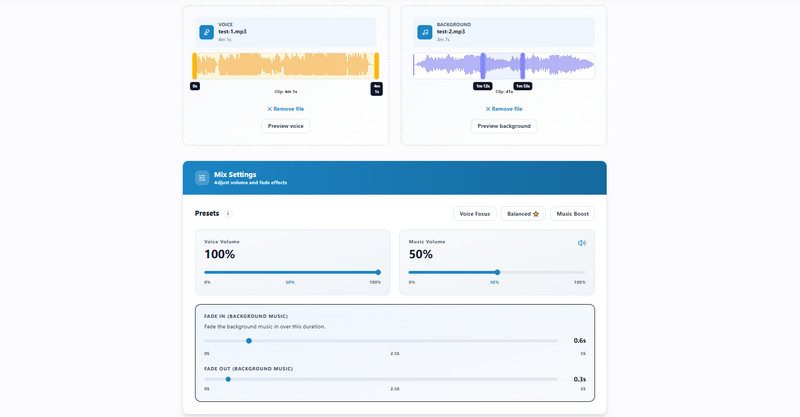
Use the built-in tools to trim or cut each track, adjust the music volume, and apply fade in or fade out effects. You can also fine-tune the timing so the background audio matches perfectly with your main file.
Preview the finished project to check the audio balance, timing, and overall sound. Once you are happy with the result, download the final video or audio file with the background music included.
An audio mixer app is used to combine and control multiple audio tracks in one project. You can add background music, adjust volume, trim clips, and balance voice, music, and sound effects before exporting the final file.
Yes. This audio mixer for streaming is useful for adding background music, voiceovers, or sound effects to videos and recordings before publishing them to platforms like YouTube, Twitch, TikTok, or podcasts.
Yes. The audio mixer app works directly in your browser, so it can be used as an audio mixer for PC and as an audio mixer Mac solution without installing software.
Yes. The audio mixer lets you control the volume of each track separately. You can lower the background music so it does not overpower speech or increase it to create a stronger effect.
Yes. The tool is free to use and exports files without a watermark. Uploaded files are processed securely, and they are automatically removed from the server after the mixing process is complete.