
menu

verifiedTrusted by 50,000+ YouTubers

Edit Videos for Marketing Campaigns and Product Promotions

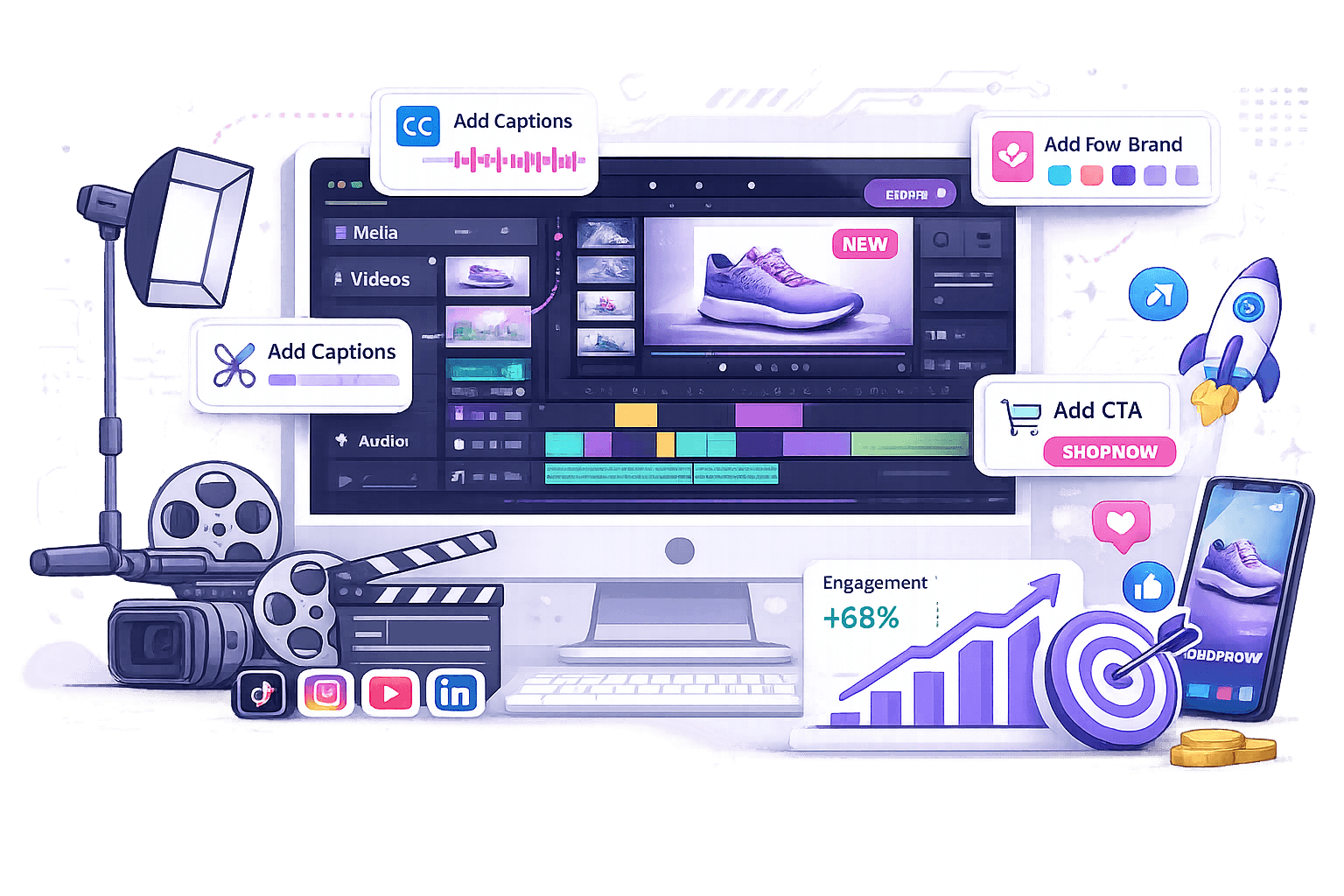
Trim clips, add branding, captions, and CTA overlays. Export optimized MP4s for TikTok, Instagram Reels, YouTube, and social media ads.
Edit Your Marketing Video Directly Online

Where to Edit Marketing Videos

Understand how this tool helps you create videos that support marketing goals and improve results.
Produce Product Demo Videos for Ecommerce Listings

Product demo videos help online shoppers understand features faster, especially on mobile-first ecommerce platforms where attention spans are limited. Raw recordings can include distracting backgrounds, inconsistent audio, or long demonstrations, which can make listings feel less professional. Video Effects can improve product presentation visually, while Audio Mixer helps balance narration and background music before exporting optimized MP4 videos for ecommerce listings and ads.

slideshow

featured_seasonal_and_gifts

Promote Seasonal Sales and Limited-Time Offers

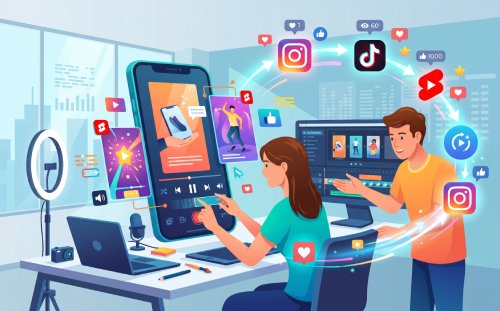
Restaurants, retail stores, and local service providers often create short promotional videos for seasonal discounts, new arrivals, or limited-time offers. Static graphics and long captions usually struggle to attract attention on fast-scrolling social feeds. Adding animated text overlays, quick scene transitions, and shorter promotional clips helps communicate offers faster across Facebook Stories, Instagram Reels, and local ad campaigns.

Repurpose Webinars into Shareable Marketing Clips

Long webinars and product walkthroughs are often repurposed into shorter clips for email campaigns and social media. Full-length recordings often include pauses and slower sections that detract from engagement outside their original format. Extracting shorter highlights with Video Cutter and resizing them for different platforms makes the content easier to distribute across multiple marketing channels.

Edit Marketing Videos for Ads and Promotional Content

graphic_eq

High-Precision Marketing Clips

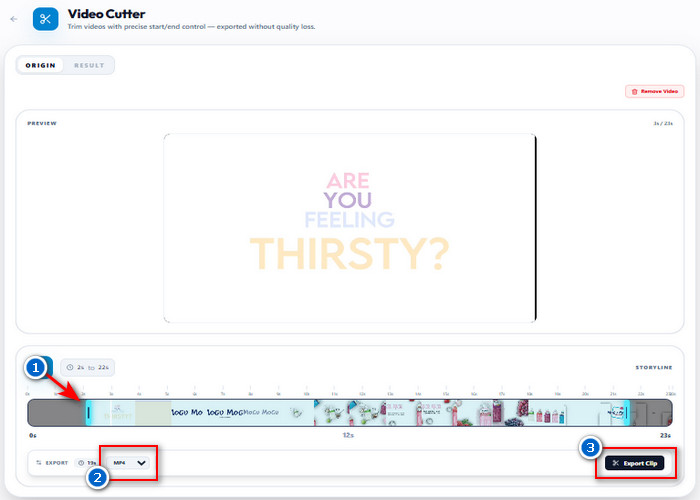
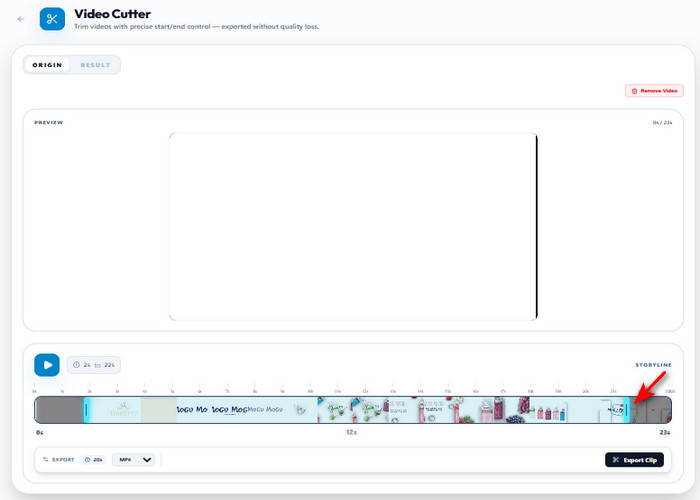
Trim long marketing videos into concise clips by selecting specific start and end points on the timeline. This action removes unnecessary intros or filler footage, transforming a lengthy file into a high-retention ad. The tool processes the selected segment and exports the resulting shorter video in MP4, WEBM, or GIF format for immediate use on promotional platforms.

bar_chart_4_bars

Technical Metrics

Understand the settings that control how your video is trimmed and exported. They define how the selected segment is processed and saved in the final output.

  • check_circle
    Output Type: Trimmed video clip
  • check_circle
    Trim Range: Start and end point selection
  • check_circle
    Export Formats: MP4, WEBM, GIF
  • check_circle
    Compatible with: Facebook Ads, Instagram Reels, YouTube Shorts, Google Display Network

How to Edit Marketing Videos in 4 Steps

Follow simple steps to turn raw clips into polished marketing videos that improve engagement and campaign results.
01

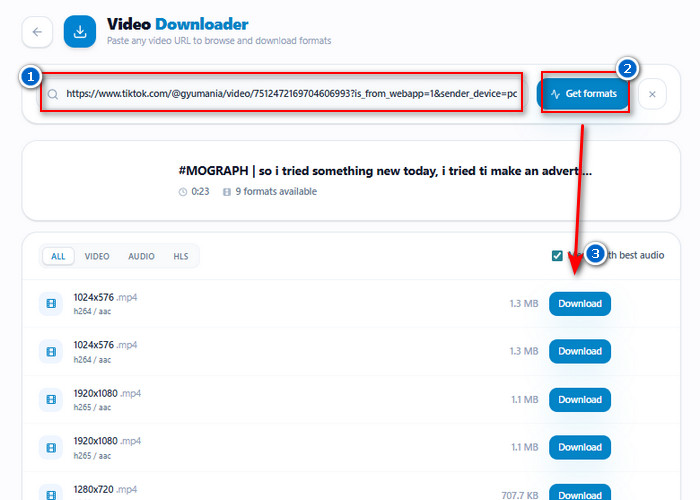
Download or Upload Marketing Footage

Use Video Downloader to save source videos from online campaigns or upload recorded product footage directly into the editor. Preparing the original clips first makes it easier to create consistent ads, promotions, and branded marketing content from one video source.

Download or Upload Marketing Footage

02

Trim Videos into Short Marketing Clips

Use Video Cutter to remove unnecessary sections and shorten footage into 15–30 second promotional clips. Shorter videos help products, offers, and key messages appear faster while keeping viewers engaged on social media feeds.

Trim Videos into Short Marketing Clips

03

Improve the Opening Scene for Better Engagement

Adjust the first 3-5 seconds of the video to focus on the product first. Faster openings and clearer highlights help marketing videos capture attention more quickly on TikTok, Instagram Reels, and Facebook ads.

Improve the Opening Scene for Better Engagement

04

Export and Share the Final Marketing Video

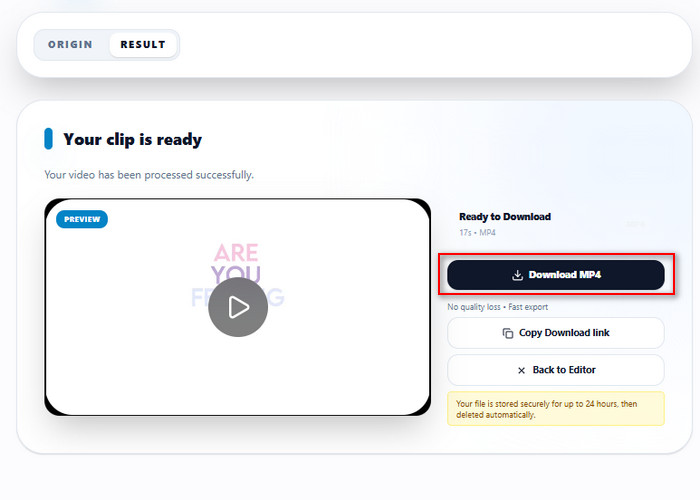
Export the edited video in MP4 format with a mobile-friendly layout for smoother uploading across social media and advertising platforms. Smaller file sizes and vertical video formatting also make promotional content easier to publish, share, and reuse for future campaigns.

Export and Share the Final Marketing Video

Turn Simple Videos into High-Performing Marketing Ads

  • animated_imagesCreate Video
  • add_adAdd Branding Elements
  • check_circleOptimize Video
  • file_exportExport Video
Create Videos for Ads and Promotions

Create High-Performing Ads and Promotional Videos

Simple clips can be transformed into structured marketing videos designed for ads, product launches, and brand campaigns. You can cut scenes, reorder messaging, and emphasize key selling points so viewers understand the offer within the first few seconds. This helps improve attention retention on fast-scrolling platforms like TikTok, Instagram, and YouTube Shorts.

Add Branding Elements

Add Branding and Action-Driven Messaging

Brand consistency becomes easier when you place logos, colors, and text directly in the video timeline. You can also add clear call-to-actions like “Shop Now” or “Learn More” where viewers are most likely to respond. This ensures your videos not only look consistent but also guide viewers toward clicks, purchases, or sign-ups.
Optimize Videos for Marketing

Adapt Videos for Different Marketing Platforms

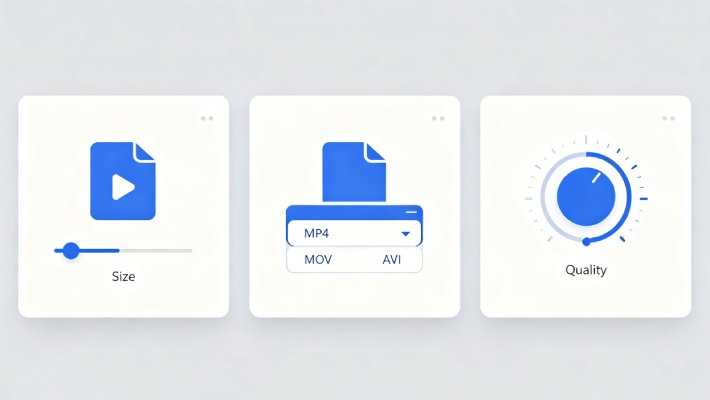
Videos can be adjusted to match how each platform displays content, whether it’s vertical feeds, square ads, or widescreen placements. Resizing and format adjustments help prevent cropping issues and improve visual clarity across mobile and desktop screens. This makes the same content usable across multiple campaigns without re-editing from scratch.
Export Videos Ready for Social Media

Export Campaign-Ready Videos for Fast Publishing

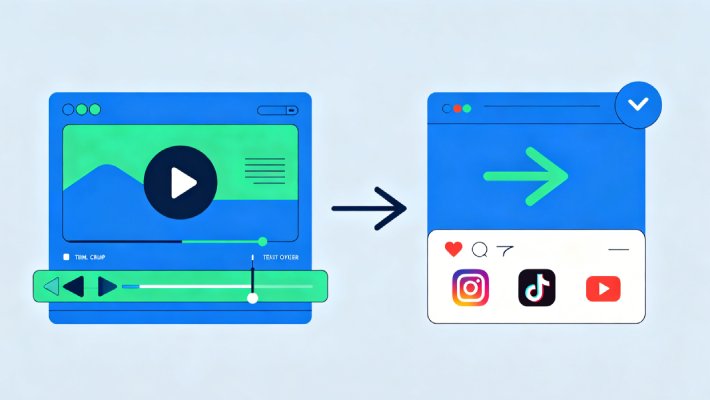
Finished videos can be exported in widely supported formats like MP4, optimized for smooth playback and fast uploading. You can generate smaller, mobile-friendly files that load quickly in social feeds and ad placements. This helps marketing teams launch campaigns faster without worrying about compatibility or quality loss.

Additional Editing Tools

autorenew

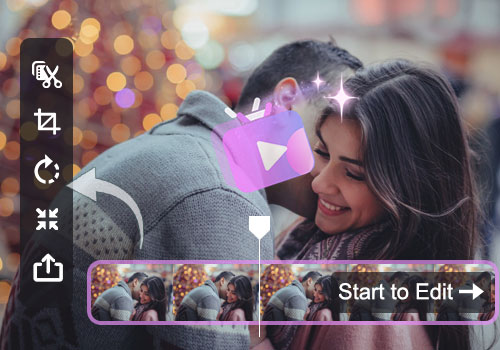
Video Cutter

Cuts long videos into shorter, focused clips for ads, promotions, and social media content. It helps remove unnecessary scenes, allowing the main message to appear sooner and keeping viewers engaged.

  • check_circle
    Trims clips with frame-level precision
  • check_circle
    Removes unwanted scenes quickly
  • check_circle
    Exports short-ready marketing videos

Benny's Pick

Web-Based Editor

edit_note

Video Resizer

Changes video dimensions to fit different platforms like TikTok, Instagram Reels, and YouTube Shorts. It ensures your marketing videos are properly formatted for mobile-first viewing without cropping important visuals.

  • check_circle
    Supports 9:16, 1:1, and 16:9 formats
  • check_circle
    Adapts videos for each platform layout
  • check_circle
    Maintains visual quality during resizing

Aisha's Choice

Desktop App

movie_speaker

Video Converter

Converts videos into different formats for easy sharing, editing, and compatibility across social media platforms and advertising tools. It helps ensure smooth playback and reduces upload issues during campaigns.

  • check_circle
    Supports MP4, MOV, and other formats
  • check_circle
    Ensures platform compatibility
  • check_circle
    Reduces file size for faster uploads

Lara's Must-Have

Mobile Quick-Edit

hangout_video

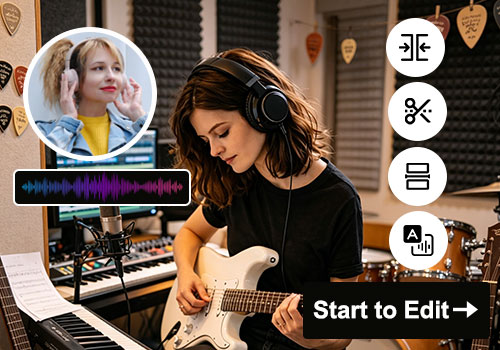
Audio Mixer

Adjusts and balances sound levels for voice, music, and background audio to create clearer, more professional marketing videos. It helps improve viewer experience and makes promotional content easier to understand.

  • check_circle
    Balances voice and background audio
  • check_circle
    Reduces noise for clearer sound
  • check_circle
    Improves audio quality for ads

Viral Pick

AI Script-to-Video

Frequently Asked Questions

How do I cut a product or sales video into a shorter promotional clip?expand_more

Marketing videos may lose viewer attention when the product message takes too long to reach the main point. To trim the long video advertisement, use a Video Cutter to extract only the strongest demonstration, testimonial, or call-to-action segment. Then export it as MP4, which is widely accepted across ad platforms, landing pages, and social feeds. Remember, cutting the video shorter will not improve blurry or heavily compressed footage.

How do I resize one marketing video for ads, landing pages, and social feeds?expand_more

Different platforms display videos differently, so one aspect ratio may not fit every placement correctly. Resize the original clip using Video Resizer to create 16:9 versions for landing pages, 1:1 for feeds, and 9:16 for Stories or vertical ads. Then choose between Fit and Fill modes depending on whether you want to keep the full frame visible while adding additional corners, or crop the video to fully match the target layout.

Can I remove distracting text, watermarks, or unwanted objects from a marketing video?expand_more

Old captions, logos, or objects in the frame can distract viewers from the product itself. Use Remove Video Text to reduce or cover those elements before republishing the clip. Even if the text or objects appear in different areas, the tool lets you cover multiple sections in the same video. However, the removed areas are only blurred or masked, not fully reconstructed or permanently erased from the original footage.

Can I add AI video effects without rebuilding the whole video?expand_more

Existing marketing videos sometimes need a visual refresh without restarting the editing process from the beginning. You can use the AI Video Effects, which offer Cartoon, Cinematic, Film Noir, Chromatic, and more. Then, the exported edited video will have the same resolution and format as the source. However, heavy effects may still exaggerate noise or compression artifacts in low-quality footage.

How do I extract voice or background music from a sales video for reuse?expand_more

Sales teams may need separate narration or music tracks for presentations, product demos, or repurposed ads. First, extract the audio from the sales video using Video to Audio Converter. Since the goal is reuse, export it directly in WAV format to preserve higher quality in 320kbps for future editing. However, if the original video contains overlapping speech, music, and effects in the same audio layer, some elements may not separate cleanly, which can still affect clarity.

Improve Marketing with Better Video Editing

Edit and optimize videos for better marketing performance, higher engagement, and improved sales outcomes across platforms.

Back to Top
Contact Us
Learning Center