
menu

verifiedTrusted by 50,000+ YouTubers

Create Audio Clips for Content Creation Easily

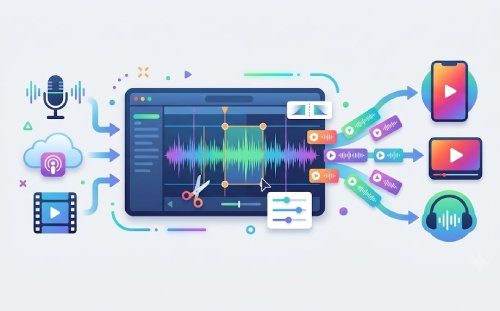
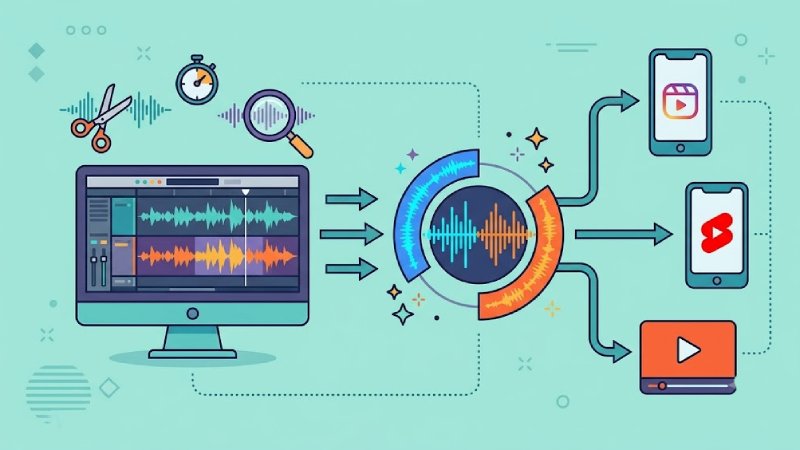
Create audio clips for content by cutting, trimming, and editing sound for videos, podcasts, and social media. Produce short, engaging clips for reels, Shorts, and YouTube quickly.
Start to Create Audio Directly in Browser

Make Better Audio for Your Content

Create audio clips to enhance engagement across videos and social platforms.

Popular

Social Media Content Creation

Content creators can use the audio creator to generate clear, engaging audio clips that complement short-form videos on platforms like Instagram, TikTok, and YouTube Shorts. Improved narration, sound effects, and voiceovers help capture attention quickly, increase watch time, and encourage audience interaction.
create audio

Product Promotion and Advertising

Businesses and marketers can enhance promotional videos with professional audio clips that explain product features, benefits, or special offers. Clear and polished audio improves message delivery, strengthens brand perception, and helps potential customers better understand products across digital marketing campaigns.

campaign

podcasts

Podcast and Video Production

Podcasters can create high-quality audio snippets from full episodes to share across social media channels. These short promotional clips highlight key insights, memorable moments, or guest quotes, helping attract new listeners, increase episode reach, and drive traffic to the complete podcast.

Educational and Training Content

Educators, trainers, and e-learning creators can produce engaging audio segments for lessons, tutorials, and instructional videos. High-quality narration improves comprehension and accessibility, keeps learners focused, and creates a more professional learning experience across online courses and educational platforms.

Trim, Merge, and Export Final Audio

graphic_eq

Edit and Organize Voiceover Recordings

Upload multiple voiceover recordings and arrange them in the desired order using the audio merger. Trim unwanted sections by adjusting start and end points for each clip, then apply fade-in and fade-out effects to create smooth transitions between segments. The edited recordings are combined into a single audio track that can be downloaded in MP3, WAV, or OGG format.

bar_chart_4_bars

Technical Metrics

Displays supported editing functions and export formats available for voiceover audio production workflows.

  • check_circle
    Input: Multiple audio files
  • check_circle
    Editing Actions: Trim (start/end selection), recorder clips, merge audio
  • check_circle
    Output Type: Single edited audio file
  • check_circle
    Output Formats: MP3, WAV, OGG

Create Audio Clips in Minutes

Turn raw audio into engaging content clips quickly with a simple and efficient editing workflow.
01

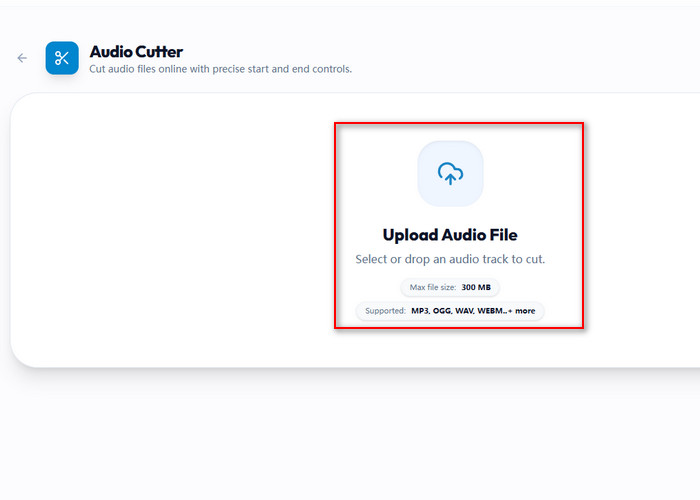
Upload Audio

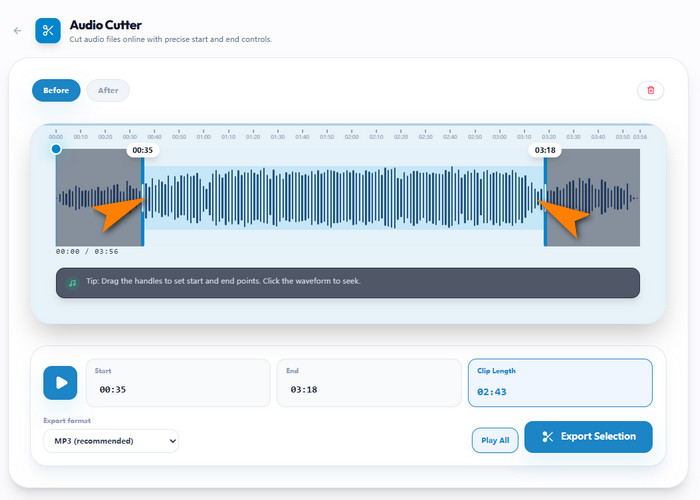
Open the tool and upload your audio by dragging it in or selecting it from your device. Wait for the waveform to fully load before editing.

Upload Audio

02

Choose the Best Segment

Scan through the waveform and highlight the part of the audio you want to use in your content. Adjust the in/out points to refine your selection.

Trim Clip

03

Enhance Audio

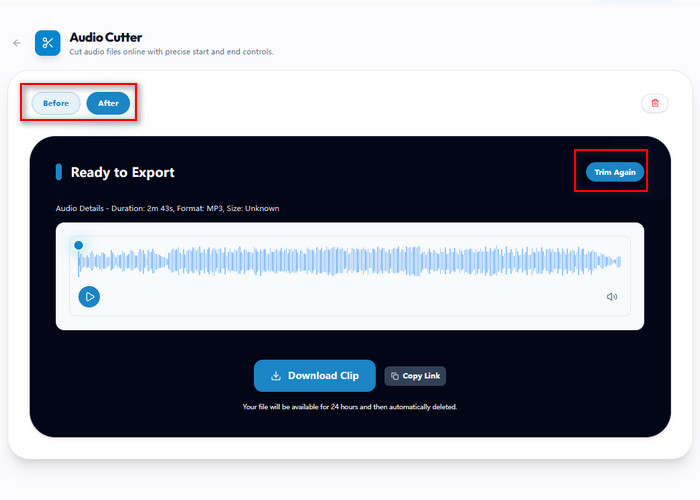
Refine timing, adjust clarity, and improve sound quality to deliver better content.

Enhance Audio

04

Export File

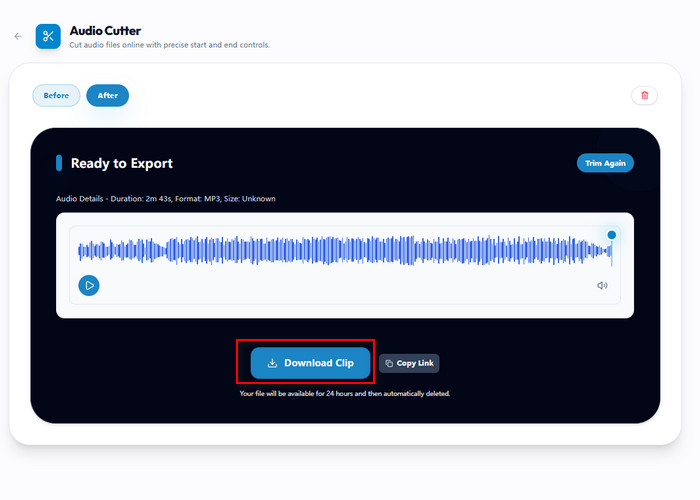
Download your audio clips ready for use in videos, reels, and social media.

Export File

Features Built for Audio Content Creation

  • noise_awareCut and Trim Audio
  • computer_cancelExtract Highlights
  • speech_to_textReels and Shorts Audio
  • format_image_leftExport Audio for Editing
Cut and Trim Audio

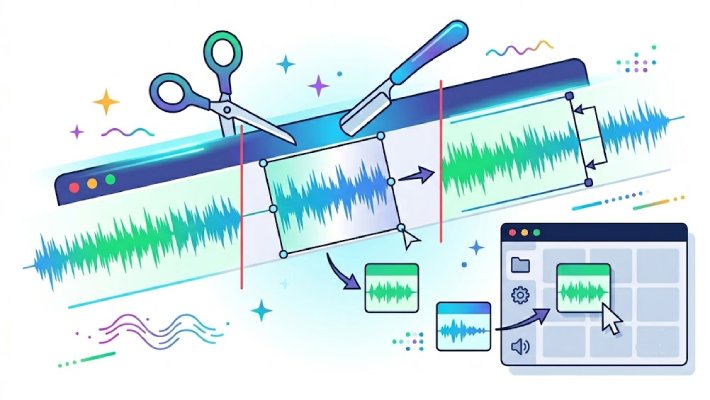
Cut and Trim Audio for Content Clips

Create audio clips for content by cutting and trimming audio from videos, podcasts, and recordings. Select key segments, remove unnecessary parts, and focus on clear, engaging sound. This helps creators produce short audio clips that fit perfectly into videos, reels, and social media content while maintaining quality and consistency across different platforms.

Extract Highlights

Extract Highlights from Long Recordings Easily

Create audio clips for content by extracting highlights from long recordings. Identify the most impactful moments and turn them into short, shareable audio snippets. This is ideal for repurposing podcast episodes, interviews, or long-form content into engaging clips that can be used across multiple social media channels and video platforms.
Create Audio for Reels and Shorts

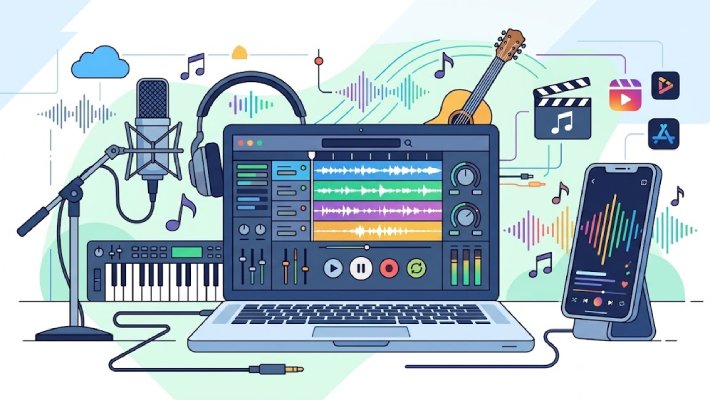
Create Audio for Reels and Shorts Content

Create audio clips for content optimized for reels, Shorts, and social media videos. Adjust timing, length, and format to match fast-paced content styles. This helps ensure your audio fits seamlessly into short-form videos, improving engagement and making your content more appealing to audiences on platforms like TikTok, YouTube Shorts, and Instagram Reels.
Export Audio for editing

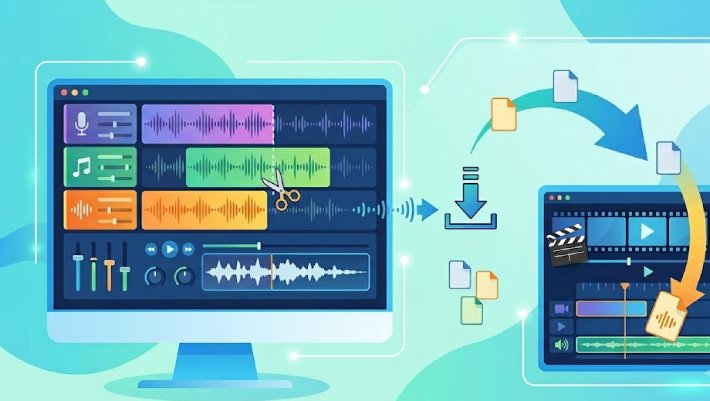
Export Audio Ready for Video Editing

Create audio clips for content and export them in formats ready for video editing. Clean and trimmed audio files can be easily integrated into video projects, making editing faster and more efficient. This helps creators maintain workflow consistency and ensures high-quality audio across all content creation platforms.

Other Tools You May Be Interested

content_cut

Audio Editor

Edit, trim, and enhance audio clips using an MP3 cutter for videos, podcasts, and social media content.

Benny's Pick

Web-Based Editor

merge

Video Editor

Combine video clips with visuals to create engaging YouTube and social media videos.

Aisha's Choice

Desktop App

sync

Audio Converter

Convert audio clips into different formats for compatibility across content creation platforms.

Lara's Must-Have

Mobile Quick-Edit

mobile_speaker

Audio Recorder

Record high-quality audio for creating clips used in videos and social media content

Viral Pick

AI Script-to-Video

Frequently Asked Questions

How do I create audio clips for content?expand_more

To create audio clips for content, upload your audio file, select the desired section, and trim it using an audio editing tool. Focus on key moments that match your video or social media content. This helps produce short, clear audio clips that enhance engagement and improve overall content quality.

Can I cut audio online for free?expand_more

Yes, you can cut audio online using browser-based tools without installing software. These tools let you trim clips, adjust timing, and export files quickly. This is ideal for content creators who need fast and convenient ways to prepare audio clips for videos, reels, and social media.

What is the best tool to trim audio?expand_more

The best tool to trim audio depends on your needs, but a reliable audio editor should offer precise cutting, simple controls, and multiple export options. For content creation, choose a tool that allows you to quickly create audio clips for videos, podcasts, and social platforms.

How do I extract audio highlights from recordings?expand_more

To extract audio highlights, listen to your recording and identify the most engaging or important parts. Use an audio trimmer to cut those sections into short clips. This helps turn long recordings into shareable content for videos, reels, and promotional posts.

Can I use audio clips for YouTube and social media?expand_more

Yes, you can create audio clips for content and use them in YouTube videos, reels, and other social media posts. Short, well-edited audio clips improve storytelling, boost engagement, and make your content more appealing across different platforms.

Start Creating Your Audio Clips

Create audio clips for content with no installation required for fast, convenient editing anywhere.

Back to Top
Contact Us
Learning Center