








Record Meetings Smoothly for Minutes, Action Items, and Team Archives
Capture crisp video, system audio, microphone narration, and speaker layouts for corporate syncs, client presentations, remote training, and project handoffs.
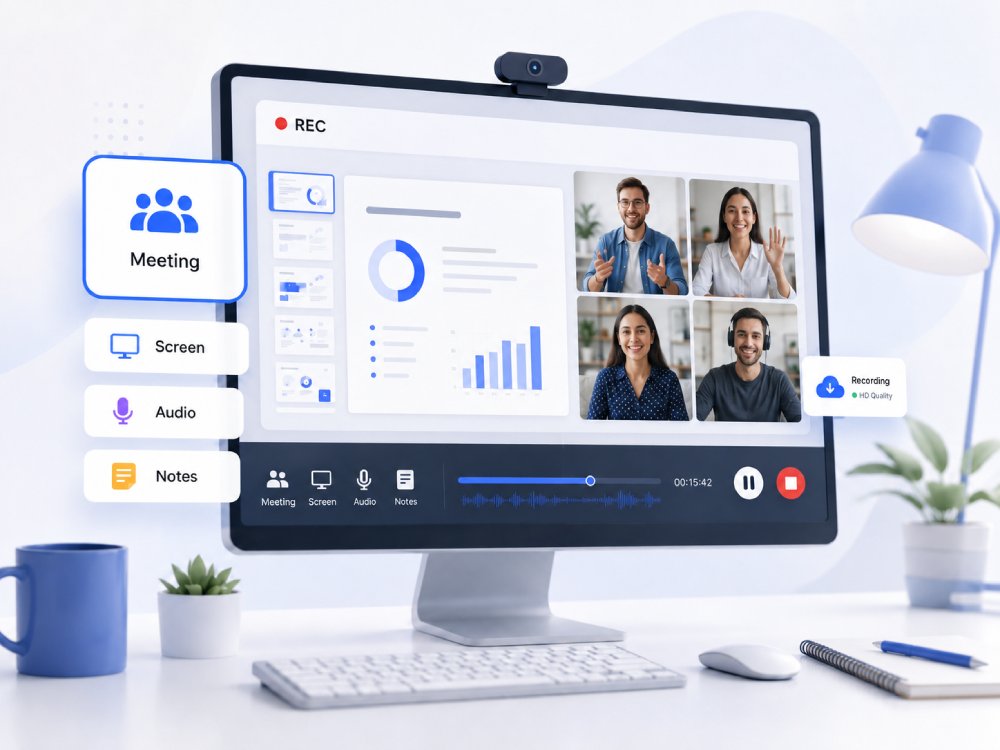


Meeting Recorder Capacity Overview
Capture, review, and archive your most important professional conversations with precision.
Universal Platform Capture
Record high-quality video and screen shares seamlessly across Google Meet, Zoom, and Microsoft Teams to preserve crucial business discussions without interruption.
Multi-Source Audio Sync
Capture system audio, shared presentations, and individual microphone inputs simultaneously, ensuring every participant's voice is crystal clear for accurate review and transcription.
Screen & Speaker Recording
Record active presentations, shared financial or legal documents, and the speaker's camera view together to maintain full visual context for team alignments and asynchronous training.
Secure Archiving and Sharing
Preview, save, and organize meeting recordings for secure internal distribution, immediate client follow-ups, or seamless integration into your company's knowledge base.
Choose Your Meeting Recording Workflow
Choose the right recording setup for your platform, collaboration, and sharing needs.
-
video_chat
Record Zoom Meetings
Capture high-definition Zoom conferences, webinars, and breakout rooms. Effortlessly save presentations, shared screens, and active speaker views.
-
video_call
Record Microsoft Teams Meetings
Record corporate syncs, team presentations, and external client calls on Teams. Securely capture multi-window shares, chat panels, and live captions.
-
hangout_video
Record Google Meet Sessions
Instantly record Google Meet calls without heavy CPU lag. Capture workspace tabs, whiteboard sessions, and team discussions.
-
settings_voice
Record Meeting Audio and Transcripts
Isolate and capture crisp VoIP audio, multi-mic boardroom narration, and system sound. Perfect for generating clean voice tracks and meeting minutes.
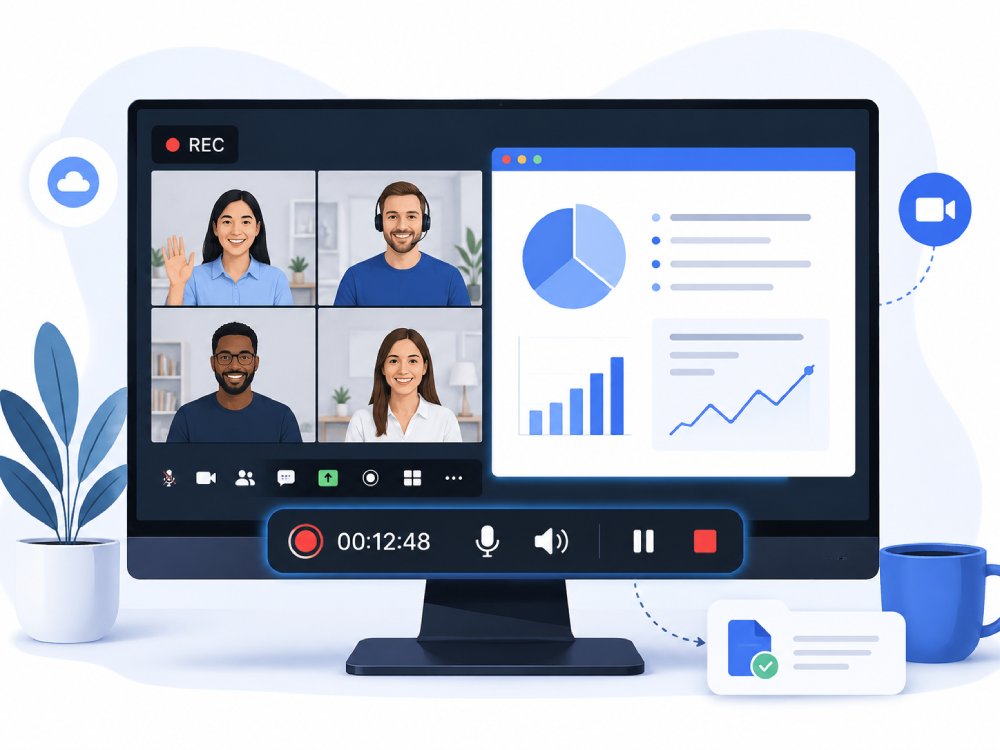
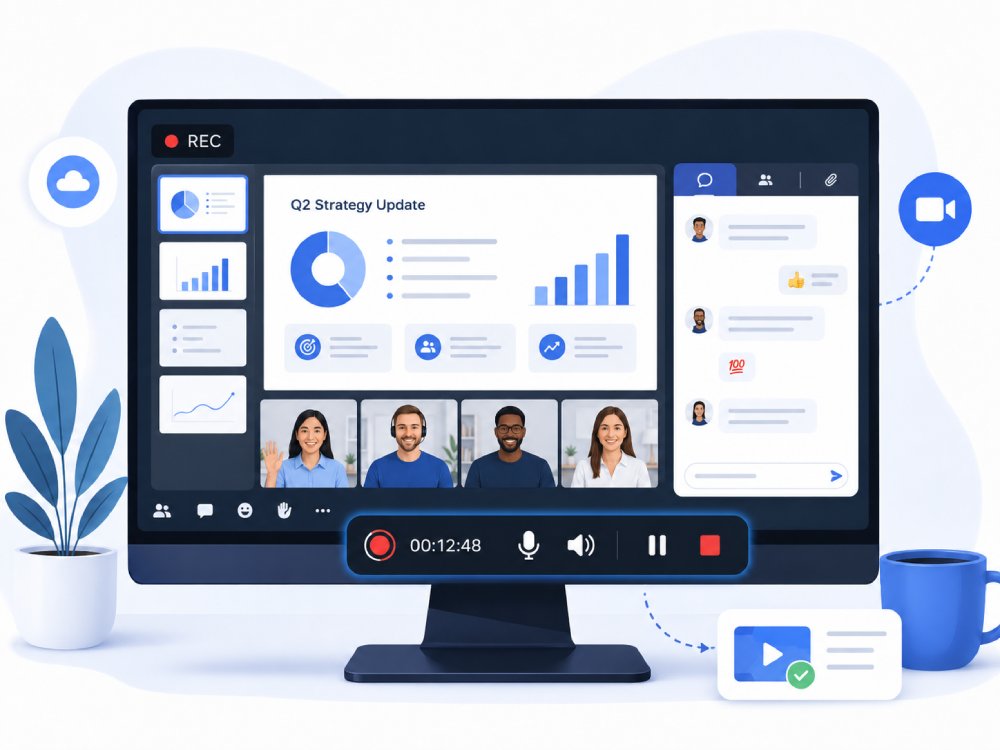
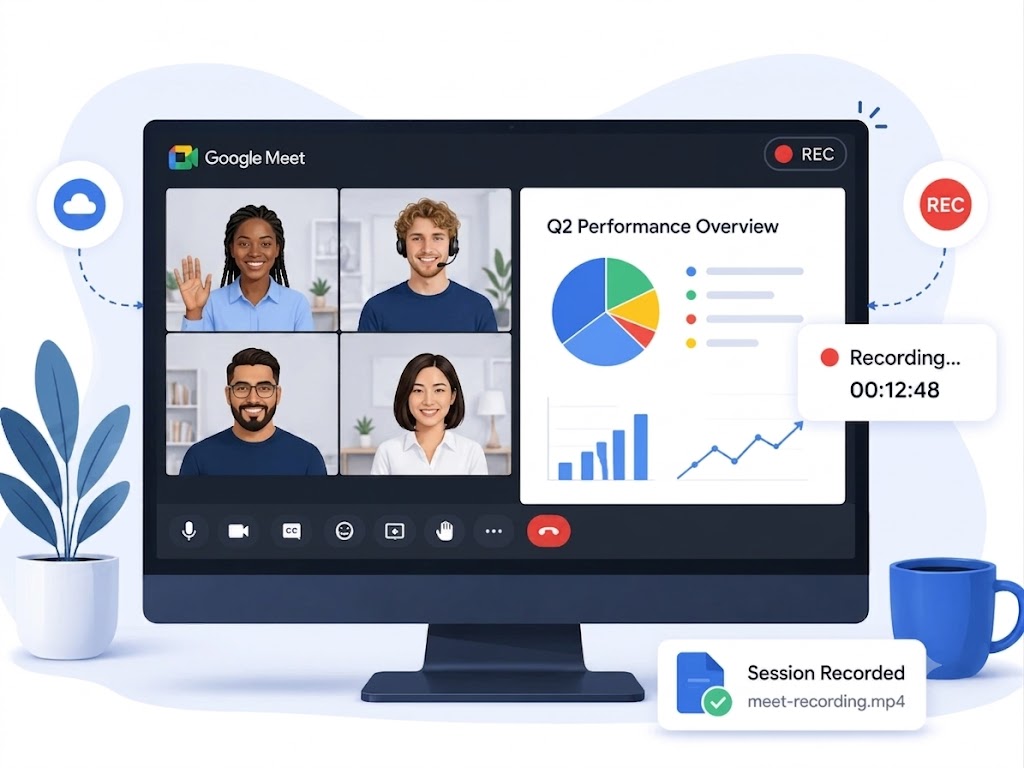
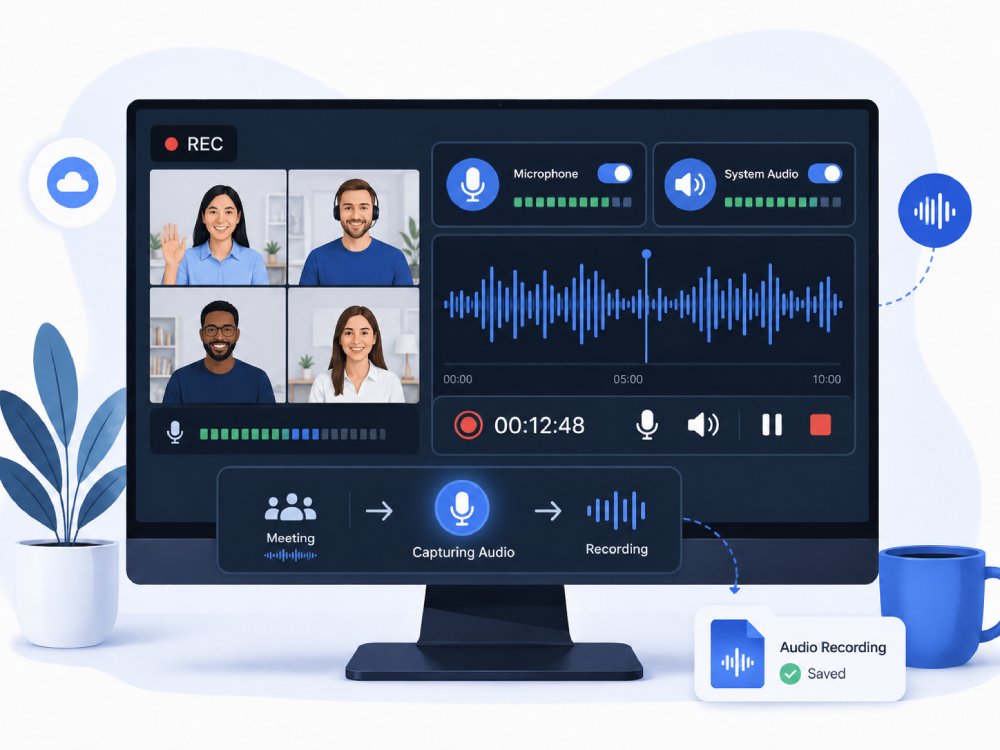
Crystal-Clear Meeting Recording - Every Speaker, Every Word
Preserve Every Detail in Your Online Meeting
Ensure that every meeting—client review, investor briefing, internal training, or compliance-required call—is captured with uncompromising clarity. AceThinker's recording engine locks onto the original video stream and preserves the full visual structure of the meeting window, including small text, interface elements, and fast-moving webcam motion.
Technical Metrics
This meeting recorder is validated through a set of industry-standard video benchmarks to ensure clean, artifact-free output for audits, compliance, and professional documentation.
Upgrade to Pro for Smoother Meeting Recording
Get better performance, stable recordings, and advanced features with our meeting recording software. It can handle longer sessions, higher-quality output, and greater control without interruptions.
- check_circle Customized recording resolution
- check_circleReal-time annonations and highlights
- check_circle Scheduled meeting recording
Online Meeting Recorder VS. Desktop Meeting Recorder
| Features | Online Meeting Recorder | Desktop Meeting Recorder | Dadan |
|---|---|---|---|
| Setup | No installation needed, runs in browser | Requires download and installation | Browser extension or desktop app |
| Performance | Depends on internet connection | More stable and consistent performance | Smooth, optimized for long meetings with auto-recording |
| Recording Quality | May vary with network speed | Up to 4K recording quality with 60 FPS | Up to 4K video |
| Features | Basic recording and limited settings | More advanced features and customization | AI summaries, transcription, chapters, meeting notes |
| Best For | Quick recordings and simple tasks | Long meetings and professional use | Teams wanting all-in-one recording + AI + video editing |
| Start Recording | Free Download | Learn More |
Frequently Asked Questions
What if the meeting recording captures video but not the other speakers' voices?expand_more
Can I record Zoom, Google Meet, Teams, or webinar sessions online?expand_more
How do I make a long meeting recording easier to review later?expand_more
How can I record a meeting without showing private desktop notifications?expand_more
What permission or privacy points should I mention before recording a meeting?expand_more
Optimize Your Meeting Recording Process
Start Capturing Every Meeting
Start recording your next meeting - record key highlights, task lists, deadlines and more.