








Record Gameplay Smoothly for Highlights, Walkthroughs, and YouTube Videos
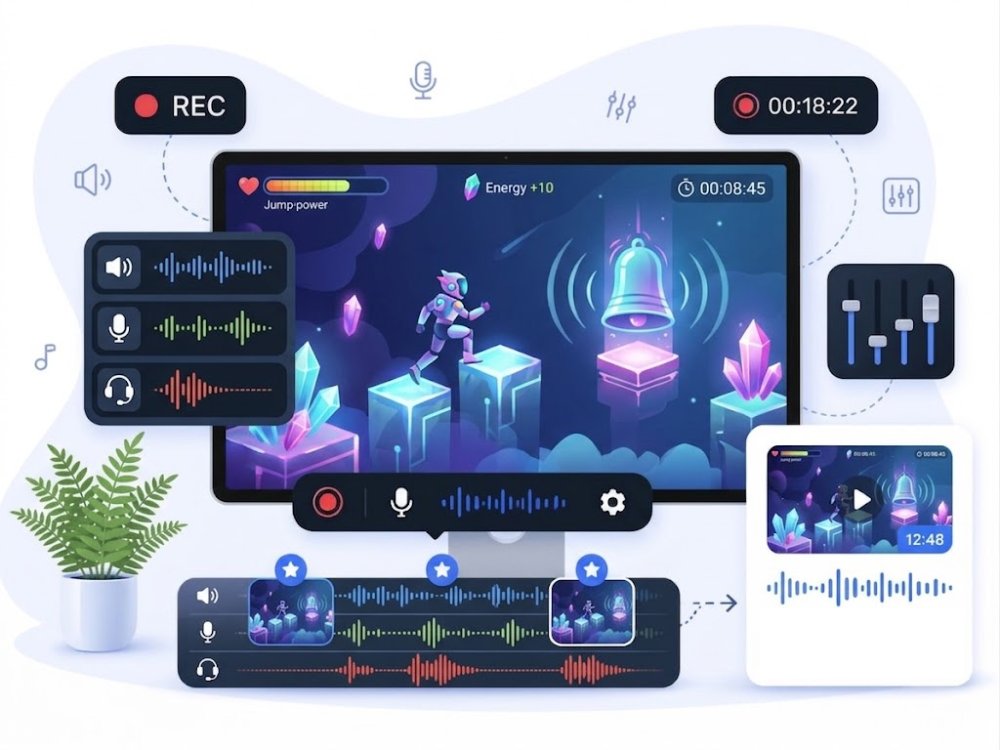
Capture game video, system sound, microphone commentary, and webcam reactions for PC games, mobile gameplay, tutorials, and gaming channels.
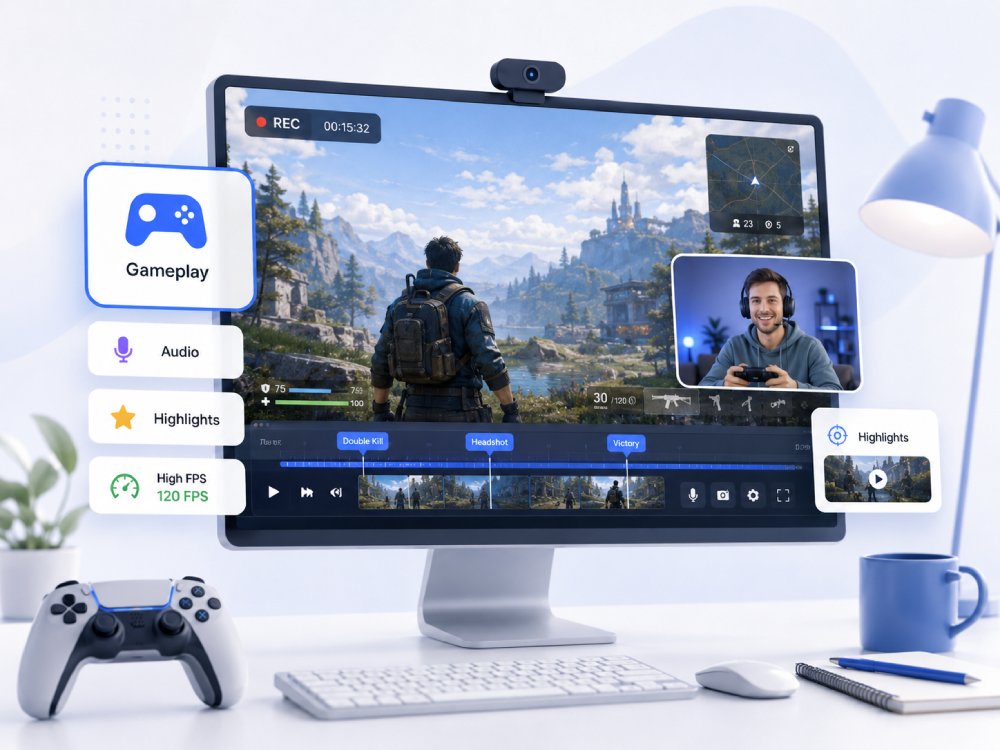


Gameplay Recorder Capacity Overview
Capture and record your best gaming moments in high quality.
Smooth Gameplay Capture
Record PC or browser gameplay with stable video capture for walkthroughs, tutorials, and highlight clips.
Game Audio + Voice Commentary
Capture in-game sound and microphone commentary together, so your reactions, tips, and narration stay clear.
Webcam Reaction Overlay
Add your webcam view for reaction videos, gaming tutorials, livestream-style clips, and YouTube content.
Save Clips for Editing and Sharing
Preview, save, and prepare gameplay clips for YouTube videos, Shorts, social posts, or further editing
Choose Your Gameplay Recording Workflow
Pick the right recording setup based on your device, game type, and publishing goal.
-
desktop_windows
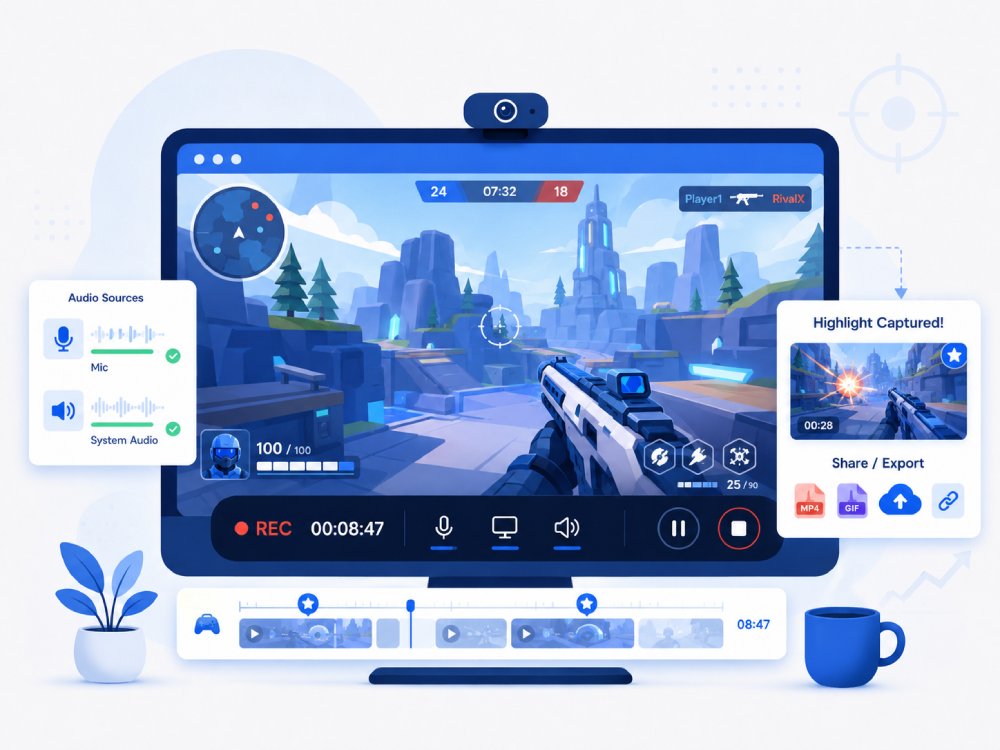
Record PC Gameplay
Capture desktop games, browser games, Steam gameplay, walkthroughs, and long gaming sessions with game sound and voice commentary.
-
mobile_3
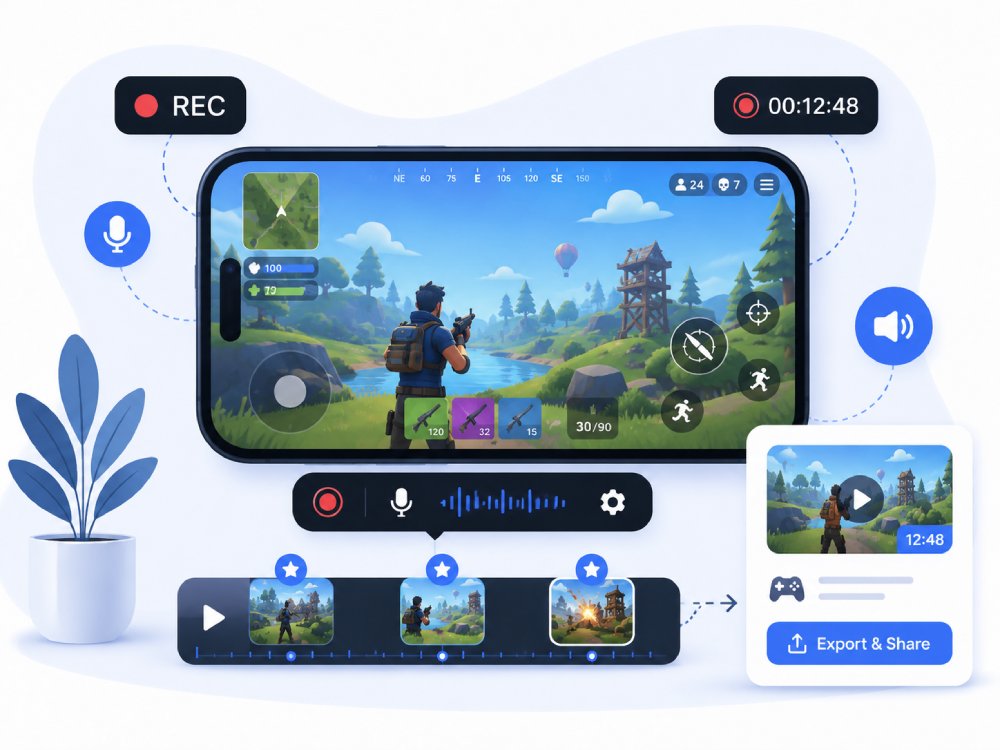
Record iPhone Gameplay
Record mobile gameplay from iPhone for tutorials, battle clips, app game demos, and social media sharing.
-
live_tv
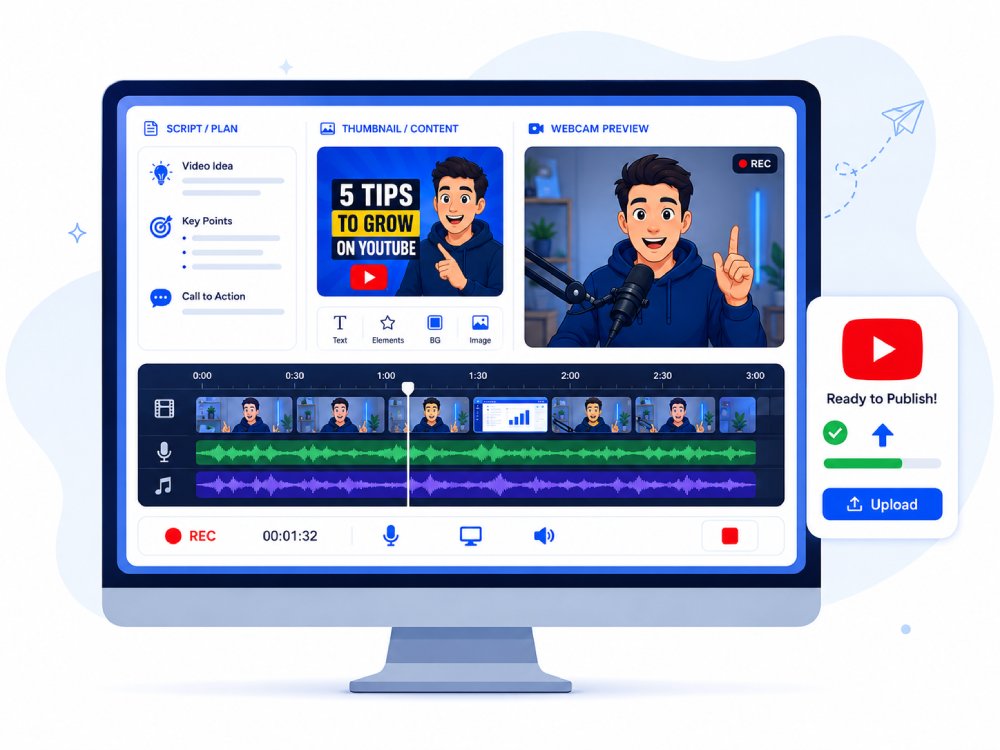
Create YouTube Gameplay Videos
Record gameplay clips, webcam reactions, commentary, and walkthrough footage for YouTube gaming videos.
-
settings_voice
Record Game Audio and Commentary
Capture in-game sound, microphone narration, and reaction audio for cleaner gameplay videos.
Ultra-Clear 4K Game Capture with Zero Frame Drops
Record Your Game Moments without Lag
Standard screen recorders introduce stutter and mouse lag during high-bitrate gaming because they rely on CPU-bound software encoding. AceThinker Game Recorder activates Hardware-Accelerated Encoding (H.265/HEVC) paired with a Low-Latency Render Pipeline that intercepts the GPU frame buffer before display compression. This ensures that every rendered frame is captured natively, not resampled.
Technical Metrics
We validate quality using industry-standard performance benchmarks measured during real gameplay capture.
Upgrade to Desktop Recorder for Longer Gameplay Sessions
For long gameplay videos, higher-resolution capture, webcam overlay, and more stable recording performance, use the desktop recorder to capture your game with system sound and microphone commentary.
- check_circleLonger gameplay recording sessions
- check_circleMore stable capture for PC games
- check_circleGame audio + microphone recording
- check_circleWebcam overlay for reactions
- check_circleBetter for walkthroughs, tutorials, and YouTube gaming videos
- check_circleEditing and annotation tools after recording
Choose the Right Game Recorder
| Features | Gameplay Recorder (Pro) | Online Screen Recorder | NVIDIA ShadowPlay |
|---|---|---|---|
| Performance | Optimized for high-performance gaming, low CPU/GPU usage | Dependent on browser, may lag with heavy games | Very low FPS impact due to NVENC GPU encoding |
| Recording Duration | Up to 30 minutes | Often restricted by browser session or file size | Supports long recordings; limited mainly by storage |
| Hardware Acceleration | GPU-accelerated encoding for smoother performance | No hardware acceleration, CPU-heavy | Fully GPU-accelerated (NVIDIA NVENC) |
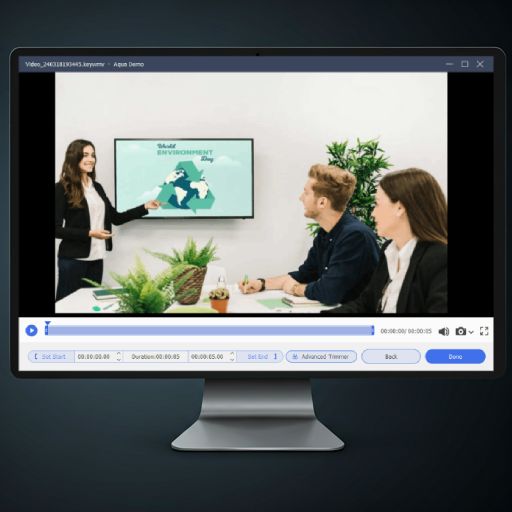
| Editing Tools | Built-in trimming, annotations, and watermark options | Usually no editing capabilities | Very basic trimming only |
| Offline Use | Works without internet, fully desktop-based | Requires stable internet connection | Works, but typically tied to NVIDIA drivers/app setup |
| Free Download | Start Recording | Learn More |
Frequently Asked Questions
What should I do if gameplay recording is laggy or drops frames?expand_more
Can I record browser games or cloud gaming sessions online?expand_more
How can I record my Facecam while capturing gameplay?expand_more
What format should I save gameplay clips in for YouTube or social media?expand_more
How do I cut a long gameplay recording into highlight clips?expand_more
More Tools You May Like
Capture High-Quality Gameplay
Download our gameplay recorder to record smooth, high-resolution gaming sessions. Quickly capture highlights, add commentary, and create polished gameplay content for sharing or streaming.