menu

Main Features of the Audio Merger App

merge audio file

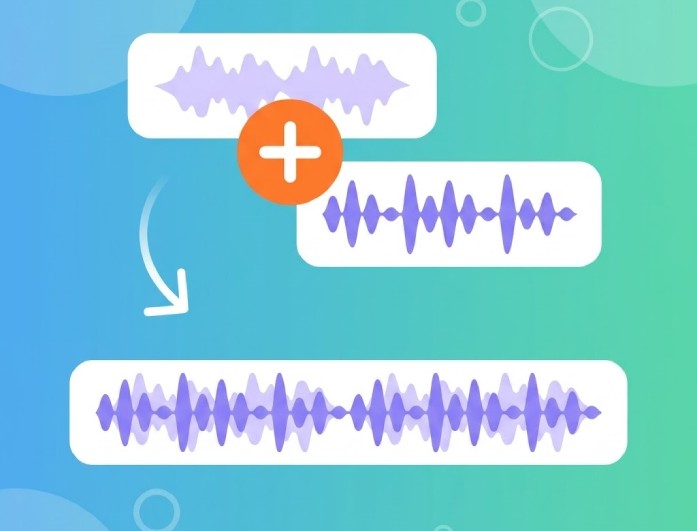
Merge Up to 5 Audio Files at Once

Easily combine up to five audio clips into a single track in one go. Arrange your files in any order—whether you're joining podcast segments, music clips, voice recordings, or multiple takes into one seamless file. Upload larger recordings, music tracks, podcasts, and voice files without worrying about size limits. The audio merger and editor supports individual files up to 100MB, making it ideal for longer, higher-quality projects.

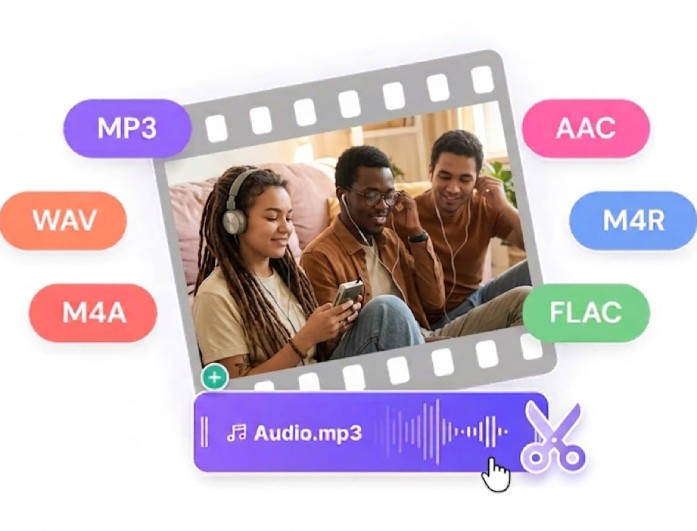
Works with Popular Audio Formats

Upload and merge audio files in different formats—no prior conversion needed. The online audio merger supports popular formats like MP3, WAV, M4A, AAC, OGG, FLAC, WMA, OPUS, and AC3, making it easy to work with audio from any device or source. Enjoy a clean, browser-based workspace with no intrusive pop-ups or unnecessary downloads. Your files are processed securely and automatically removed from the server after completion.

supports multiple audio files
Edit Before You Merge

Edit Before You Merge

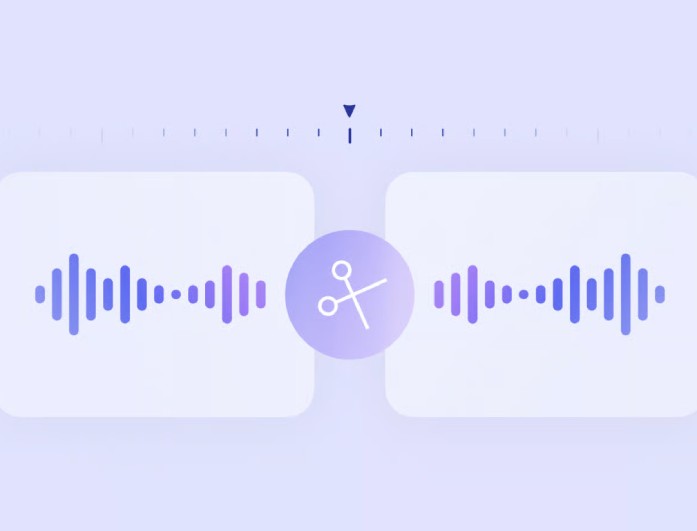
Do more than just join files. The built-in audio merger and editor includes simple tools to trim unwanted sections, cut clips, and add fade in or fade out effects for smoother transitions. It is an easy way to create a cleaner, more polished final track. Best of all, it's completely free. Merge and edit your audio files at no cost, and export your finished track without any watermarks, branding, or restrictions.

Who Can Use the Audio Merger?

Podcasters

Podcaster

Combine podcast intro, interview segments, and other audio elements into a conhesive episode file.

musicians

Musician

Merge multiple demo clips, vocal takes, intrumental tracks or song sections to a single audio file.

Students

Students

Combine recorded presentations, textbook summaries, slides narrations, etc. to a continuous review track.

How to Cut and Merge Audio Files Online

upload the audio
Set the Merge Options
Download Merged Audio
  • 01
    Upload the Audio

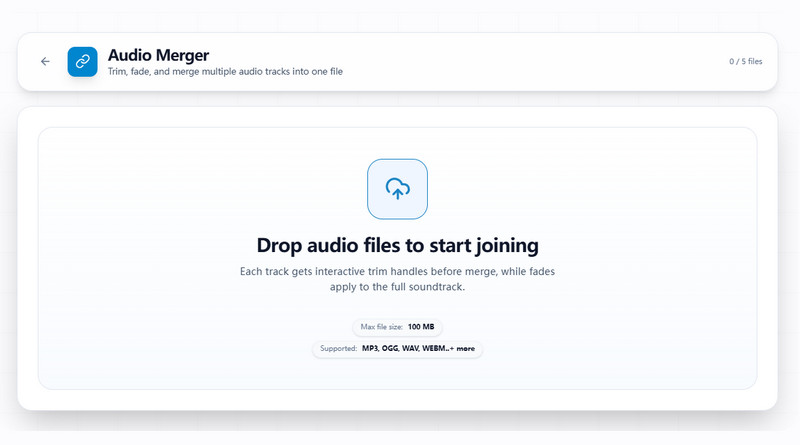
    First of all, drag and drop the audio tracks you want to combine into the audio merger app. You can add up to 5 audio files.

  • 02
    Set the Merge Options

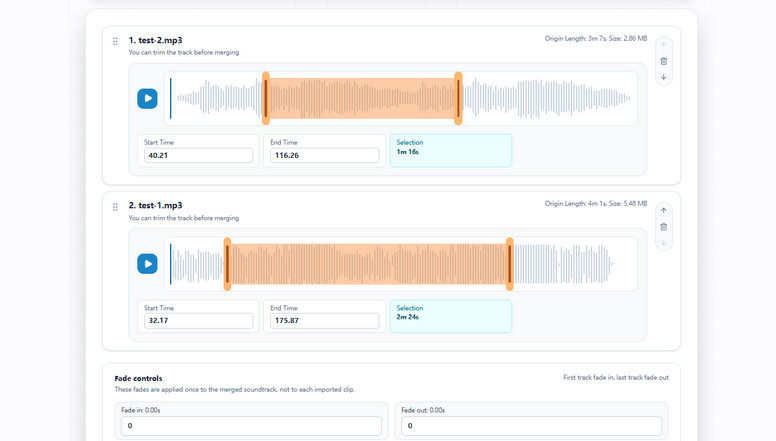
    Set the start time, end time, and duration for each clip to control exactly what is included. You can also trim, cut, or add fade effects before merging. Once everything is in the right order, choose your preferred output format and click Export Audio.

  • 03
    Download Merged Audio

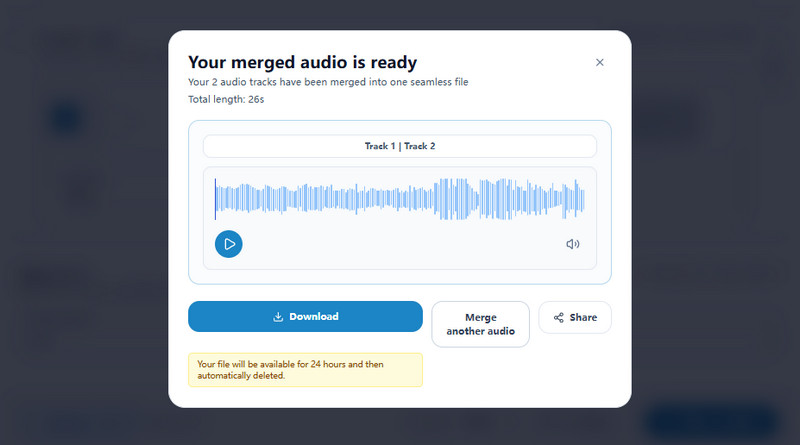
    The audio merger and editor will process your files and create a single track. When it is ready, preview the merged audio to make sure it sounds right, then download or share the finished file.

Frequenlty Asked Questions

How do I merge audio files online?

To merge audio files online, upload between two and five audio clips into the audio merger app. Arrange them in the correct order, trim or edit each file if needed, then click Export Audio to create one combined track.

What audio formats does the audio merger online support?

The audio merger online supports popular formats including MP3, WAV, M4A, AAC, WMA, OGG, FLAC, OPUS, and AC3. You can even merge files with different formats together before exporting the final audio.

Can I trim or cut audio before merging?

Yes. The audio merger and editor includes basic editing tools that let you cut, trim, set start and end times, and apply fade in or fade out effects before combining your audio files.

Is the audio merger app free to use?

Yes. The tool is free to use and allows you to merge audio files without adding a watermark to the finished file. You can upload, edit, and export your audio directly from your browser.

Are my uploaded audio files safe?

Yes. Files uploaded to the audio merger online are processed securely. The tool does not show intrusive pop-ups, and uploaded audio files are automatically removed from the server after processing is complete.

product icon AceThinker Wind Cut

Complete Video & Audio Editing Software

wind cut banner
Back to Top
Contact Us
Learning Center