menu

Create Lovely Photos in One Click

make personalized heart decorated pictures

Make Personalized Heart-Decorated Pictures

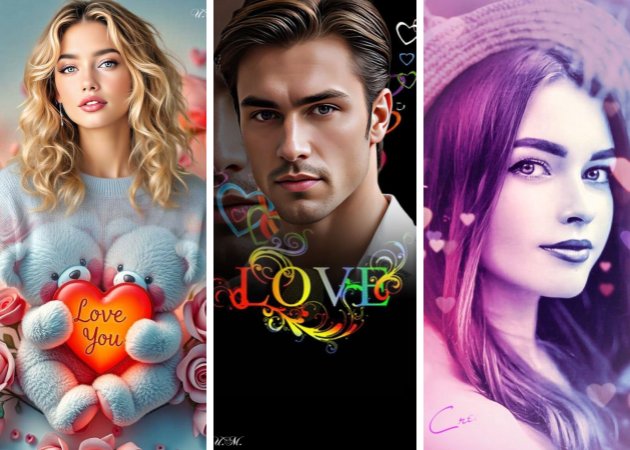
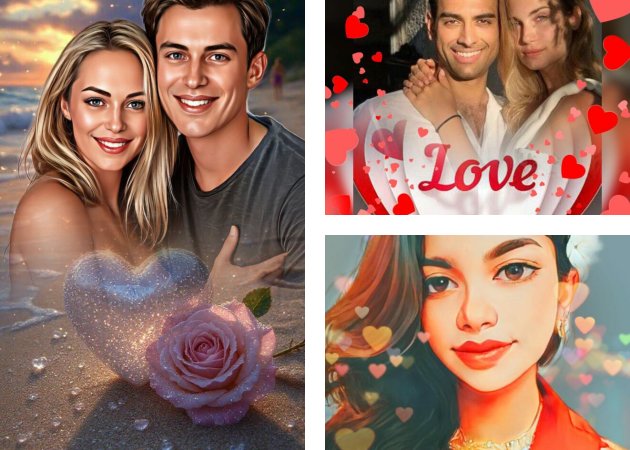
Make your photos more special by adding lovely heart decorations. Whether it's for your partner, friends, or family, this feature lets you express emotions with simple, beautiful touches. With this tool, you can add love hearts to photos and make every image feel warm and personal.

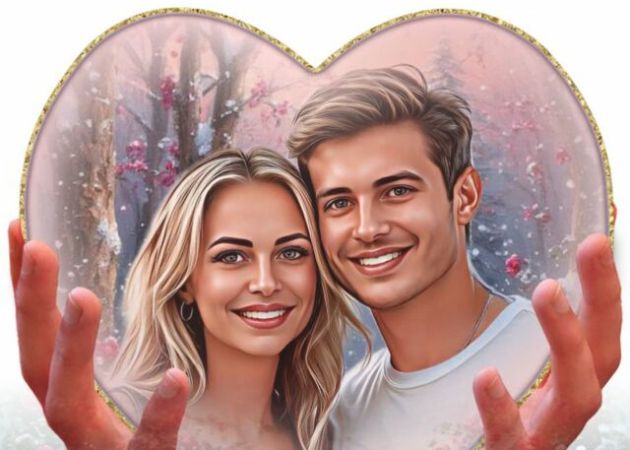
It's perfect for turning ordinary pictures into heartwarming keepsakes. The tool lets you decorate your photos to reflect your mood or message. It's fun, easy, and a great way to spread positive vibes through your images.

Easy One-Click Heart Filter Application

Add hearts stickers to photos with just one click. You don't need any design skills to add cute hearts to your pictures—it's all automatic. Simply upload your image, choose the heart effect, and your photo is ready in seconds.

You can quickly make your pictures more romantic or playful using this one-tap filter. It's the perfect way to upgrade your photos for social media posts, stories, or digital cards. Everything happens fast, so you can focus on sharing your beautiful creations right away.

easy one click heart filter application
no watermark on final image

No Watermark on the Final Image

When you finish editing your picture, you'll get a clean, high-quality result without any watermark. That means your photo stays completely yours—no logos, marks, or distractions on your artwork. You can easily share your heart-decorated pictures on social media, send them to friends, or use them as profile pictures.

Our add hearts to photo app online ensures that every image you create looks professional and polished. You also don't have to worry about extra editing to remove unwanted marks. It's all about giving you beautiful, ready-to-share images that truly express your style.

3 Easy Steps to Add Hearts to Photo Online

locate photo effects tab
choose a heart filter
apply the heart effect
  • 01
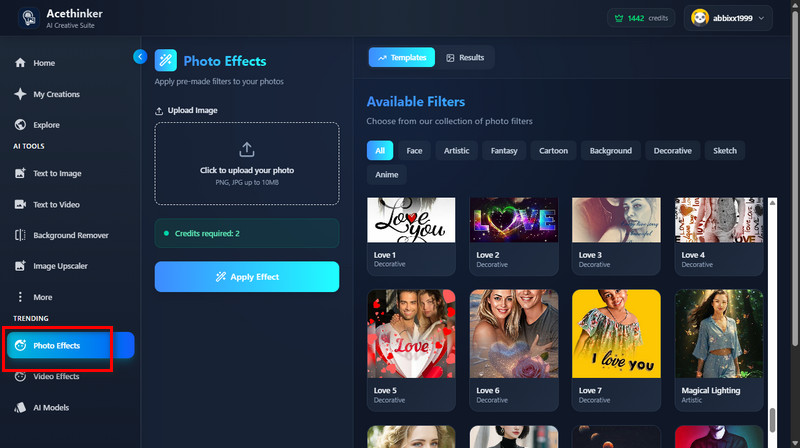
    Locate the Photo Effects tab

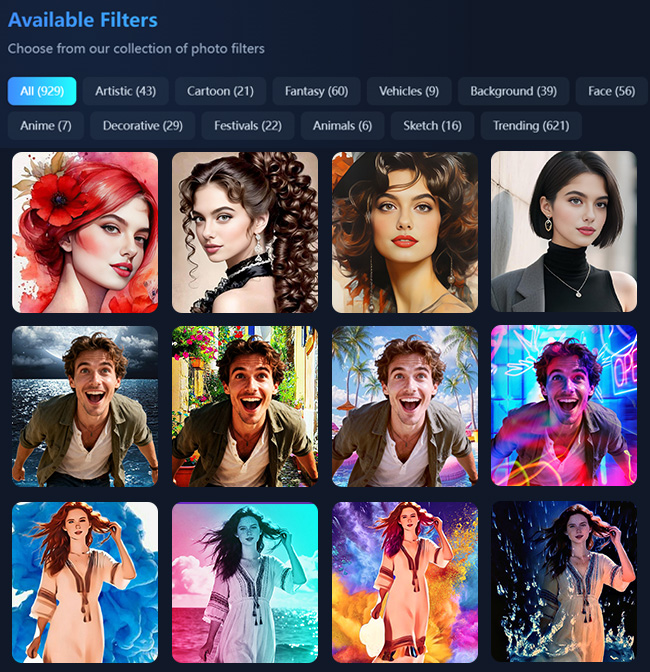
    On your web browser, access our online add hearts to photos tool. Then, navigate to the "Photo Effects" on the left side panel.

  • 02
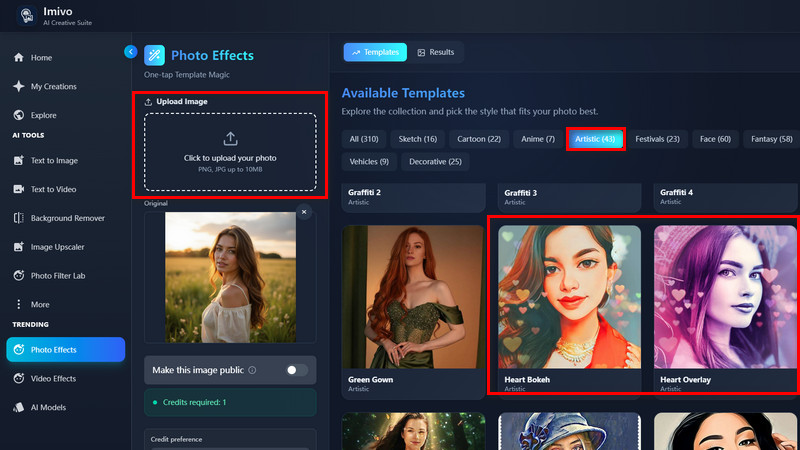
    Choose a Heart Filter

    Next, upload the selfie you want to add hearts to the tool. After that, navigate to the "Artistic" section and select the heart filter like Heart Bokeh, Heart Overlay, Dreamy Heart, etc. as you prefer.

  • 03
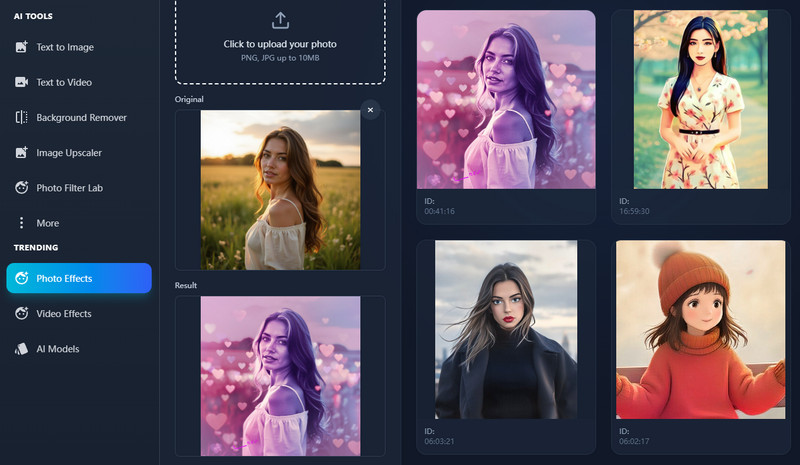
    Apply the Heart Effect

    Subsequently, hit the "Apply Effect" button below and let the tool process your image. Lastly, check the result and download it afterward.

Frequently Asked Questions

How do I add hearts to my photos online?

You can easily add hearts to your photos by choosing from the available heart filters in our tool. Just upload your picture, pick a heart filter, and apply it with one click. It's quick, simple, and gives your photo a lovely touch in seconds.

Can I upload photos from my phone?

Yes, you can! Our tool works perfectly on both mobile phones and computers. This means you can edit and decorate your photos anytime, anywhere, without downloading any app.

Can I share my edited photo directly to social media?

Yes, you can share your heart-decorated photo straight to social media. After editing, the tool provides a link to your output photo that you can easily post. It's a fun and fast way to spread love online.

Will the original photo quality be affected after editing?

No, the original quality of your photo will stay the same even after adding hearts. The tool ensures that your pictures remain clear and vibrant. Therefore, you'll get a beautiful result without losing image detail.

Is there a limit to the photo file size I can upload?

Yes, you can upload images up to 10 MB. This helps the tool process your photo quickly and smoothly. For best results, use clear and high-quality images within the file size limit.

product iconAceThinker PicWish

Effortless Editing for Perfect Photo Results

pro image editor
Back to Top
Contact Us
Learning Center