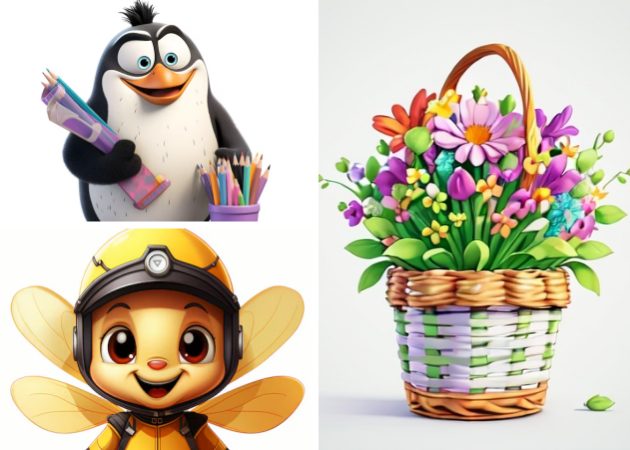
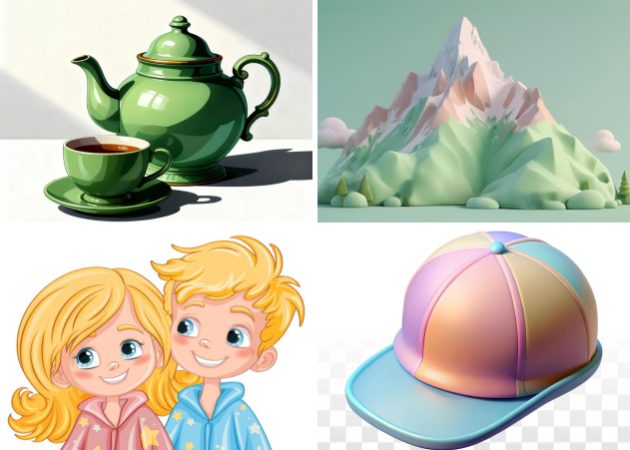
The Free AI Clipart Generator creates visuals that closely reflect your input, capturing every detail, from shapes and colors to proportions and style. Whether you’re designing icons, characters, or objects, the tool ensures that each element is accurately rendered, minimizing the need for manual adjustments and helping you achieve professional-quality results quickly.
This level of precision is especially useful for projects where consistency is key, such as branding, educational materials, or web design. By producing graphics that closely align with your vision, the tool saves you time. It lets you focus on the creative aspects of your work rather than technical edits.

You can use the Online AI Clipart Generator directly in any modern web browser on desktops, tablets, or smartphones. There’s no need to download software, install plugins, or worry about compatibility, making it a convenient tool for anyone, anywhere.
The free version lets you start creating custom clipart right away, giving students, content creators, and professionals the freedom to explore ideas and produce graphics without any cost or complicated setup. This makes it easy for anyone to bring their creative vision to life.


The tool produces high-resolution clipart, keeping your visuals sharp and clear whether they’re used online, in presentations, or for print. This ensures that even the most detailed or complex designs look polished and professional.
You can also make simple adjustments to colors, styles, or composition, allowing you to fine-tune each piece to match your vision perfectly. This way, every graphic is not only visually appealing but also ready to be used with confidence in any creative project.


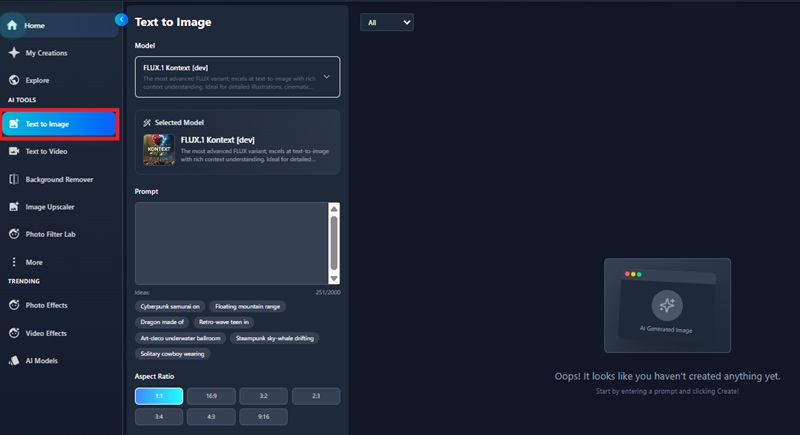
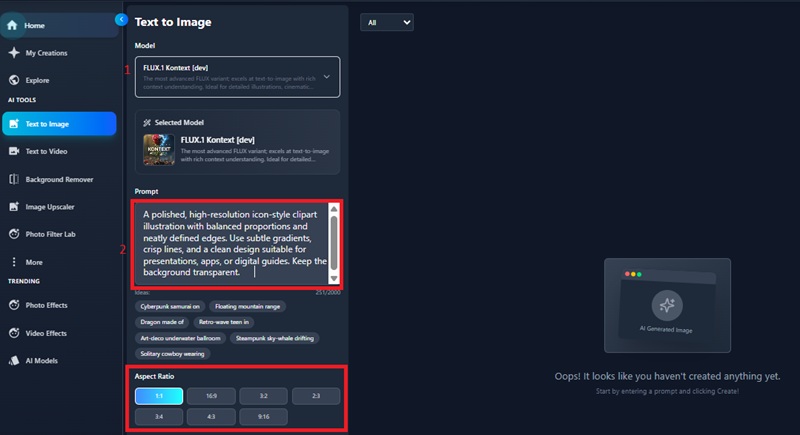
Open the AI Clipart Generator in your web browser. The clean, intuitive interface provides all the tools you need to start creating clipart immediately, making it easy to navigate and use for any design project.
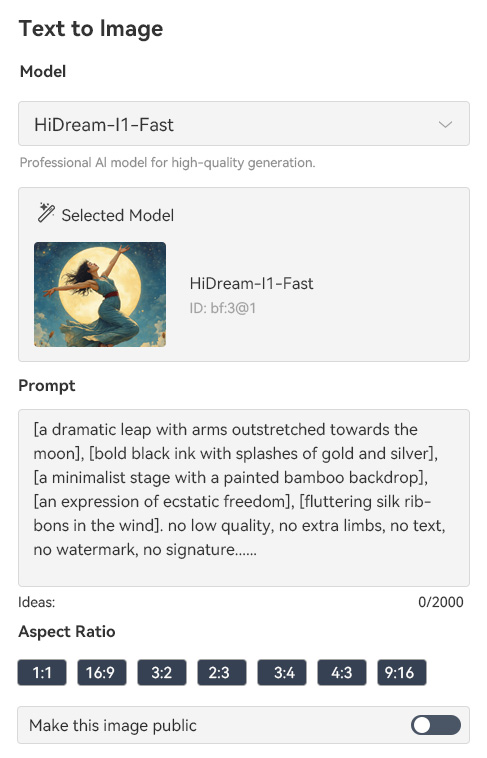
Type a detailed prompt describing the clipart you want to generate. Include elements such as objects, characters, style, colors, and theme. The AI uses this information to produce visuals that closely match your creative vision, ensuring accurate and relevant results.

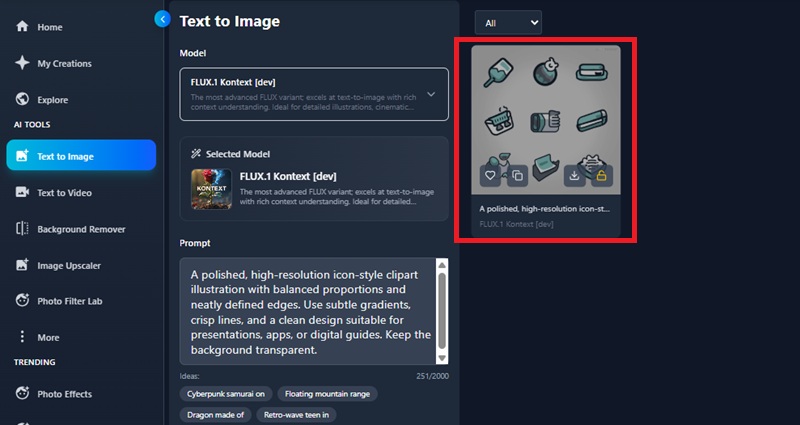
Click “Generate” to let the AI create your clipart. Once the images appear, review the results and make any refinements to details, colors, or style. Finally, download your preferred designs in high-resolution formats or save them to your library for future use.

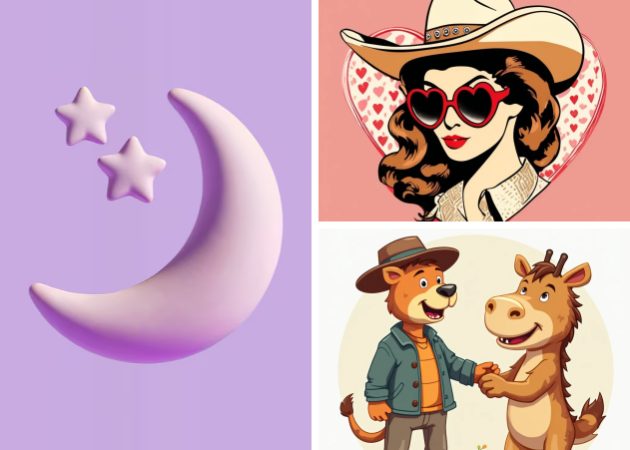
You can generate a wide range of clipart, including icons, objects, characters, patterns, and themed illustrations. The AI adapts to your descriptions, allowing you to produce visuals that match your style preferences — whether it’s cartoon, flat design, or vector graphics.
You can adjust colors, sizes, styles, and other details directly within the tool or using external editing software. This flexibility ensures your graphics perfectly match your project’s theme and requirements.
No installation is required. The tool works entirely in your browser on desktops, laptops, tablets, or smartphones. You can start generating clipart immediately without any downloads, plugins, or software.


Yes, the AI produces high-resolution images suitable for both digital and print use. Your clipart will look crisp on websites, presentations, social media, or printed materials. You can also adjust style, colors, and details before downloading to ensure the output fits your project perfectly.
Most AI-generated clipart can be used for personal and commercial projects. Still, it’s always best to check the platform’s terms of use. Avoid replicating copyrighted characters or trademarks, and consider customizing outputs to ensure originality for logos, products, or client work.