menu

Makes Flags From Your Prompts

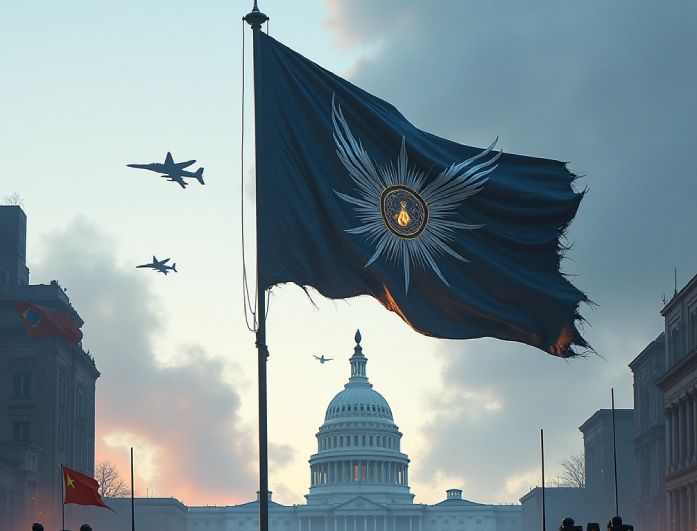
generate your own flags

Generate Flags That Reflect Your Ideas

Creating a flag that reflects your vision is easy with our AI Flag Generator Prompt tool. You can simply describe what you want, from colors, symbols, shapes, or the overall mood, and the tool transforms your words into a real design. It feels like telling an artist what’s in your mind and watching it come alive instantly.

Moreover, for the best results, make sure your prompt is detailed and specific. For example, you can type something like: “A minimal blue and white flag with a rising sun symbol at the center and soft wave patterns.” Think of it like giving clear instructions, so the output matches exactly what you picture.

Create Flags for Events, Teams, Groups, or Campaigns

Create a unique flag for your school event, a sports team, or a community campaign in minutes using this AI Flag Generator free tool. This makes it perfect for people who need quick designs without hiring a graphic artist. You can simply enter your theme, your message, or your group name, and the generator does the rest.

It’s also great for moments when you need multiple concepts fast, like choosing a team logo or preparing visuals for a fundraising event. Plus, you can keep generating new options until one matches your group’s identity perfectly. Besides, the tool lets you explore as many ideas as you need, as long as you have enough credits to do more.

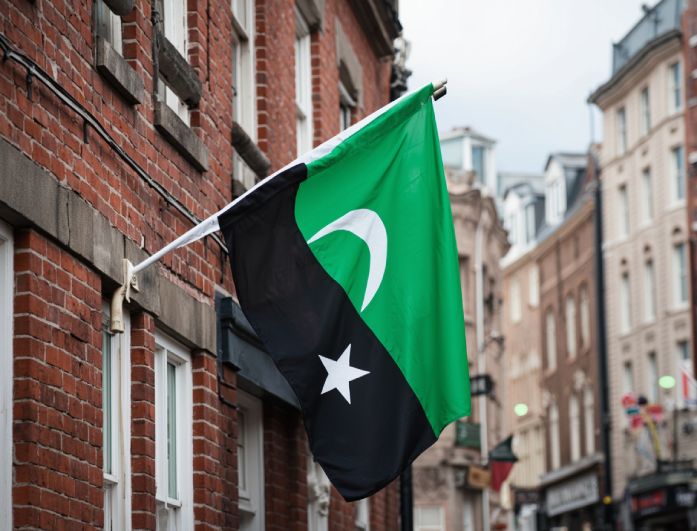
create flags for any occasions
customize your flags

Customize Colors, Symbols, and Styles Through Prompts

If you want full control over how your flag looks, our AI Flag Generator online lets you fine-tune every aspect with text prompts. You can specify your preferred colors, request specific symbols, or choose a style that feels bold, peaceful, modern, or traditional. This makes the design feel truly personal to your needs.

All you have to do is type the details clearly, and the tool adapts instantly. You’re free to try different combinations until the flag fits your exact vision. It’s also a simple way to experiment creatively without needing any design skills.

How to Make Your Flag in 3 Easy Steps

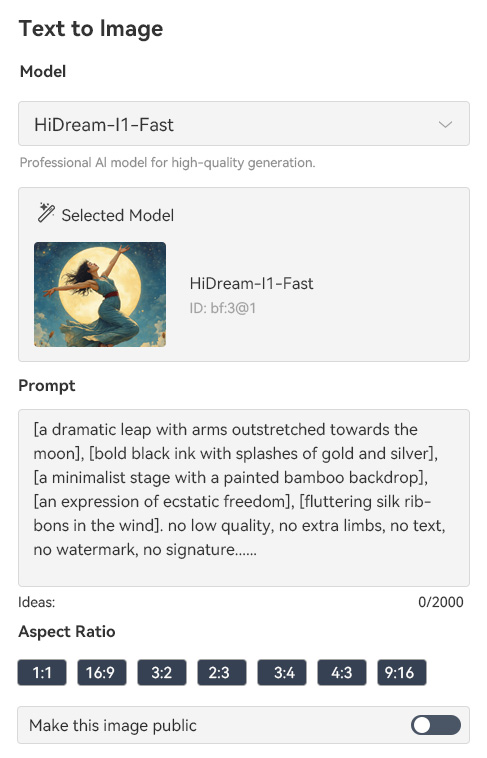
enter your prompt
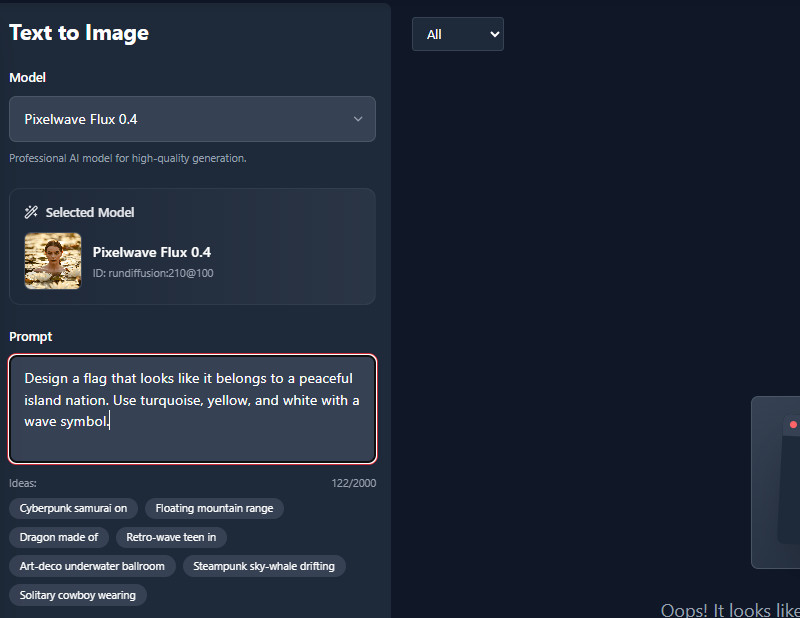
create your flag
download the generated flag
  • 01
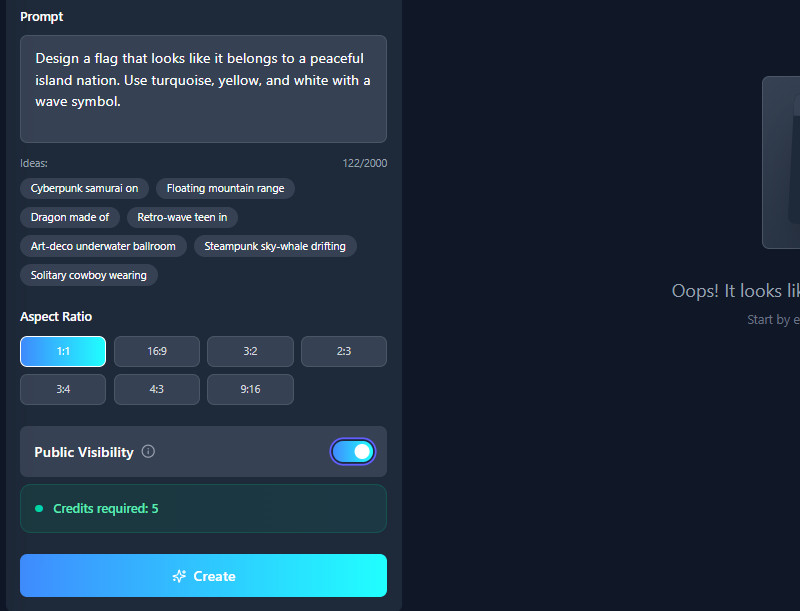
    Enter Your Prompt

    First, type your prompt in the "Prompt" box. Clearly describe your flag, including its color, design, shape, and any other details.

  • 02
    Create Your Flag

    Next, select an aspect ratio you prefer before generating. After that, click the "Create" button below, and the tool will start creating your text prompt into an image.

  • 03
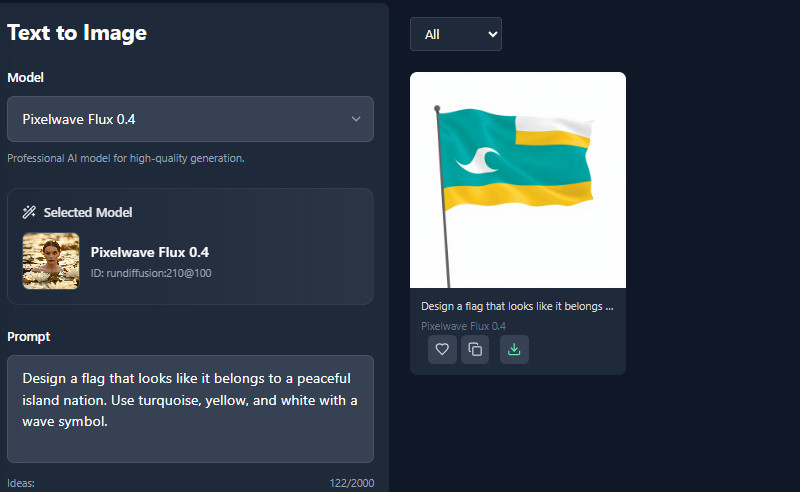
    Download the Generated Flag

    When it's done, you can see the result on the right side. Here, you can preview the generated flag, download it, or copy the image link to share.

Frequently Asked Questions

What file formats can I download my finished flag design in?

Currently, our tool lets you download the generated images in JPG format. We ensure high quality so your flag looks great. This makes it easy to share or print.

Can I generate multiple variations of a design?

Yes, you can generate multiple variations of a design. You just need to have enough available credits to do it. This allows you to explore different styles and ideas for your flag.

Are the generated flags ready for commercial use or printing?

Yes, the generated flags are ready for commercial use or printing. Since the design comes from you, there’s no need to worry about copyright issues. You can safely print or sell your flag designs.

Does the flag maker support complex patterns or heraldic designs?

Yes, the AI Flag Generator can handle complex patterns or heraldic designs. The more detailed your prompt, the better the AI can create it. Also, make sure to specify the style you want.

What’s the perfect size for a flag?

The perfect size depends on where you want to use the flag. For example, a small flag for a desk or car is 6 x 9 inches, while a standard outdoor flag for a pole is 3 x 5 feet. Choose the size that fits your space and purpose, whether it’s for decoration, events, or display.

product iconAceThinker PicWish

Quickly Edit Photos Without Any Hassle

pro image editor
Back to Top
Contact Us
Learning Center