menu

AI Flower Generator - Your Ultimate Solution for Custom Floral Designs

With the AI Flower Generator, anyone can make beautiful, realistic flower images, even without design experience. It’s great for artists, content creators, and hobbyists who need quick, custom floral designs for projects, social media, or just for fun.

Bloom Your Imagination Instantly

turn words into stunning flowers

Turn Words Into Stunning Flowers

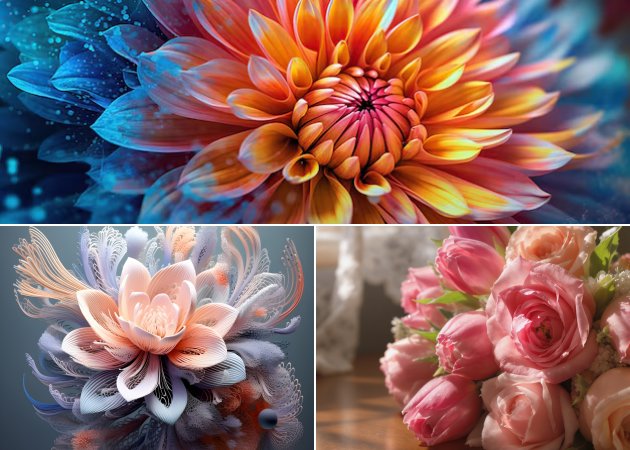
A text-to-flower AI generator lets you turn simple ideas into colorful floral images. Just type what you picture, like a bouquet of tulips or a mix of orchids, and the AI creates it right away. This makes it quick and fun to make visuals, even if you don’t have real flowers or a camera. You can try out diverse styles, colors, and arrangements without worrying about cost or availability. It’s great for social media, greeting cards, or adding floral touches to any project. The tool is easy to use and helps anyone, from beginners to designers, get professional-looking results.

Mix & Match Any Flowers Freely

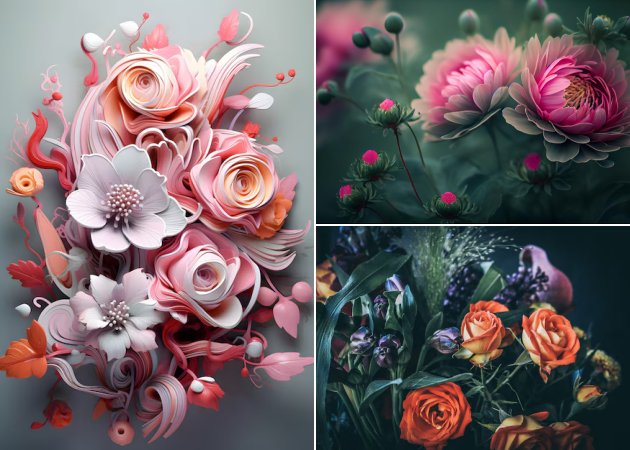
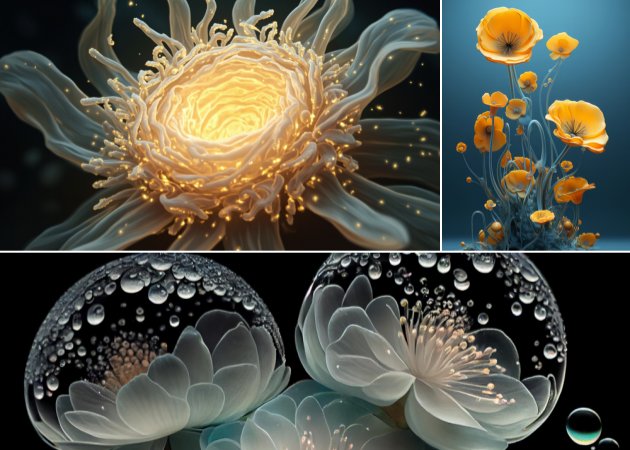
This online flower generator lets you combine flowers that don’t usually grow together. You can mix sunflowers with orchids or daisies, giving you the freedom to create striking arrangements for any project. It’s helpful for visualizing floral ideas for décor, art, or gifts before making them in real life. This saves time, encourages creativity, and lets you try styles that might not be possible because of the season or location. Each design feels unique and fresh, making it easy to create eye-catching results. The AI also ensures the flowers look realistic, keeping your designs polished and attractive.

mix & match any flowers freely
enhance your photos with flowers

Enhance Your Photos With Flowers

Using the AI flower generator, you can add floral elements to any photo. This can turn simple pictures into eye-catching scenes, adding life and charm without needing advanced editing skills. Whether you want to add flowers to portraits, landscapes, or digital art, this tool lets you easily try out creative ideas. It’s great for content creators who need quick edits or anyone who wants to add a fun touch to their photos. The AI matches the flowers to the photo’s perspective and lighting, so the results look real. It’s a simple way to improve your images and add a bit of nature to your digital projects.

Use Flowers Anywhere

With the AI flower image online, you can create floral designs for many uses. Whether you’re planning events, making digital greeting cards, or looking for art or floristry ideas, this tool fits your needs. It’s great for trying out creative ideas without needing real flowers or a designer. You can experiment, make changes quickly, and save different versions for later. By letting you see your ideas right away, it makes brainstorming fun and productive. This flexibility is perfect for both professionals and hobbyists who want to easily bring their floral ideas to life.

use flowers anywhere

How to Generate Flowers Online

  • 01
    Launch Text-to-Image
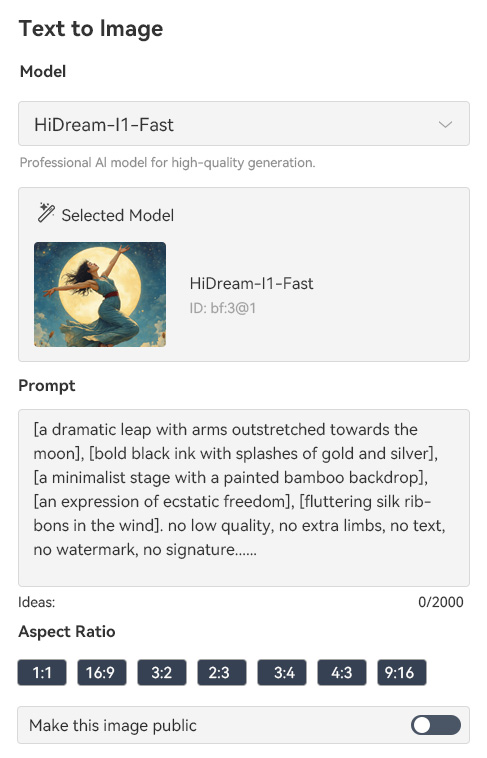
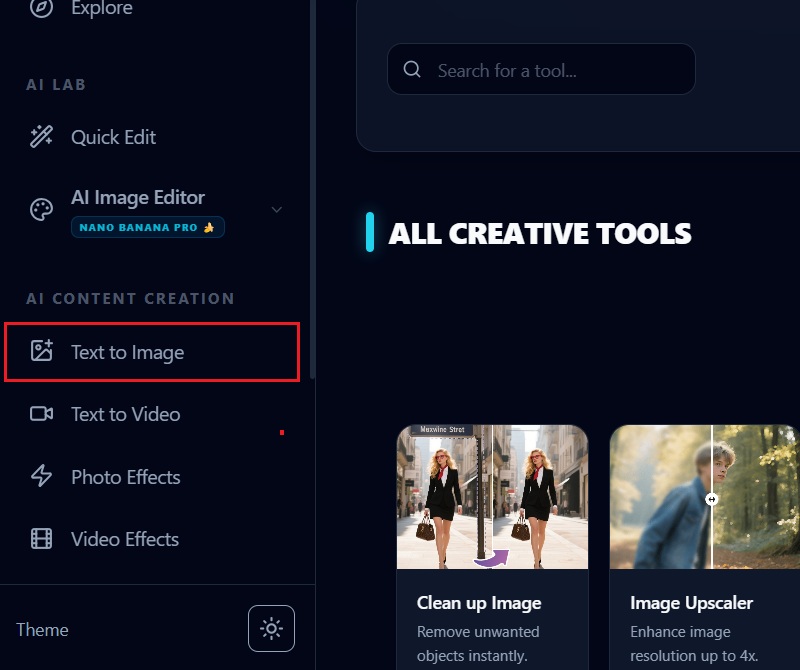
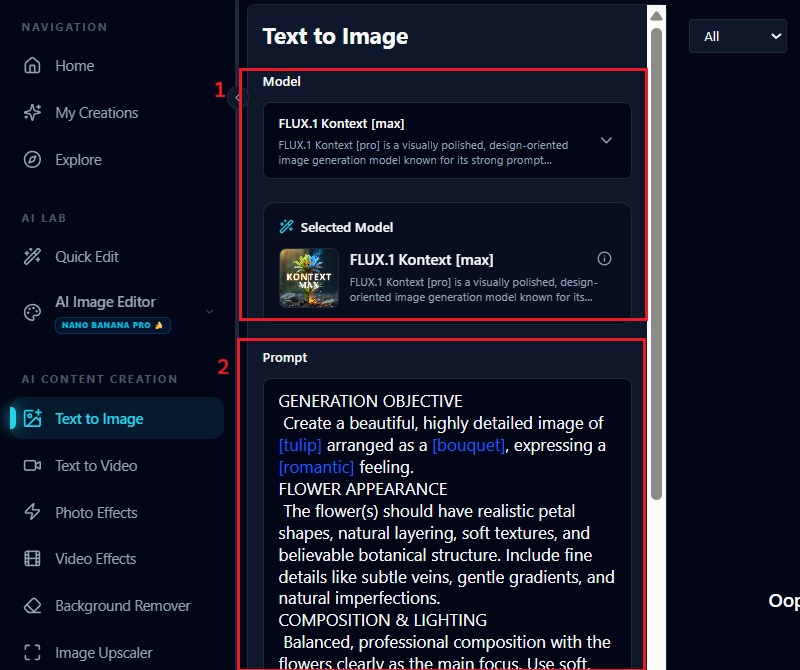
    Access the tool online and log in to your account. Once you’re logged in, find and click on the "Text to Image" feature. This will open the interface where you can start creating your flower designs from text prompts.
  • 02
    Enter Detailed Prompt
    On the "Text to Image" page, select the AI model you want to use. Then, type in a detailed prompt describing the flowers, colors, and style you want. The more specific your description, the more accurate and realistic the generated image will be.
  • 03
    Generate Flowers
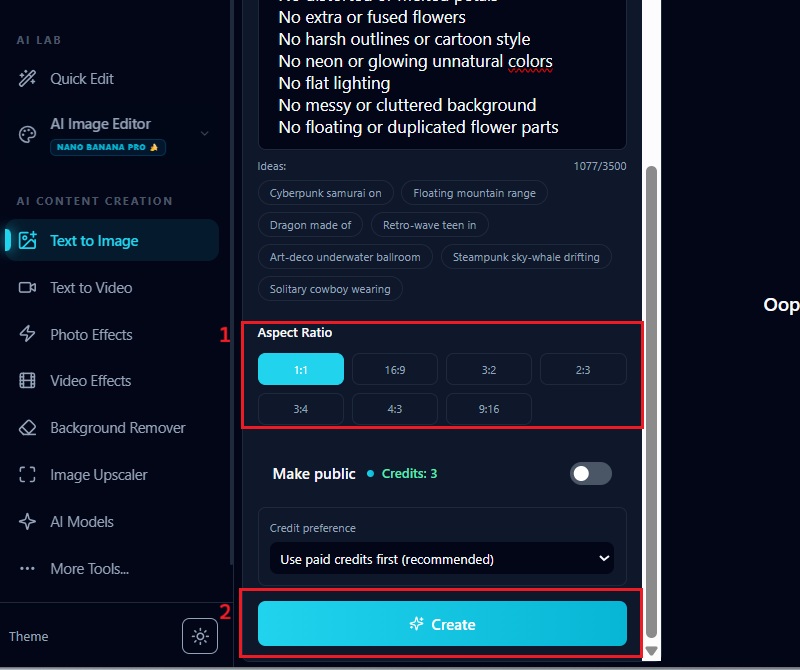
    Pick the aspect ratio that fits your design needs. After that, click "Apply Effect" to let the AI create your flower image. The tool will generate a high-quality floral visual based on your prompt and settings.
  • 04
    Download Generated Flowers
    Once your flower image is ready, click the "Download" button to keep it on your device. You can now use the image for projects, social media, or personal inspiration. The downloaded file will retain the high-quality details generated by the AI.
launch text to image
enter detailed prompt
generate flowers
download generated flowers

Discover More Fun AI Tools

These AI tools help you create unique visuals, personalized designs, and playful content in seconds, meeting the needs of both creators and casual users. They save time, spark creativity, and allow you to experiment without limits. Whether you want to design characters, emojis, or beauty concepts, these apps make your ideas come alive easily.
"This tool lets me plan floral accents for my room designs on my computer. I can test out different combinations before picking real flowers. It’s really helpful for seeing how my ideas will look."
Gareth Thornton, Interior Designer
2026-02-09
iiiii
iiiii

"It’s great for seeing how flower arrangements will look at my events. I can mix flowers that aren’t in season, which is a big help. It saves me a lot of time when planning the décor."
Awais Meadows, Event Planner
2026-02-08
iiiii
iiiii

"The AI Flower Generator gives me new ideas for my art. I like trying out different color combinations and layouts. It’s easy to make something unique each time."
Robert Sutton, Hobby Artist
2026-01-31
iiiii
iiiii

"It’s never been easier to add floral images to my blog posts. The pictures look professional, and I don’t have to buy stock photos. It makes my content look better."
Madison Shields, Blogger
2026-01-28
iiiii
iiiii

"This tool helps me come up with new bouquet ideas. I can see my designs before I start arranging the flowers. It’s convenient and sparks creativity."
Georgia Lewis, Florist
2026-01-25
iiiii
iiiii

"This flower generator makes it easy to create eye-catching posts fast. I can change the flowers and styles to fit any theme. It helps boost engagement on my pages."
Dora Lawrence, Social Media Manager
2026-01-14

iiiii
iiiii

Why Choose Us

FAQs about AI Flower Generators

What is an AI flower bouquet generator?

An AI flower bouquet generator is a tool that helps you create digital images of flowers and bouquets using artificial intelligence. You simply describe the flowers, colors, and styles you want, and the AI turns your description into a visual image. It works without any drawing or design skills, making it easy for anyone to use. You can create custom bouquets for social media, events, or personal projects. The tool also lets you quickly experiment with different arrangements. It saves time compared to arranging real flowers or taking photographs.
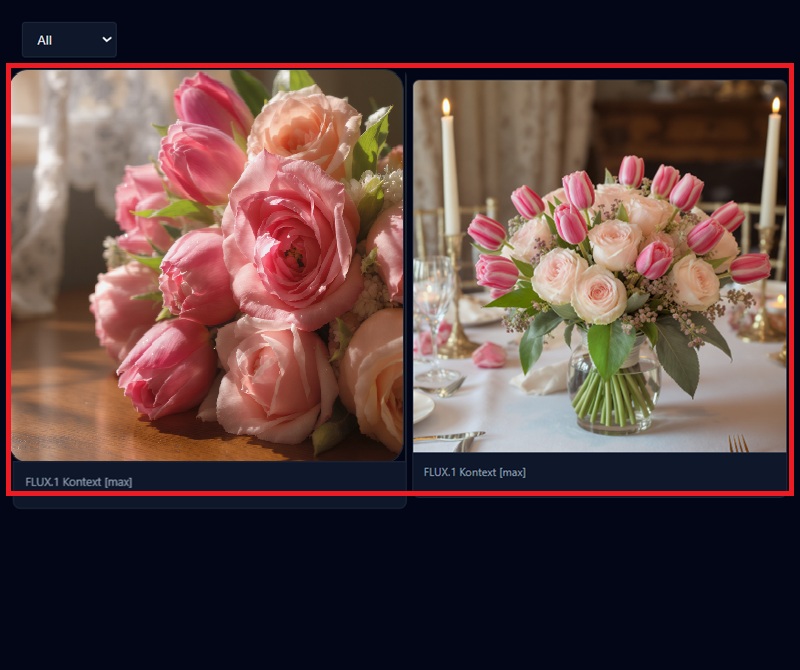
How do I get a realistic-looking flower bouquet?

To get a realistic bouquet, you need to give the AI a detailed description of what you want. Include specific flower types, colors, and even the arrangement style you imagine. You can also mention the background or lighting to make the image more lifelike. The more details you provide, the closer the result will look to a real bouquet. It helps to use familiar flowers from nature to keep it realistic. You can try different prompts and tweak them until the bouquet looks right. With careful input, you can achieve images that feel natural and visually appealing.
Can I choose the specific flowers and colors in my bouquet?

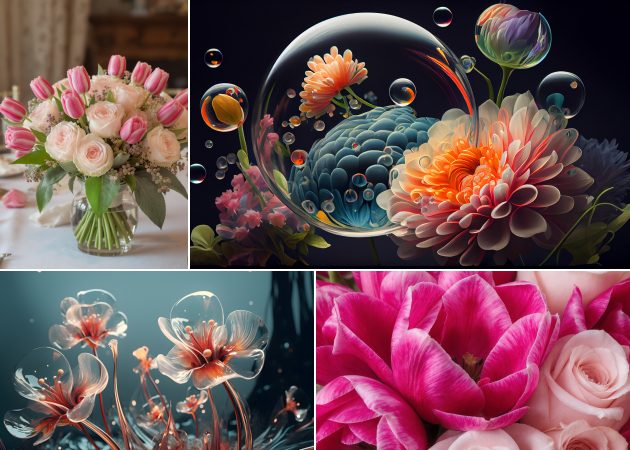
Yes, you can select exactly which flowers and colors appear in your bouquet. You can mix flowers that may not be available in real life or in season. The AI lets you experiment freely with combinations until you find one you like. You can also specify color shades, like bright yellow roses or soft pink peonies. This control makes it easy to match your bouquet to a project, an event, or your personal preferences. You can even repeat the process with slight variations to compare designs, which gives you complete freedom to customize your floral creations.

Are the images generated by the flower generator high quality?

Yes, the images produced are generally high quality and detailed. You can use them for digital, social media, or print projects without worrying about pixelation. The AI focuses on textures, colors, and natural shapes to make the flowers look realistic. You can adjust the resolution or style in some tools for even sharper images. The quality is consistent whether you create single flowers or full bouquet arrangements. This makes it suitable for professional and personal use. By giving clear instructions, you ensure the AI delivers the best results possible.

Can I use an existing image as a reference?

Yes, you can upload an image and utilize it as a reference for your bouquet. The AI can overlay flowers or match the image's style and composition. This is useful if you want to enhance a picture or build a digital version of a real bouquet. You can combine your reference image with text prompts to customize the colors and flower types. The results usually blend naturally with the original photo. It helps to choose a clear image so the AI can interpret it accurately. Using references gives you more control and helps create precise, visually appealing designs.

pro image logoAceThinker PicWish

Enhance Photos with Perfect Accuracy

pro banner image
Back to Top
Contact Us
Learning Center