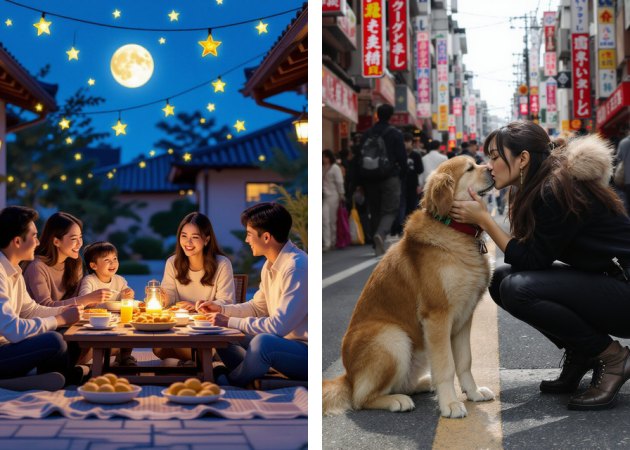
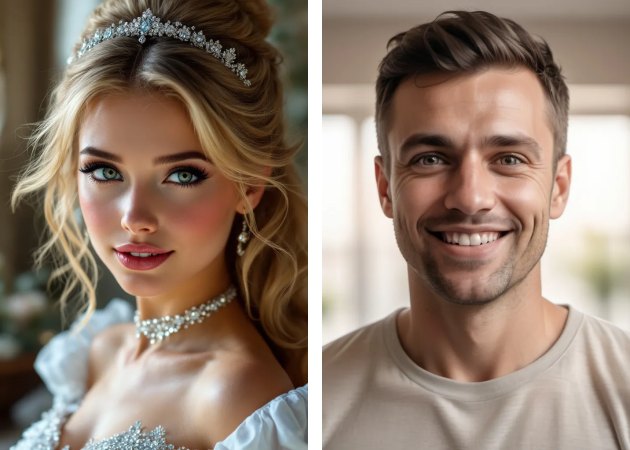
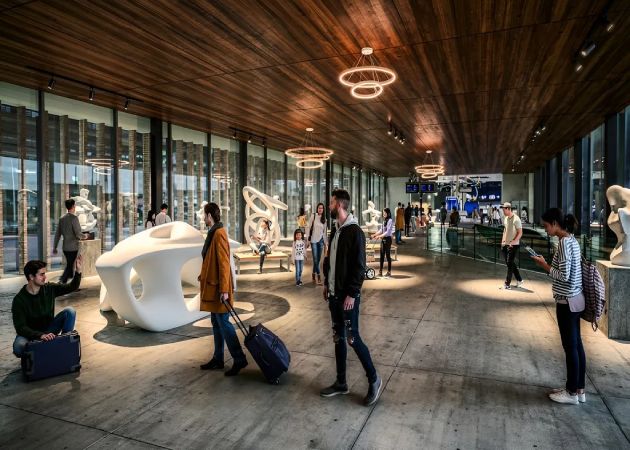
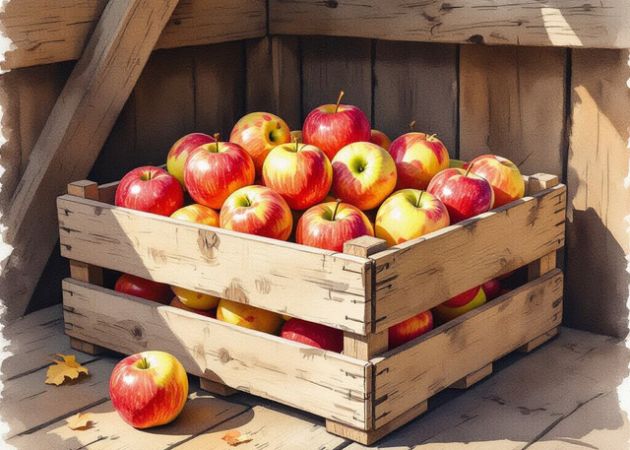
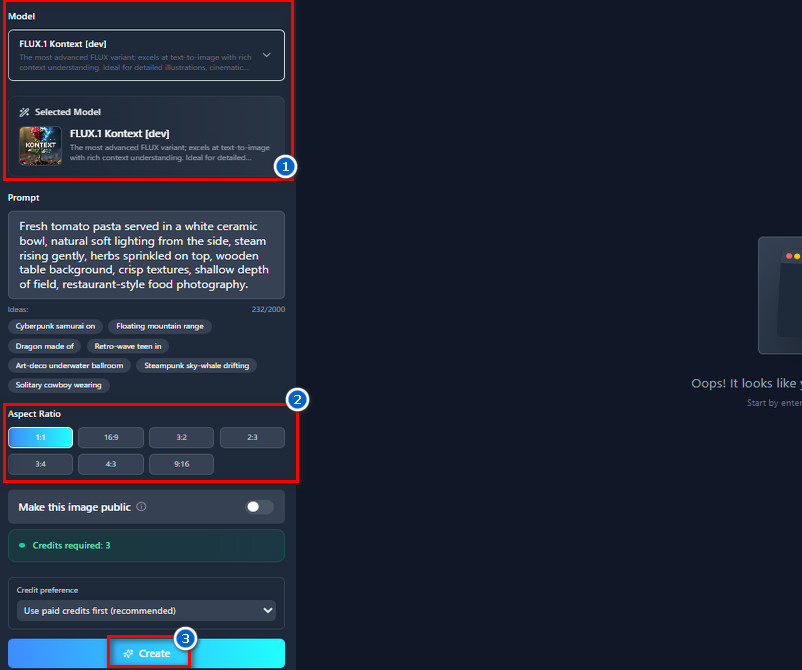
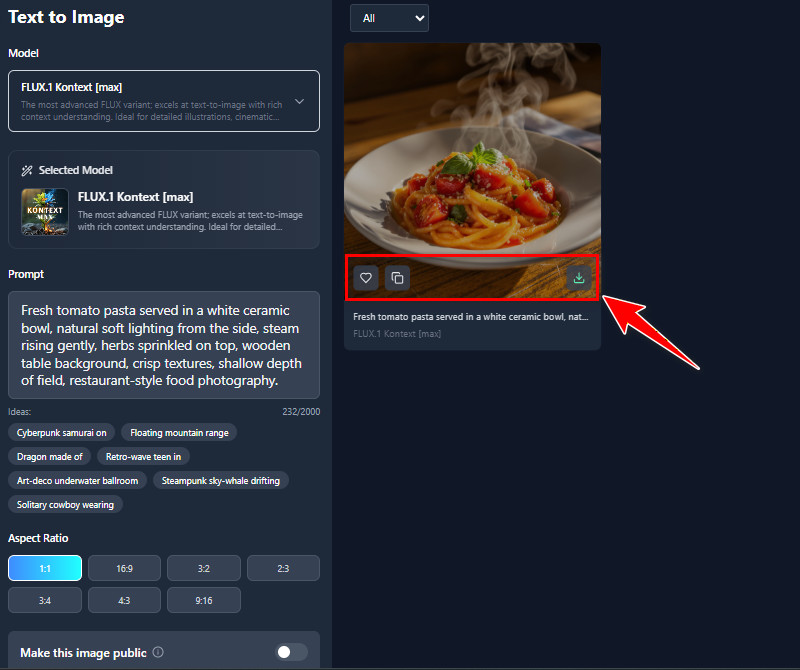
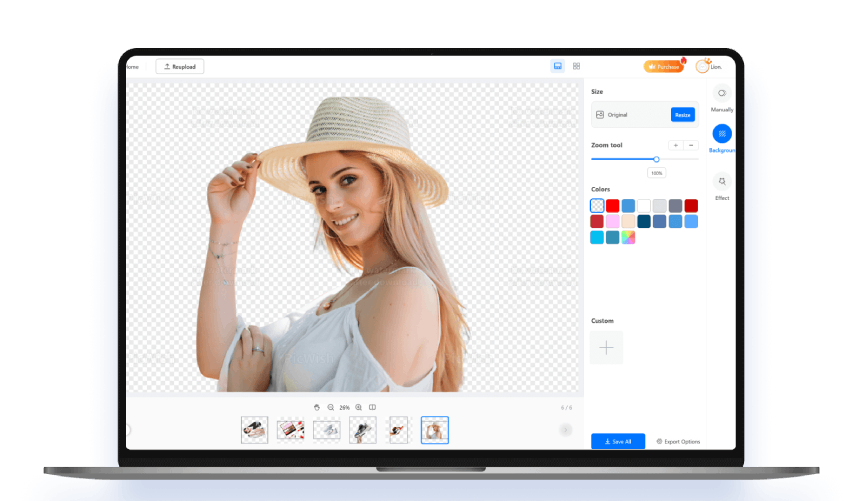
Produce images that look incredibly real, almost like actual photographs, with our AI realistic photo generator free. Every detail is designed to make the pictures believable and natural. Besides, this tool is especially helpful when you need visuals that feel authentic for projects or presentations. Additionally, because you don't have to take pictures of actual people or places, it also saves time. You can also experiment with different scenes and moods until you get the perfect shot. Overall, it helps you bring your ideas to life quickly and realistically.
Using cutting-edge AI technology, the online AI realistic photo generator online produces quick, precise results. You can generate high-quality images without any technical experience or complicated software. Moreover, the AI can handle complex details such as reflections, shadows, and textures, which can take hours to create manually. This makes your workflow smoother and more efficient. You also have the flexibility to test multiple variations to see which looks best. It makes creating professional-looking images easy and accessible for everyone.


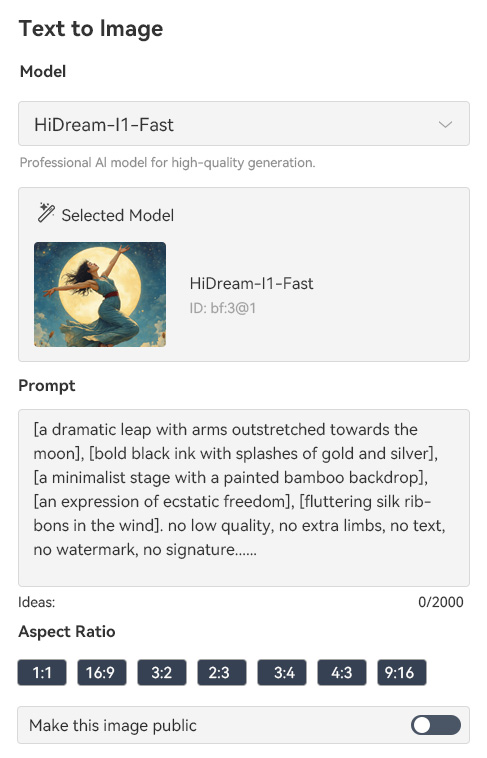
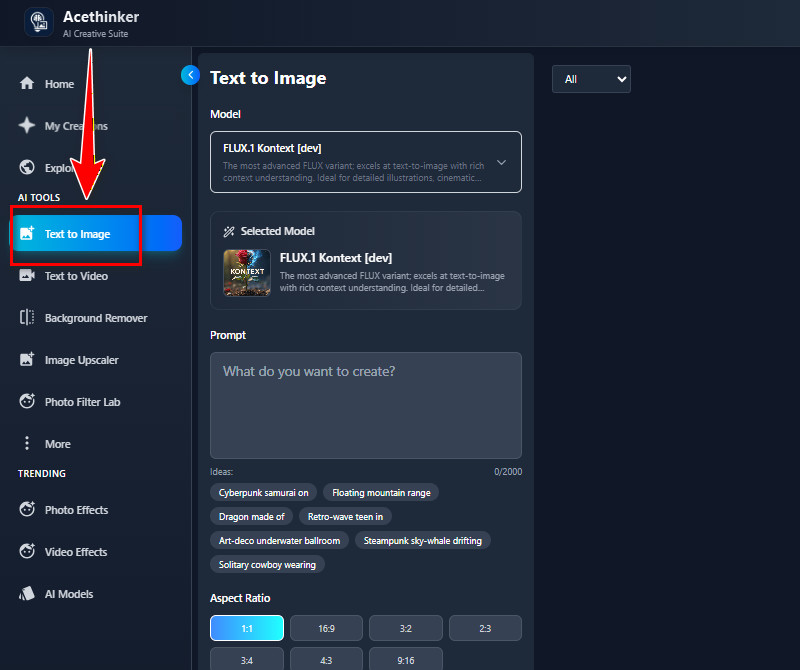
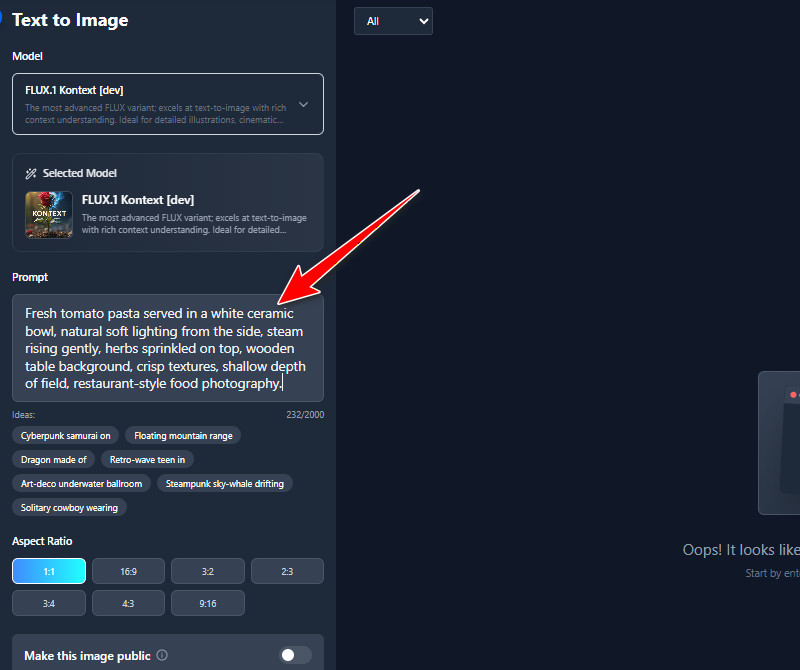
With the AI real photo generator, you can make realistic photos simply by describing what you want. By simply typing a prompt, you can create images of people, animals, locations, objects, or even entire scenes. This allows you to visualize ideas quickly without needing a camera or drawing skills. You can refine your prompts to achieve exactly the look you want, from facial expressions to scenery details. Additionally, it encourages creativity because you can experiment with endless combinations. It's perfect for projects, content creation, or just exploring your imagination.
This AI realistic picture generator not only produces realistic photos but also sharp, visually impressive digital artwork. You can use these creations for marketing, social media, or personal projects without additional editing. Our tool handles color, composition, and detail automatically, so your images look polished from the start. This saves a lot of time compared to traditional design methods. Moreover, it allows you to explore various artistic styles while still preserving a sense of realism. Create professional-quality visuals with minimal effort now!


It helps you create realistic images in seconds, so you can move through your tasks without delays.
The tool is easy to use, even if you’ve never worked with AI or design tools before.
You can generate high-quality images without spending a lot, making it budget-friendly for everyday use.
AI photography involves creating images through artificial intelligence rather than using a physical camera. It feels like taking a photo, but the AI builds the picture from your description. Many people use it when they need realistic photos quickly without setting up lights or equipment. Tools like this help users who struggle with traditional photography by removing the need for skills like lighting or camera work. It also makes it easier to experiment with different looks since you can adjust prompts anytime. Overall, it's a practical way to create images when traditional shooting isn't possible.
Our AI Realistic Photo Generator offers a variety of AI models to choose from. Some models consistently deliver sharp and natural results, especially when you're aiming for lifelike photos. FLUX.1 Kontext [dev] is strong in handling complex lighting and details, which makes portraits look real. HiDream-I1-Dev and Stable Diffusion 3 are good choices when you want a balance of realism and creativity. Juggernaut Pro Flux by RunDiffusion and JuggernautXL XI Lightning often produce clean textures and very smooth skin tones. Pixelwave Flux 0.4 works well for both humans and objects because it handles color and shadows consistently. From experience, using these models helps avoid the usual AI issues, such as warped hands or strange lighting.
Yes, in many cases they are. Stock photos often feel generic because many people use the same images, which makes them less unique. You also can't control the models, locations, lighting, or mood in stock photography, which limits creativity. With AI images, you can describe exactly what you need and get a result tailored to your project. This helps when you're working on something specific and can't find the right stock photo. Moreover, AI images save time and remove the frustration of searching through thousands of similar pictures.
Many AI-generated photos today look surprisingly close to real camera shots. The lighting, textures, and facial details often feel natural when you use good prompts and the right model. Sometimes you may still notice small errors, such as strange hands or minor distortions, but these are becoming less common. The realism also depends on how detailed your description is. If you describe the scene clearly, the AI usually gives a very believable result. With a bit of refinement, the images can easily pass as real to most people.

To get realistic results, you need to be very specific about your subject, setting, and atmosphere because AI responds best to clear instructions. Explain how the person or object should look, where the scene takes place, and what mood you want the image to show. Then include camera terms such as lens type, aperture, ISO, and lighting direction to give the AI a real photographic style. Additionally, add descriptions like "soft cinematic lighting," "golden hour," "8K clarity," or "shallow depth of field with bokeh." You can also improve results by using negative prompts to remove distortions and by naming artists whose style you want to follow. Finally, if the platform allows it, upload a reference image to guide the AI and keep it consistent with the look you want.