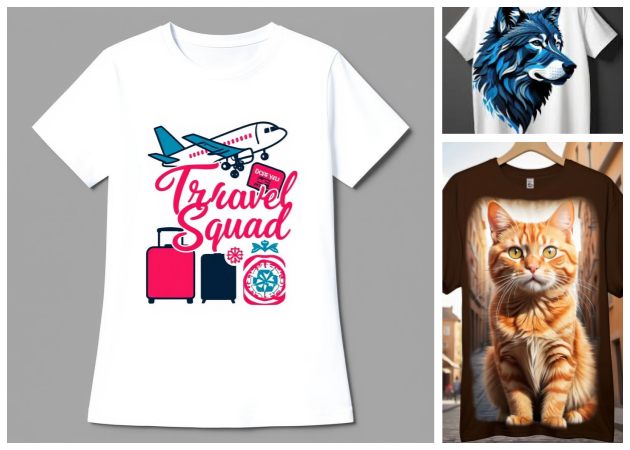
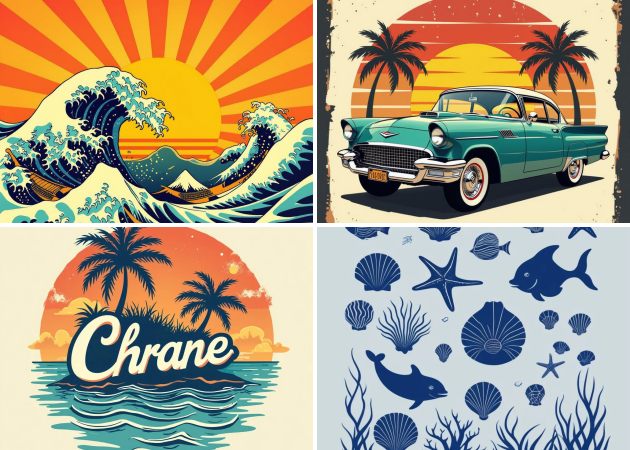
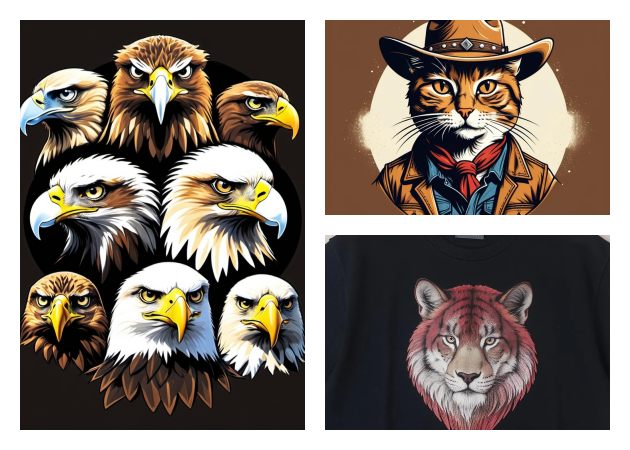
When you use our AI T shirt Design Generator online free, coming up with themed shirts becomes surprisingly simple. You just describe the mood you want, whether it's cute, spooky, festive, or funny, and the tool instantly gives you designs that match the vibe. It takes the pressure off by handling the creative part for you, so you can focus on the fun side of planning your event.
What's great is how flexible the tool is when you want to try different looks. Maybe you want a soft pastel design for a baby shower or something bold for a bachelor party; you can switch styles in seconds. It helps you create celebration-ready t-shirts without ever feeling overwhelmed or stuck.
With an AI T shirt Design Maker, you can instantly turn simple ideas, like a catchy slogan, a favorite quote, or a team logo, into a polished design. This is especially helpful when you're preparing shirts for school events, sports teams, campaigns, or even small online shops. Instead of spending hours trying to draw or lay out text, you can describe what you need and let the AI handle the creative work.
Moreover, it's perfect for moments when you need eye-catching visuals fast, like when someone suddenly requests custom shirts for an upcoming event. You can try different fonts, styles, and artwork until you find the one that best fits your message.


Exporting print-ready images is as easy as a click with the AI T-shirt Design Generator free. You can get a high-resolution file that works for printing shops or your own heat-press setup. There's no need to adjust dimensions or tweak settings; the tool prepares everything properly.
You can also keep your files organized and reuse them whenever you need more shirts. Whether you're making merchandise or preparing a one-time gift, you'll always have a clean, professional-quality image ready to go. It removes extra steps and gives you a smoother path from design to finished t-shirt.


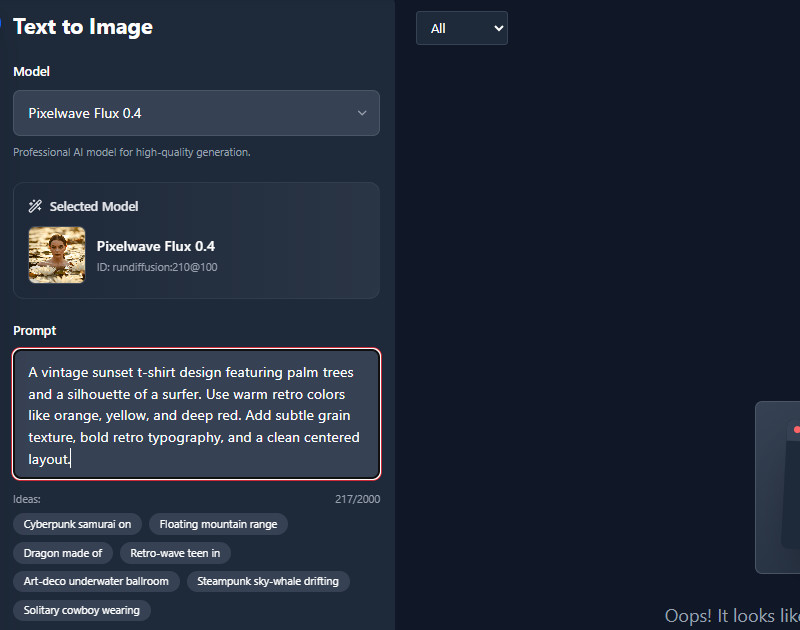
On the AI T-shirt Design Generator tool, navigate to the prompt box. Here, enter your design prompt for the shirt you want.
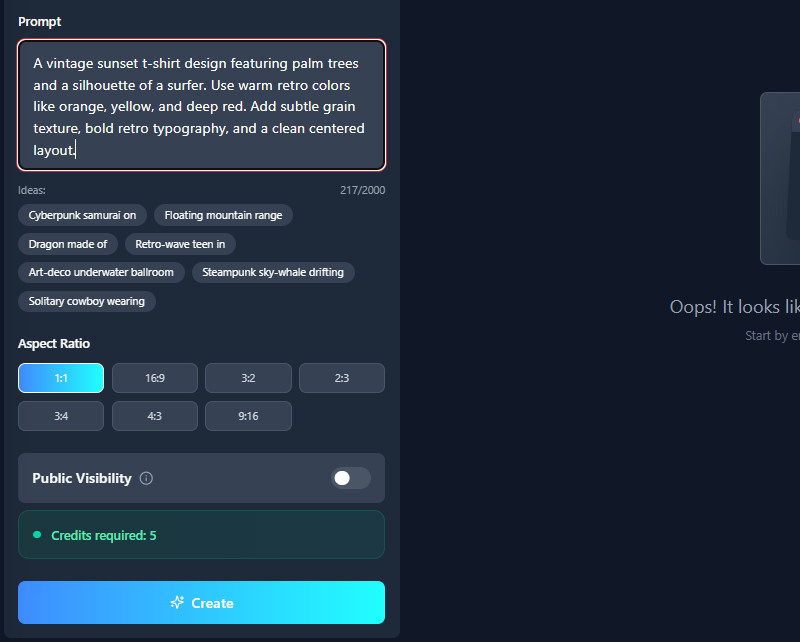
Next, choose an image size you prefer for your design. Then click the 'Create' button below to let the tool generate your prompt.
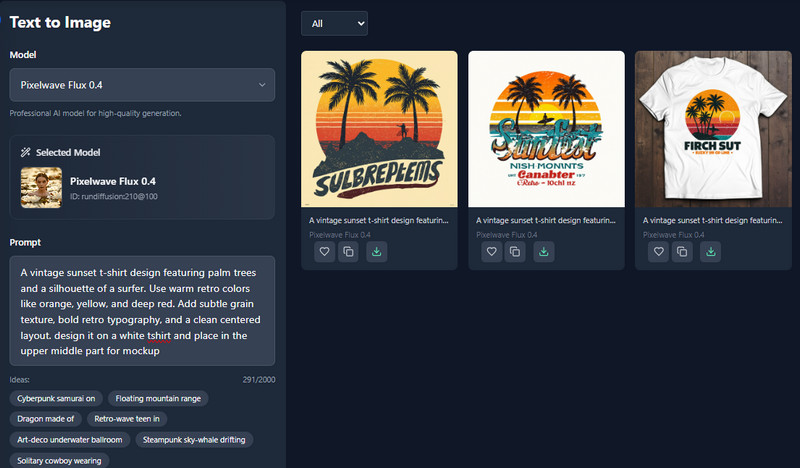
Once done, you can see the generated image on the right side. Lastly, save the shirt design by clicking the download button.
You can create any type of design you want, from simple graphics to detailed artwork. The tool lets you explore themes such as vintage, modern, cute, or bold. Just describe your idea, and the AI turns it into a unique t-shirt design.
Yes, the designs work well on different t-shirt colors. You can test your artwork on light, dark, or colorful shirts to see what looks best. This makes it easy to match your design with any style of shirt you prefer.
Yes, you can add text to your t-shirt design. You can include quotes, slogans, names, or any message you like. The AI helps style your text to blend nicely with your artwork.
Yes, you can share your finished t-shirt designs on social media. Just download the image and post it to your favorite platforms. It’s a way to show your creativity or promote your brand.
Yes, you need to register before using the design tool. All your generated images are saved in your account for quick and easy access anytime. This also helps you manage and organize your designs in one place.