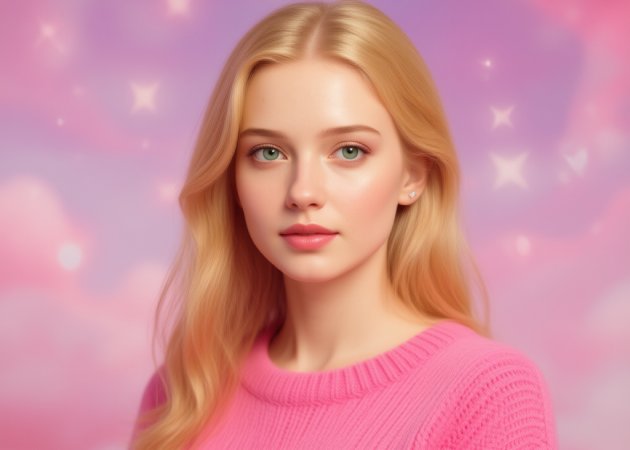
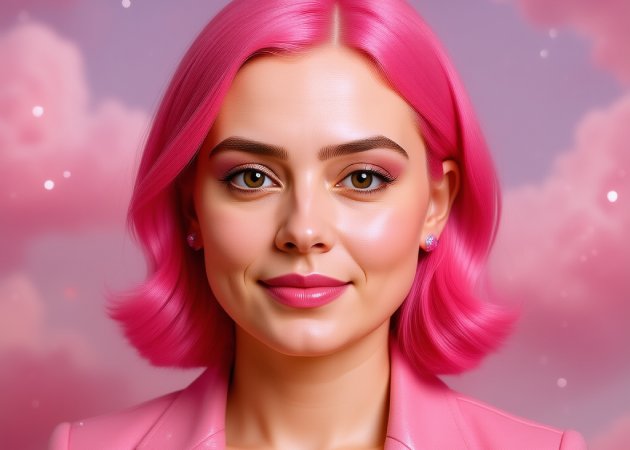
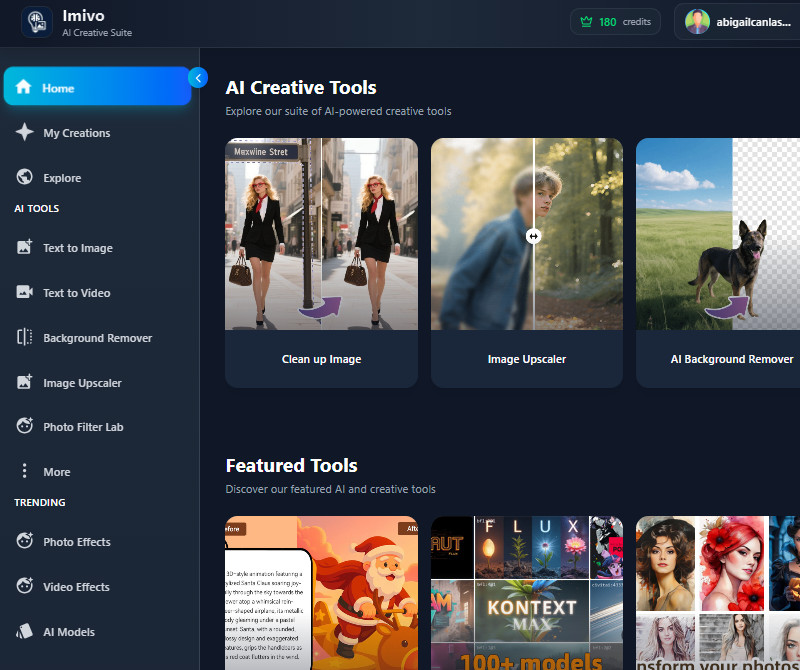
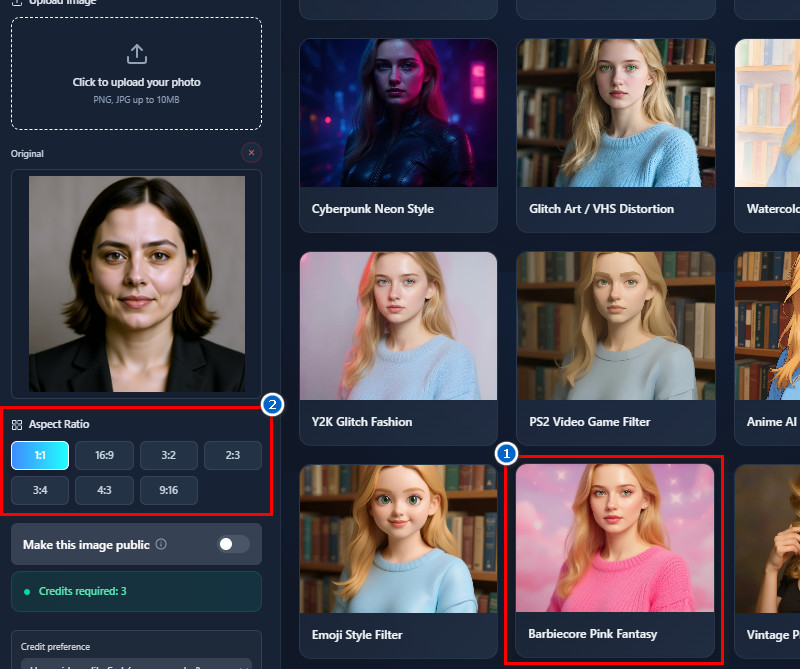
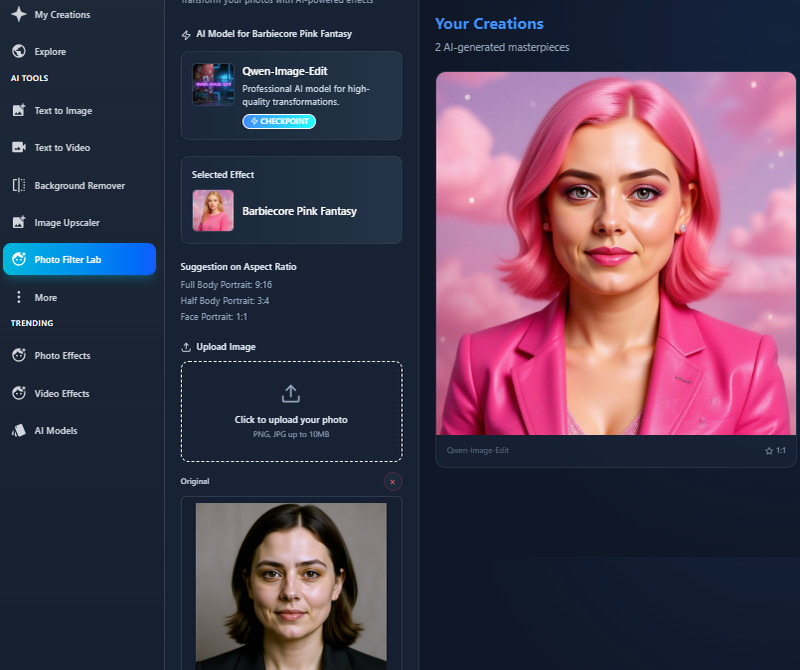
With the Barbie filter online, you can instantly transform your ordinary selfies into fun and vibrant images. For example, a user preparing to post a birthday selfie on Instagram can utilize the filter to enhance their photo with a playful, doll-like aesthetic, making the image stand out among typical posts. Additionally, it brightens colors and smooths details while keeping the photo natural. This makes your photos more eye-catching for social media or personal sharing. You can experiment with different photos, and the result always looks polished. Overall, it’s a simple way to give your selfies a unique, creative twist.
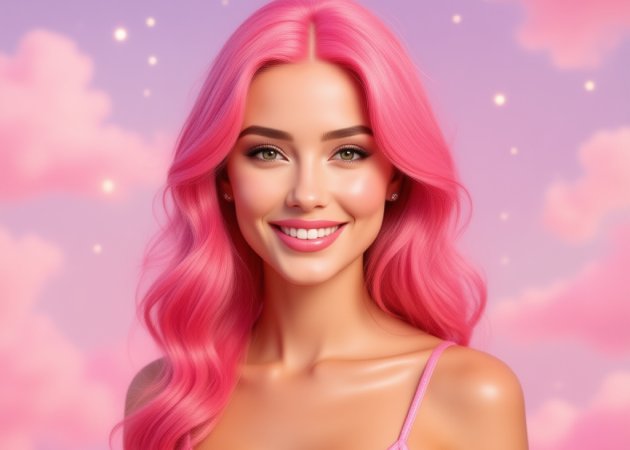
Our Barbie selfie generator lets you turn your outfit and even your photo background into soft, dreamy pink tones. This means your image gets a full transformation, not just your clothes, creating a cohesive and playful look. The AI also makes sure the colors blend naturally without overpowering your features. It’s perfect for users who want a whimsical, themed photo for social media or personal use. You can also adjust the pink intensity to match your style by generating it again. As a result, every picture looks magical and fun.


With this Barbie filter AI, every detail from hair to body is carefully enhanced to create a realistic doll-like effect. The tool adds soft highlights to hair, smooth skin, and subtle shading for natural-looking contours. Even clothing and accessories get a polished, lifelike touch. This ensures the final image feels like a real Barbie doll. Moreover, the transformation maintains your proportions and keeps them visually appealing. Overall, it gives your photos a high-quality, doll-like finish.
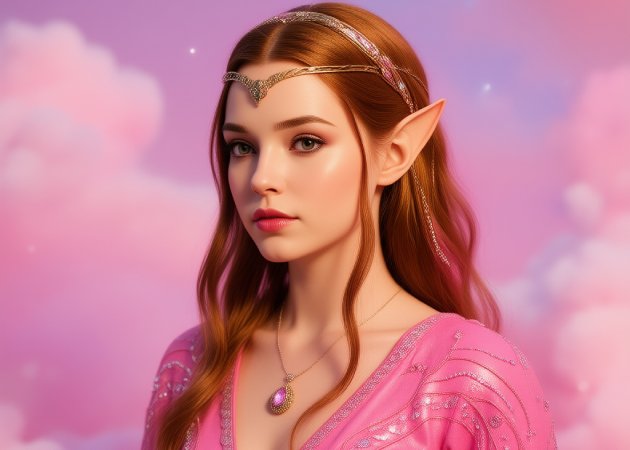
The Barbie filter trend focuses on maintaining your natural expressions while applying the effect. The AI carefully analyzes your face to preserve your smile, eyes, and other key features. This ensures that the personality in your photo shines through, even with a full transformation. You also don’t have to worry about looking unnatural or distorted because the AI intelligently adjusts the filter to match your facial structure. The tool also works with images from different angles and lighting conditions. So, your photos remain expressive, lively, and ready to share.


The tool processes images quickly, making it easy to use with no complicated steps.
Your final images are clean and ready to share, with no logos or marks.
Uploaded photos are kept secure and not shared, ensuring your personal data stays private.
Barbie AI filters have become extremely popular on social media, especially since the Barbie Movie started showing in cinemas. Many users enjoy transforming their selfies into doll-like images inspired by the movie’s style. Additionally, they are trending among teens, content creators, and social media influencers. People share these images widely on platforms like Instagram, TikTok, and Facebook. The filters are also featured in online communities for creative photo editing. Overall, their popularity comes from being fun, easy to use, visually appealing, and now boosted by the movie hype.
A Barbie filter allows you to turn ordinary selfies into playful, doll-like images. It adds soft colors, smooth skin, and a fun aesthetic to your photos. You can also make your images stand out on social media or for personal projects. Besides, using our Barbie filter keeps your facial features recognizable while enhancing the overall look. It’s also simple to use, requiring no advanced editing skills. This makes it a fun and accessible tool for anyone.
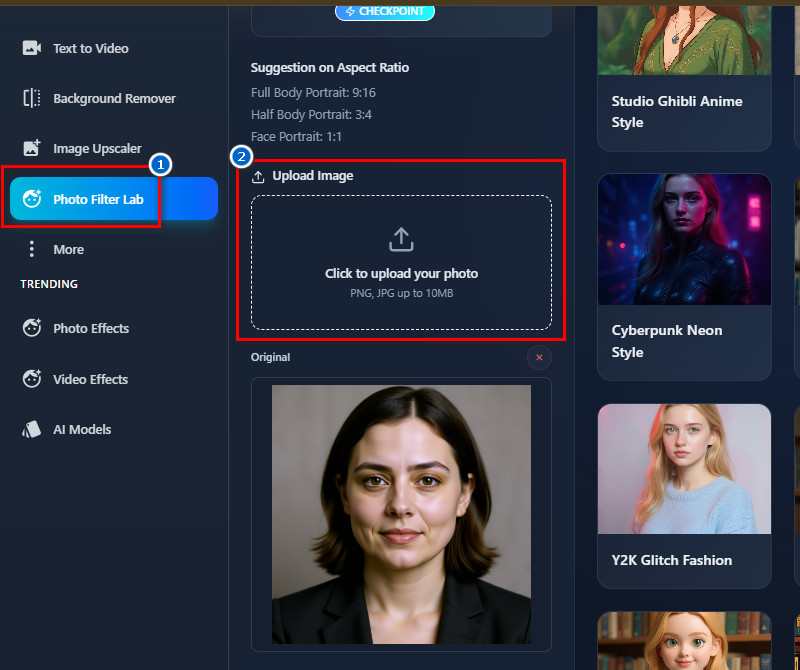
Applying the Barbie Filter usually takes just a minute. The process is fast because the AI automatically processes the photo. However, the speed may vary depending on your internet connection. However, larger images may take slightly longer to load and transform, even though our tool only supports images up to 10 MB. The tool is also designed to be simple and efficient. Overall, most users can get results almost instantly.
Selfies and close-up portraits work best with the Barbie Filter. Additionally, clear photos with good lighting produce the most natural results. Besides that, photos with simple backgrounds also transform better into the doll-like style. You can also upload and apply the filter to both single and group images. Furthermore, avoid blurry or low-resolution images for the best results. This ensures that facial features and details remain clear after the transformation.
Yes, you can regenerate your image if you are not satisfied with the first result. The tool allows you to try multiple times until you get the look you want. This helps users experiment with different styles or adjustments. But make sure you have credits available to do the regeneration process. Each attempt requires 3 credits and produces a new AI-generated version. This makes it easy to achieve a result that matches your preference.