menu

Transform Ideas Into Artwork

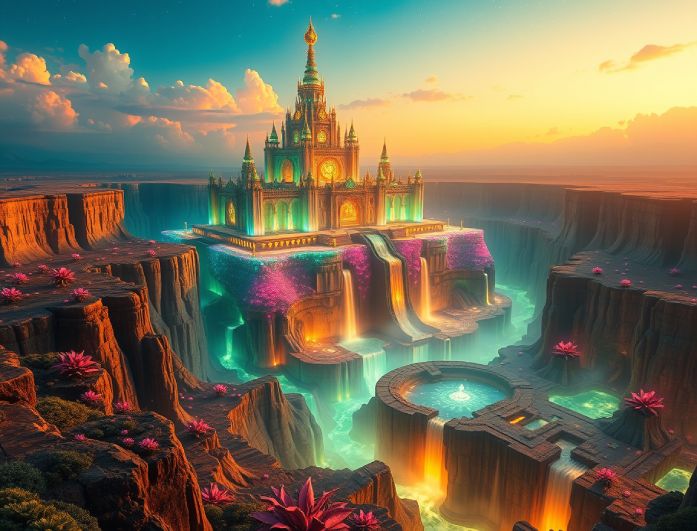
create fantasy scenes instantly

Create Fantasy Scenes Instantly

Bring your imagination to life with our AI Fantasy Art Generator free tool! Creating fantasy scenes instantly is perfect for anyone who wants fast, impressive results without advanced design skills. You can turn a simple idea into a complete fantasy world in just a few seconds.

What makes this feature even more helpful is its flexibility. You can generate dreamy landscapes, glowing kingdoms, or mysterious realms that match the mood you want. It’s ideal for artists, writers, or anyone who wants beautiful visuals without spending hours creating them.

Generate Fantasy Character Art

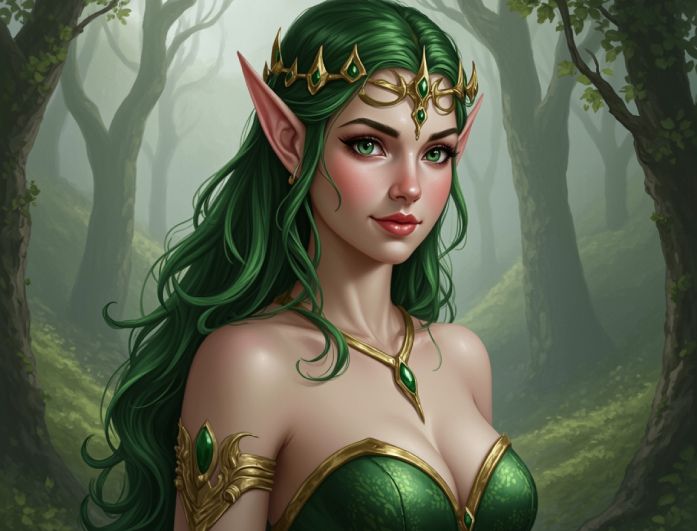
Suppose you’ve ever imagined characters that look like they came straight out of a fantasy novel. In that case, this feature will be your favorite. Using our AI Fantasy Art Generator online, you can instantly create heroes, creatures, and mythical beings with just a few words. It takes the pressure off drawing and lets you focus on creativity instead.

The best part is how customizable each character can be. You can adjust style, expression, and details to match exactly what you’re picturing. Whether you want fierce warriors or gentle mystical beings, it delivers unique character art every time. Just be as detailed as possible in your description, and let our tool make it real.

generate fantasy character art
create story driven characters

Create Story-Driven Characters

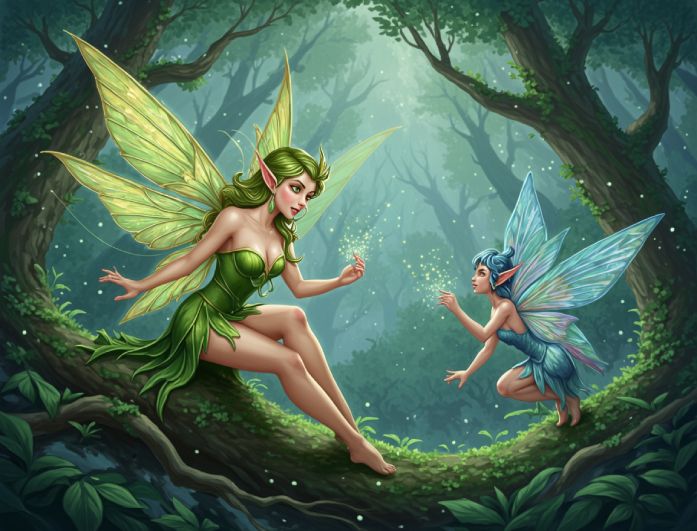
Some fantasy art becomes truly special when the characters feel like they have a story behind them. This feature helps you shape characters with personality and depth, which makes your creations more meaningful and engaging.

With our AI Fantasy Art Generator free online tool, you can build characters that look ready to step into a novel, an RPG game, or an animated world. Their expressions, clothing, and details can all reflect the story you want to tell. It’s a great way to turn simple ideas into rich, narrative-driven visuals.

Create a Fantasy Art in 3 Steps

add your description
start to create your art
download the generated art
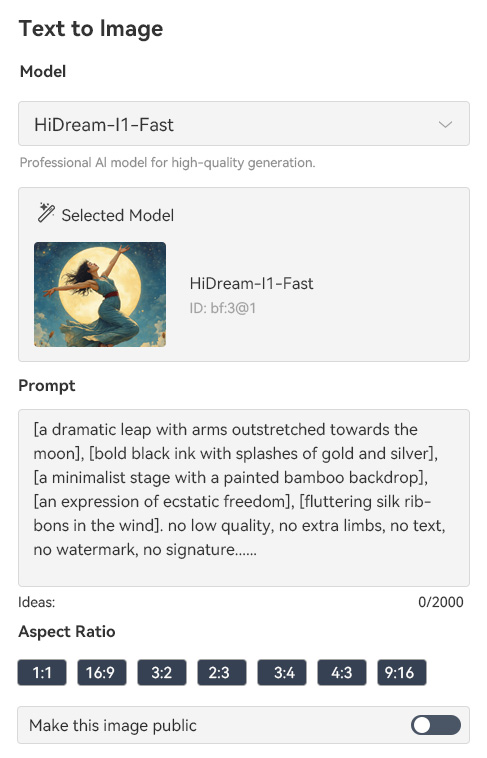
  • 01
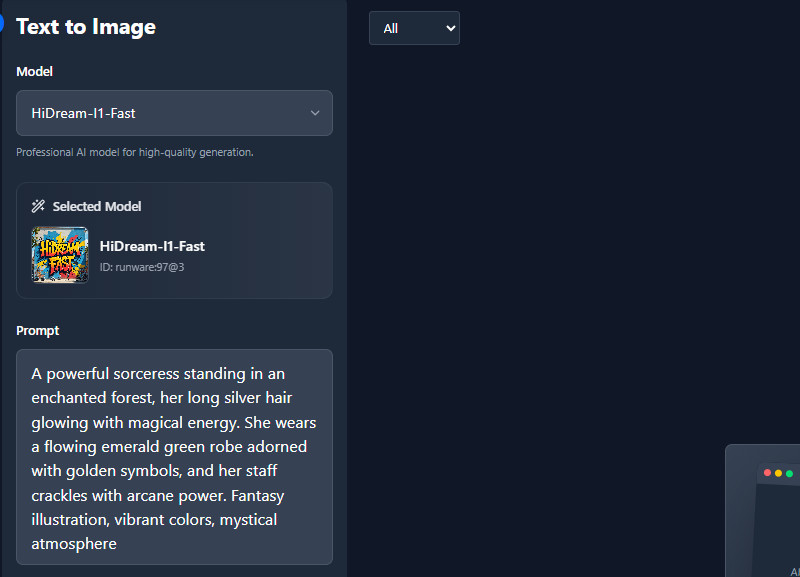
    Add Your Description

    First, visit our AI Fantasy Art Generator. Then, enter your description in the prompt box on how you want your fantasy art to look.

  • 02
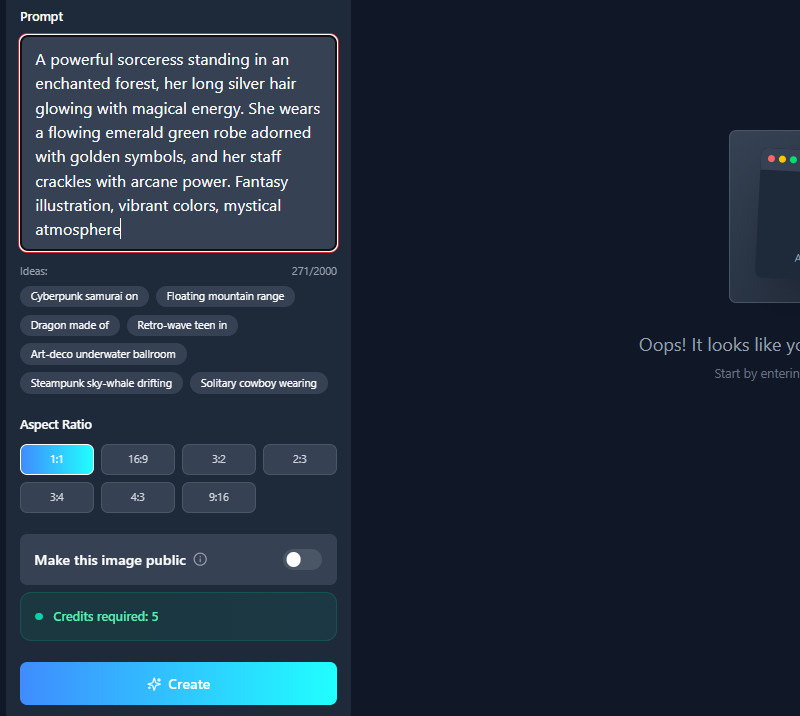
    Start to Create Your Art

    Next, choose an aspect ratio you prefer for your image. After that, click the "Create" button to initiate the generation process.

  • 03
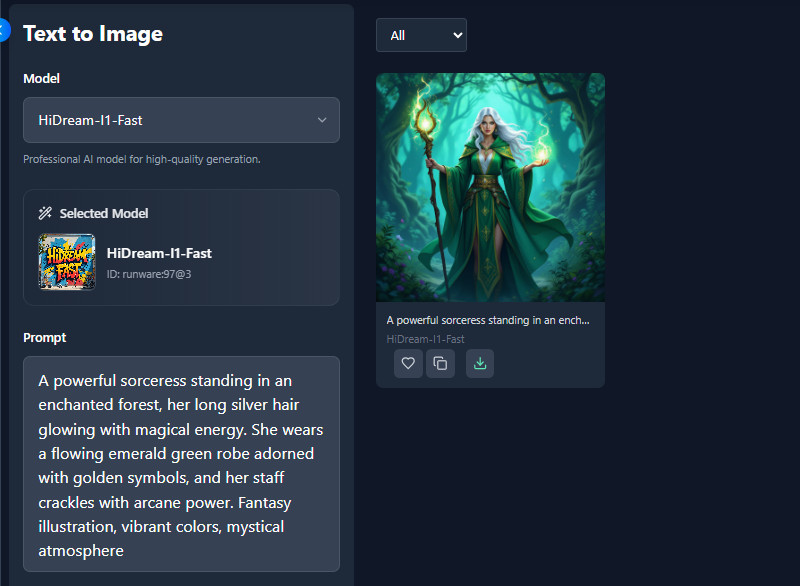
    Download the Generated Art

    When the creation is finished, you can see the preview right away. Look at the right side to see the results, then download it afterward.

Frequently Asked Questions

How do I create good fantasy art with AI?

To create good fantasy art, start by giving the AI a clear subject, such as a hero, a dragon, or a magical world. Choose an art style such as realistic, anime, or painterly to match the look you want. Add details on lighting, mood, and perspective to make the scene feel complete and visually balanced.

Can I generate art for DnD or RPG character sheets?

Yes, you can create detailed art for DnD or RPG characters. Just describe your character's race, class, outfit, and special features. Then our tool will turn your description into a clear, customized character image.

Can the generator recreate a consistent character across multiple images?

Yes, the tool can maintain the same character's look across different images. Make sure you repeat the same important details each time. This helps the AI understand exactly who the character is.

Does the AI handle complex scene details, such as lighting or magic effects?

Yes, the AI can create advanced lighting, glowing spells, and dramatic effects. Just describe the lighting or magic clearly in your prompt. Also, the more specific you are, the better the scene looks.

Does it support generating mythical creatures or custom characters?

Yes, it can generate all kinds of mythical creatures and unique characters. You can describe features like wings, scales, or magical abilities. Then our AI tool will follow your details to create a custom design.

product iconAceThinker PicWish

Clean Backgrounds Made Easy and Fast

pro image editor
Back to Top
Contact Us
Learning Center