menu

Create Transparent Logos with Zero Effort

fast and high quality results

Fast and High-Quality Results

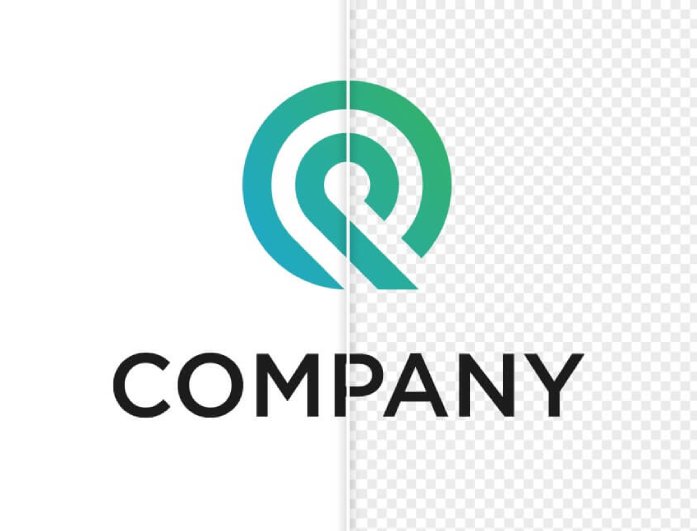
Our AI-powered tool can create perfect, clear logos within seconds. It instantly identifies the shapes, text, and colors of your logo, eliminating the background to make all the details sharp and smooth.

The tool ensures that you end up with a transparent PNG that is clean, crisp, and suitable for professional use. You will save time and sacrifice quality - this is ideal when you are in a rush but require high-quality, accurate results without compromising the brand.

No Hidden Charges

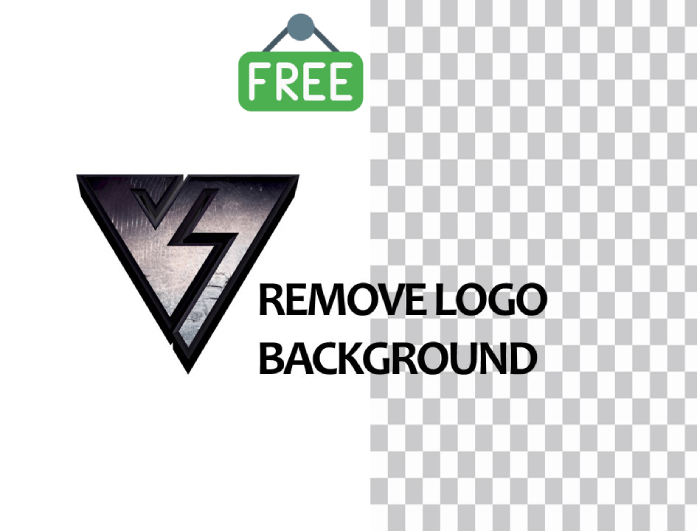
Use our free logo background remover with all its features absolutely free. No watermarks, credit systems, or any hidden charges that restrict your downloads. You receive complete, high-quality, transparent logos without any additional charges or subscriptions to premium schemes.

It is an equal opportunity and transparent device, developed to bring background removal access to anyone, regardless of the size of their business or creative specialty.

no hidden charges
easy to access and use

Easy to Access and Use

No more complicated editing tools or time-consuming installation procedures. Our online tool operates smoothly in any browser and supports desktop, tablet, and mobile devices. It only takes a few clicks to upload your logo, process it, and download the result.

It features a user-friendly interface designed to suit users of all skill levels. It can be done in seconds, whether you are a designer or a beginner, and you can easily create a transparent logo.

Simple Steps to Remove Background from Logo

upload your logo
remove the background
download your transparent logo
  • 01
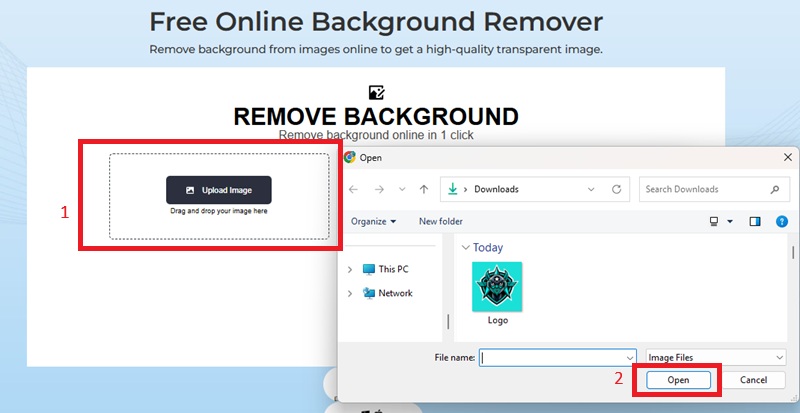
    Upload Your Logo

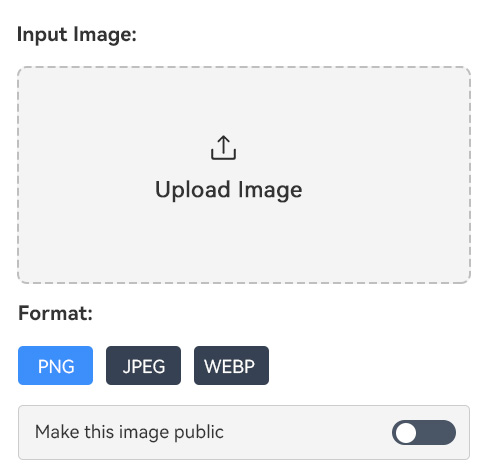
    Visit the online logo remover and upload your image file by clicking the "Upload Image" button. The upload process is quick and secure, with no need for registration.

  • 02
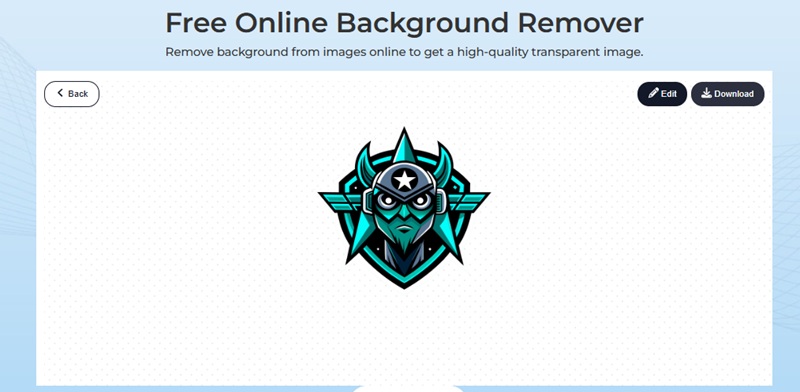
    Remove the Background

    Once uploaded, the system instantly analyzes your logo and automatically removes the background. You can preview the transparent result and make any necessary adjustments.

  • 03
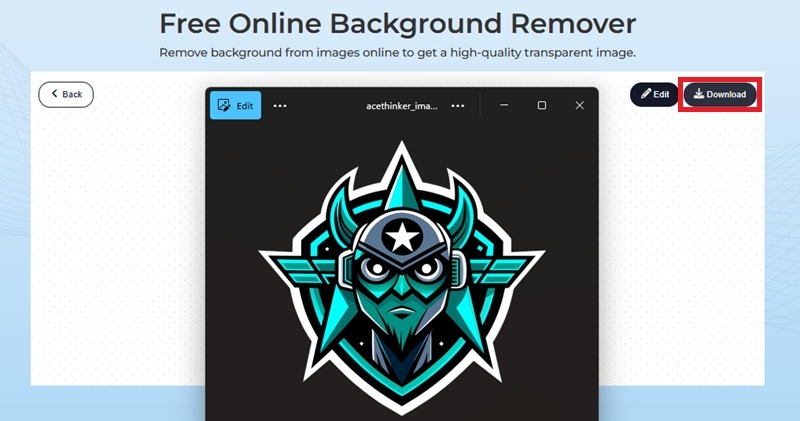
    Download Your Transparent Logo

    When you're happy with the result, click "Download" to save your logo as a transparent PNG file. It's ready for websites, social media, presentations, or print projects.

Frequently Asked Questions

How does the logo background remover work?

It utilizes artificial intelligence to identify the shape, text, and edges of your logo. It automatically removes the background, preserving significant details. You will have a clean, transparent PNG without any manual work.

What file formats can I upload?

You can upload common file types, such as JPEG, PNG, or JPG. The tool will process them and export your result as a transparent PNG, which supports high-quality transparency for any platform.

Does removing the background affect logo quality?

No. The AI background remover is built to maintain your logo's resolution, color accuracy, and detail. You'll get sharp, high-quality results suitable for both digital and printed designs.

Can I use the tool on mobile devices?

The online logo remover is compatible with all browsers on phones, tablets, and desktops. You can edit and download transparent logos at any time.

Is Online Logo Background Remover free to use?

Yes, it's 100% free. You can remove the background from as many logos as you like without watermarks, hidden costs, or premium restrictions.

product iconAceThinker PicWish

PicWish — Smarter Logo Editing for Professionals

picwish banner
Back to Top
Contact Us
Learning Center