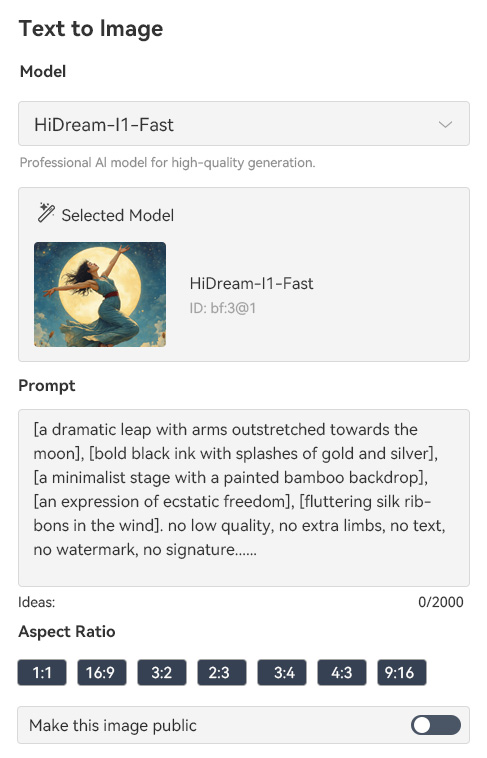
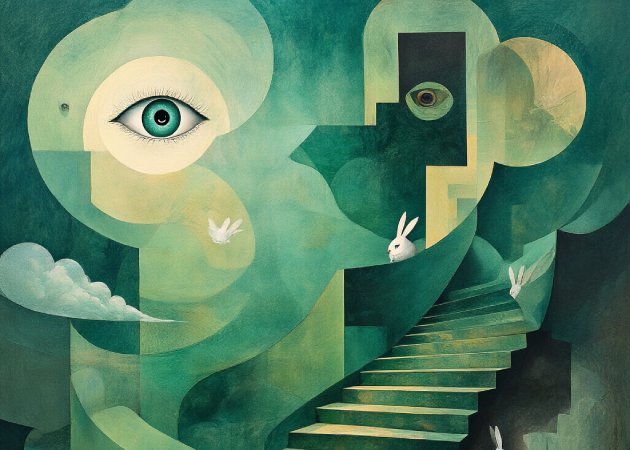
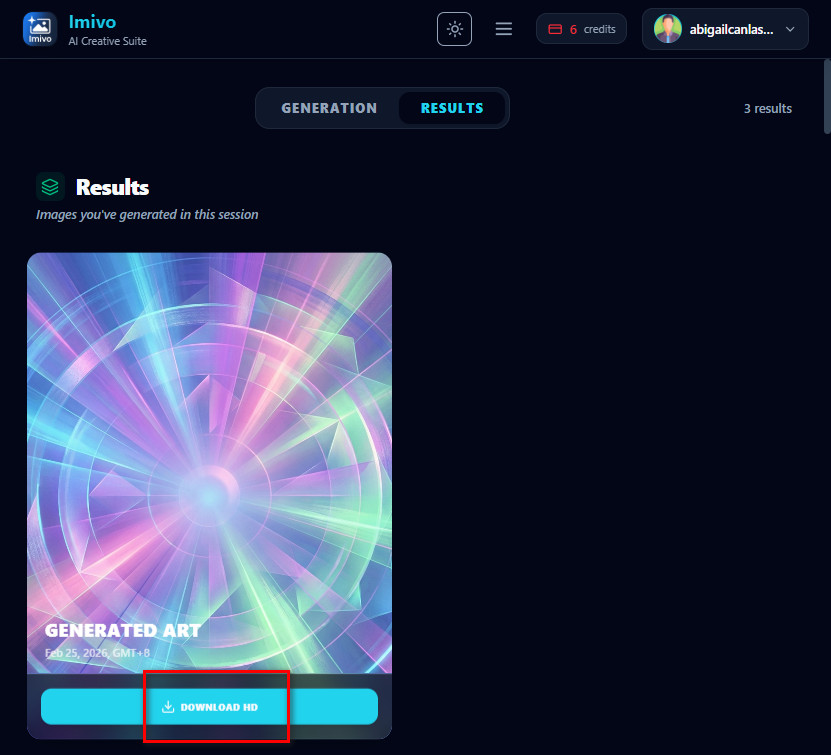
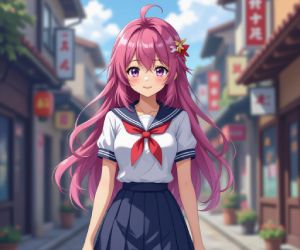
With the abstract art generator, you can turn your ideas into real abstract visuals just by describing them in words. You simply enter a text prompt, and the AI transforms your concept into a unique piece of digital art. It understands colors, shapes, mood, and composition based on your description. This allows you to create artwork without needing drawing skills or design experience. You can experiment with different ideas and instantly see creative results. It’s an easy way to bring imagination into visual form.
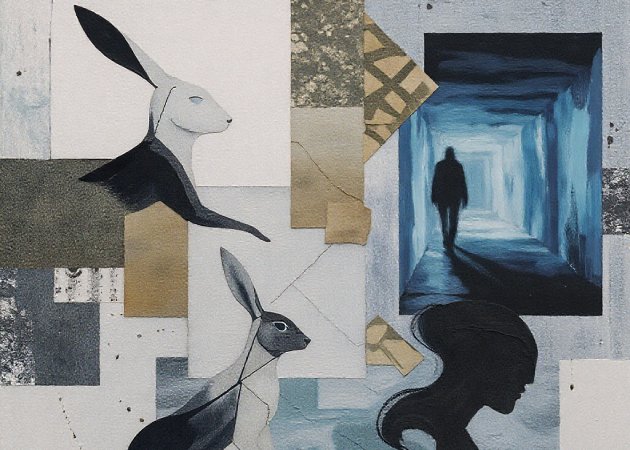
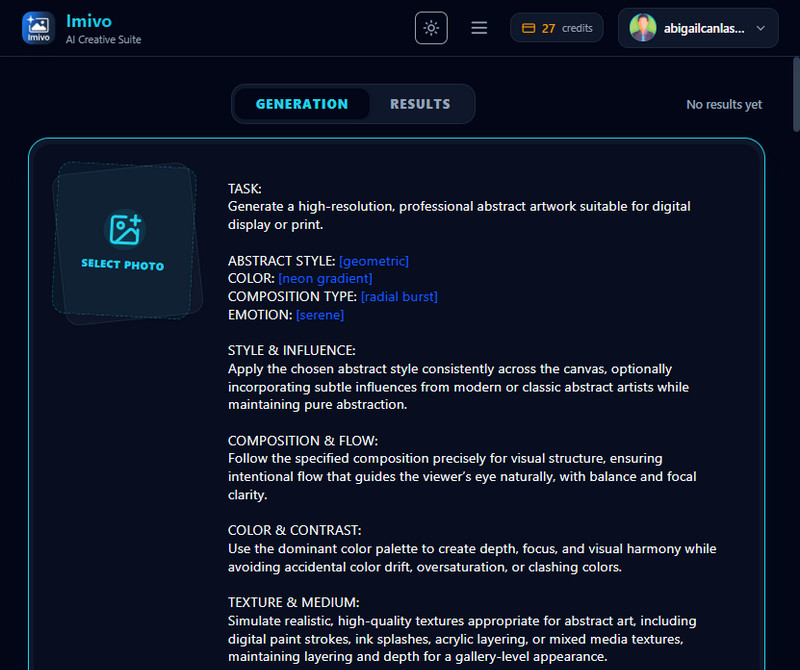
The abstract art generator from image allows you to upload your own photo and convert it into abstract art. Instead of starting from text, the AI analyzes your image and reinterprets it with creative shapes, textures, and colors. This is perfect for transforming portraits, landscapes, or everyday photos into artistic designs. The final result keeps the essence of the original image while giving it a bold, abstract look. It saves time compared to manual editing in complex software. You can quickly create artistic versions of your personal photos.


With this abstract art generator free, you can choose from multiple aspect ratios to fit your needs. Available ratios include 1:1, 3:2, 4:3, 3:4, 4:5, 16:9, 9:16, and 21:9. This allows you to create artwork for social media posts, wallpapers, presentations, or prints. You can select the ratio before generating the artwork to match your intended platform. It ensures your design looks properly framed and balanced. This makes it easier to produce art ready for any format.
The AI abstract art generator produces artwork with a modern canvas-style finish. The AI adds texture, depth, and balanced composition to make the piece look professional. It gives your digital art a polished and gallery-like appearance. This makes the output suitable for printing, sharing online, or using in creative projects. You don’t need advanced editing tools to achieve a refined result. The tool handles the artistic details automatically while you focus on creativity.
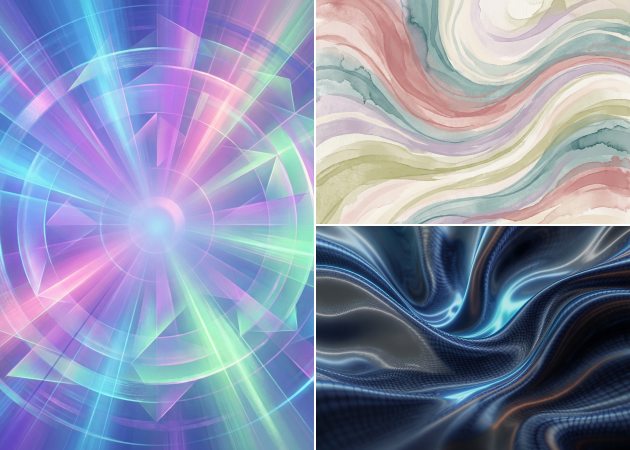


Generate abstract artworks for business and marketing use for sharing.
Choose specific colors to match your brand, mood, or creative vision.
Download high-quality images formatted and optimized for clear and sharp printing.
To achieve the best results, write a clear, detailed prompt that describes your vision. Include information about colors, shapes, mood, or style you want to see. You can also specify textures or patterns to guide the AI. Using precise prompts helps the tool generate artwork closer to your idea. You can experiment with different prompts to compare results. Reviewing and refining your instructions will improve the quality of the final abstract art.
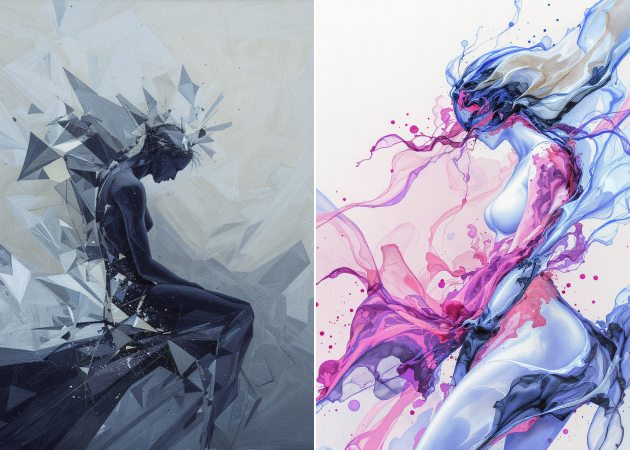
Yes, every image generated by the tool is unique. The AI interprets your prompts or photos differently each time. Even similar prompts can produce different results due to AI variation. You can customize styles, colors, and patterns to make each image distinct. This ensures that your artwork will not be identical to others. You can safely use it for personal or commercial projects without concerns about duplication.
You can create abstract art inspired by movements like cubism, surrealism, minimalism, or abstract expressionism. The tool also allows you to add unique textures and patterns, such as fluid lines, geometric shapes, or digital glitch effects. You can customize colors, shapes, and mood to fit your vision. This allows for a wide variety of visual outputs. You can experiment with different styles until you find what works best. It’s a versatile way to explore creative possibilities in abstract art.
Yes, you can generate multiple variations from the same prompt. The AI will create different results each time by interpreting the instructions slightly differently. This allows you to quickly explore multiple design options. You can choose the best version or combine elements from different outputs. Generating variations helps you find the most visually appealing abstract art. It also makes it easier to experiment without having to start from scratch.
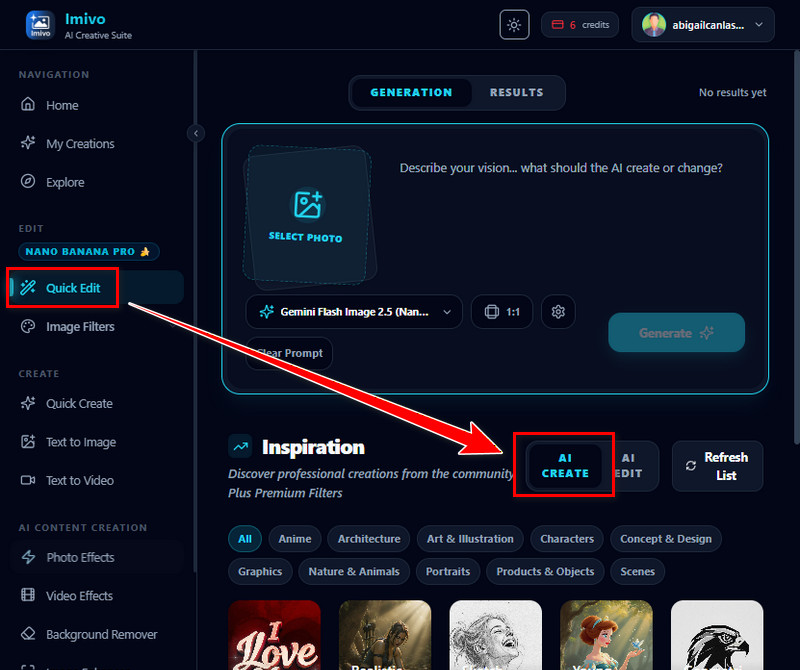
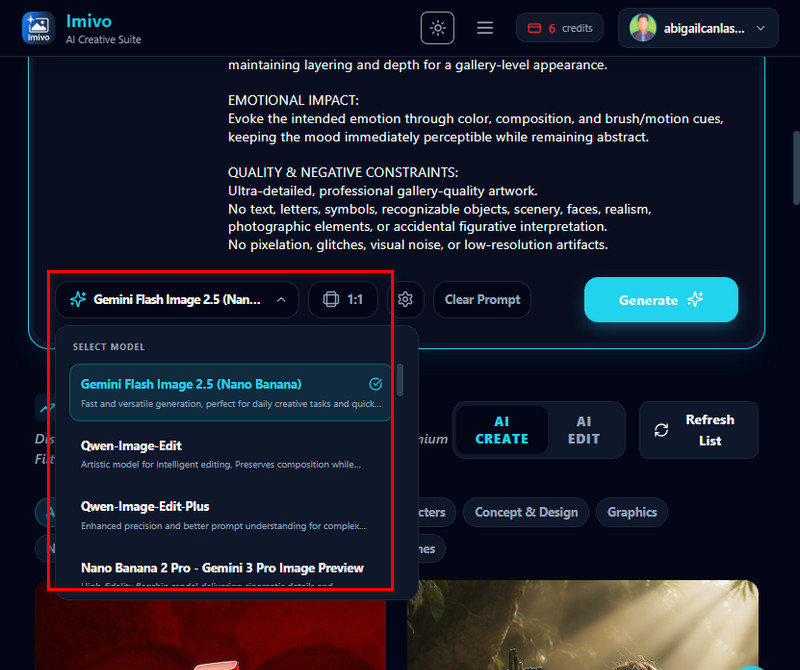
The tool currently supports exporting images in PNG and JPG formats. The supported file format depends on the AI model used to generate the artwork. Some models export images as JPGs, while others export PNGs, which can include transparency. You can download your artwork easily for sharing or professional use. It ensures that your abstract designs look sharp and clear. PNG and JPG are compatible with most design software and online platforms.