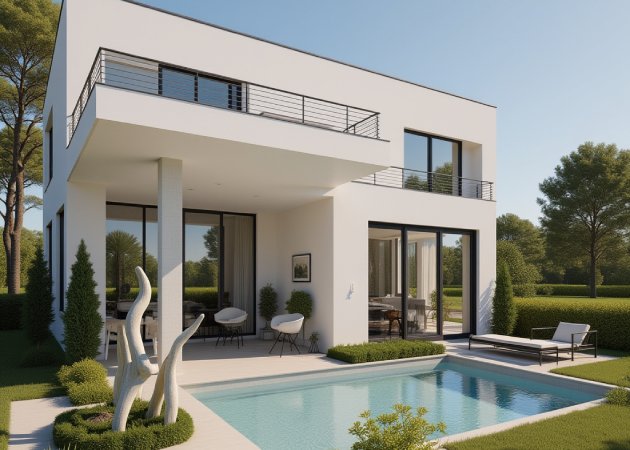
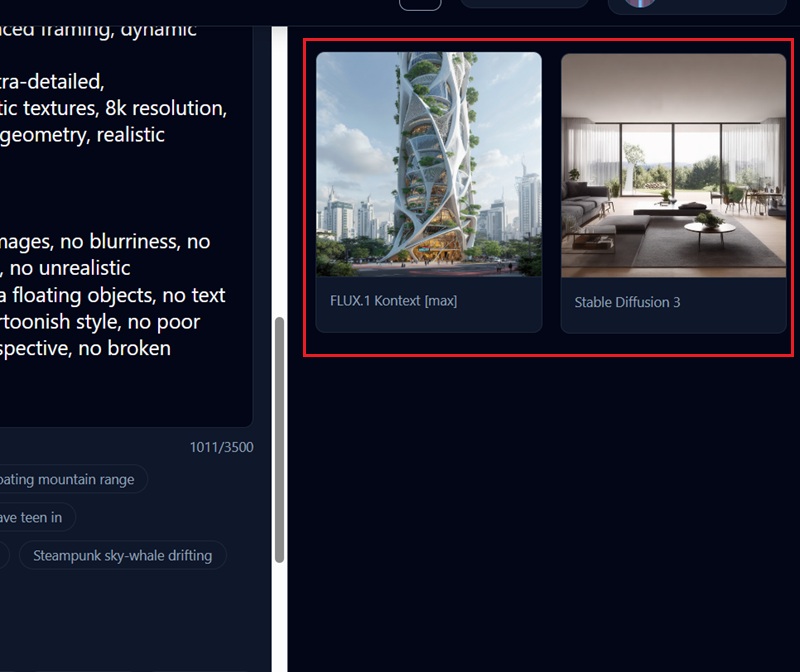
With this tool, you can bring your architectural ideas to life in seconds without struggling with complex software. Imagine drawing a rough idea and watching it transform into a realistic render almost instantly. This not only saves hours of work but also gives you a clear picture to share with clients or collaborators. Moreover, using our AI architecture generator online, you can experiment freely and adjust designs on the fly. It makes visualizing your concepts fun and effortless, so your creative energy goes toward designing, not formatting.
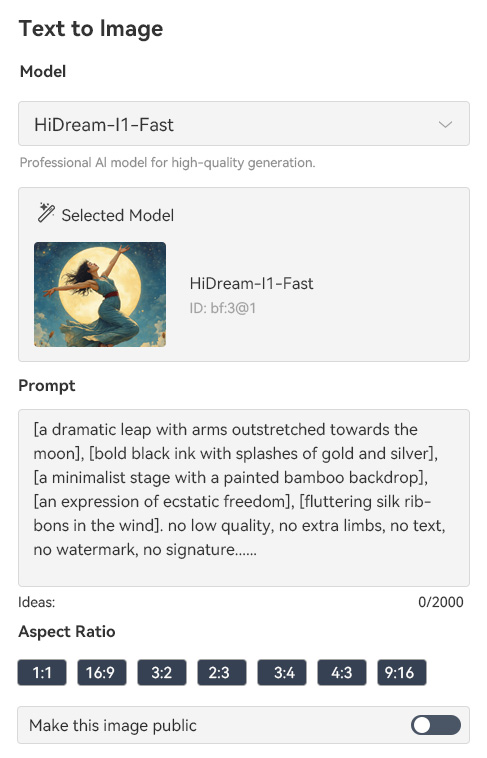
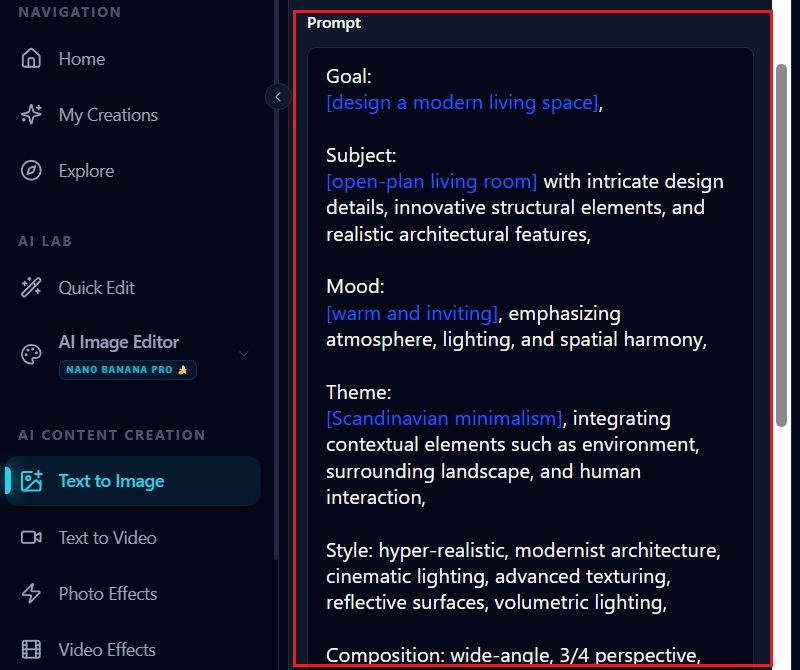
Rather than limiting yourself to pre-set templates, this tool lets you shape your architecture exactly the way you want. You can mix and match elements, adjust layouts, and see how different components interact in real time. With the text-to-image feature, you can even describe your ideas in words and instantly see them transformed into a visual design. For architects or hobbyists, having an online AI architecture generator means that ideas that were once difficult to draft can now be seen instantly. It encourages experimentation, letting you tweak proportions, placements, and angles until everything seems just right.


Not every building or room fits the same look, and this tool makes it easy to explore a variety of styles through simple text prompts. You can instantly switch between modern, classical, minimalist, or even futuristic concepts without having to redraw anything manually. For designers, this means an AI architecture design platform that inspires rather than restricts creativity. As you test different aesthetics, you acquire insights into what works best for each project. This freedom to experiment also sparks new directions you might not have imagined, making the design process exciting and dynamic.
Whether you’re planning an interior update, designing a building exterior, or testing new architectural styles, this tool fits your needs. As an AI blueprint generator, it turns your sketches into comprehensive visuals for presentations, approvals, or personal projects. It’s especially useful for complex designs where regular sketches might not be enough, helping you spot issues and make improvements early. The platform allows many different tasks, so you can easily move between interior, exterior, and style options without learning new tools.


Quickly create realistic architectural visuals and see your ideas come to life as clear, lifelike images.
Enjoy customizable outputs that let you adjust layouts, styles, and elements to match your exact concept.
Explore different styles and concepts easily, and create new designs without starting from scratch.
AI Architecture Design is a tool that lets you create building layouts and visuals using artificial intelligence. You can generate realistic designs without advanced software skills. It helps you visualize concepts quickly, even if your ideas are rough. The tool interprets text descriptions or images to produce professional-looking renders. You can experiment with diverse styles, layouts, and details without having to start from scratch. It is useful for architects, students, and hobbyists who want to explore ideas efficiently.
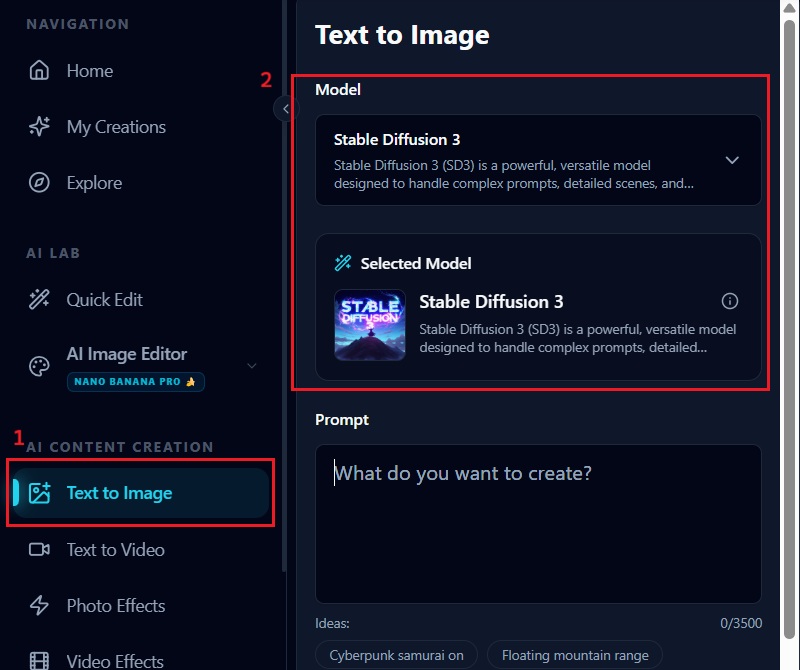
To generate AI architecture images, you can either enter a description of your idea or upload a reference image. You then choose the style, layout, or perspective you want the AI to follow. The system uses this information to create a visual representation of your concept. You can make adjustments and refine the output until it matches your vision. This process allows you to quickly see different possibilities for your project. Finally, you can download or save the image for presentations or planning.
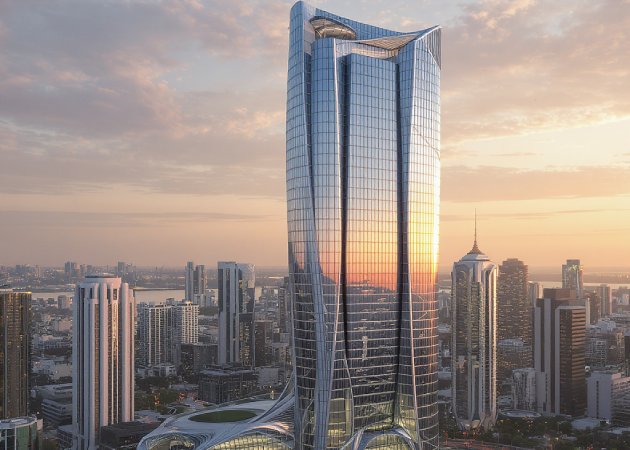

Yes, you can use AI-generated designs in a commercial project. The designs can be included in client presentations, marketing materials, or project proposals. You can modify your designs to fit your needs before sharing. Using AI designs saves time and helps you test ideas before committing to final plans. It is especially useful when creating multiple options quickly. However, always ensure the output complies with copyright laws if you plan to sell or distribute it.
Yes, you can upload sketches or photos to guide the AI in creating designs. After uploading, use text prompts to adjust style, layout, or details. This lets you start from something you already have instead of generating everything from scratch. Refine proportions, colors, and perspectives as needed. The tool helps make rough ideas look professional and clear. Repeat the process until the design matches your vision.
Yes, freehand sketches can be transformed into clean architectural visuals. The AI interprets your lines and shapes to produce realistic layouts or 3D-like renders. You can enhance them with text prompts for style, color, or details. This lets you experiment without worrying about technical drawing skills. See multiple versions and make adjustments quickly. It works for both rough drafts and detailed sketches. Rendering freehand sketches saves time and helps you explore ideas efficiently.