menu

Best Face Retouch App for Stunning Photo Edits

automatic facial recognition

Automatic Facial Recognition

This feature instantly detects faces in your photos, saving you the hassle of manually marking them. It identifies facial features like eyes, nose, and mouth with impressive accuracy, making the editing process seamless.

Thanks to this smart AI face filter system, the app ensures every face gets the right amount of enhancement and attention. It understands different angles and lighting, helping you achieve a balanced and natural look. With this, you can spend less time editing and more time sharing your flawless photos.

Artistic and Cartoon Effects

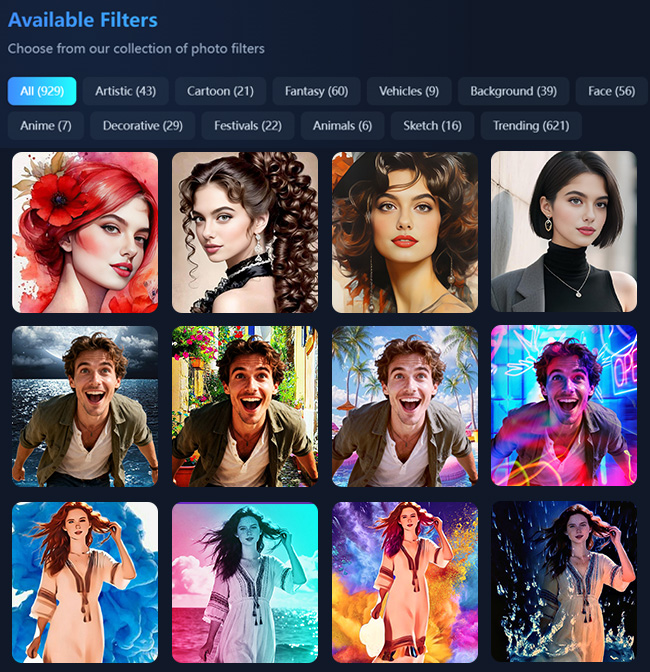
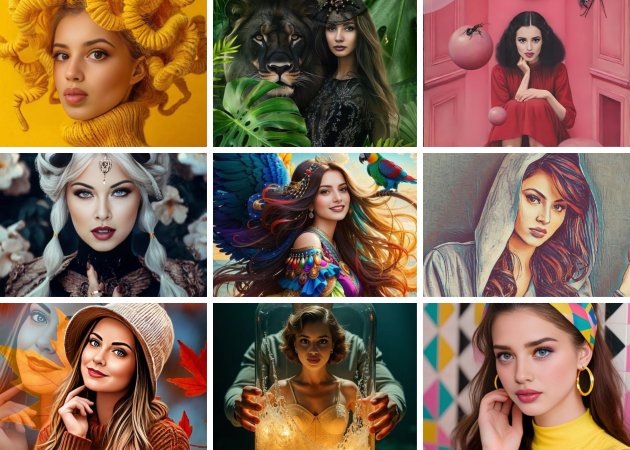
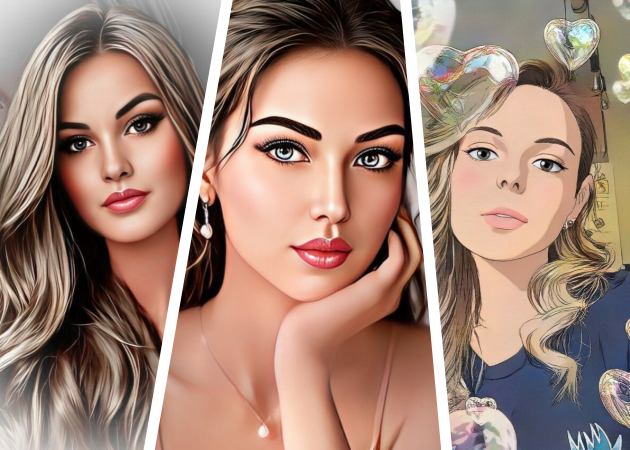
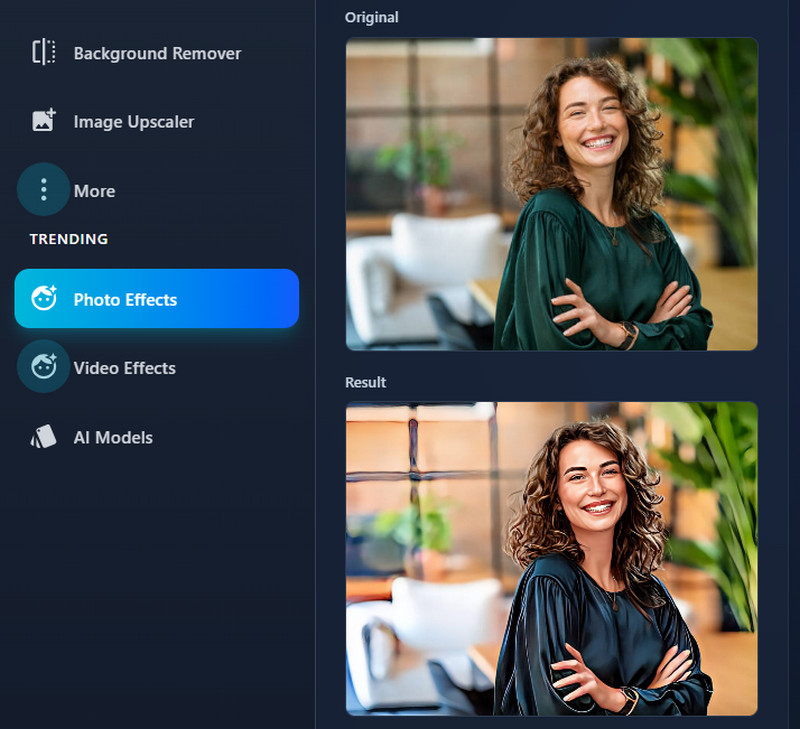
Aside from basic face filters that just smooth skin or add makeup, our online app turns your photo into something truly creative. You can experiment with art-inspired effects, cartoon styles, or even painting-like transformations that give your images a fun and unique touch. It’s perfect for anyone looking to elevate their selfies and make them truly stand out.

This AI portrait filter adapts to your face structure to create realistic and expressive designs. Whether you want a soft watercolor vibe or a bold comic look, it captures your personality beautifully. Every effect feels hand-drawn, adding an artistic flair that makes your portraits unforgettable.

artistic and cartoon effects
easy upload and download

Easy Photo Upload and Download

Uploading your photo is as simple as clicking a button. That means, no complicated setup or tech knowledge needed. Our tool accepts common image formats such as PNG and JPG and processes them quickly, so you can start adding face filters right away. Once your image is ready, downloading it is just as effortless, making the whole process smooth and beginner-friendly.

Moreover, with our selfie face enhancer, you can ensure all pictures are polished and ready to share in seconds. Aside from that, you can easily upload from your phone or computer, edit on the spot, and download high-quality results. It’s designed for convenience, so you can focus on creating your best look without any stress.

3 Easy Steps to Apply Face AI Filter

navigate to photo effects tab
upload image
generate the photo
  • 01
    Navigate to the Photo Effects Tab

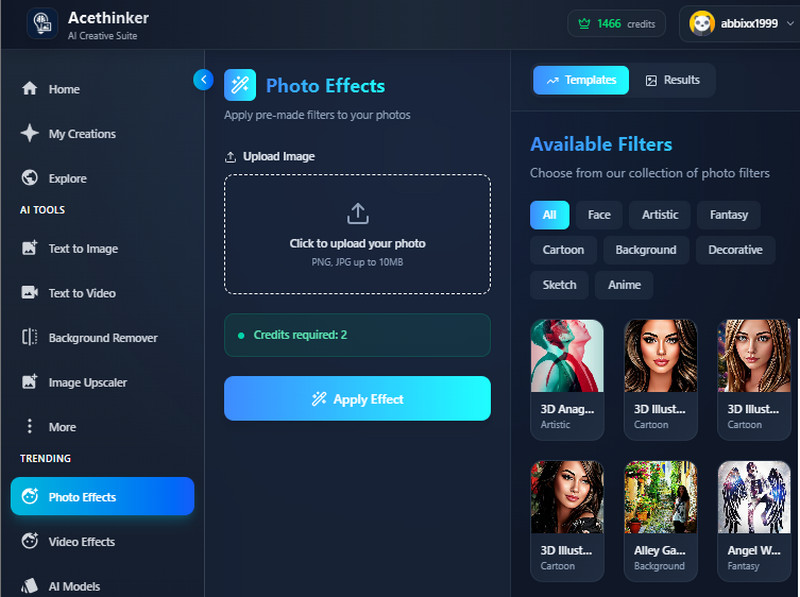
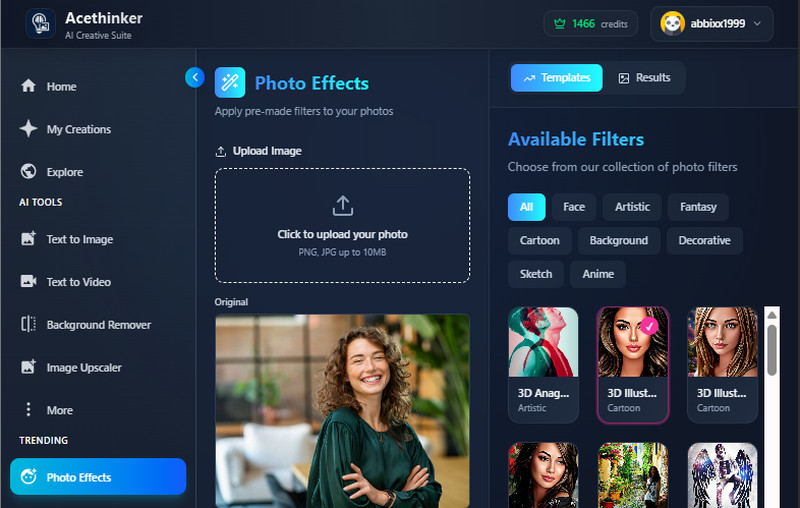
    Start by accessing our AI tool on your browser. Then, navigate to the Photo Effects tab to see all available face filters.

  • 02
    Upload Image

    Next, select the photo you want to edit and upload it to the tool. Then, select the pre-made filter you prefer to apply.

  • 03
    Generate the Photo

    Next, click the Apply Effect button and wait for the tool to finish processing your photo. Finally, see the results and download the output image.

FAQs About AI Face Filter App

How do AI face filters work?

AI face filters use artificial intelligence to detect and understand facial features like eyes, lips, and skin tone. Once your face is recognized, the system applies the chosen filter to enhance or transform your look realistically. This process happens automatically, so you get smooth and accurate results without needing manual edits.

What are the different types of AI filters?

Our tool offers many kinds of AI filters. This includes beauty filters that smooth skin, artistic effects that turn photos into digital art, and cartoon styles that make your face look animated. Some also add makeup, change lighting, or adjust facial expressions. These filters let you experiment with creative looks and easily enhance your photo’s overall vibe.

What should I do if my photo doesn’t detect a face properly?

If the app doesn’t detect a face correctly, try uploading a clearer photo with good lighting and a visible face. Avoid blurry or side-angle shots since they can confuse the detection system. You can also re-upload the image or adjust your photo’s position to help the AI recognize your face better.

Does the app use my photos for AI training or sharing?

No, your photos are not used for AI training or shared with anyone. The app securely processes your images, storing the results in your account, and then automatically deletes them after 30 days. This means your personal data and photos remain private at all times.

Can I apply multiple filters at once?

You can’t apply multiple filters simultaneously, but you can add them one after another. After applying one filter, select another and click “Apply Effects” again. This way, you can experiment with different looks on the same photo without re-uploading it.

product iconAceThinker PicWish

A Smart Tool for Perfect Photo Edits

pro image editor
Back to Top
Contact Us
Learning Center