menu

AI Monogram Generator - Your Instant Design Solution

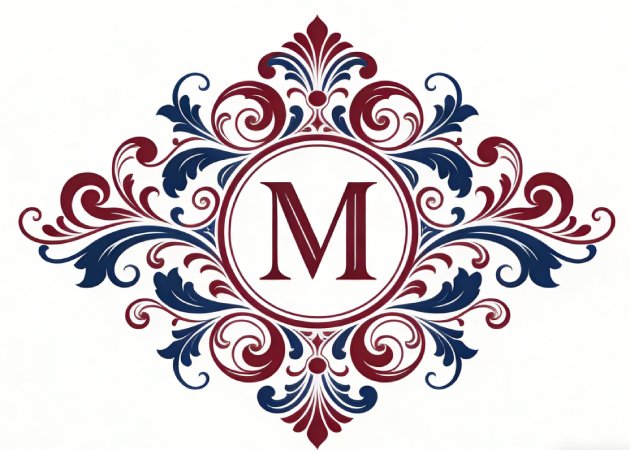
The AI Monogram Generator makes it easy to create elegant and unique monograms in seconds, even if you have no design skills. Ideal for personal projects, weddings, or small businesses, it helps you add a professional, creative touch while saving time and effort.

Turn Your Initials into Elegant Designs

create stunning monograms instantly

Create Stunning Monograms Instantly

With our monogram maker, you just type in your initials and the design you want. Then, our AI tool does the creative work for you, turning plain letters into eye-catching designs. This eliminates the stress of creating from scratch or struggling with design tools. You can instantly see how different letter combinations look, making it easy to explore styles and ideas. Whether you’re planning a personal project or a special gift, this tool makes it easy to bring your vision to life. It’s an outstanding option for anyone who wants a quick, polished result without needing graphic design skills

Personalize Every Style and Detail

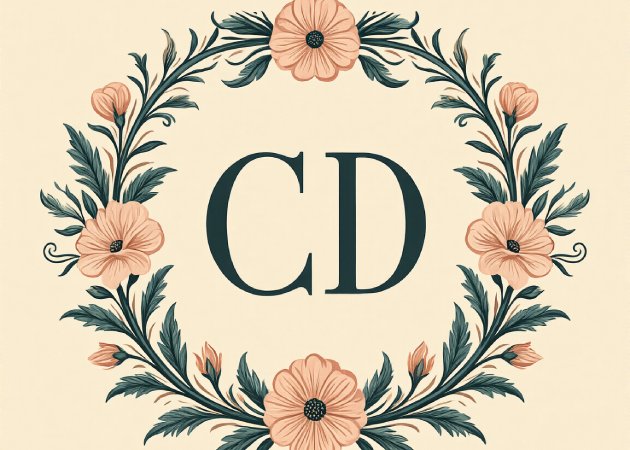
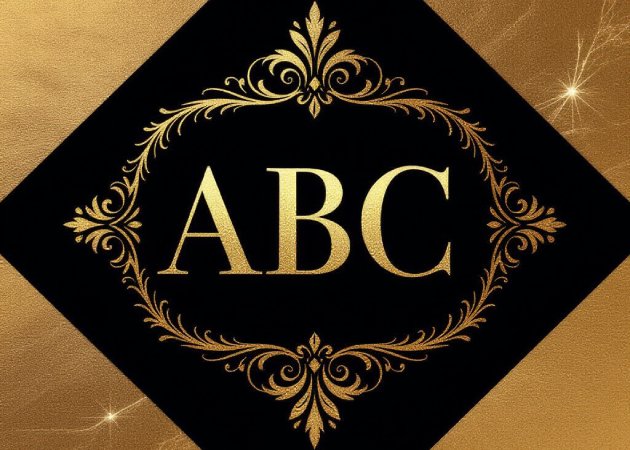
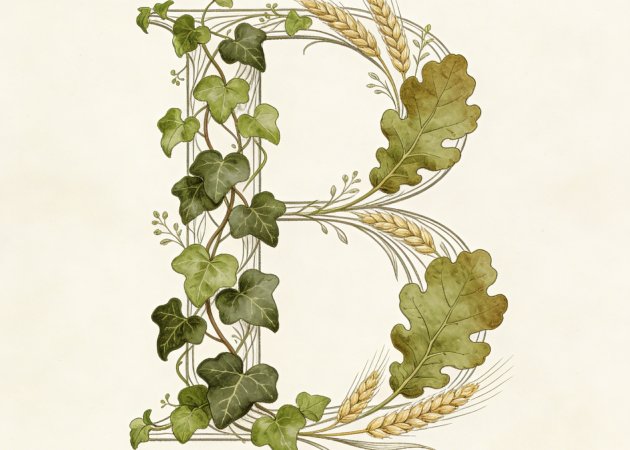
Our monogram logo maker gives you full control over your design. You're not limited to one font or style; you can choose delicate script initials for elegance, bold block letters for a modern look, or even add floral or art deco touches. Every choice reflects your personality or the tone of your project. This flexibility means your monogram feels truly unique rather than generic. By adjusting colors, shapes, and details, you can make the design match your invitations, stationery, or brand identity. Ultimately, it turns a simple set of letters into something meaningful and visually captivating.

personalize every style and detail
design monograms for any occasion

Design Monograms for Any Occasion

Planning a wedding, party, or corporate event? This online AI monogram generator allows you to craft custom designs that fit any occasion perfectly. From save-the-date cards and invitations to event decor, a personalized monogram adds elegance and charm that guests will notice. It's not just for celebrations either—you can create logos or branding elements that reflect your business identity. By creating something tailored and distinctive, you make any project feel more personal and memorable. The process is smooth, fun, and ensures every detail aligns with your vision, so your monogram truly stands out.

Ready to Use High-Resolution Monograms

With an AI monogram logo maker, every design comes out sharp and professional. The images are high-resolution, so they maintain quality whether printed on invitations or displayed digitally. Smooth lines, clean edges, and polished decorations make your monogram look sophisticated, saving you from tedious manual adjustments. You don’t need to worry about pixelation or rough edges because the AI ensures everything is precise. This level of quality means your monogram feels like it was created by a professional designer, even if you’ve never used design software before.

ready to use high-resolution monograms

4 Simple Steps to Craft Your Perfect Monogram

  • 01
    Access the AI Monogram Generator
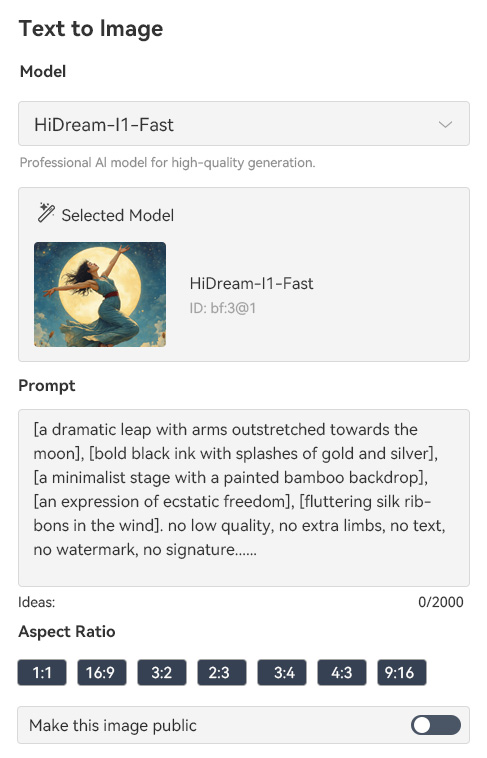
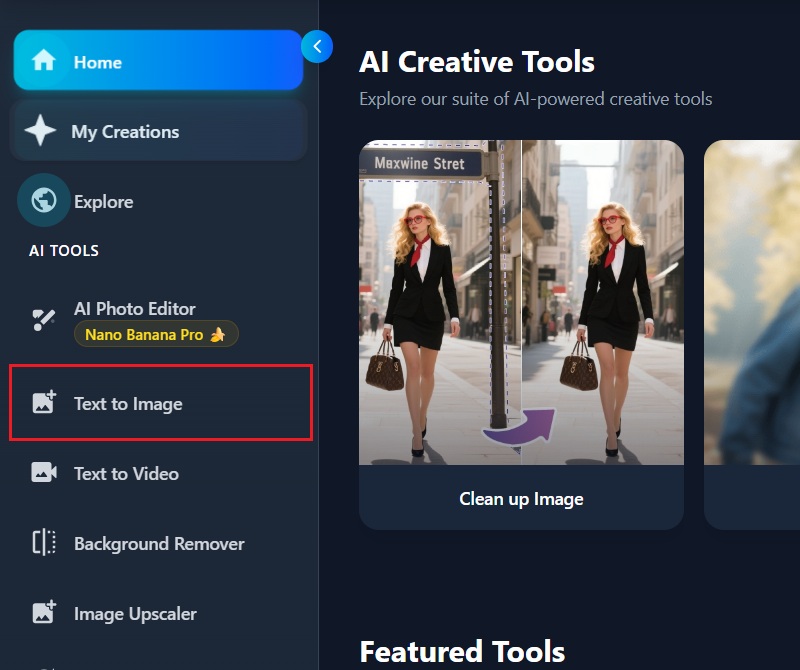
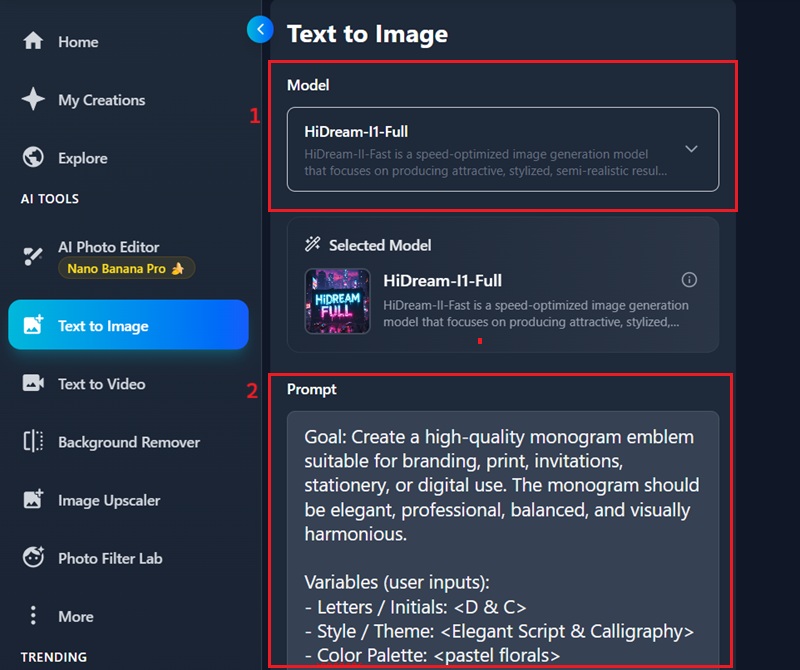
    Start by launching your preferred web browser and visiting the official page of the AI Monogram Generator. From there, log in to your account or sign up if you are new to the platform. Afterward, click the "Text to Image" option to enter the main workspace.
  • 02
    Input Your Desired Text or Initials
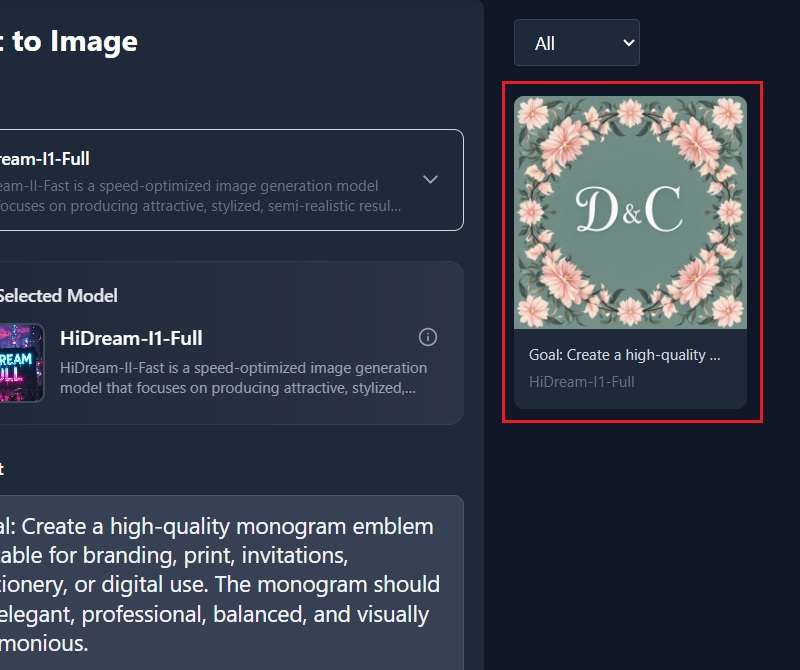
    Once inside the Text to Image interface, choose the AI model that best fits your design goal. Then, type your initials or preferred text into the prompt box. Additionally, you can include style details such as color, font type, and visual elements to guide the AI in creating your ideal monogram.
  • 03
    Generate Your Monogram
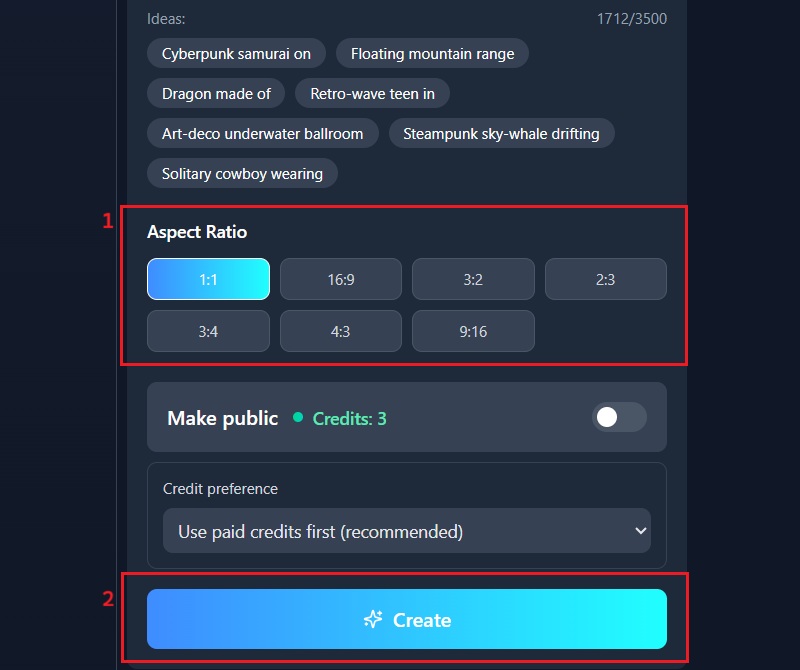
    Before creating your design, select the aspect ratio that matches how you plan to use the monogram. After that, click the "Create" button to commence the generation process. Meanwhile, wait a few moments as the tool processes and produces your custom monogram.
  • 04
    Save Your Monogram
    Once the design is ready, carefully review the generated result on your screen. If everything looks right, click the "Download" icon to save the image to your device. Finally, your monogram will be ready to use for personal or professional projects.
access the ai monogram generator
input your desired text or initials
generate your monogram
save your monogram

Explore More Creative AI Tools

These AI tools help you turn your creative ideas into reality, whether you’re working on personal projects, social media posts, or professional designs. Each app meets a different creative need, so anyone can design—even without experience.
"I run a small online shop, so having clean and professional branding is important. This AI monogram generator helped me make a simple logo that matched my style. It was quick, looked polished, and saved me time and money."
Arthur Cline, Small Business Owner
2026-01-18
iiiii
iiiii

"Part of my job is making custom monograms for weddings. This tool made it easy to design elegant initials for invitations and decorations. The designs looked great right away, so I didn’t need to make extra edits. It made my work faster."
Tia Hobbs, Wedding Planner
2026-01-15
iiiii
iiiii

"Unique initial designs are always in demand. This generator offered plenty of styles to experiment with. It made creating drafts simple and efficient. Clients liked the clean results."
Reid Clark, Stationery Designer
2026-01-08
iiiii
iiiii

"Sometimes, quick concepts are needed for client previews. This generator made it easy to create fast drafts without sacrificing quality. The results looked clean and professional. It’s now part of my regular toolkit."
Rafaela Connor, Freelance Graphic Assistant
2026-01-03
iiiii
iiiii

"My customers love personalized gifts. This tool helped me create unique monograms that added a special touch to my products. The designs were clear, easy to customize, and made my packaging look better."
Bethany Campos, Handmade Gift Seller
2026-01-02
iiiii
iiiii

"Good branding is important for event materials. This tool helped me create neat, stylish monograms for banners and invitations. The process was smooth and easy, and it saved me time before deadlines."
Aliya Odom, Event Organizer
2025-12-13

iiiii
iiiii

Why Choose Us

Frequently Asked Questions

What does an AI monogram generator do?

An AI monogram generator lets you turn your initials or text into creative monogram designs. Just type in what you want, and the AI makes a design for you. You don’t need any design software or special skills. You can try out different ideas quickly without having to start from scratch each time. This makes the process simple and stress-free. It’s great for both personal and professional projects, so you can make polished monograms in just a few clicks.

Can the generated monogram be used for business or products?

Yes, you can use your monogram for business and commercial projects. The images you download are high-quality and have no watermarks. You can put them on business cards, websites, packaging, and promotional materials. They also work for printed items such as stickers, shirts, and labels. Because the files are clear, they’re suitable for both digital and print use. You have full freedom to use the designs as you like.
What styles of monogram logos can you create?
With this tool, you can make many different monogram logo styles. Simple letter designs are great for modern branding, while decorative styles work well for weddings, events, or personal projects. You can try classic, bold, playful, or artistic looks, depending on what you want. Each style fits a different mood or purpose. By changing your prompt, you can guide the AI to the result you want. This flexibility makes it easy to explore and improve your ideas.

How can you change or improve your monogram design?

Each time you make a design, the AI gives you a new result. If you don’t like the first one, just change your prompt and try again. Adding more details can help you get the style and layout you want. You can try different fonts, themes, or moods by changing your description. You can’t edit the image directly, but you can keep generating new versions for more control. This makes it quick and easy to test ideas. After a few tries, you’ll find a design that matches your vision.

What file size does a monogram download have?

Your monogram downloads as a 500-by-500-pixel square image. This size is good for profile pictures, logos, and digital displays. The square shape makes it easy to upload to different platforms. It fits well on social media, websites, and messaging apps. You can also use it for basic printing without losing quality. The consistent size keeps your branding neat and uniform. It’s a practical balance of quality and usability.

pro image logoAceThinker PicWish

Cleanly Remove Image Backgrounds in Seconds

pro banner image
Back to Top
Contact Us
Learning Center