menu

AI Watercolor Generator

This tool is designed to turn your idea into a soft, watercolor-style artwork in just a few seconds. It’s perfect for anyone who wants beautiful, artistic images without learning complex design tools, making creative work faster, easier, and more fun.

Transform Your Vision into a Watercolor Scene

create watercolor art from text

Create Watercolor Art from Text

With our AI watercolour painting generator, you can turn simple text into beautiful watercolor images effortlessly. The AI runs in the background, understanding your words and creating art that matches your vision. Moreover, it interprets nuances like lighting, texture, and color balance to make your image more vivid. You also don’t need to draw or paint manually because the tool enhances your ideas automatically. This feature is perfect for anyone who wants creative visuals without spending hours on complex software. Overall, our tool transforms your text into expressive watercolor artwork quickly and beautifully.

Try Watercolor Designs for Unique Artwork

Our AI watercolor generator free lets you experiment with the watercolor style by adding keywords to your text prompts. For example, you can include words like “soft,” “vintage,” or “ethereal” to guide the AI in creating unique watercolor effects. So, you can explore different artistic styles without being limited to one look. It’s also a fun way to see how small changes in your prompt produce very different results. You can mix and match ideas, from abstract shapes to nature scenes, to discover your favorite style. The tool also makes it easy for beginners and professionals to create artwork that feels personal.

try watercolor designs
create various beautiful watercolor art

Create Various Beautiful Watercolor Art

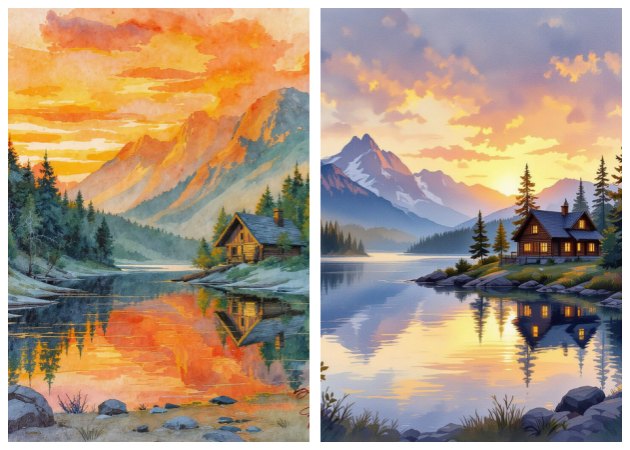
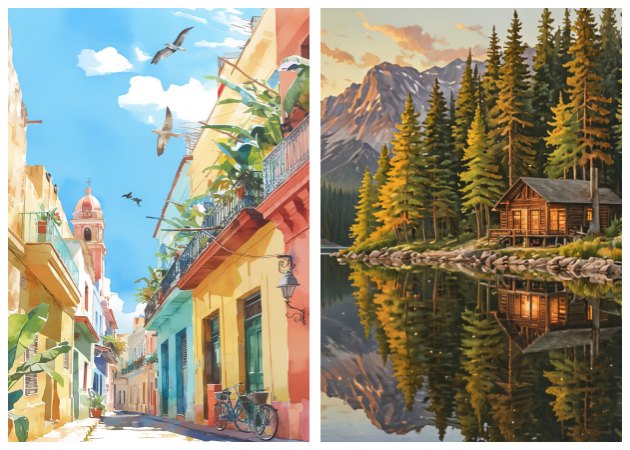
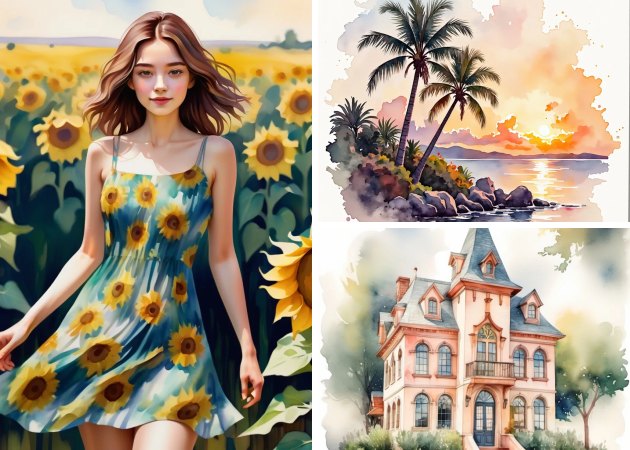
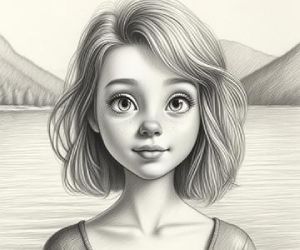
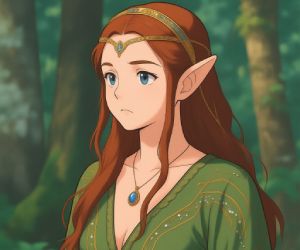
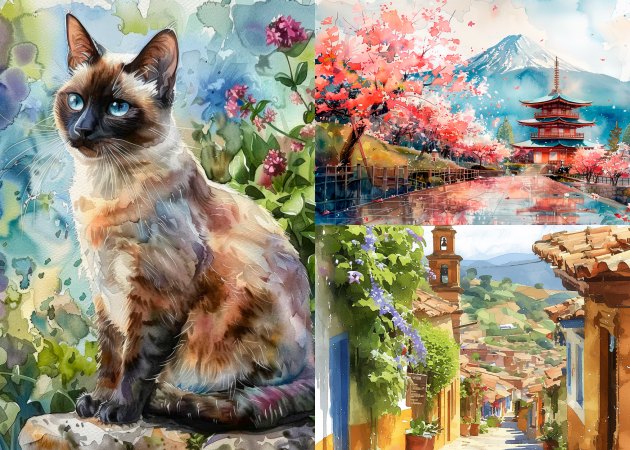
Using the AI watercolor art generator, you can produce a wide range of artistic images. It’s capable of generating landscapes, pets, abstract art, home décor visuals, floral compositions, and expressive portraits. Describe what you want, and the AI tool interprets your text into visually pleasing watercolor styles. Likewise, the AI pays attention to details like color gradients and brush textures, making the output feel like hand-painted art. It helps users effortlessly transform ideas into professional-looking watercolor artworks.

Achieve Precise Watercolor Creations

This free AI watercolor generator delivers accurate results when you provide detailed prompts. The more specific your text prompt, the closer the generated image will match your vision. For example, describing “a small golden retriever puppy under cherry blossom trees at sunrise in a watercolor paint style” will result in a precise, high-quality watercolor painting. You can also refine your prompts and re-generate images until you achieve the desired effect. Overall, it offers precision and control, turning your ideas into watercolor art exactly the way you imagine.

achieve precise watercolor creations

Create Your Watercolor Art in 3 Easy Steps

  • 01
    Create an Account
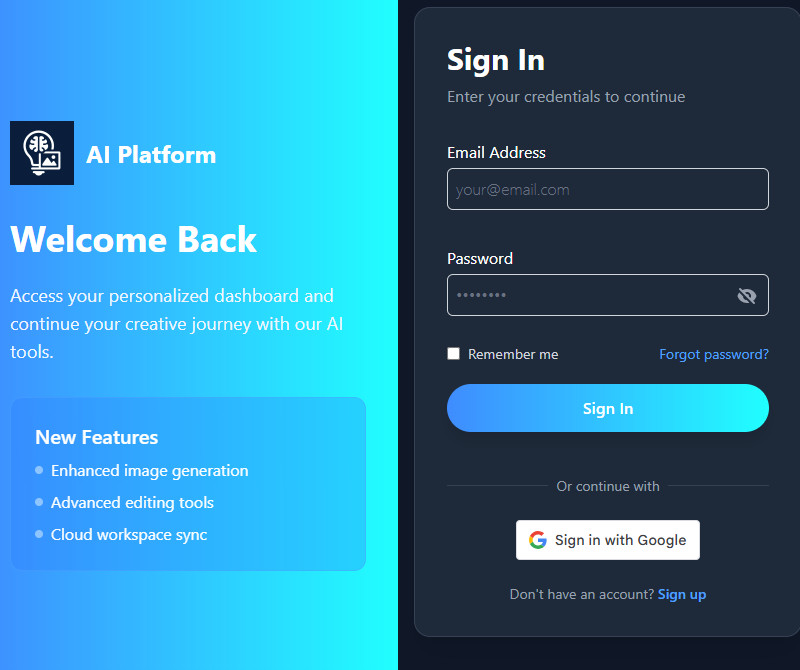
    Visiting the AI Watercolor Generator is the first thing you must do. You can do this by opening your browser and searching for it. Once you are on the homepage, create an account using your email or sign up directly using your Google account.
  • 02
    Start Adding your Prompt
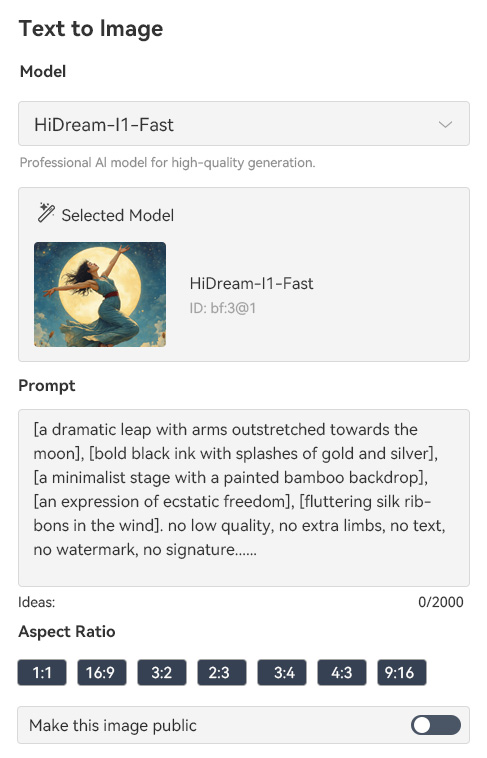
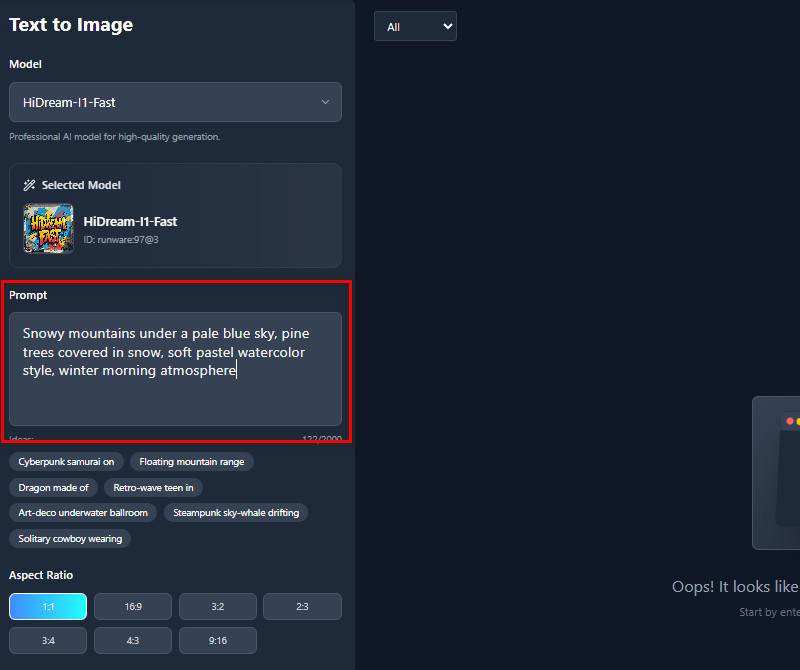
    Look to the left, and you will see a prompt box. Here, you can type the description of the watercolor art that you want to generate. We recommend being more detailed so you can get the art you want.
  • 03
    Customized the Settings
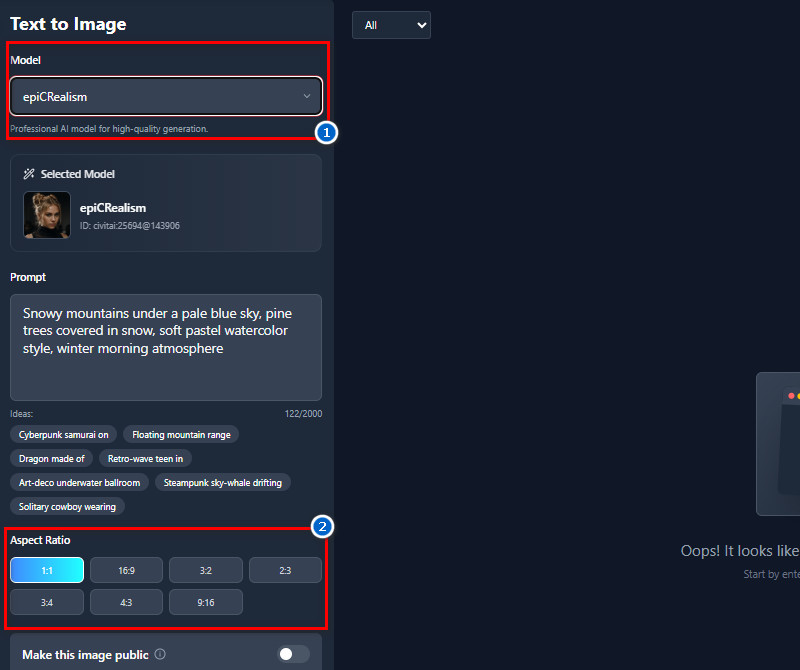
    Before generating, choose the AI model you prefer from the 30+ AI models available. Next, choose the image size you want. Whether 1:1, 2:3. 16:9, 4:3, and more.
  • 04
    Start Generating Your Prompt
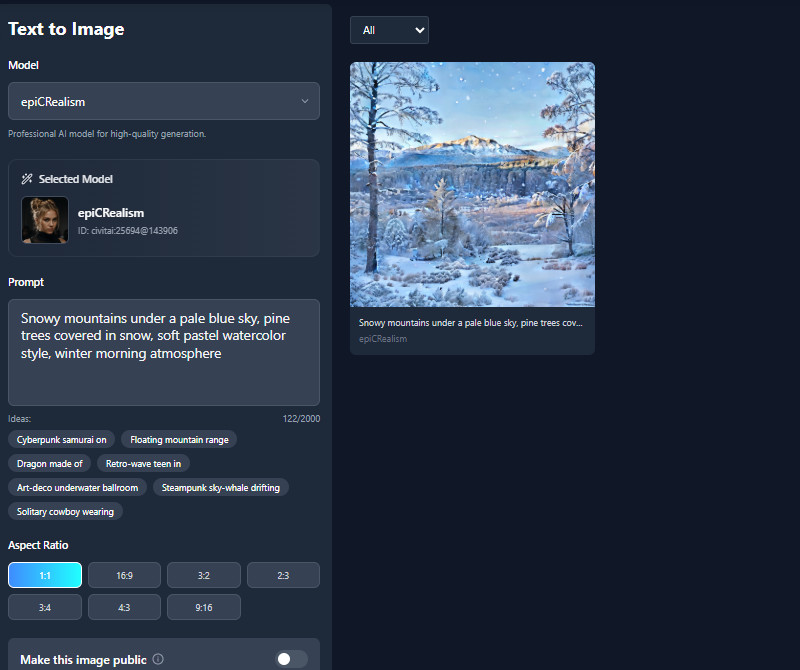
    When ready, click the "Create" button below and let the AI tool turn your text prompt into a real image. Once done, you can see the results appear on the right side. Here, you can download, add to favorites, and share the photo with others if you want to.
create an account
start adding your prompt
customize the settings
start generating your prompt

Discover App You’ll Love Next

These recommendations are to help users discover apps that suit their interests and needs without spending time searching. Users can find tools that enhance productivity, creativity, or entertainment. This saves time and ensures a more personalized and satisfying app experience.
"I love how easy it is to turn my ideas into watercolor art. The colors look soft and realistic, and I don’t need to spend hours painting. It really saves me a lot of time for my projects."
Sarah Acosta, Graphic Designer
10-01-2025
iiiii
iiiii

"I’m not very skilled at traditional painting, but this tool lets me create watercolor art I’m proud of. I can experiment with landscapes or abstract ideas and see instant results. It’s a lot of fun to play around with."
David Cooper, Hobbyist Painter
12-02-2025
iiiii
iiiii

"This is perfect for creating unique watercolor thumbnails and banners. It’s easy to type a description and get the results instantly. I use it all the time to make my content more artistic."
Ravi Hoffman, Content Creator
10-29-2025
iiiii
iiiii

"The AI watercolor generator helps me quickly create mockups and design concepts. I can try different styles and see what works best without any extra software. My clients can work much more quickly."
Nina Lewis, Freelancer
11-05-2025
iiiii
iiiii

"This is great for classroom projects. I can generate educational visuals and story illustrations in a soft, watercolor style. The kids are always impressed with how colorful and detailed the images look."
Carlos Soto, Teacher
10-09-2025
iiiii
iiiii

"I use this generator to create unique illustrations for my blog posts. The AI interprets my prompts perfectly, and I can easily adjust the style. It makes my posts look professional without hiring an artist."
Maya Osborn, Blogger
12-03-2025

iiiii
iiiii

Why Choose Us

Frequently Asked Questions

What styles of watercolor can the tool replicate?

The tool can replicate many styles of watercolor, including soft pastels, bright and bold washes, and delicate, detailed strokes. You can create landscapes, portraits, floral designs, abstract art, or fantasy scenes. It also interprets keywords like “ethereal,” “dreamy,” or “vibrant” to adjust the style. Additionally, users can mix different styles in a single image by adding descriptive prompts. Plus, the AI adapts the brush textures and color blending based on your description. This makes it easy to experiment and find the style that fits your project.

Is the generated artwork print-ready?

Yes, the images are high-quality and ready for printing in small to medium sizes. They come as JPG files with clear details and vibrant colors. You can print them as cards, small posters, or home décor items. For very large prints, the image may become blurry, so it’s best to keep the size moderate. Just download and send them to a printer, and they’ll look great. It’s quick and convenient for personal projects or gifts.
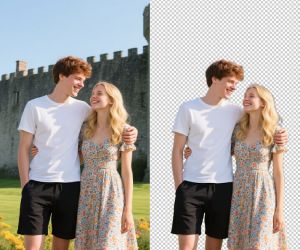
Does it support transparent or layered backgrounds?

Currently, the tool exports images as full watercolor scenes with a white background, not transparent or layered. This means the AI merges the subject and background into a complete picture. You can still crop or edit the image afterward using other software if needed. The white background works well for prints, social media posts, and digital use. However, if you need a transparent background, you would need to use a separate tool to remove it. Overall, it keeps the artwork simple and ready to use without extra editing.

What Can I Use AI-Generated Watercolor Paintings For?

You can use the generated art for social media posts to make your feed more visually appealing. It works well for personal websites to showcase creative content or decorate pages. You can also print it as home décor, greeting cards, invitations, or posters. Moreover, many users create digital backgrounds for presentations or videos. The tool helps save time compared to drawing everything manually. Basically, it’s flexible and can be used wherever visual creativity is needed.

How Do I Get the Best AI-Generated Watercolor Art?

To get the best results, provide a detailed prompt describing your subject, colors, mood, and style. The more specific you are, the closer the AI output will match your vision. Use descriptive keywords for textures, lighting, and artistic style. You can also try different variations and compare results to find the one you like most. Avoid very short or vague prompts because the AI may not interpret them correctly. Therefore, experimenting with details gradually helps you produce high-quality, personalized watercolor art.

pro image logoAceThinker PicWish

Advanced Background Remover for All Types of Images

pro banner image
Back to Top
Contact Us
Learning Center