


menu
Home

AI Tools

AI Video Generator
wand_shine Multiple Video Models Supported

AI Video Generator for Fast, High Quality Video Creation

Turn text into video, generate lifelike AI avatars, script automated voiceovers, auto-subtitle footage, and create engaging content for marketing, social media, and training tutorials in seconds.
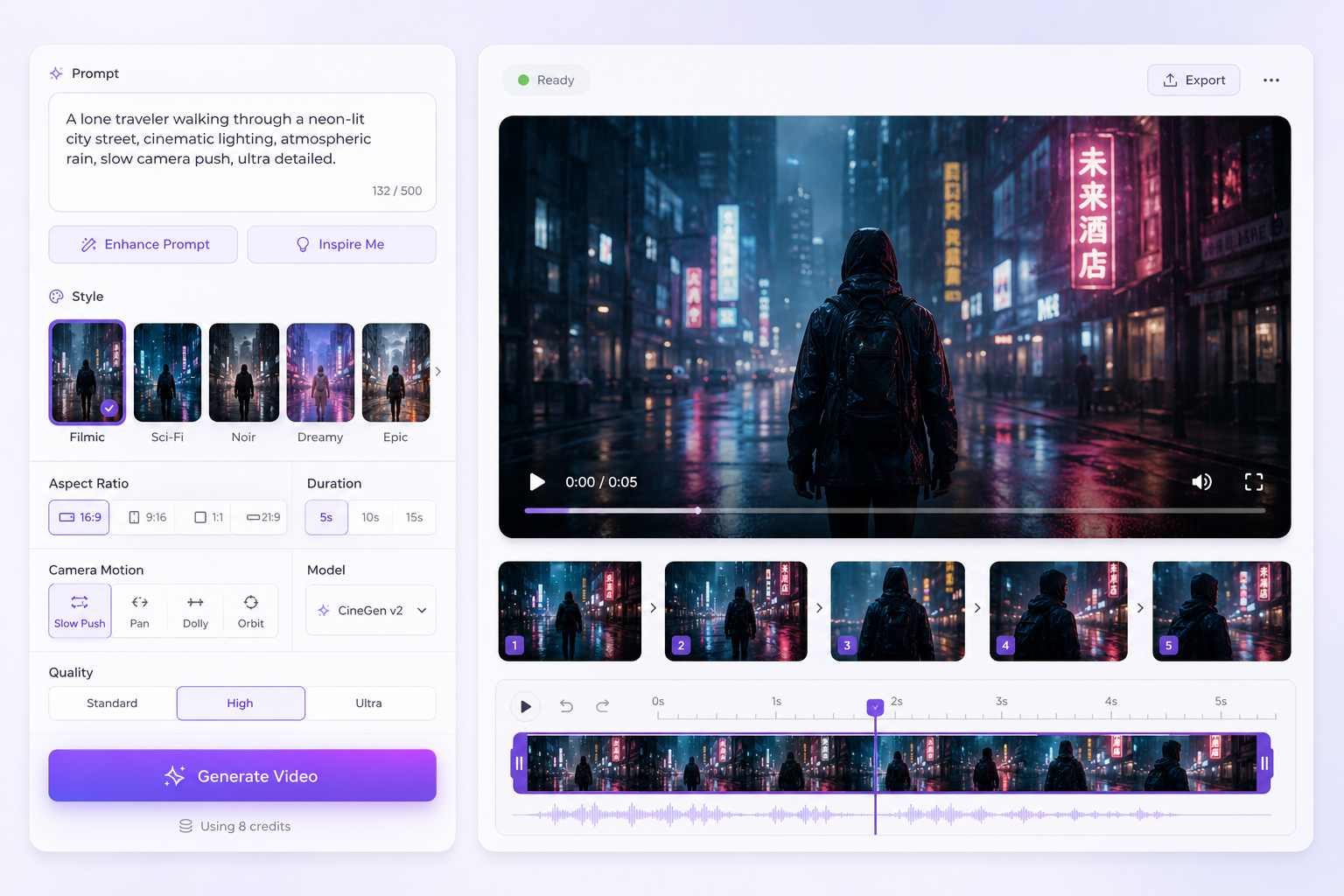
ai video generator

Find Your Ideal Video Workflow

Choose the right video creation workflow to match your content goals, audience, and business needs.

stars_2
Create Social Media Videos
Generate short-form videos designed for social engagement.
Create Social Media Videos
panorama
Create Product Demo Videos
Create videos that showcase products and key features.
Create Product Demo Videos
campaign
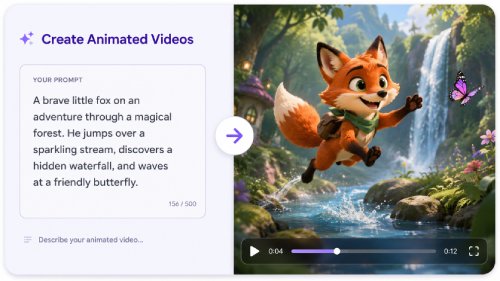
Create Animated Videos
Generate animated content for education, marketing, and storytelling.
Create Animated Videos
person
Best For

TikTok videos, Instagram Reels, YouTube Shorts, Social campaigns

Product launches, ecommerce stores, sales presentations, product marketing

Explainer videos, training materials, marketing content, creative storytelling

star
Key Features
  • check_circle Generate short videos
  • check_circle Add dynamic visuals
  • check_circle Customize styles
  • check_circle Speed up production
  • check_circle Highlight product benefits
  • check_circle Create demo sequences
  • check_circle Showcase features visually
  • check_circle Generate promotional content
  • check_circle Generate animations
  • check_circle Customize visual styles
  • check_circle Create motion effects
  • check_circle Produce engaging stories
pie_chart
Typical Results

Engaging social videos ready for immediate sharing.

High-quality product videos tailored for promotion and customer outreach.

Engaging animated content designed to communicate messages clearly.

schedule
Time to Result
bolt
bolt
bolt
bolt
Very Fast
bolt
bolt
bolt
Fast
bolt
bolt
bolt
Fast

Other Popular Video Tools You May Like

Create, edit, convert, and optimize videos with essential tools for content creators and businesses.
video_template
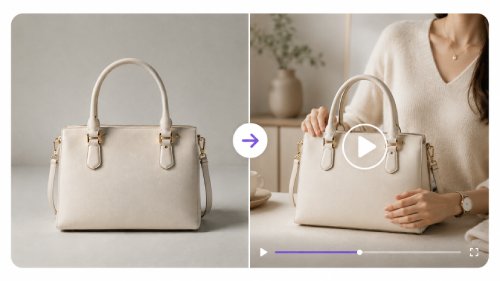
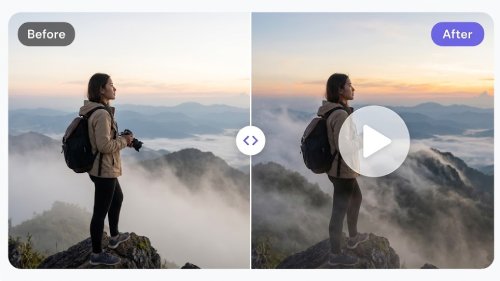
AI Image to Video
Convert static images into dynamic video content.
AI Image to Video
content_cut
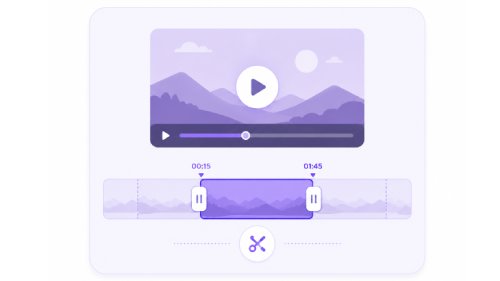
Video Cutter
Quickly cut out parts you don’t need from your videos.
Video Cutter
resize
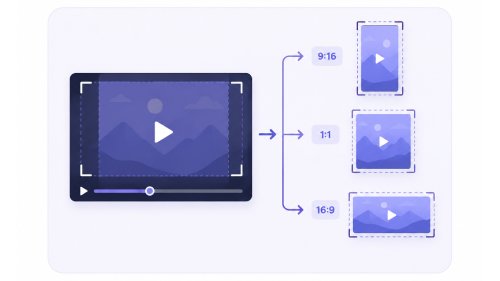
Video Resizer
Adjust your videos to fit any platform or format.
Video Resizer
gif_box
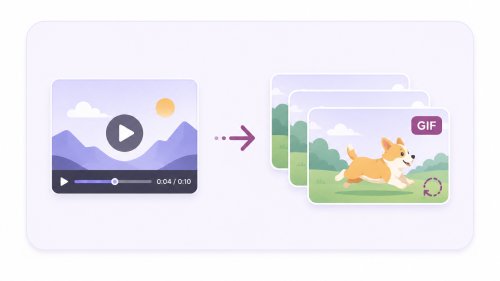
Video to GIF
Make shareable GIFs from videos with minimal effort required.
Video to GIF
swap_horizontal_circle
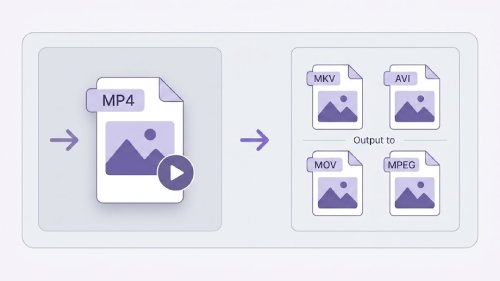
Video Converter
Convert videos between popular formats for wider device compatibility.
Video Converter
video_frame_save
Video Downloader
Save online videos for convenient offline viewing anytime.
Video Downloader
Security & Privacy
Your text prompts and generated videos are fully protected.
Fast Video Generation
Turn scripts into stunning cinematic videos in just minutes.
High-Resolution Output
Professional-grade, studio-quality AI videos every time.

Quick Guide to AI Video Creation

Turn ideas into video with AI in minutes - fast and easy with no experience required.

  • 01
    insert_text

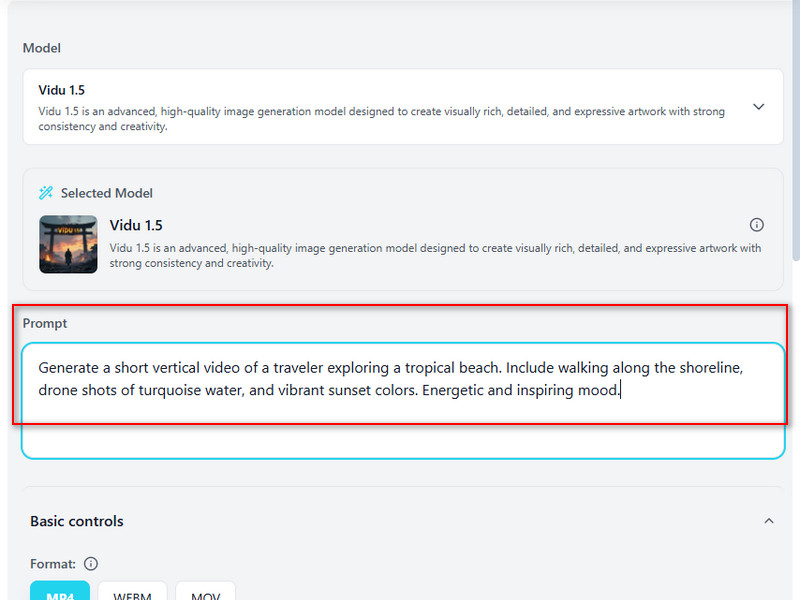
    Input Video Details

    Describe the video you plan to create. Specify the scene, characters, camera movements, actions, visual style, and state the overall story or message.

  • 02
    settings_b_roll

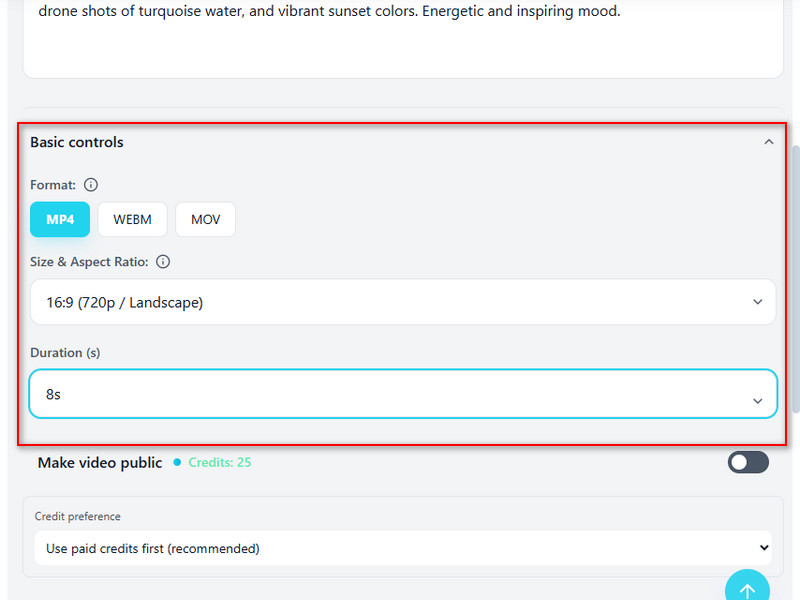
    Modify the Settings

    Select your preferred output format, size, aspect ratio, and duration. Note that the duration options may vary depending on the chosen AI model.

  • 03
    video_camera_back_add

    Start the Video Generation

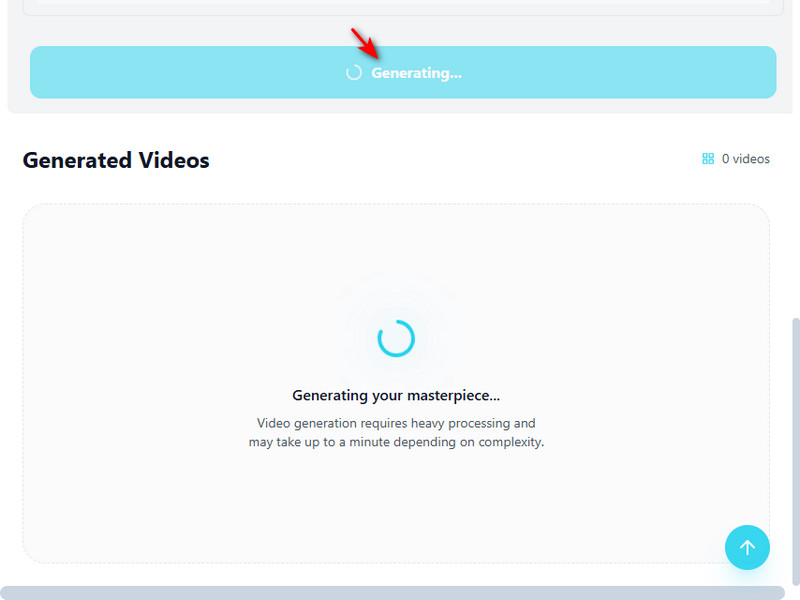
    Click Generate Video to start the creation process. The AI processes your prompt and settings to create a complete video sequence.

  • 04
    video_frame_save

    Preview and Download

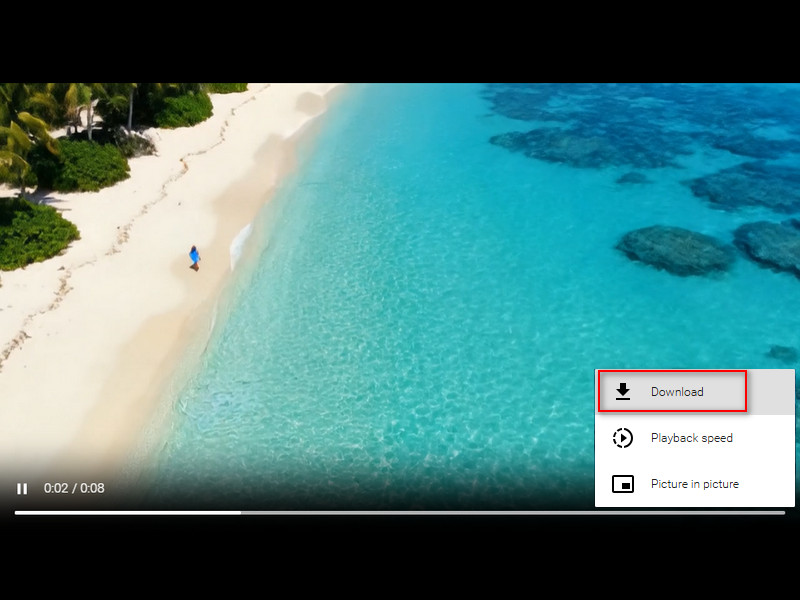
    Watch the generated video to check the visuals and timing. If satisfied with the result, download the video to your device.
Input Video Details

AI Video Generator for Unlimited Creative Motion

Transform ideas into engaging videos with AI-powered tools that create dynamic content for business, marketing, and creative projects.

shopping_cart

E-commerce & Brands

Create professional product videos, feature showcases, and promotional content that helps drive engagement and sales without expensive production costs.

movie

Filmmakers & Animators

Visualize ideas faster with AI-generated storyboards, concept scenes, and cinematic sequences that streamline creative production workflows.

campaign

Marketing Agencies

Produce high-impact ad creatives, branded video assets, and campaign content tailored for multiple channels and audiences at scale.

diversity_4

Content Creators

Generate engaging social videos, channel trailers, short-form clips, and eye-catching motion content designed to boost audience growth and retention.

Why Choose Imivo AI Video Generator?

speed
Fast Video Creation
Turn text prompts into high-quality, cinematic videos in minutes without lengthy rendering times.
high_quality
Realistic Video Output
Produce lifelike, polished, and visually captivating videos tailored for any audience or purpose.
captive_portal
Browser-Based Convenience
Generate videos directly in your browser with no software downloads or installations required.
graph_5
Diverse Video Styles
Create cinematic scenes, 3D animations, and social media clips easily in one place.

Frequently Asked Questions

How do I turn a text idea into a short AI video?expand_more

Turning an idea into a video starts with a clear and focused prompt. Instead of describing an entire story in one sentence, break it down into the main subject, action, camera movement, visual style, duration, and purpose of the video. The AI Video Generator can transform these descriptions into short video clips for social media, marketing campaigns, product promotions, concept demonstrations, or creative projects. Shorter prompts with a single scene or action often generate more stable results because the AI has fewer elements to interpret at once. If a longer story is needed, creating several short clips and combining them later usually produces better results than generating a complex sequence in a single request.

Can I animate an existing image into a video?expand_more

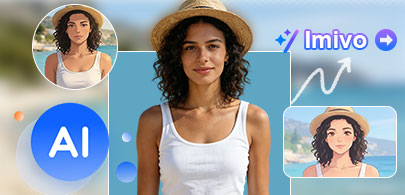
Yes. If you already have a photo, you can turn it into a short animated video by uploading the image and selecting a video effect template. The AI Image to Video tool analyzes the face in your uploaded image and applies it to the chosen effect, letting you create engaging animations without recording a video yourself. This workflow is popular for social media content, promotional campaigns, entertaining clips, profile animations, and personalized video content. Simply choose a clear photo, select an effect that matches the style you want, and let the AI generate the video automatically. For the best results, use a high-quality image with a clearly visible face and good lighting. Since the animation is generated from a single image, some effects may not perfectly reproduce fine details. Elements such as hands, facial features, text, accessories, or complex backgrounds can appear distorted or inconsistent, especially when the source image is low-quality or partially obscured.

Why does my AI video output look unstable, distorted, or different from my prompt?expand_more

AI video generation can produce inconsistent results when prompts are too vague, include multiple scenes, or contain conflicting instructions. The AI Video Generator works best with short, focused prompts that describe a single scene, action, or camera movement. Since the tool typically generates videos 4–10 seconds long, it is often more effective to create a longer story, scene by scene, rather than trying to fit everything into a single generation. If you are using AI Image to Video, starting with a clear, high-quality image can also improve the results. Keep in mind that AI-generated videos may occasionally exhibit visual artifacts, such as shifting details, distorted hands, or inconsistent motion, especially in complex scenes or fast-moving sequences.

How do I translate a video for another language audience?expand_more

Translating a video for a new audience usually starts by converting the spoken content into text. You can use Audio & Video to Text to generate a transcript from the video's audio, then use Video Subtitle Translator to translate the subtitles into your target language. This workflow works well for tutorials, educational videos, product demonstrations, interviews, and social media content. After translation, review names, technical terms, industry-specific language, and subtitle timing to ensure the content remains accurate and easy to follow. While AI can significantly speed up translation, it may not always capture cultural nuances, context, or specialized terminology perfectly. A final human review is recommended before publishing important or professional content.

What limits should editors mention when writing about AI video tools?expand_more

AI video tools can significantly reduce production time, but editors should avoid presenting them as fully automated replacements for traditional video production. Honest expectations help users choose the right workflow and understand where manual review may still be required. When writing about AI Video Generator, AI Image-to-Video, or AI Video Effects, editors should note that results depend on prompt quality, source image quality, motion complexity, and the type of content being created. Facial consistency, text rendering, small product details, brand assets, and fast-moving scenes may not always appear perfectly across every frame. Translation workflows can also require human review to verify terminology, names, timing, and context. These tools are best positioned as creative assistants that accelerate content creation, prototyping, localization, and visual storytelling. Editors should avoid promising broadcast-ready quality, perfect character consistency, flawless translations, or guaranteed professional results without additional review and refinement.

Turn Text into Stunning Videos

Transform your ideas into professional videos with our online AI video generator. Fast, easy, and browser-based, perfect for creators of all levels.

Back to Top
Contact Us
Learning Center