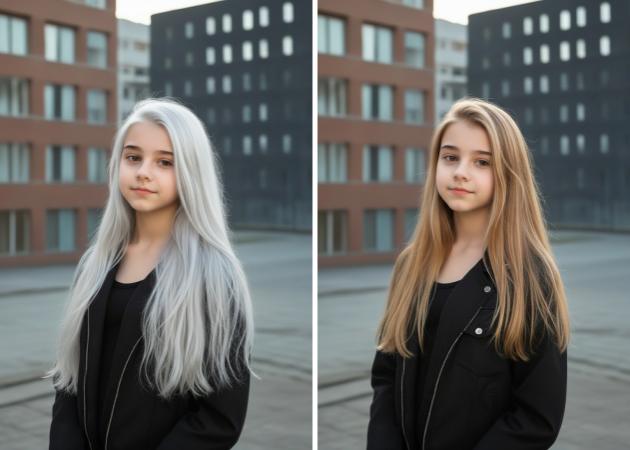
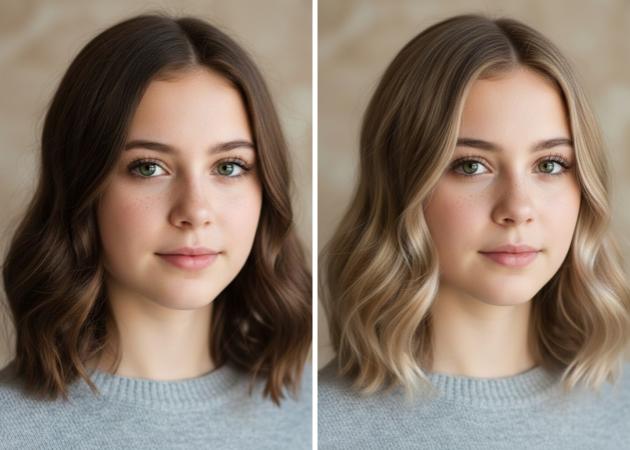
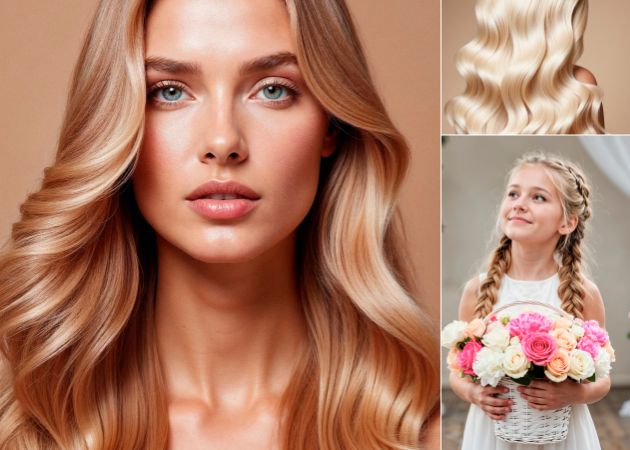
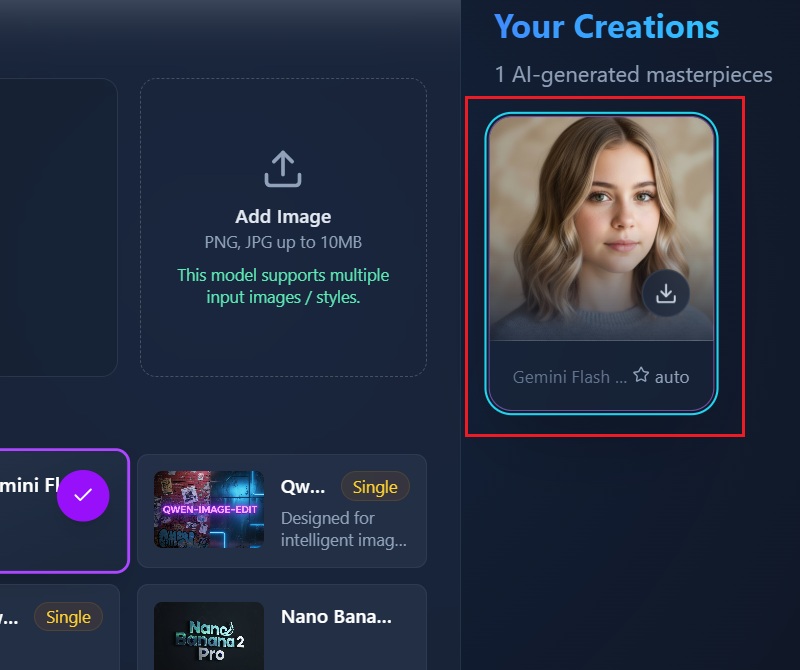
Sometimes you just want to know how a blonde would actually look on you, without guessing or committing too soon. With realistic color changes, this experience feels less like editing and more like looking in a mirror with a new style. As you upload one photo, the blonde hair filter adjusts naturally to your hair, so the result feels believable, not fake. Meanwhile, it helps you picture bold changes, whether you are going from dark hair to light blonde or refining an existing blonde shade.
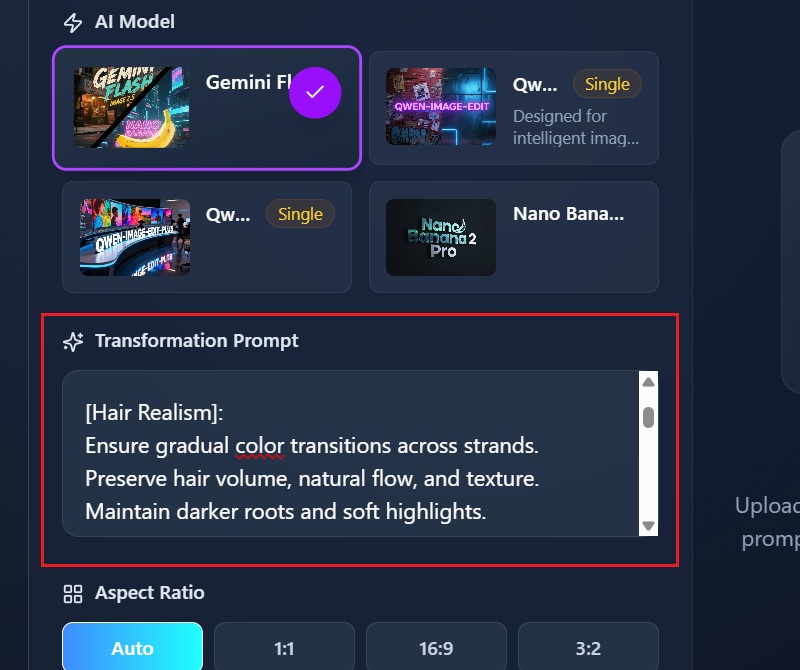
Blonde is not just one color, and choosing the wrong shade can feel frustrating. That is why our online blonde hair filter editor lets you explore different tones. It allows you to choose from light and airy to warm, neutral, or darker blends. Once you upload your photo, you can describe the shade you imagine, and it will appear naturally on your hair. As you experiment, you may discover a shade you never thought would suit you.


This blonde hair filter online lets you apply blonde hair to any gender, face shape, or hair type with ease. When you upload your photo, the system carefully adapts the color to your facial features so the preview feels personal. This means you can explore soft, bold, or dramatic blonde looks with confidence, whether you're a man or a woman. Moreover, it works as an invaluable tool for stylists and individuals alike. Because the preview looks natural on any hairstyle, it is easier to trust the result.
Write a paragraph with no less than 5 sentences, please compose it according to the requirements.
Changing hair color is exciting, but pairing it with the right hairstyle completes the look. With text prompts, our AI hair color changer allows you to describe both your desired blonde tone and the hairstyle you want. For example, you can imagine longer hair, softer waves, or bangs and see how they blend with blonde shades instantly. At the same time, this gives you creative control rather than locking you into a single preset look. It feels like a virtual hair color try-on combined with a styling studio in one place.


It delivers natural-looking blonde results that blend smoothly with your original hair.
It uses accurate detection to match blonde tones with your hair and facial features for a balanced look.
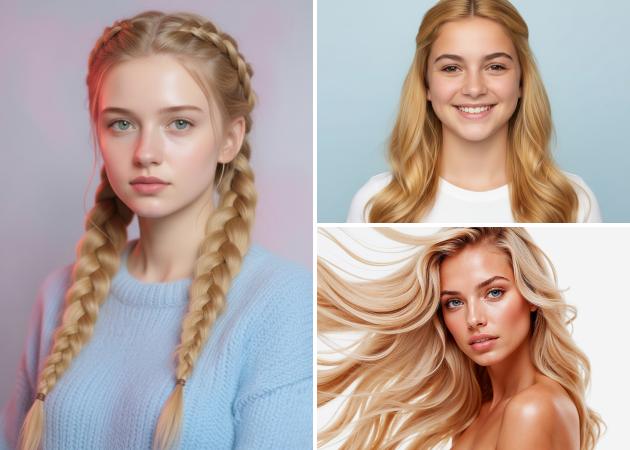
This lets you see instant results so you can decide on a style without waiting or guessing.
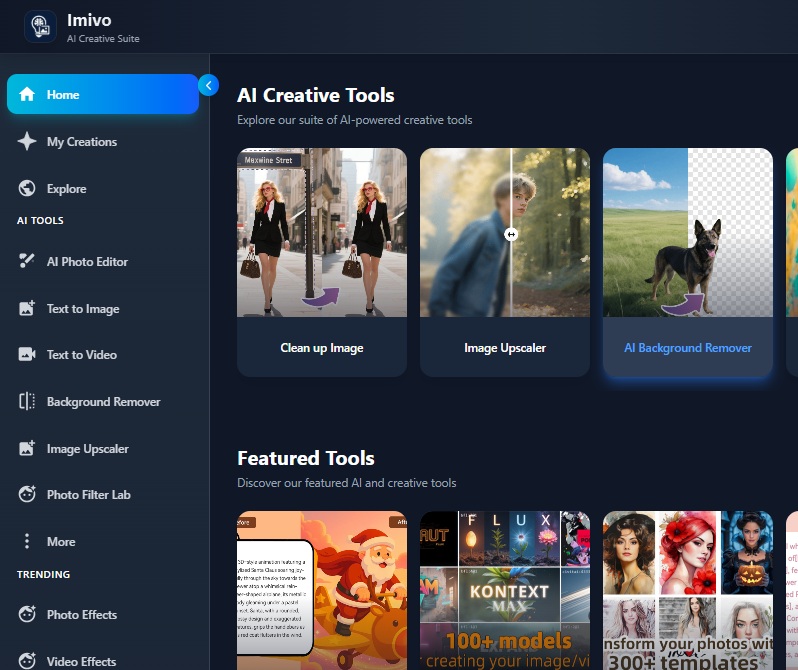
You use a blonde hair filter to see how blonde your hair would actually look on you before changing your real hair. It helps you avoid guessing based on hair charts or other people’s photos. You can compare shades and notice what works with your face and skin tone. Because the preview is visual, decisions feel clearer and less stressful. It also saves time since you do not need salon visits just to test an idea. In addition, you can explore bold or subtle looks safely.
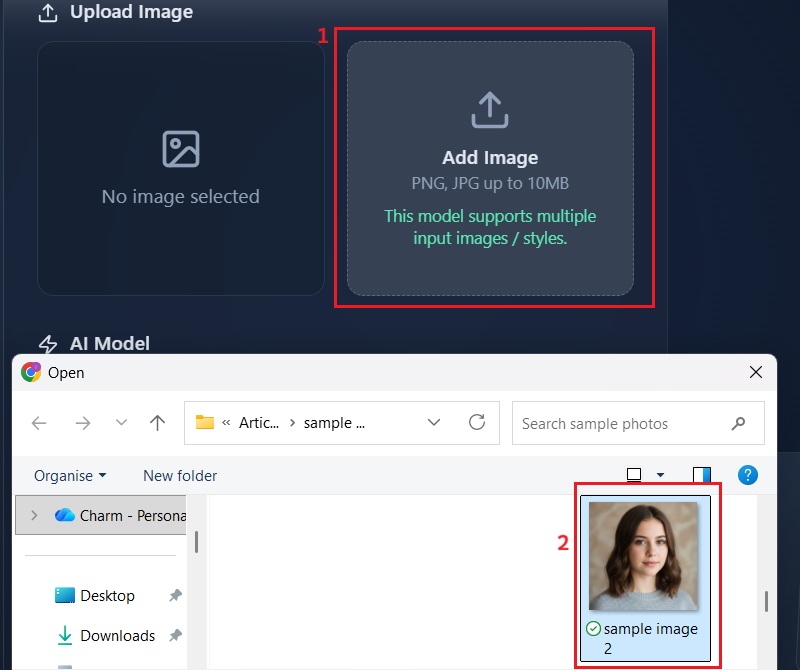
To get good results, you start by uploading a clear photo with good lighting. Your hair should be visible and not fully covered by hats or heavy shadows. Then, describe the blonde shade you want as clearly as possible. This helps the system apply the color more accurately. Also, facing the camera directly usually gives better results. If needed, you can try a few shades to compare outcomes.
Yes, it will look natural even if you have dark hair or curly textures. The AI is trained to work with black, brown, red, and textured hair types. When you upload your photo, the blonde tones blend with your natural hair depth. This keeps the shine and contrast instead of making the color look flat. Curly hair also keeps its texture while the color changes. As a result, the preview of your photos feels balanced and believable.
Answer 4 - please make no less than 6 sentences.
Yes, men can absolutely try blonde hairstyles using this filter. You simply upload your photo the same way, without extra steps. The system adapts the blonde color to your hair length and style. Short, medium, or long hair all work well. This helps you see whether blonde suits your face and overall look. You can test multiple colors to determine the most flattering shade.