menu

Pop Art Filter - Your Gateway to Iconic Visuals

The pop art filter helps you turn ordinary photos into bold, colorful artwork inspired by classic comic and poster styles. It’s ideal for creators, social media users, and brands who want eye-catching visuals that stand out and express personality.

Bring Your Photos to Life with Iconic Comic Book Style

bring retro art alive

Bring Retro Art Alive

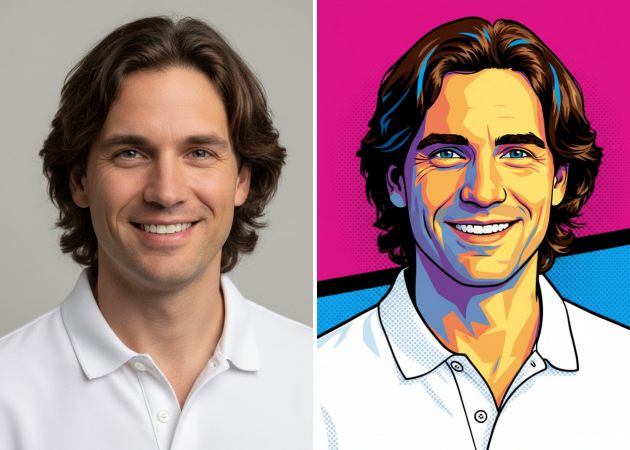
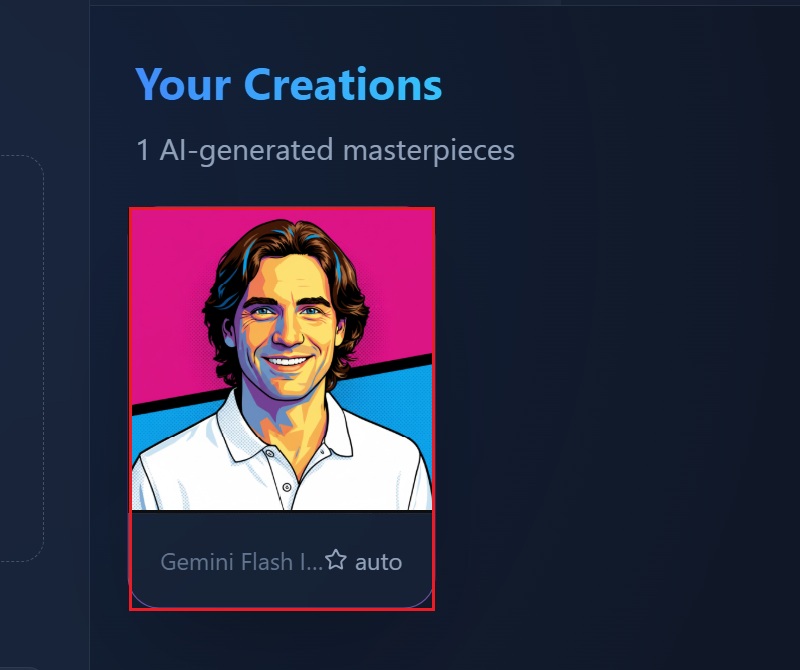
If you enjoy bold colors and classic comic-style visuals, this feature makes it easy to recreate that retro look. After you upload an image and write a short prompt, the tool applies strong outlines, punchy colors, and textured dots that feel inspired by old-school prints. Instead of manually editing layers, you get a clean pop art effect in just moments. Using this photo to pop art approach saves time while still giving your images a handcrafted feel. As a result, your photos instantly stand out with a nostalgic yet modern vibe.

Turn Your Photos Into Art

Portraits and selfies feel more expressive when they’re turned into colorful artwork. With this feature, you can transform everyday photos into vibrant visuals that highlight facial details and strong contrasts. A simple prompt guides the AI to apply bold colors and artistic textures. This makes your photos more eye-catching without losing the original look. The AI pop art filter works especially well for profile pictures, prints, or digital cards. Overall, it helps you create something artistic from a regular photo with very little effort.

transform your photo
design eye-catching poster

Design Eye-Catching Posters

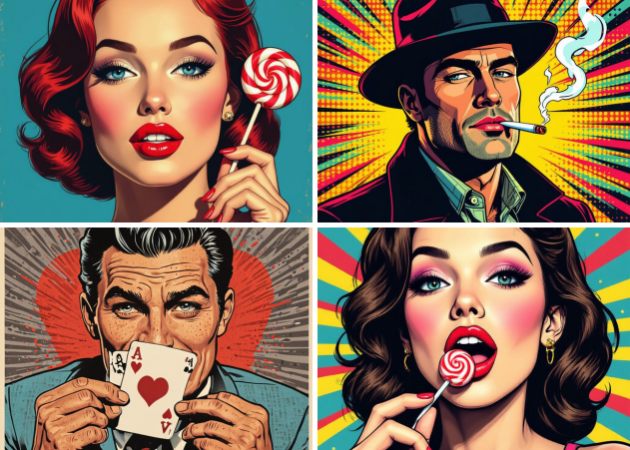
Sometimes you want more control over the final look, and this feature gives you that flexibility. You can describe the style you want for your images, whether it’s modern, artistic, or slightly surreal. The tool then layers bold outlines and graphic details to create a strong poster-style image. Furthermore, using the pop art filter online, you can create posters that feel custom and personal. This is especially helpful when you want something unique for digital sharing or creative projects.

Make Your Brand Stand Out

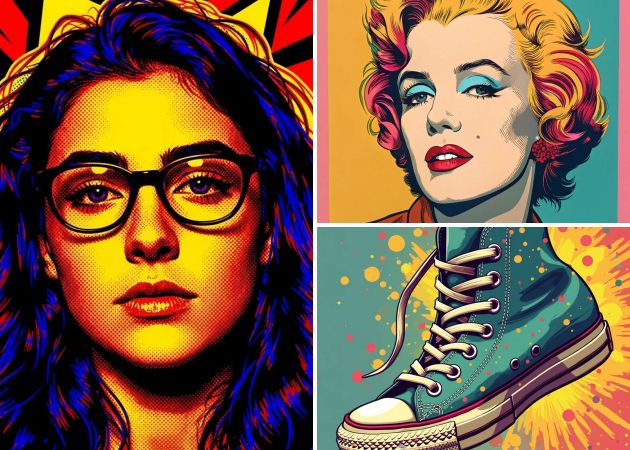
Visual consistency matters when building a brand, and this feature helps you keep a strong, recognizable style. You can turn product photos or promotional images into bold visuals that catch attention on social media. By guiding the look with a prompt, you get designs that feel creative but still polished. The pop art effect adds personality without making visuals look messy or overdone. This works well for campaigns, posts, or branded graphics that need to stand out quickly.

make your brand stand out

Simple Guide to Apply Pop Art Style to Any Image

  • 01
    Access the Pop Art Filter Editor
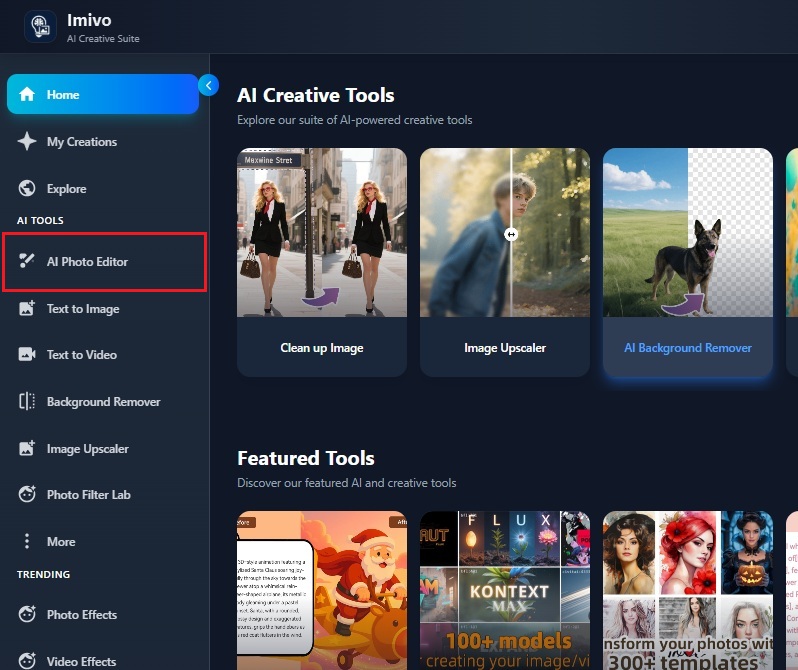
    Open the Pop Art Filter Editor in your web browser. Then, log in if you already have an account, or sign up if you’re new. Once you’re logged in, you will be greeted with the tool's clean interface.
  • 02
    Pick an Image
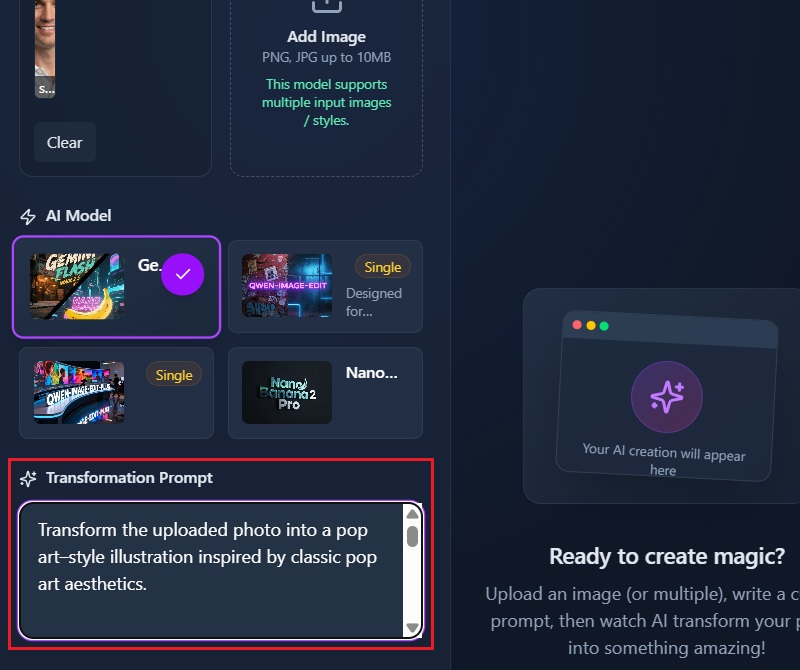
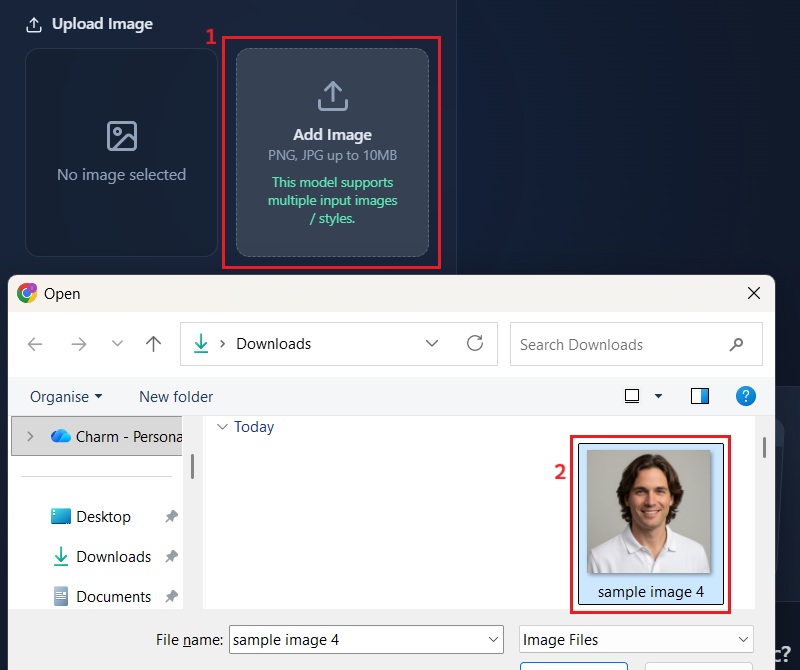
    Click the Add Image option to select the image you want to transform. Then, pick a photo from your device to use. Once it’s uploaded, your image will appear in the editor, ready for the pop art effect.
  • 03
    Add Textual Prompt
    Type a textual prompt to describe how you want your image to look. This helps the AI understand the style, colors, or effects you want. Once the prompt is added, the tool is ready to transform your photo into pop art.
  • 04
    Apply Pop Art Filter
    Click Apply Effects to let the AI transform your image. The tool will add bold colors, outlines, and textures based on your prompt. Once it’s done, you can download the pop art image on your device for offline usage.
access the pop art filter editor
pick an image
add textual prompt
apply pop art filter

Tools to Upgrade Your Media Content

These recommendations are designed for users who want to create eye-catching visuals without technical complexity, whether for storytelling, content creation, or personal creativity. Each tool focuses on saving time while helping users transform imagination into polished results. Together, they cover the most common creative needs: design, imagery, video, and artistic transformation.
"I use the AI pop art filter to create quick visuals for Instagram posts. It saves me a lot of time compared to manual editing. The colors look clean and not too heavy. It works well for casual brand content."
Melissa Chan, Social Media Manager
2026-01-12
iiiii
iiiii

"I tried this pop art photo editor for client previews. It’s easy to use and gives consistent results. I like that it doesn’t distort faces too much. It’s useful when clients want something fun and modern."
Ned Mackinney, Freelance Photographer
2026-01-09
iiiii
iiiii

"This tool helps me quickly experiment with pop art styles. I use it for class projects and mockups. The results are clear and simple. It’s good for learning style variations."
Abu Day, Graphic Design Student
2026-01-05
iiiii
iiiii

"I use the AI pop art filter for profile images and course banners. It adds a modern look without being distracting. The results feel natural. It works well for personal branding."
Inaya Duran, Online Course Instructor
2026-01-03
iiiii
iiiii

"I use the pop art filter for thumbnails and profile pictures. The editor loads fast and works smoothly online. I don’t need advanced skills to get decent results. It fits well into my workflow."
Arun Cuevas, Content Creator
2025-12-31
iiiii
iiiii

"I edit product photos using this AI pop art editor for promotions. It adds a creative touch without looking too flashy. The process is straightforward. I can do it myself without hiring a designer."
Findlay Bruce, Small Business Owner
2026-12-21

iiiii
iiiii

Why Choose Us

Frequently Asked Questions

What is a pop art filter?

A pop art filter transforms your regular photo into bold, colorful artwork inspired by comics and retro posters. It adds strong outlines, vibrant colors, and graphic textures to make your image stand out. You can apply the pop art filter to your portraits, selfies, or even landscape shots. The tool works quickly and automatically adjusts the style based on your image. Additionally, you don’t need any design skills to get a creative result. This makes your photos look playful, modern, and visually interesting.
Which photos work best for pop art effects?

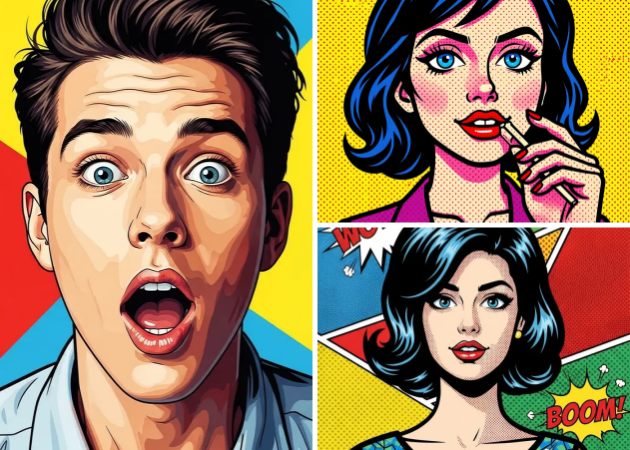
Images with clear subjects and good lighting get the best results. You have to avoid cluttered backgrounds because the pop art effect works better on simple areas. Portraits, selfies, or pet photos usually look the most striking. Close-up shots with expressive features also make multi-panel or comic-style results more impactful. Besides, you can experiment with different angles to see what fits the style. Even casual photos can become creative art if you pick the right filter. Using these tips helps your pop art images look professional and fun.

How fast can a photo become pop art?

It only takes a few seconds to turn your photo into pop art. First, upload your image and enter a short prompt to describe the style or effect you want. The AI then automatically applies vibrant colors, bold outlines, and textures. You can preview the result instantly and make small adjustments if needed. Once satisfied, you can save the image or share it online. This quick process lets you create multiple pop art images in a few seconds.

Why use a pop art effect?

Pop art effects make everyday photos more fun and visually exciting. They work well if you want to create a unique social media profile image or an eye-catching post. You can also make personalized gifts or decorative prints for friends. More than that, the bold colors and comic-style outlines turn ordinary images into artistic visuals. Even simple selfies can feel playful and professional. This effect is easy to apply without advanced editing skills. In short, it helps your photos stand out for creative or personal projects.

Is it safe to share my pop art images online?

Yes, your images are safe to share once created. The tool doesn’t store your photos for public access without your permission. You can post them on social media, use them in presentations, or share them with friends. The process maintains the original image quality. You also have control over who sees or downloads the photo. Because the filter works online, you don’t need to install risky software. This means you can enjoy creative sharing safely and confidently.

pro image logoAceThinker PicWish

Make Every Image Stunning in Clicks

pro banner image
Back to Top
Contact Us
Learning Center