menu

Digitize Your Signature with Precision and Ease

advanced ai signature detection

Advanced AI Signature Detection

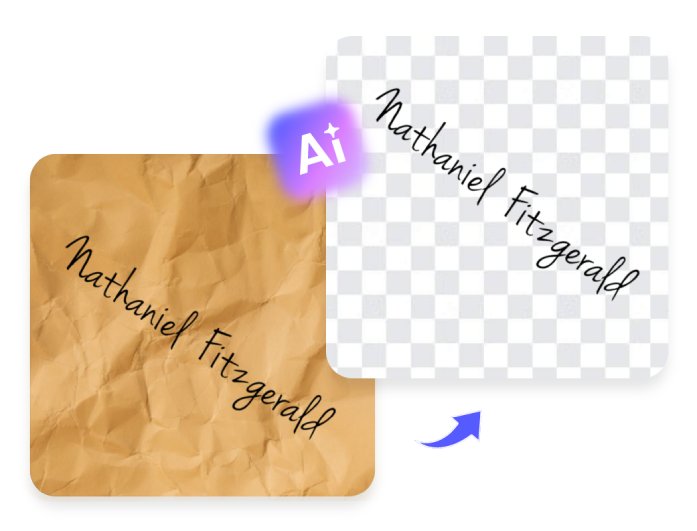
Our intelligent signature background remover utilizes advanced AI technology to precisely and accurately identify and isolate handwritten or digital signatures. It automatically detects ink strokes, pen pressure, and edges, ensuring your signature remains natural and realistic.

You no longer need to trace, erase, or adjust manually. In one upload, your signature is transformed into a digital asset that looks authentic, polished, and document-ready.

Preserve Signature Details and Clarity

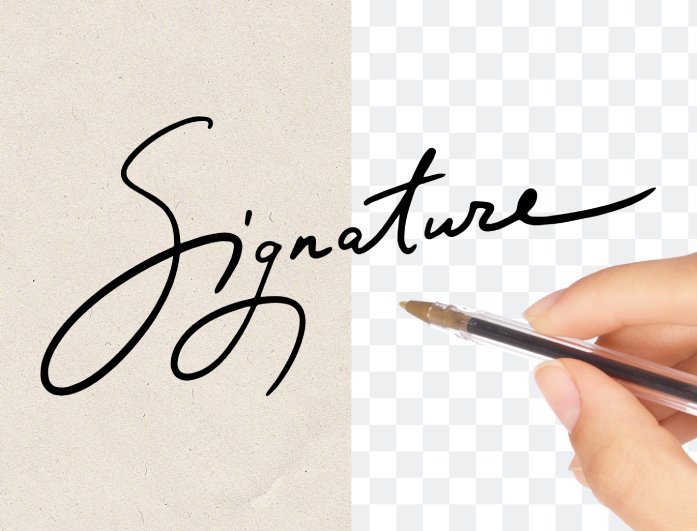
Every curve, line, and stroke matters when it comes to a signature. That's why our free signature background remover preserves the original thickness, texture, and tone of your handwriting while removing the background. The resulting transparent PNG keeps the look and feel of your original signature—sharp, clear, and visually consistent.

Whether you're creating a digital signature for legal documents, branding, or email sign-offs, you'll always get professional-grade quality with no distortion or pixel loss.

preserve signature details and clarity
completely free and accessible online

Completely Free and Accessible Online

There's no software to download or account to create, everything runs directly from your web browser. Upload your signature photo, let the tool process it, and download your transparent version within moments.

It's entirely free to use, with no hidden charges or watermarks. The tool works smoothly on any browser, including Chrome, Safari, Firefox, and Edge, making it accessible from desktop, mobile, or tablet at any time you need it.

How to Remove Background from Signature in 3 Easy Steps

upload your signature
automatic background removal
save your transparent signature
  • 01
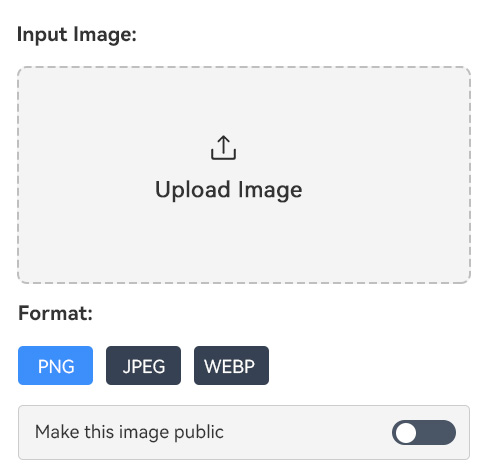
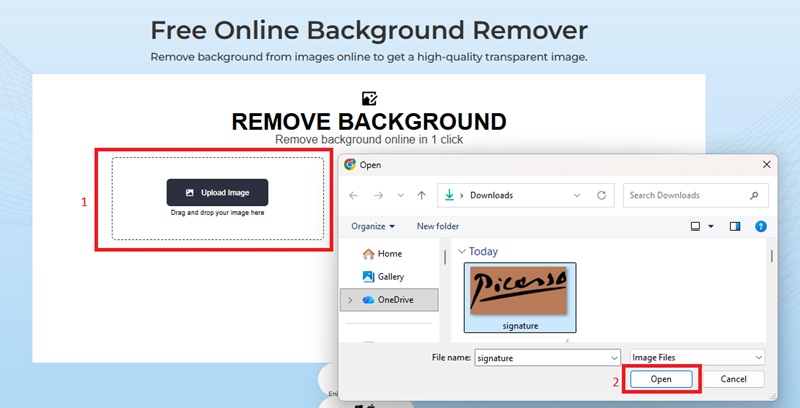
    Upload Your Signature

    Take a clear photo or scan of your handwritten signature on a white or light background. Upload it directly to the Signature Background Remover by clicking the “Upload Image” button.

  • 02
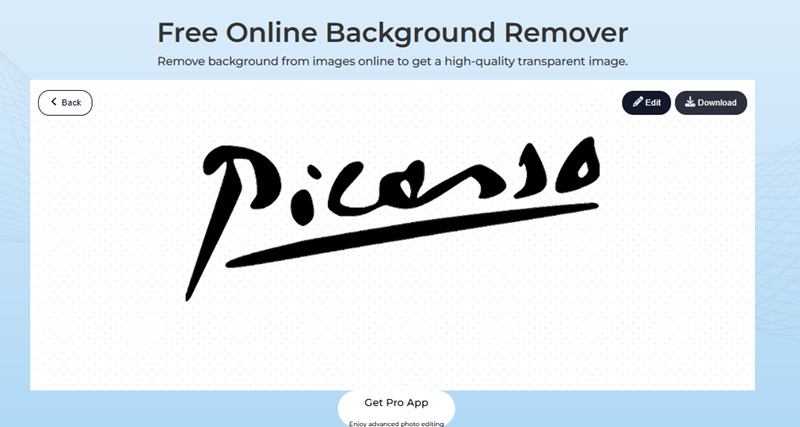
    Automatic Background Removal

    Once uploaded, the AI automatically detects your handwriting and removes the background instantly. The intelligent algorithm refines edges to ensure smooth, clean lines.

  • 03
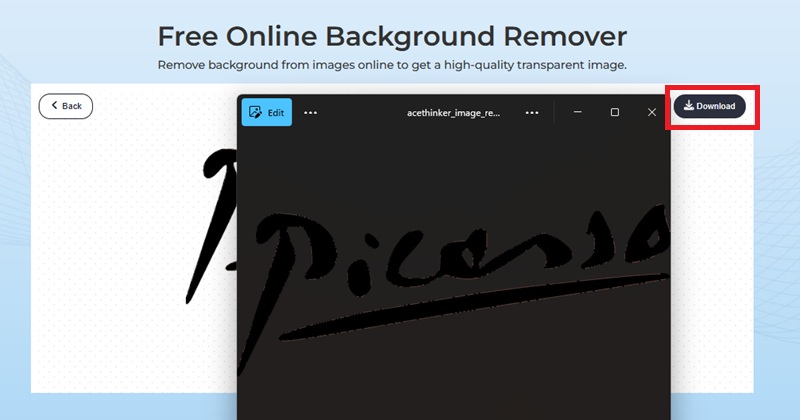
    Save Your Transparent Signature

    Preview the result, make any necessary adjustments, and then hit “Download” to save your new transparent PNG. You can then insert it directly into PDFs, documents, and more with just one click.

Frequently Asked Questions

Can I remove the background from a scanned or photographed signature?

Yes. The tool works perfectly with both scanned and photographed signatures. It automatically detects the handwriting and separates it from the background. For the best results, ensure the signature has a clear contrast against the background, such as using dark ink on white paper. Even slightly faded, the AI can usually handle textured paper.

What file formats are supported for signature uploads?

You have the option to upload JPG, JPEG, or PNG files. The tool produces a transparent PNG file after processing, and it is compatible with various document types, including PDFs, as well as digital platforms. PNG is the best option because it does not compromise on transparency, allowing your signature to be easily overlaid on any background.

Will the signature lose quality after background removal?

No. It leaves your signature in its original size and quality. Each stroke, curve, and ink point is carefully crafted, resulting in a sharp, professional, and clear signature that can be easily used on digital and printed documents.

Can I use the transparent signature in PDFs and other documents?

Your transparent signature can be placed inside PDFs, Word documents, Google Docs, emails, or any other platform that allows one to insert an image once downloaded as a PNG file. The transparent background will enable it to blend seamlessly into any page color or design.

Can I adjust or edit my signature before downloading?

Once the AI removes the background, you can use the "Edit" button to manually refine the signature. You can remove tiny items, flatten edges, or adjust certain areas of the signature to the perfect size before downloading. This gives it complete control over the end product.

product iconAceThinker PicWish

PicWish — Complete Solution for Signature Editing

picwish banner
Back to Top
Contact Us
Learning Center