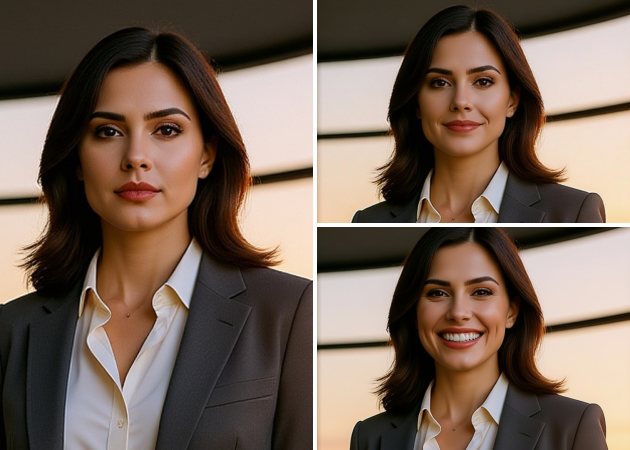
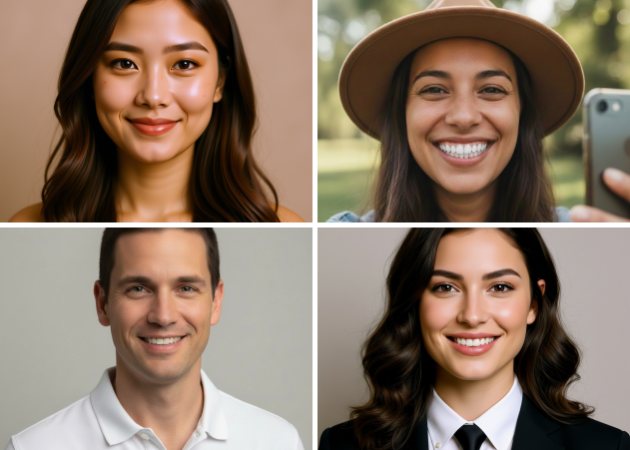
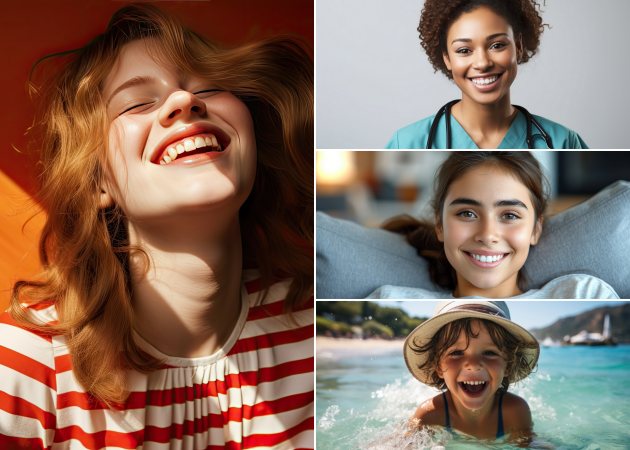
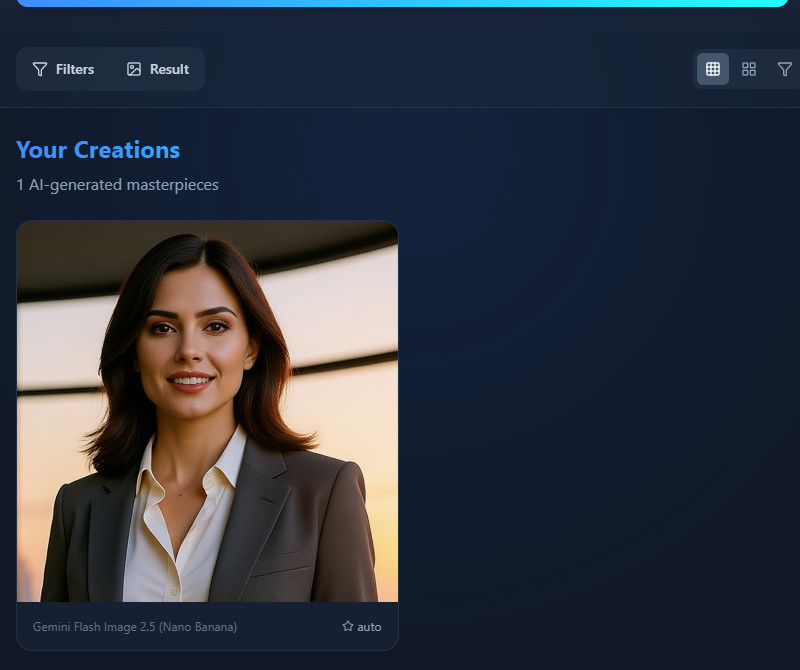
The smile filter lets you enhance your smile so it looks natural and easy. It smooths your expression but keeps your facial features, so your smile never looks fake. The AI adjusts curves and angles to match your real face. It also works well in different lighting and from any angle, keeping your photos realistic. Whether you’re taking a casual selfie or a professional portrait, the tool makes sure your smile looks subtle and believable. It’s a great way to improve any photo while keeping it authentic.
With the smile filter online, you can control how your smile looks. Choose a wide smile with teeth, a gentle closed-lip smile, or even a small smirk. You can adjust the curve, width, and angle of your lips to get the expression you want. For example, pick a subtle smile for a headshot or a big, happy smile for social media. The AI keeps your smile looking real and keeps your natural facial shape. This way, you decide exactly how your smile appears in every photo.


Our AI smile filter works well for both selfies and group photos. It can adjust smiles across several faces in a single picture without altering anyone’s features. This is great for family photos, team pictures, or group selfies that need a touch-up. The AI analyzes each face individually to keep everyone’s expressions natural. You don’t have to edit each person individually, which saves you time and effort. It’s a simple way to make your photos look happier.
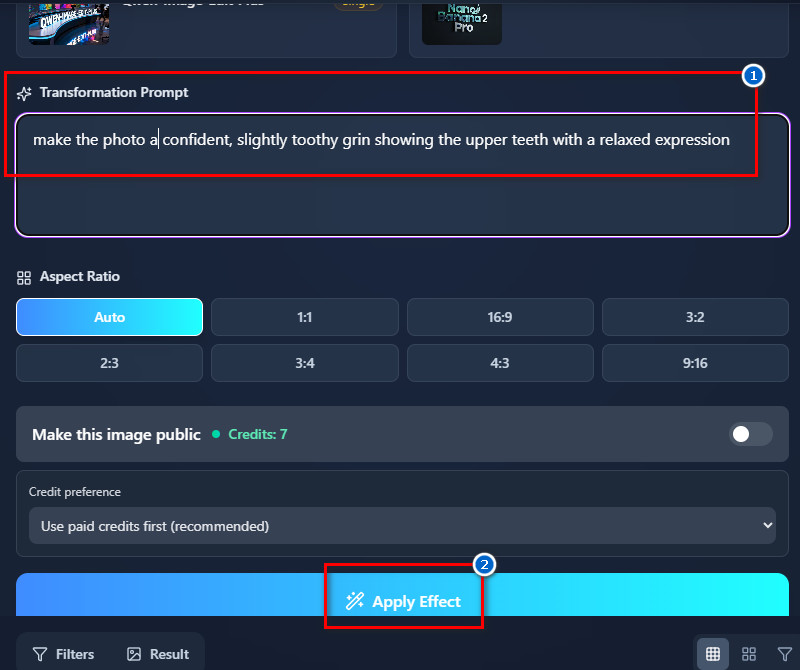
This perfect smile filter lets you edit photos using simple text prompts for accurate results. Just describe the smile you want, like how big it is, if teeth show or lips are closed, the mouth’s angle, or even cheek and eye details. For example, you might write, “Make a soft closed-lip smile with slightly raised cheeks and bright eyes.” The AI reads your description and adds a smile naturally to your photo. It’s easy to change a neutral or serious look without manual editing. You get the exact smile you want, and your photo still looks real.
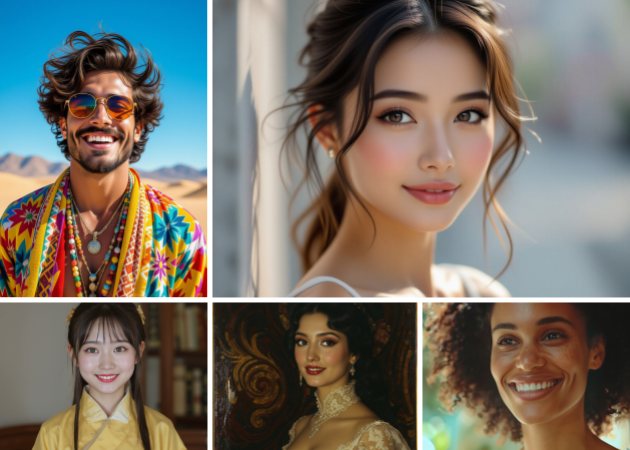


Lets you enhance smiles quickly without complicated editing tools or software.
Designed for anyone to use easily, even without prior photo editing experience.
Allows you to adjust or add smiles instantly with just a single click.
No, the added smile looks very natural and realistic. The AI analyzes your face and adjusts the smile to match your features. It keeps your facial structure and expressions intact. In addition, the tool works with different lighting and angles without making the smile look forced. You can use it on selfies, portraits, or group photos. Overall, the result blends seamlessly with your original photo.
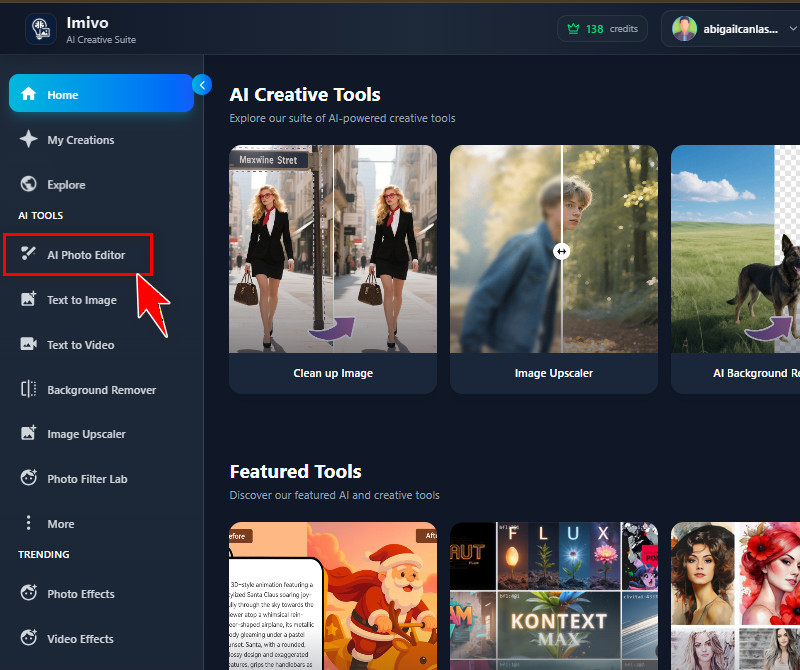
No, there is no limit to how many faces the tool can process in a single photo. It can automatically detect multiple faces in group pictures. Therefore, each face gets its own realistic smile. The AI also works on all faces simultaneously without distorting them. This makes it easy to fix smiles in family, team, or class photos. You don’t need to edit each person separately.
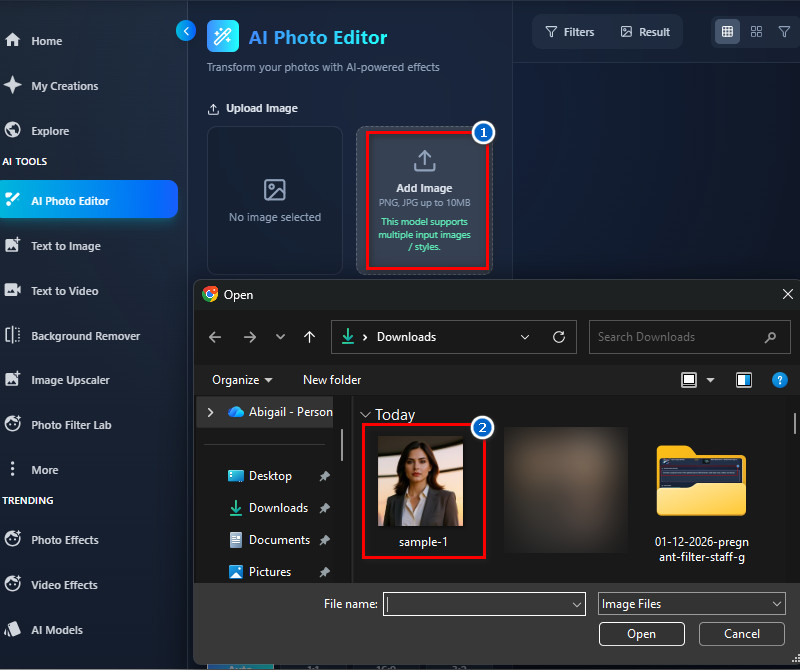
Yes, you can easily adjust the smile intensity. You just describe what type of smile you want in your text prompt. For example, you could write, “Make a soft closed-lip smile” or “Create a wide smile showing teeth.” The AI follows your instructions carefully. You can make subtle changes for professional photos or big smiles for fun. This ensures the final result looks exactly how you want it.
You can upload JPG or PNG images for best results. The photo should clearly show your face and be a front-facing shot. Slightly angled photos can also work, but extreme angles may reduce realism. Moreover, the file size should not exceed 10 MB. Furthermore, clear and well-lit photos give the most natural results. The AI uses the image to produce realistic smiles while preserving details.
Yes, the Smile Filter is suitable for professional photos. It keeps facial features intact and enhances smiles naturally. You can use it for profile pictures, business portraits, or promotional images. The results look polished and realistic without being exaggerated. It also works on group photos and headshots. Professionals can confidently use it to improve their images.